- Related Products
- AD360
- Log360
- ADManager Plus
- ADSelfService Plus
- EventLog Analyzer
- Exchange Reporter Plus

 Click here to expand
When multiple authentication modes are enabled, you will be asked to choose which authentication mode you want to use to prove your identity during login. You can also set a preferred authentication service that will serve as your default authentication mode for 2FA.
Steps to select a preferred authentication mode:
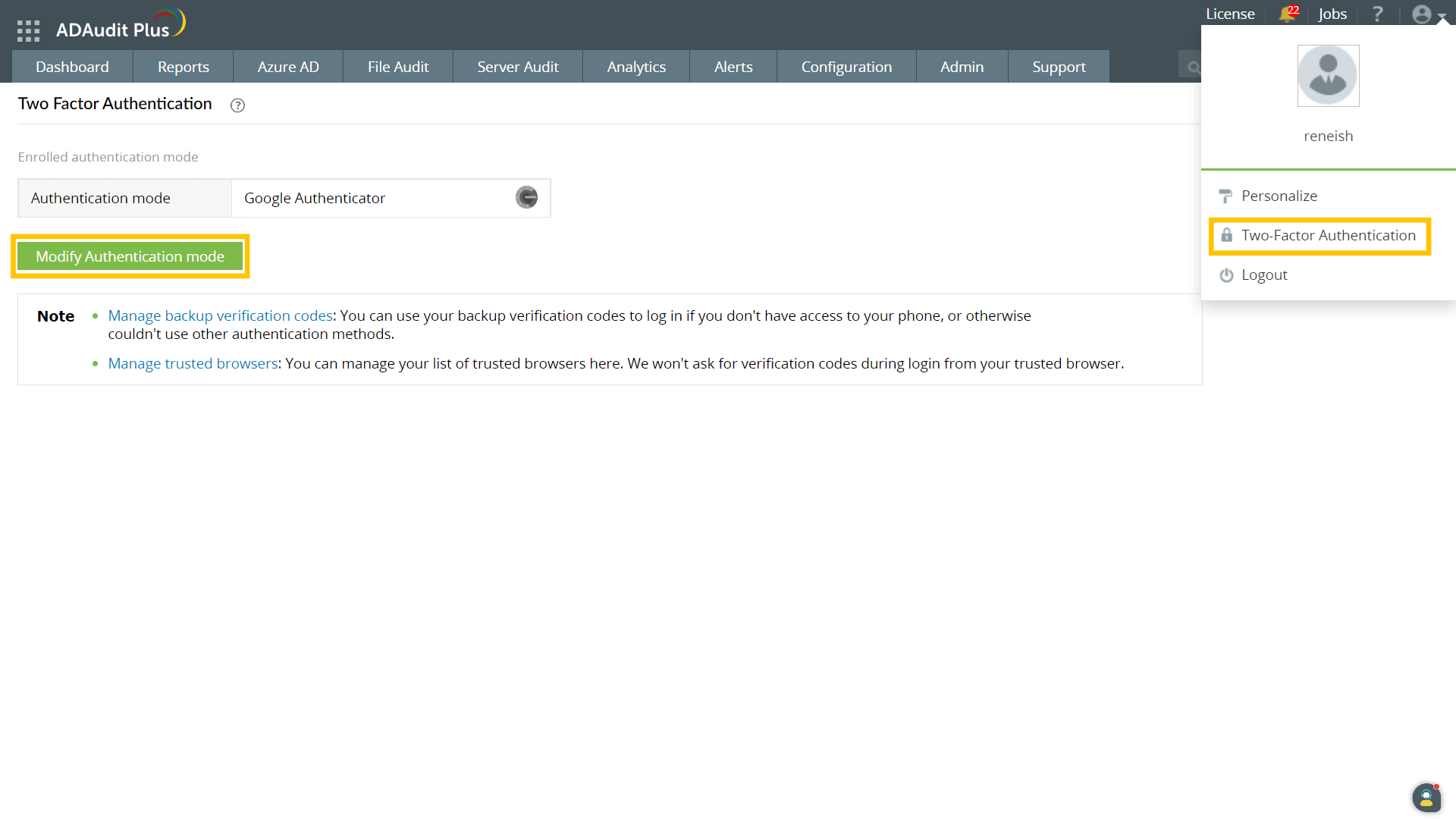
Note: If you choose Google Authenticator as your preferred method, the next step will prompt you to scan a QR code and enter the code generated by the app in your smartphone, then click Verify Code.
Copyright © 2020, ZOHO Corp. All Rights Reserved.