Uninstalling APM Insight PHP Agent in Windows
To uninstall your APM Insight PHP agent in Windows, carry out the following instructions:
- Access the Control Panel in your Windows machine.
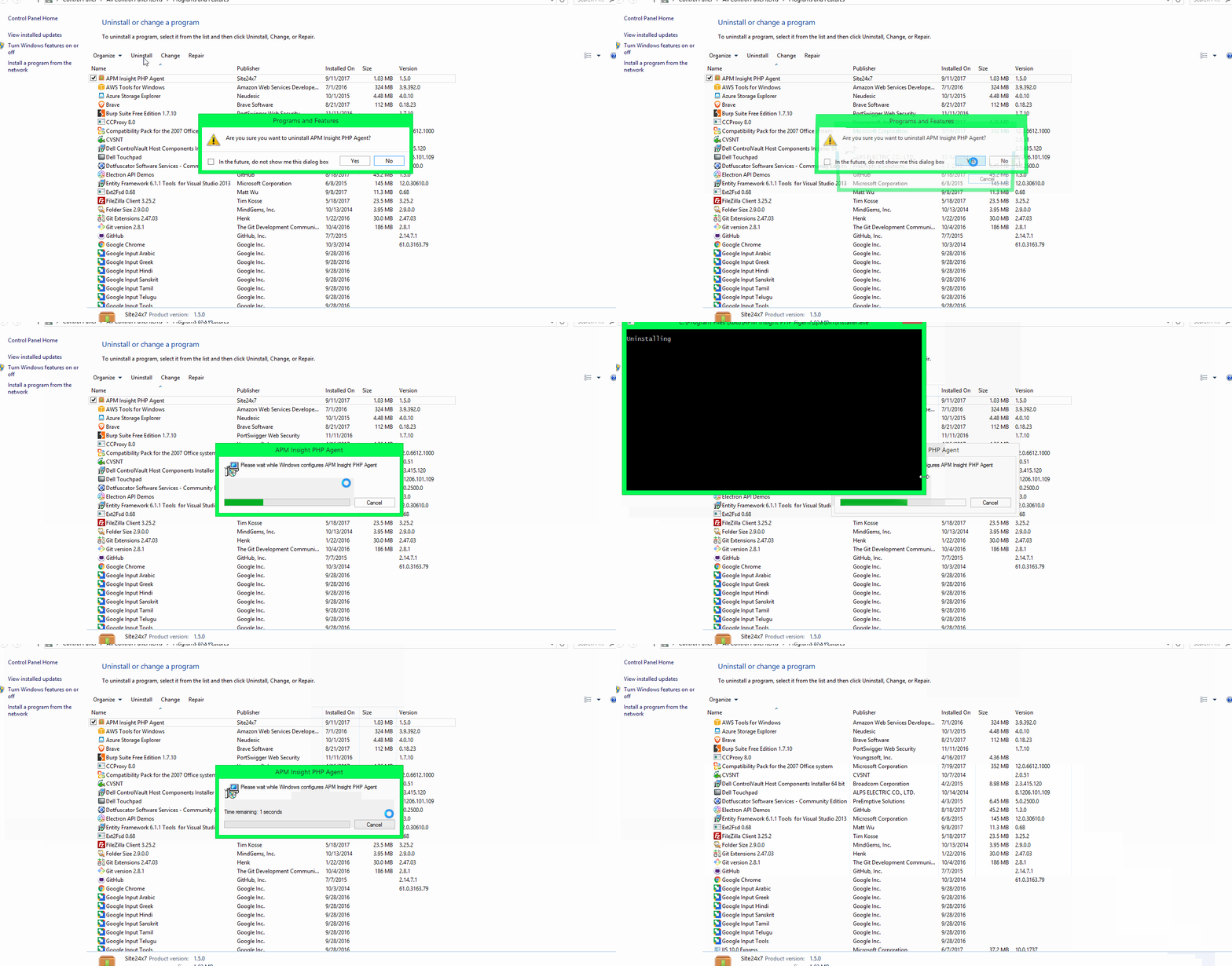
- Go to Programs and Features, right click on APM Insight PHP Agent and select Uninstall.
- Follow the instructions to complete uninstallation.
Note:
- Uninstalling agent requires Administrator rights in your windows admin group.
- Please remove any agent-related configuration files located under the 'zpa' folder.

