Inventory Updater
The Inventory Updater feature is used to create tasks in which device details (like device name, interface name, speed and interface status) are fetched using snmp at user specified time.
How to add / edit an updater?
- Navigate to Settings > Discovery > Inventory Updater
- Click on Add.
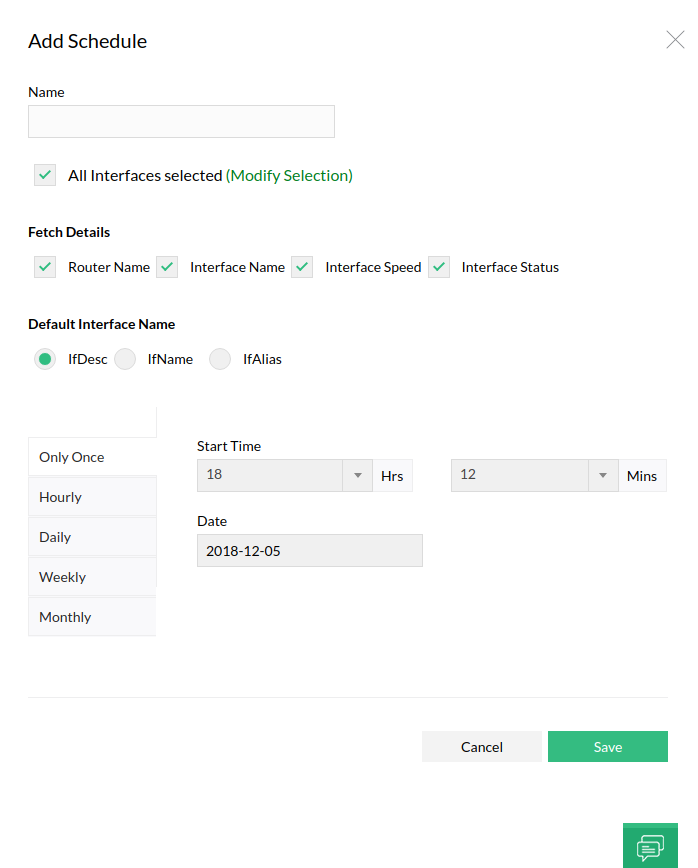
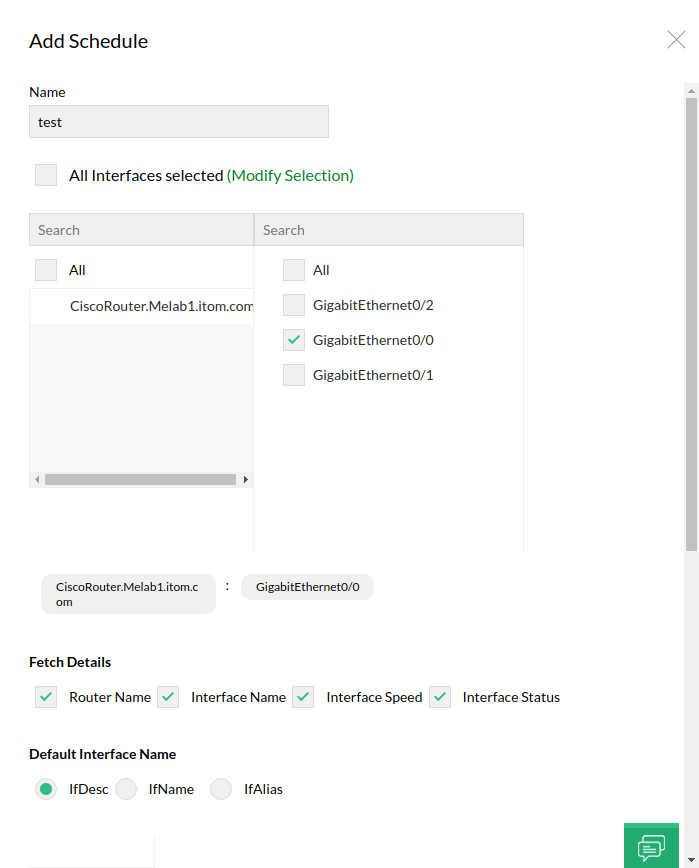
- Provide Schedule Name and select the interfaces.
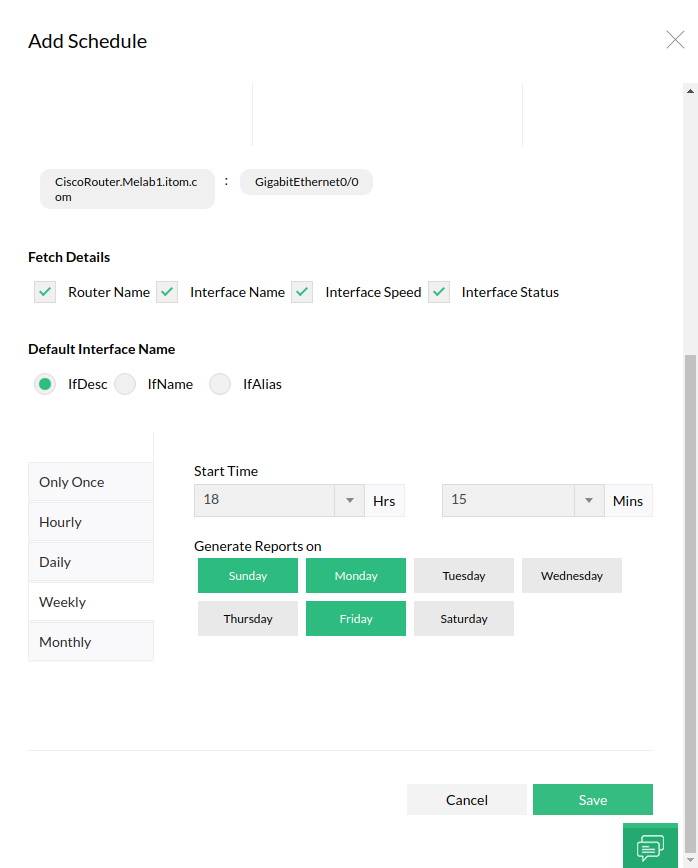
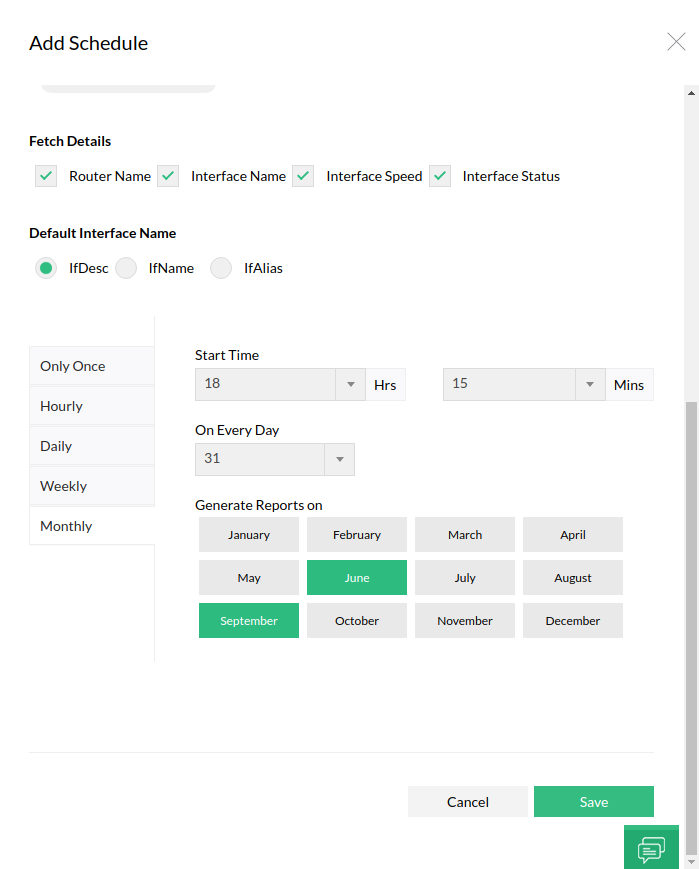
- Select Fetch Details and Default Interface Name.
- Schedule the updater time.
- Click on Save.
How to delete an updater?
Click the delete button to delete the updater you want to delete.
Note: Once an updater is deleted, it cannot be restored.
How to enable / disable an updater?
Click status of the updater you want to enable / disable.