
Help
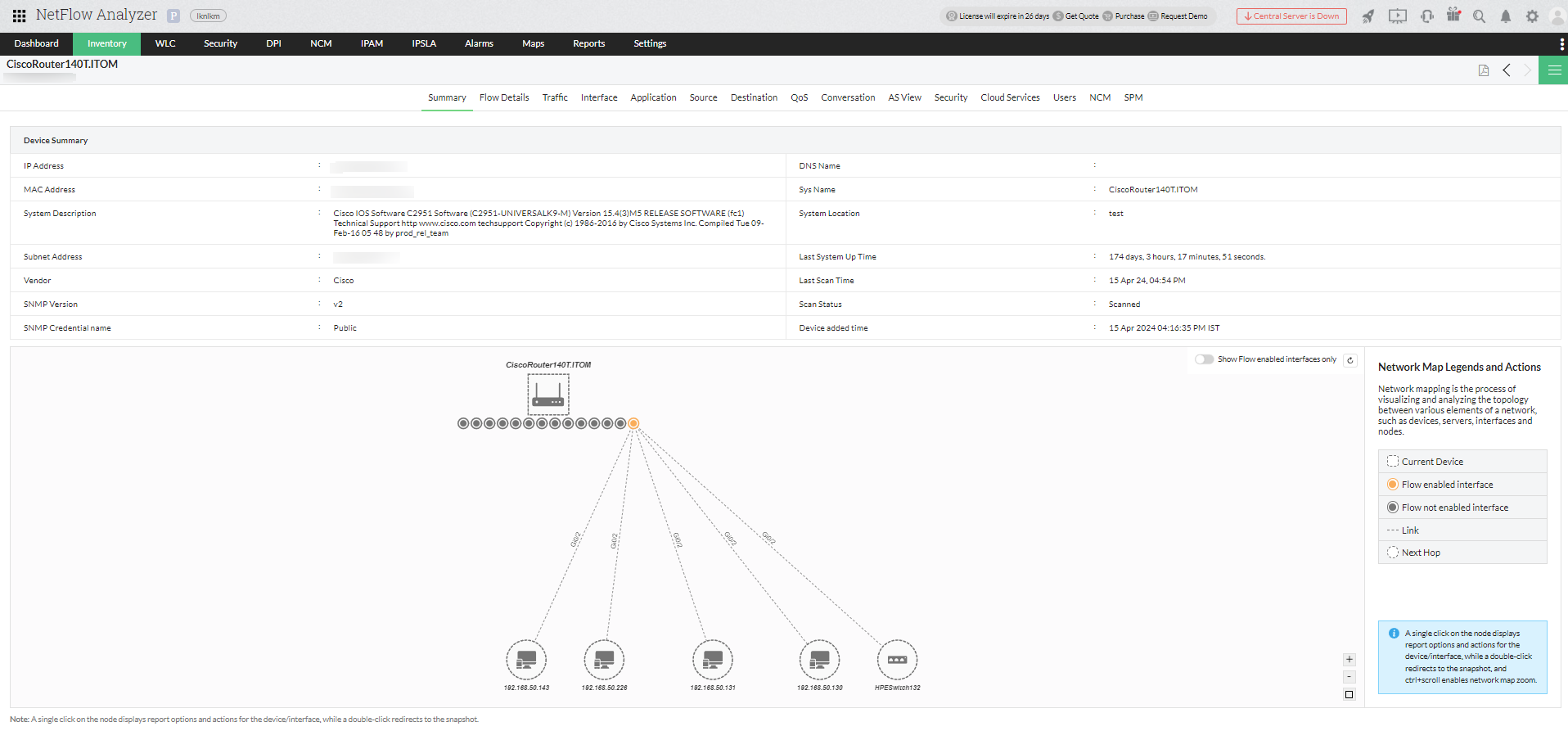
Network Mapping refers to the process of visually representing the connections and relationships between various devices, systems, and other network components. Network Mapping involves establishing relationships within a network, including routers, switches, and servers.
NetFlow Analyzer utilizes Discovery Mechanism with the following protocols for Exporting Flow from the network:
While configuring SNMP credentials, by default we use CDP, LLDP, IP Route and FDB to discover the network map. If we are unable to find any devices, then we use ARP protocol to discover the network mapping.
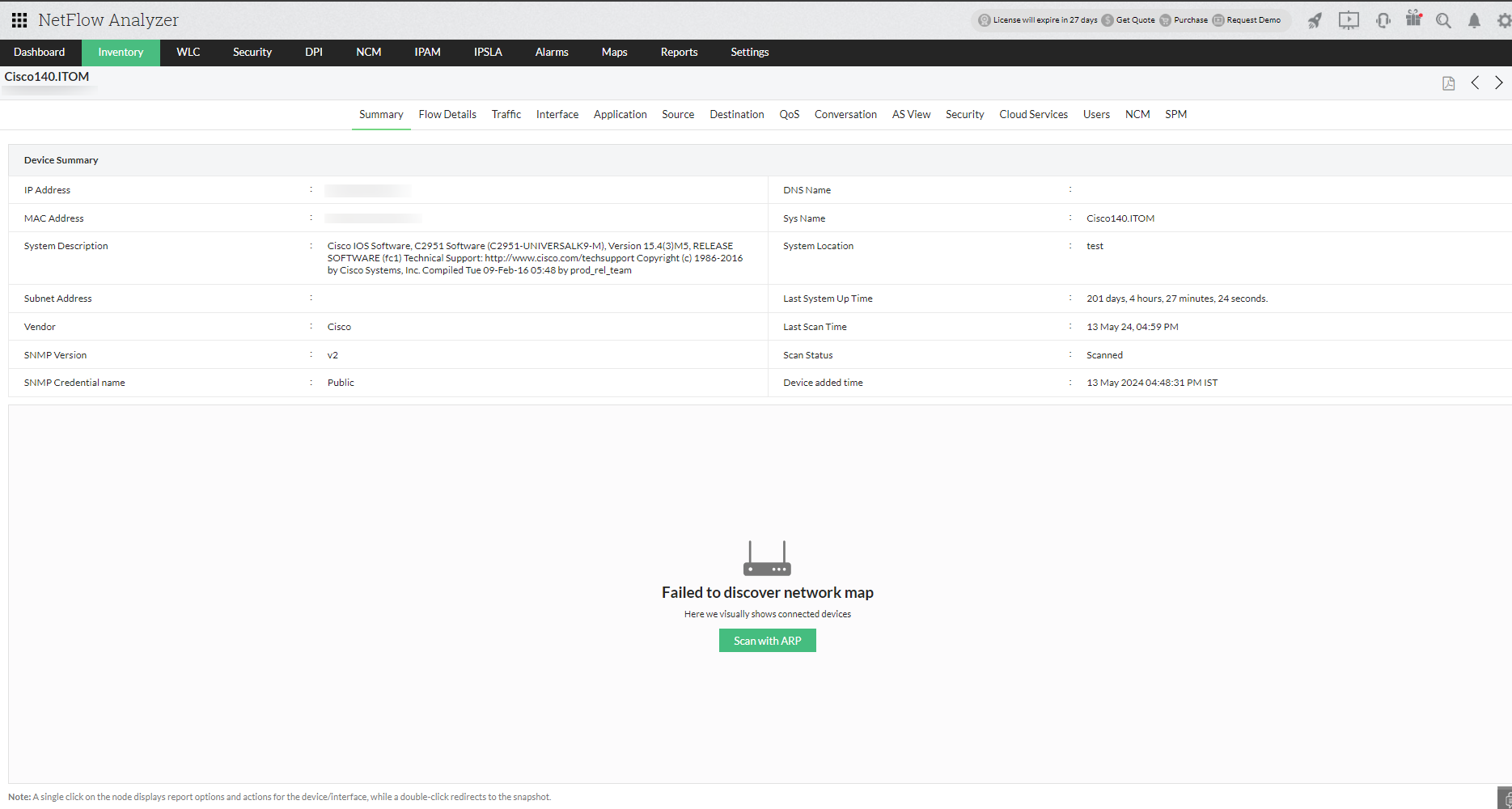
In NetFlow Analyzer , once the flow is exported and devices are discovered, you can view the Device details in the Device Snapshot view of NetFlow Analyzer.
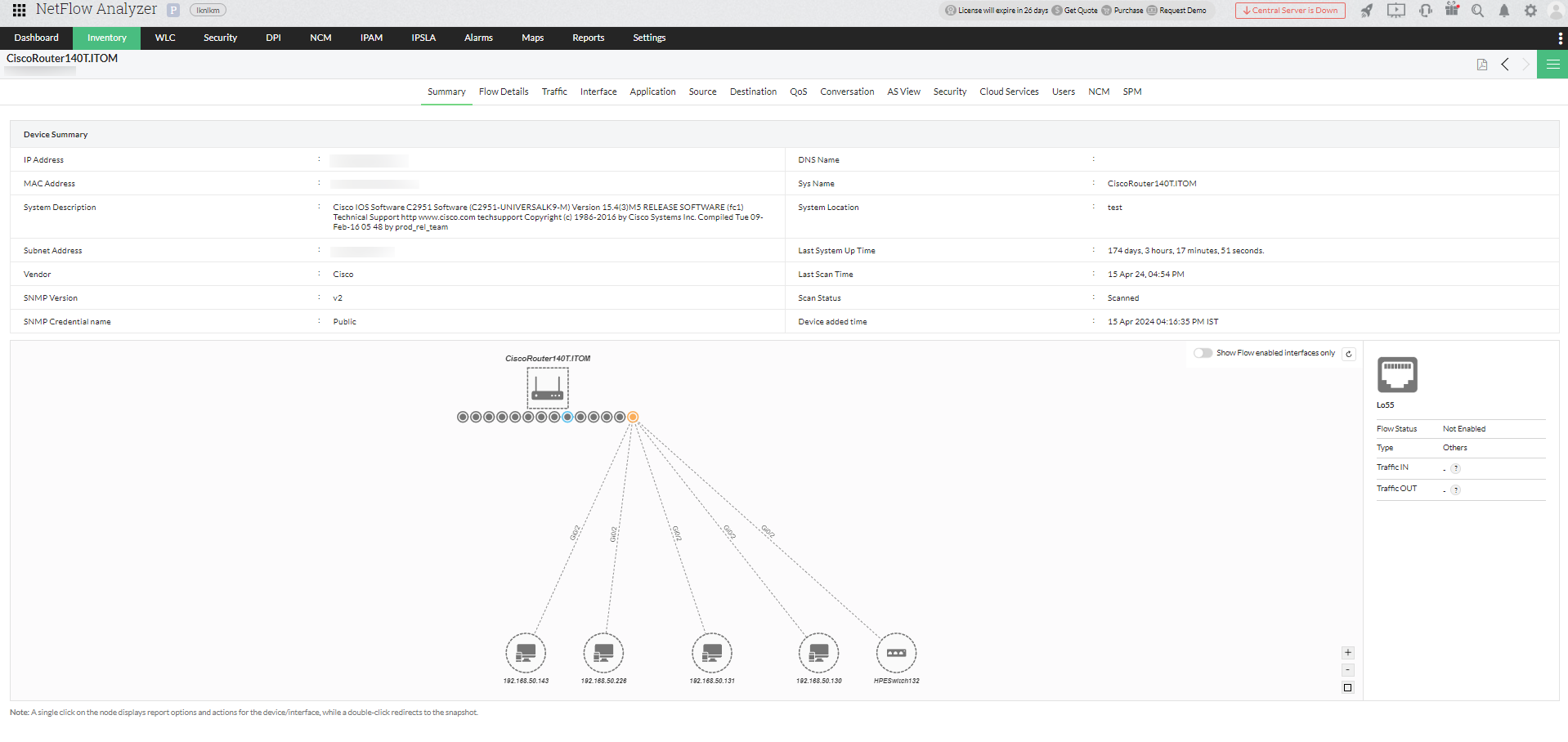
If the device is configured with SNMP credentials, once you click on the Device from the Inventory tab, you will be automatically redirected to a visually represented interface mapping under the Summary tab for Device Snapshot page of the device.
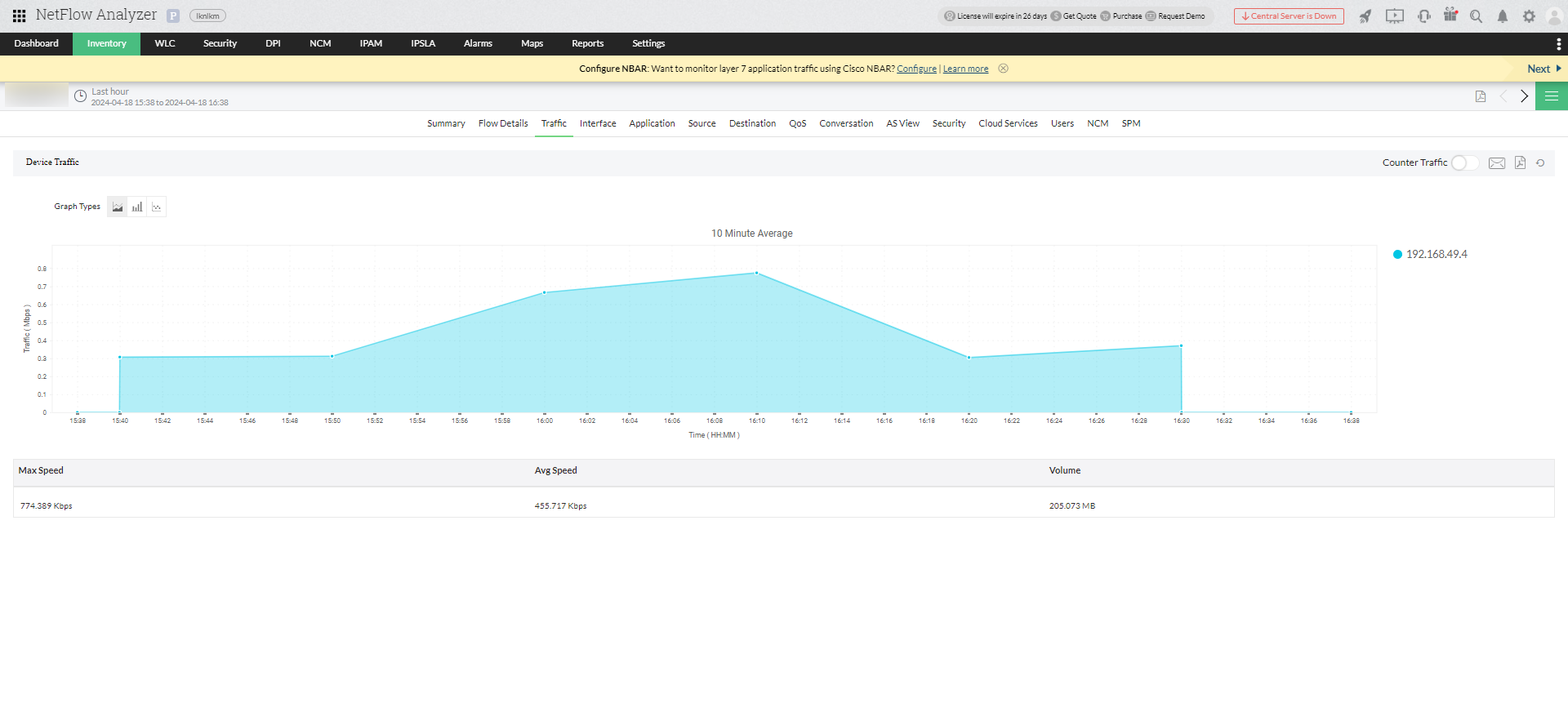
If the device is not configured with the SNMP credentials, once you click on the device from the Inventory tab, you will be directed to the Traffic tab of the Device Snapshot page.
Once you click on the device in the network mapping diagram, it gives you the details about the network components configured under the particular device.
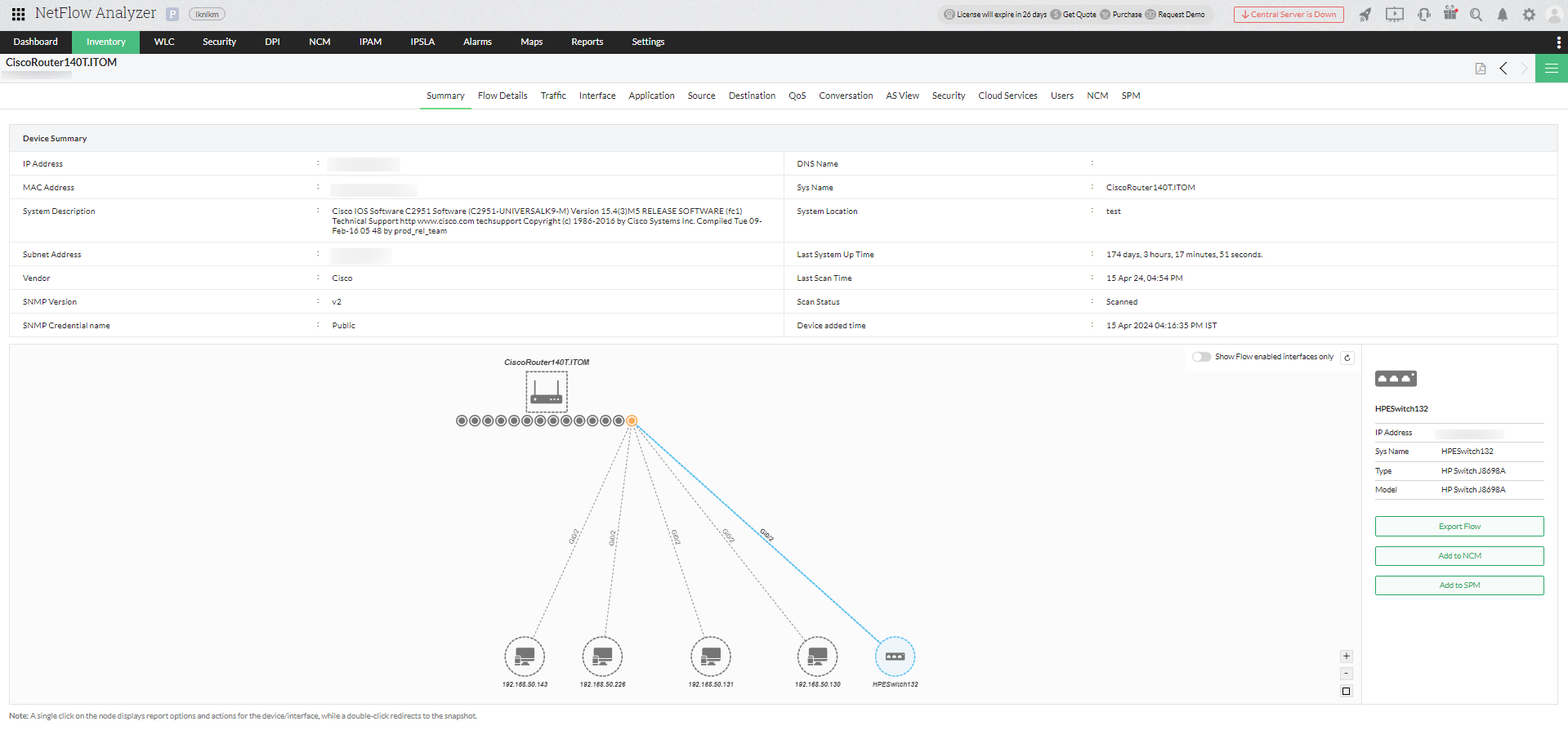
It also provides the details whether the interfaces have their flow enabled or not, and the Export Flow option will be enabled only for routers, switches, and firewalls.
Note:
Thank you for your feedback!