Pricing  Get Quote


Single Sign-On support for Cybozu applications — Cybozu Office, Garoon, and Mailwise—through ADSelfService Plus

Solution:

Description:

Today, business happens at a global level. Companies generally maintain a healthy mix of global and in-house applications to enhance their productivity and meet regional compliance requirements. Cybozu Garoon, Cybozu Office, and Mail Wise are popular business applications. However, an increase in the number of business applications companies adopt also leads to an increase in the number of passwords users need to remember. Employees usually find it difficult to remember multiple credentials which results in an increased number of password-related calls to the help desk.

Wouldn't it be convenient to have a tool that ensures secure and easy one-click access to all business applications?

ManageEngine's ADSelfService Plus, a comprehensive self-service password management and single sign-on solution (SSO), does just that.
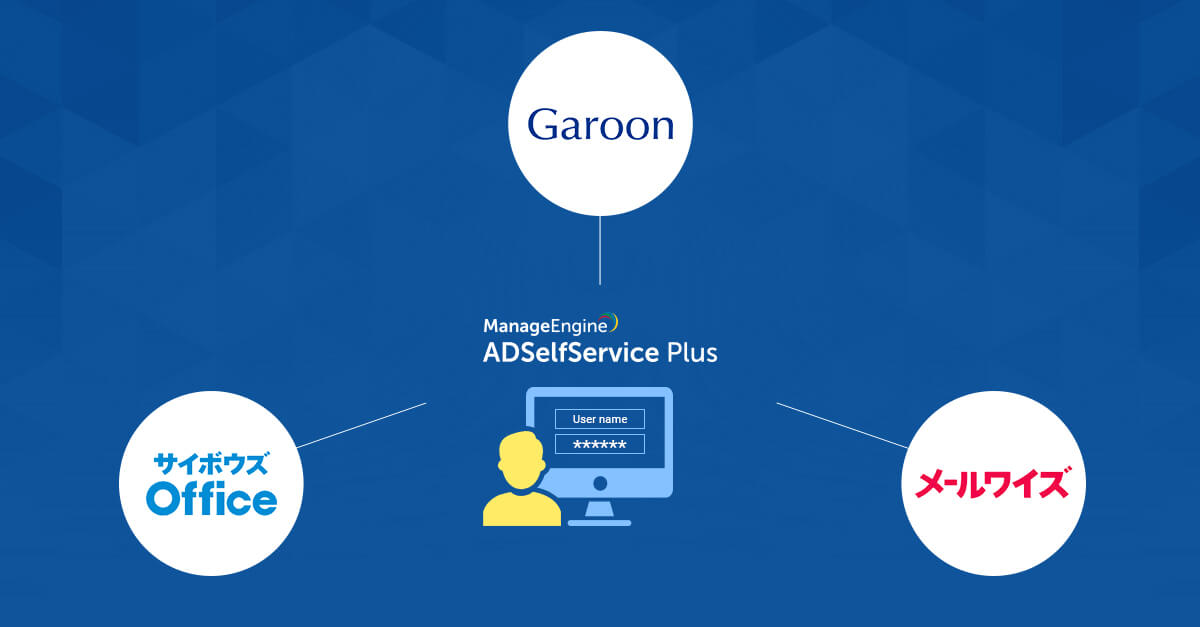
cybozu-single-sign-on

With ADSelfService Plus, users just have to remember their Active Directory (AD) credentials to access all their business applications, as enterprise single sign-on is achieved through AD authentication. 

Additionally ADSelfService Plus supports both service provider (SP) and identity provider (IDP) initiated login for all 3 Cybozu applications (Office, Garoon and Mailwise).

Configuring SAML Single Sign-On for supported Cybozu applications:

The single sign-on configuration for Cybozu applications is a three step process.
Steps to download the SSO certificate

  • Log in to the ADSelfService Plus web console as an administrator.
  • Navigate to Application → Add New Application.
  • Locate and click on the necessary Cybozu application (Office, Garoon, or Mail Wise) from the list of applications provided.
  • Click IdP Details in the top-right corner of the screen.
  • In the pop-up that appears, copy the Login URL and download the SSO certificate by clicking Download Certificate.

Cybozu configuration steps

  • Log in to the necessary Cybozu application (Office, Garoon, or Mail Wise) with an administrator’s credentials (https:// <subdomain>.cybozu.com/admin).
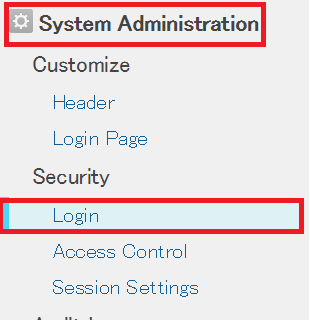
  • Navigate to System Administration → Security → Login.

    cybozu-application-login

  • Navigate to Configuration → Self-Service → Password Sync/Single Sign On → Add New Application.
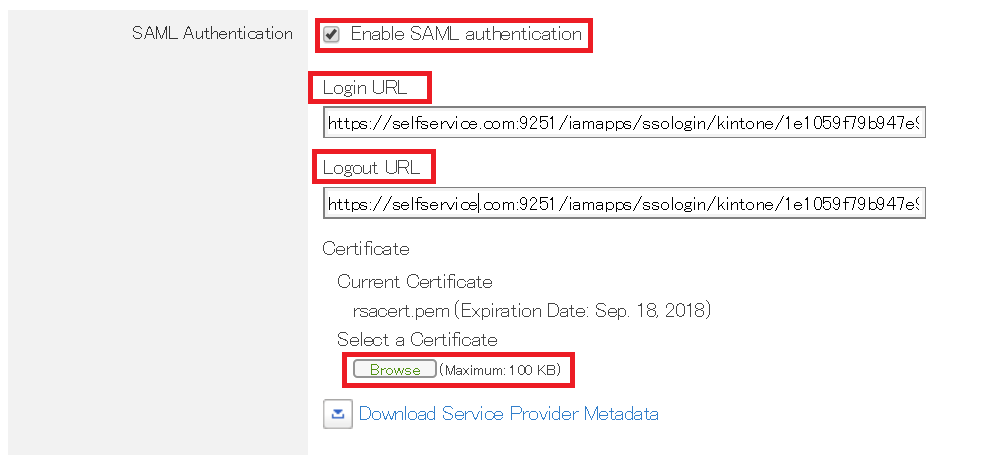
  • Under SAML Authentication, paste the URL, copied in Step 5 of Prerequisites, in the Login URL and Logout URL.

    saml-authentication-cybozu

  • Upload the downloaded certificate in the Select a Certificate field.
  • Save the configuration.

ADSelfService Plus configuration steps

  • Now switch to ADSelfService Plus’ configuration page for the relevant Cybozu application.
  • Enter the Application Name and Description.
  • In the Assign Policies field, select the policies for which SSO needs to be enabled.
    Note: ADSelfService Plus allows you to create OU- and group-based policies for your AD domains. To create a policy, go to Configuration → Self-Service → Policy Configuration → Add New Policy.
  • Select Enable Single Sign-On.
  • Enter the Domain Name of your Cybozu account. For example, if you use johndoe@thinktodaytech.com to log in to Cybozu, then thinktodaytech.com is the domain name.
  • Enter the Cybozu admin account SP-Identifier in the respective field (https://.cybozuoffice.com).
  • Click Add Application.

Request for Support

Need further assistance? Fill this form, and we'll contact you rightaway.

  • Name
  •  
  • Business Email *
  •  
  • Phone *
  •  
  • Problem Description *
  •  
  • Country
  •  
  • By clicking 'Submit' you agree to processing of personal data according to the Privacy Policy.
Highlights of ADSelfService Plus

Password self-service

Allow Active Directory users to self-service their password resets and account unlock tasks, freeing them from lengthy help desk calls.

One identity with single sign-on

Get seamless one-click access to 100+ cloud applications. With enterprise single sign-on, users can access all their cloud applications using their Active Directory credentials.

Password and account expiry notification

Intimate Active Directory users of their impending password and account expiry via email and SMS notifications.

Password synchronization

Synchronize Windows Active Directory user passwords and account changes across multiple systems automatically, including Microsoft 365, Google Workspace, IBM iSeries, and more.

Password policy enforcer

Strong passwords resist various hacking threats. Enforce Active Directory users to adhere to compliant passwords by displaying password complexity requirements.

Directory self-update and corporate directory search

Enable Active Directory users to update their latest information themselves. Quick search features help admins scout for information using search keys like contact numbers.


ADSelfService Plus trusted by

Embark on a journey towards identity security and Zero Trust