Free Edition
User Account Control (UAC) is a foundational security component in the Windows operating system. It allows users to log on to their computers and perform tasks using the standard user access rights. When certain applications need more than the standard user rights to run, the UAC allows users to run them with their administrator token.
With the built-in UAC elevation component, standard users can easily perform administrative or elevated tasks by entering valid credentials of a local administrator account. However, verification with just a username and password for such privileged actions could make the system vulnerable to exploitation by threat actors.
ADSelfService Plus provides MFA for Windows machines to secure standard Windows user accounts. While Windows login MFA secures the initial access, UAC provides critical elevation security in Windows environments. When MFA for UAC is enabled, users will be prompted for additional authentication whenever a UAC credential prompt appears. Only upon successful identity verification can they proceed with administrative tasks. ADSelfService Plus supports a wide range of authenticators to strengthen this protective layer.
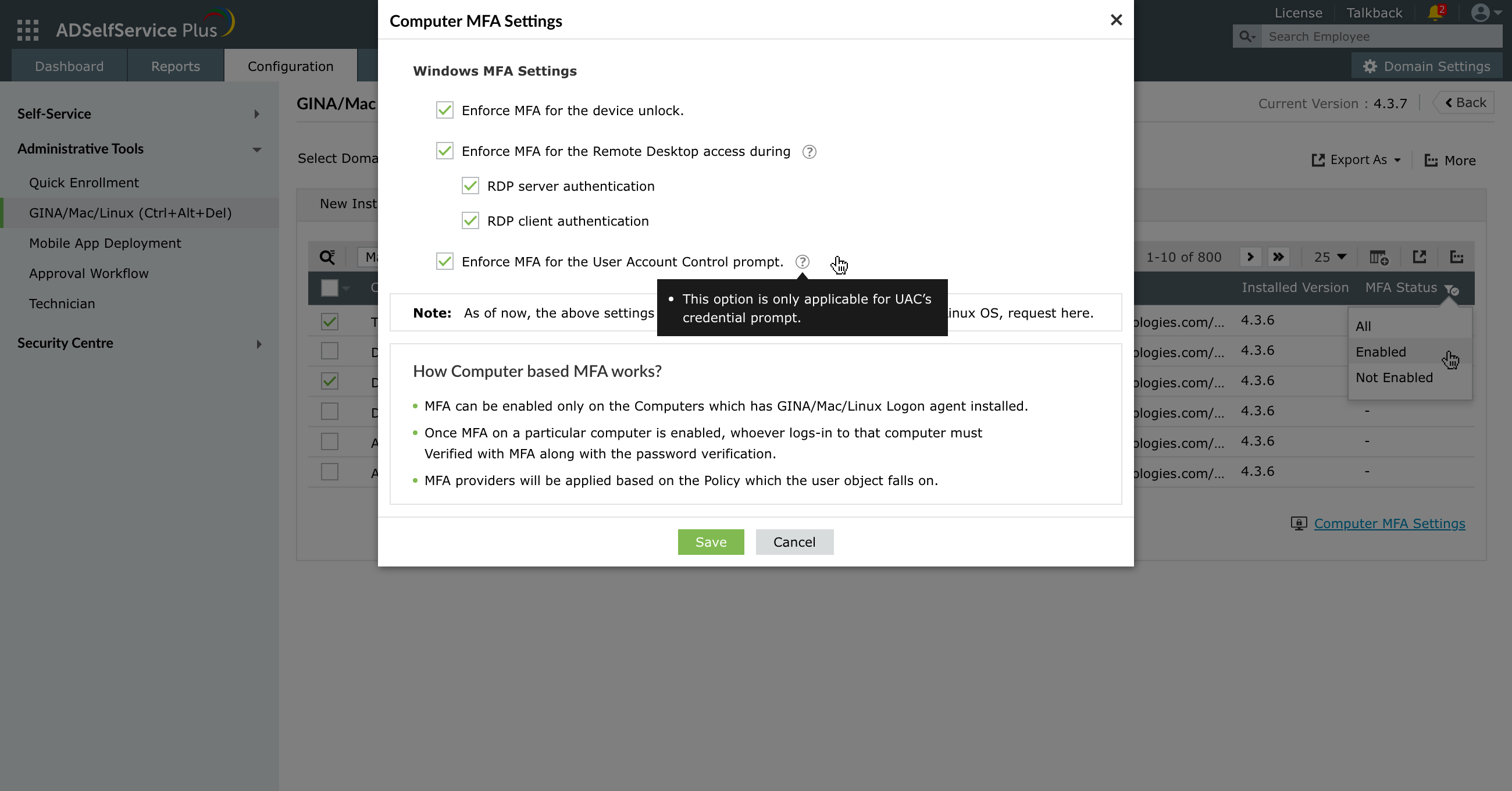
The Windows UAC MFA feature of ADSelfService Plus is compatible with Windows 7 and above, and Windows Server 2008 and above. It is supported by ADSelfService Plus' Windows login agent version 5.10 and above.