Adobe
Adobe offers a suite of creative and productivity software—including Photoshop, Illustrator, and Acrobat—widely used for design, editing, and document management. It's a go-to platform for professionals in the creative industries, providing tools for digital media creation and collaboration.
Required minimum permission for Adobe
Admin
Adobe authentication method
The required authentication method is OAuth Server-to-Server.
Required Adobe credentials
The following credentials are required:
- Username
- Password
Required scopes
Nil
Integrate with Adobe using the following methods:
- Automatic integration
- Manual integration
Automatically integrate Adobe with SaaS Manager Plus
Refer to this section
Manually integrate Adobe with SaaS Manager Plus
- Click App Integrations available in the left pane and click Adobe from the applications list.
- Provide the connection name, org ID, client ID, and client secret.
- Click Authorize.
To create a client ID and client secret
- Login to your Adobe account
- Visit developer.adobe.com
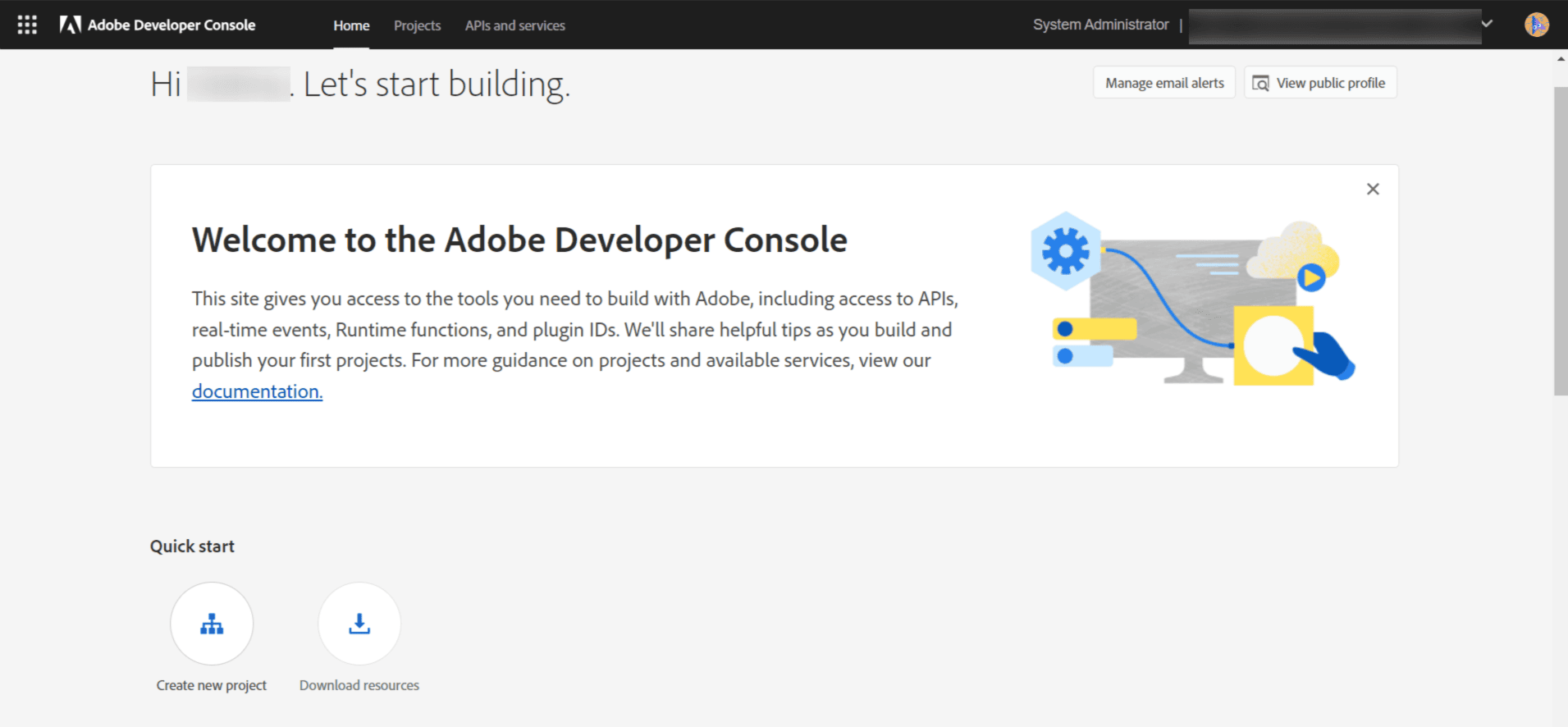
- Go to Home and click Create new project or select an existing project.
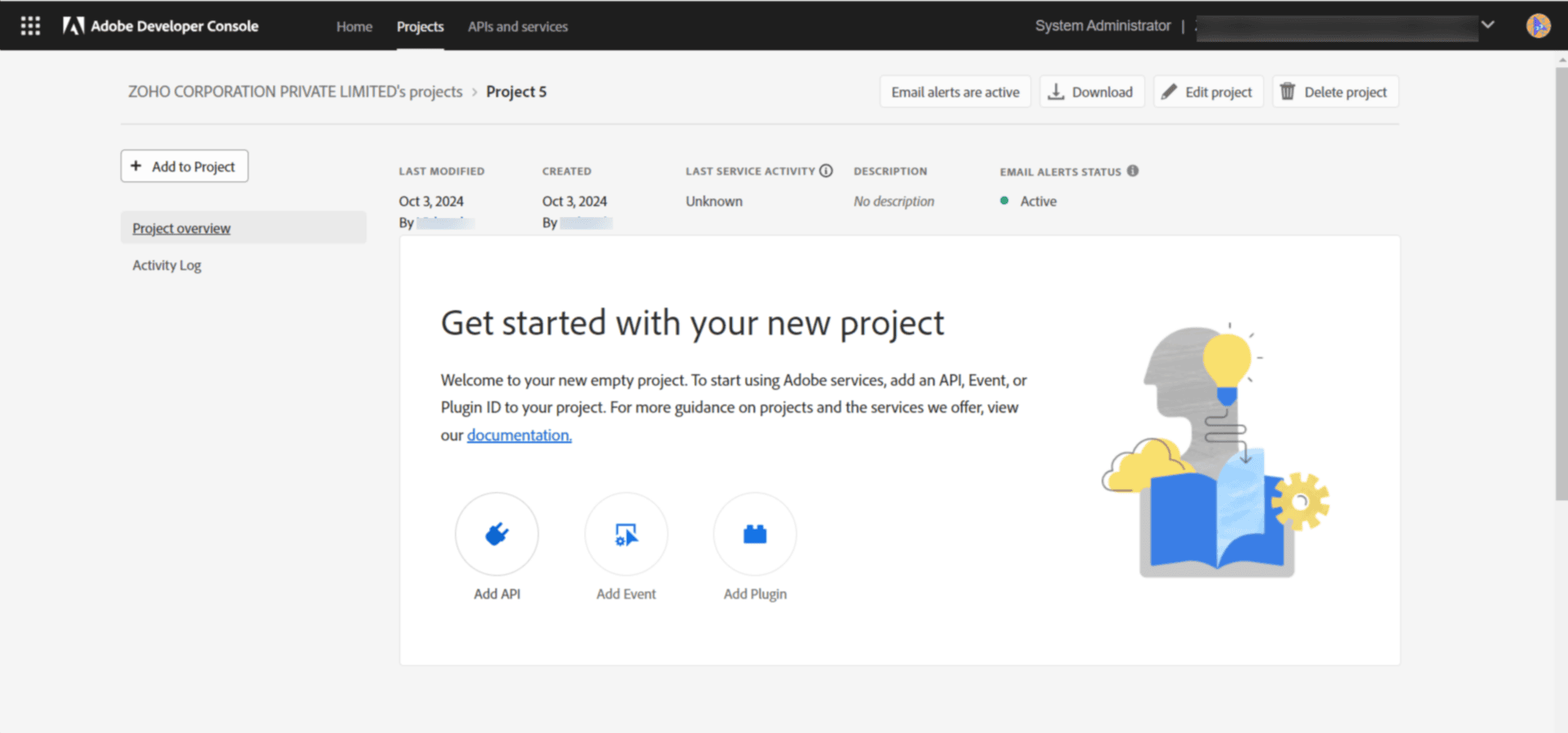
- After selecting the respective project, click Add API available under Project overview and select the User Management API
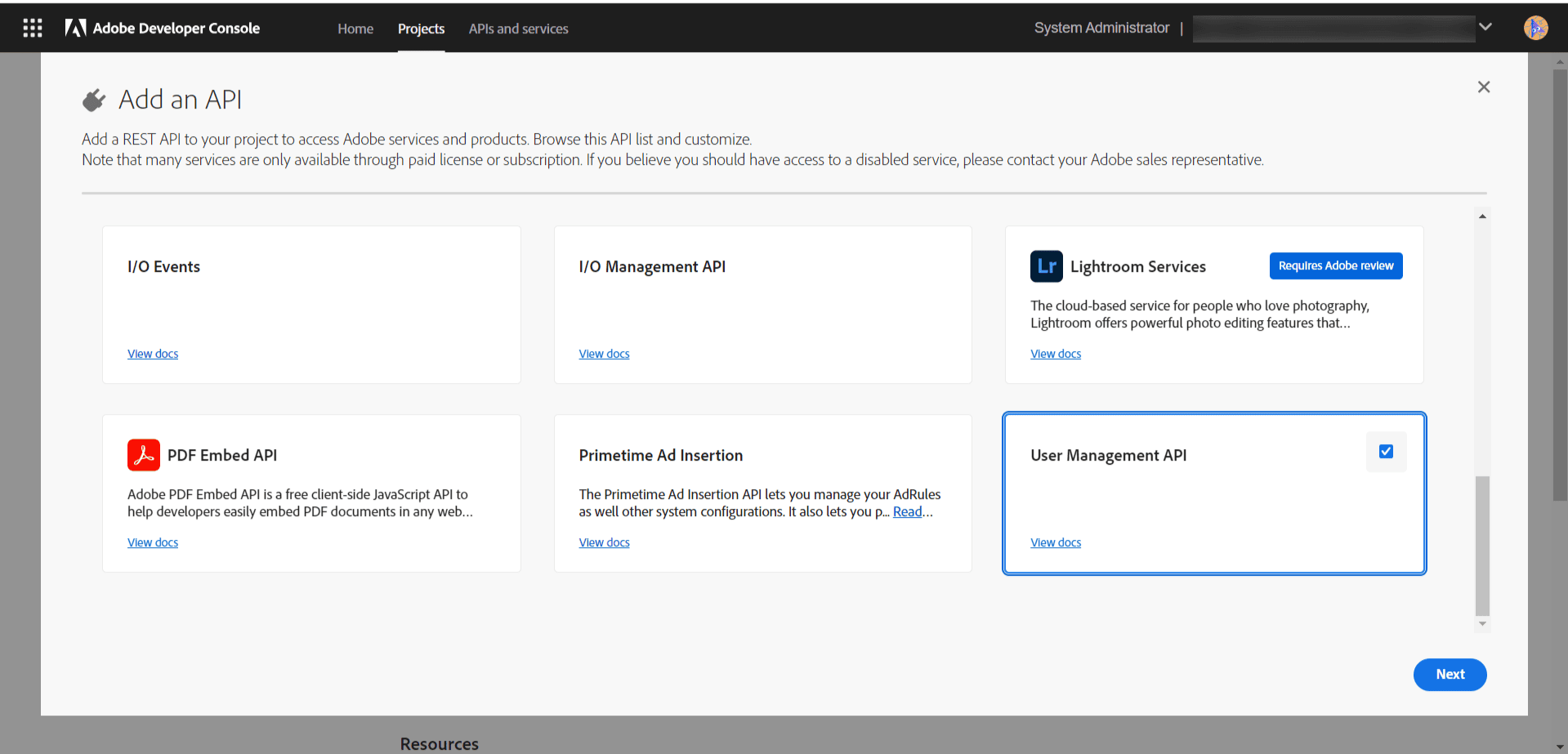
- Click Next and then click Save configured API
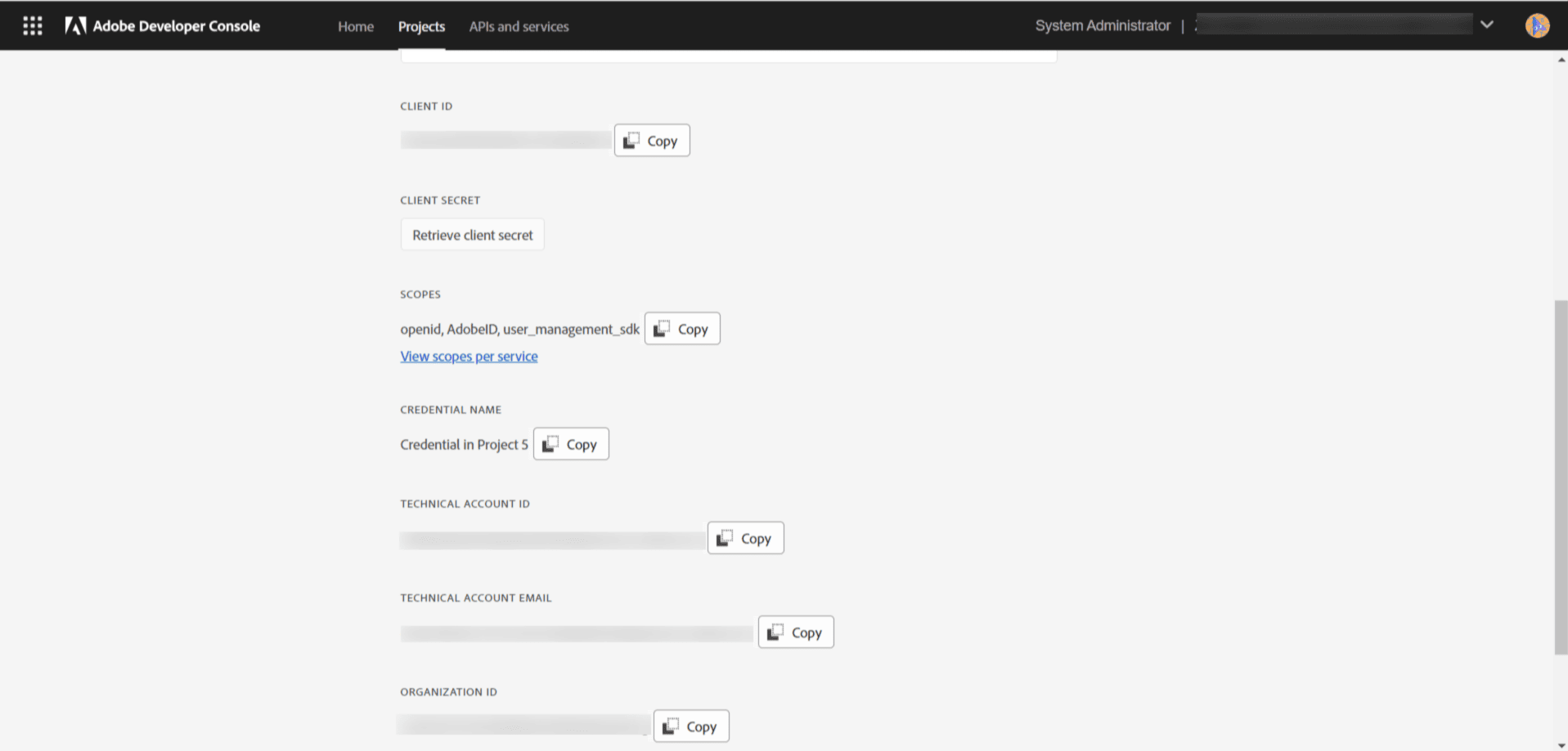
- In the left pane, click OAuth Server-to-Server
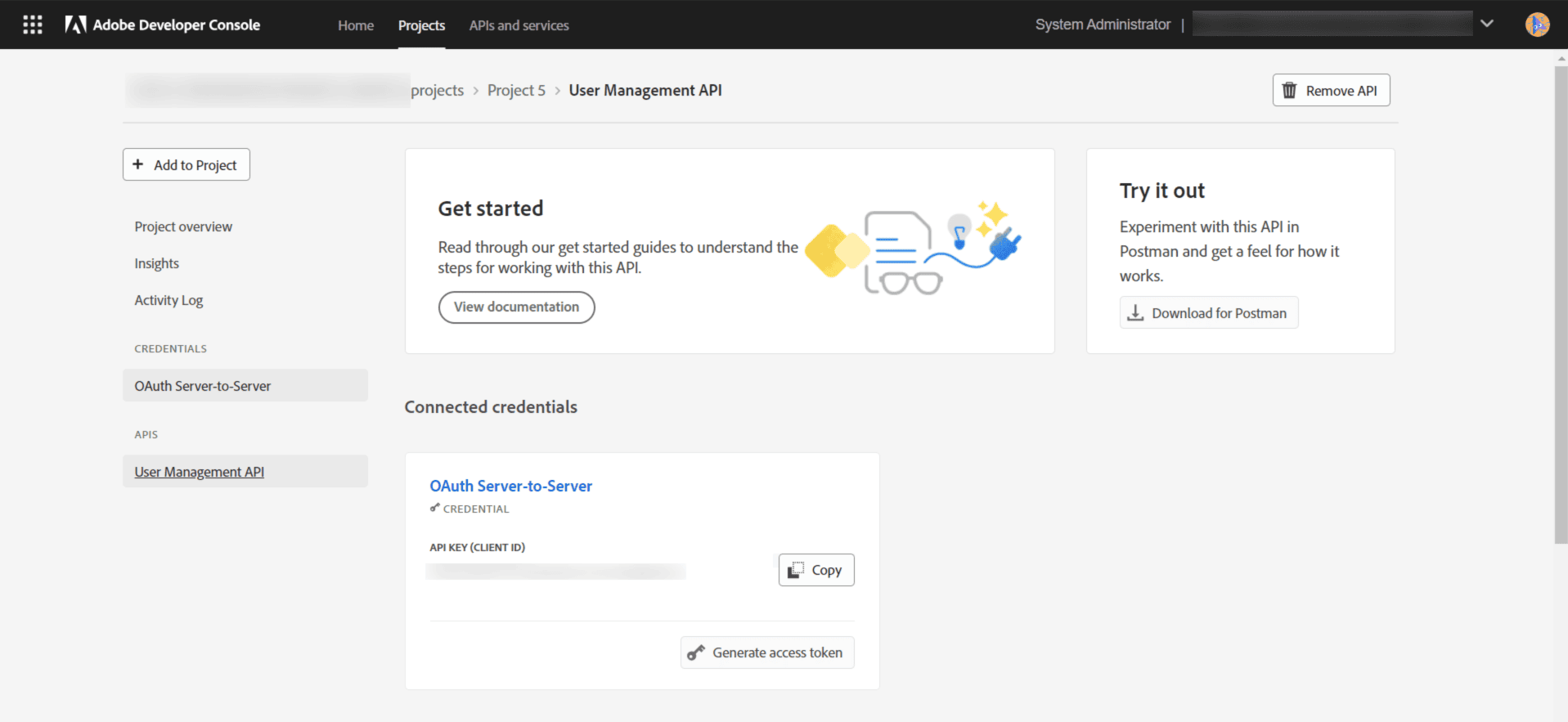
- Scroll down to find the client ID, client secret, and organization ID.
Stored Adobe information
Users:
- User ID
- First name
- Last name
Licenses:
- License name
- License type
- License quota
- Users count
Adobe API endpoints
Users: usermanagement.adobe.io/v2/usermanagement/users/<<OrganizationID>>/
Licenses: usermanagement.adobe.io/v2/usermanagement/groups/<<OrganizationID>>/
NOTE: API access availability varies by vendor plan and subscription tier.