☰
Related Products
 ADManager Plus
 ADAudit Plus
 ADSelfService Plus
 Exchange Reporter Plus
 M365 Manager Plus
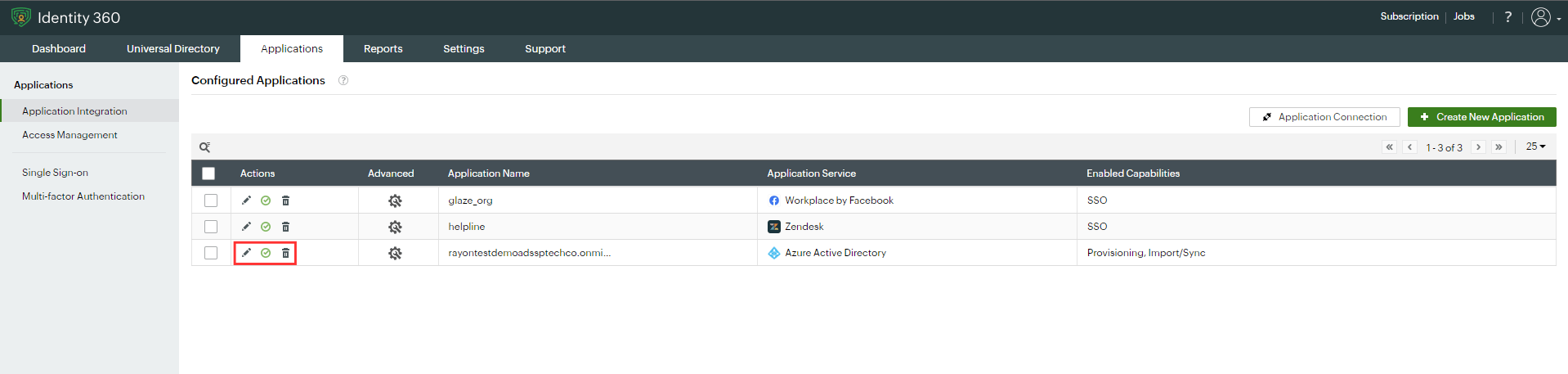
The Application Integration tab allows you to view and have extensive control over all the applications configured for SSO, provisioning, and Import/Sync. Here, you can enable or disable applications, edit their configurations, and even delete specific or multiple applications at once.
Refer to the following pages to learn how to enable SSO, provisioning, and Import/Sync for predefined and custom applications:
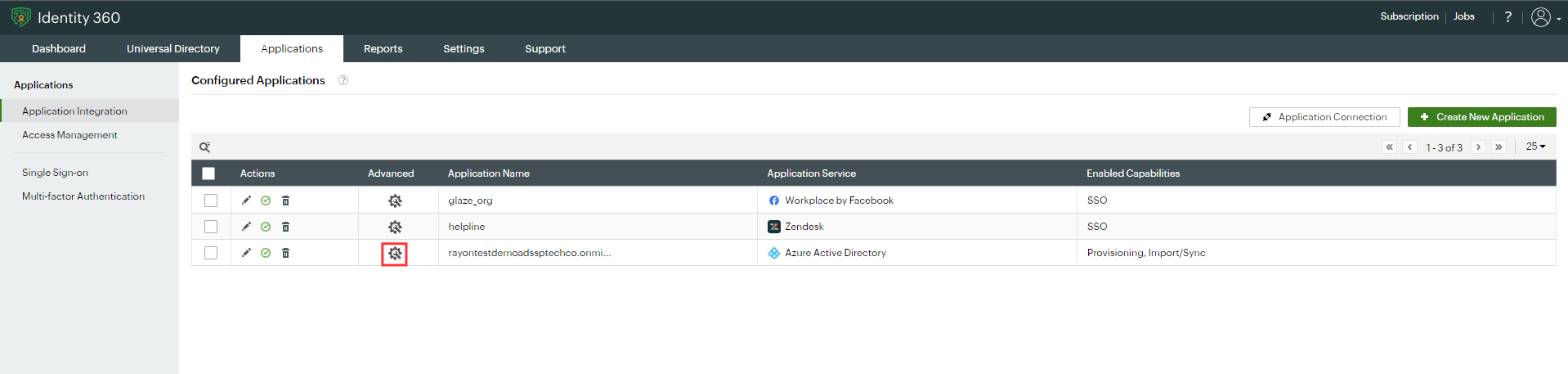
Refer to the following settings to configure the Advanced Settings for a particular application:
Copyright © 2025, ZOHO Corp. All Rights Reserved.
 Previous Topic