Last updated: July 24, 2026
How to identify if an iOS app has been removed from the App Store?
This guide helps administrators determine whether an iOS app has been removed from the App Store. From the MDM console, open Device Mgmt > App Repository, select the iOS app, and click its App Store URL link; if the link fails to redirect to the App Store or the page appears stuck, the app has been removed and can no longer be redistributed to devices.
Description
You added an iOS app some time back to the App Repository and distributed it devices/groups. Now after a considerable amount of time you try to distribute it again but you are unable to do so. You can check if the app has been removed from the convenience of the MDM server as explained below:
Steps
- On the MDM server, click on Device Mgmt and select App Repository from the left pane.
- Click on an iOS app and click the link present against the App Store URL.
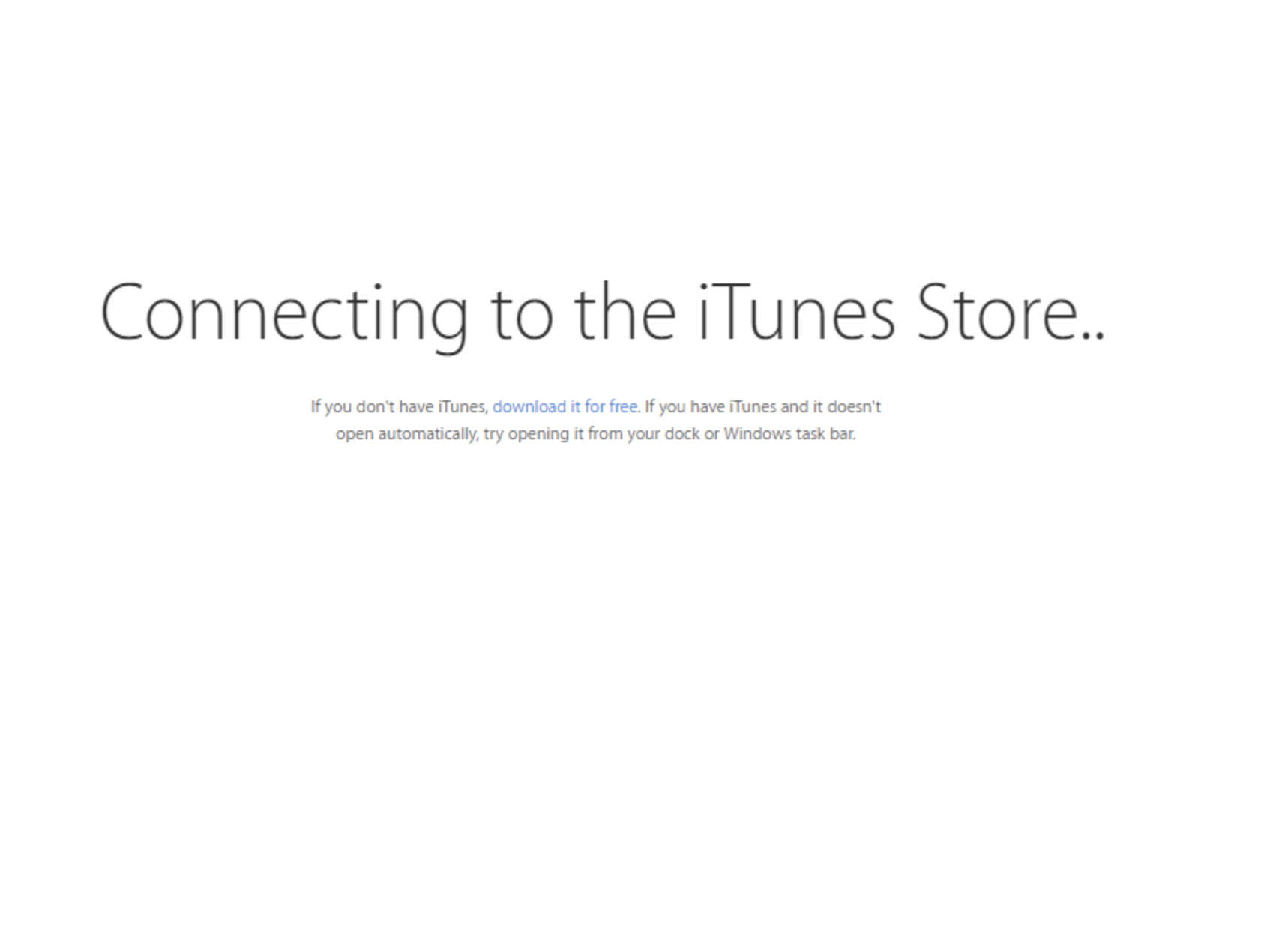
- The URL will direct to the app page in the App Store, which provides app details. If it doesn't redirect Apple Store or seems to get stuck on a particular screen as shown in the image below, then the app has been removed from the App Store.
Frequently asked questions
How do I know if an app has been removed from the App Store?
Go to Device Mgmt > App Repository, open the iOS app, and click its App Store URL link. If the link doesn't redirect to the App Store, or the page appears stuck, the app has been removed.
Why would I need to check this?
If you try to redistribute an app you added earlier and are unable to, checking the App Store URL confirms whether the app is still available or has been pulled from the store.
Can I redistribute an app once it's been removed from the App Store?
No, an app that has been removed from the App Store can no longer be redistributed to devices.
Does this check apply to Android apps too?
No, this check is specific to iOS apps managed through Mobile Device Manager Plus.