Last updated: July 24, 2026
Unable to locate Android device
Problem
You are trying to locate a managed Android device, and you get the error message "Unable to locate Android device"
Cause
You might get this error message, due to one of the following reasons:
- Managed device is not reachable via Internet.
- Location Services to be enabled on the managed device.
- Google Play services not installed on the device
- Google Play Services not up-to-date on the device
- Google Play services disabled on the device
Resolution
Managed device is not reachable via Internet
The managed mobile device should have connection to the internet. Either WiFi or cellular data should be enabled on the device.
Location Services to be enabled on the managed device
- Expand the Status Bar in the the managed device and click on the Location icon
- Click Agree to enable Location Services for MDM.
- Check Location Settings and ensure ManageEngine MDM is listed under Recent location requests.
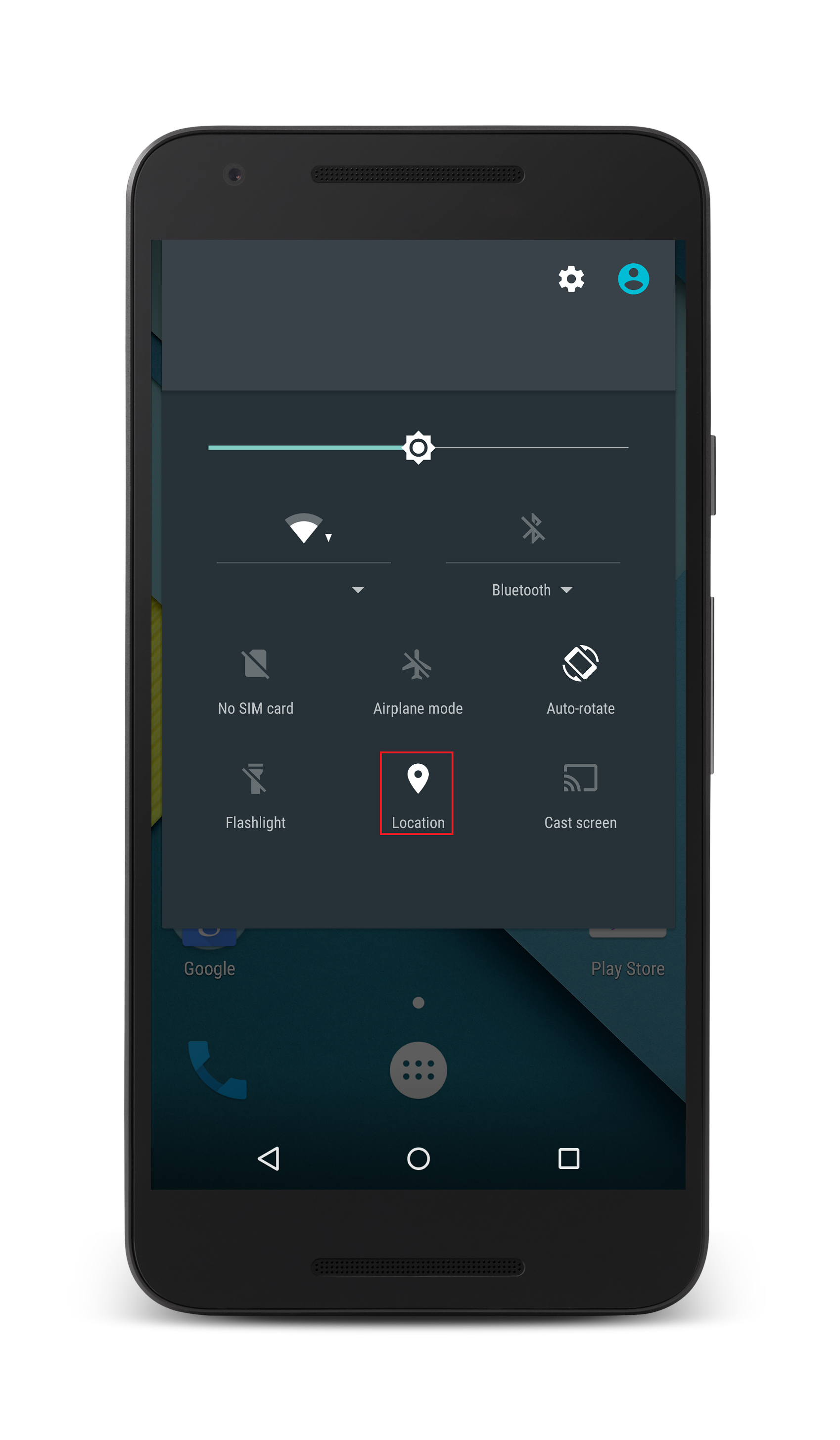
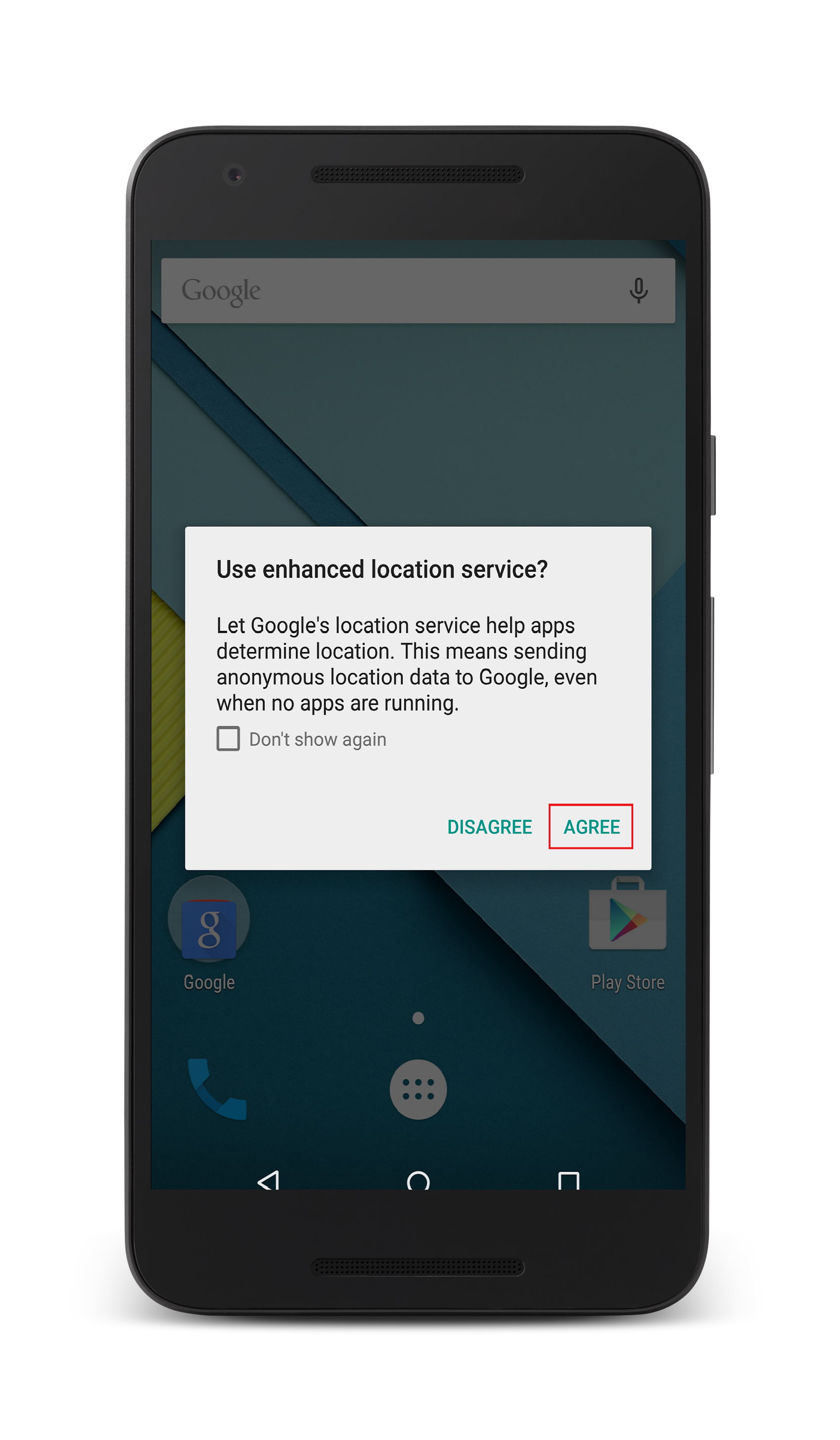
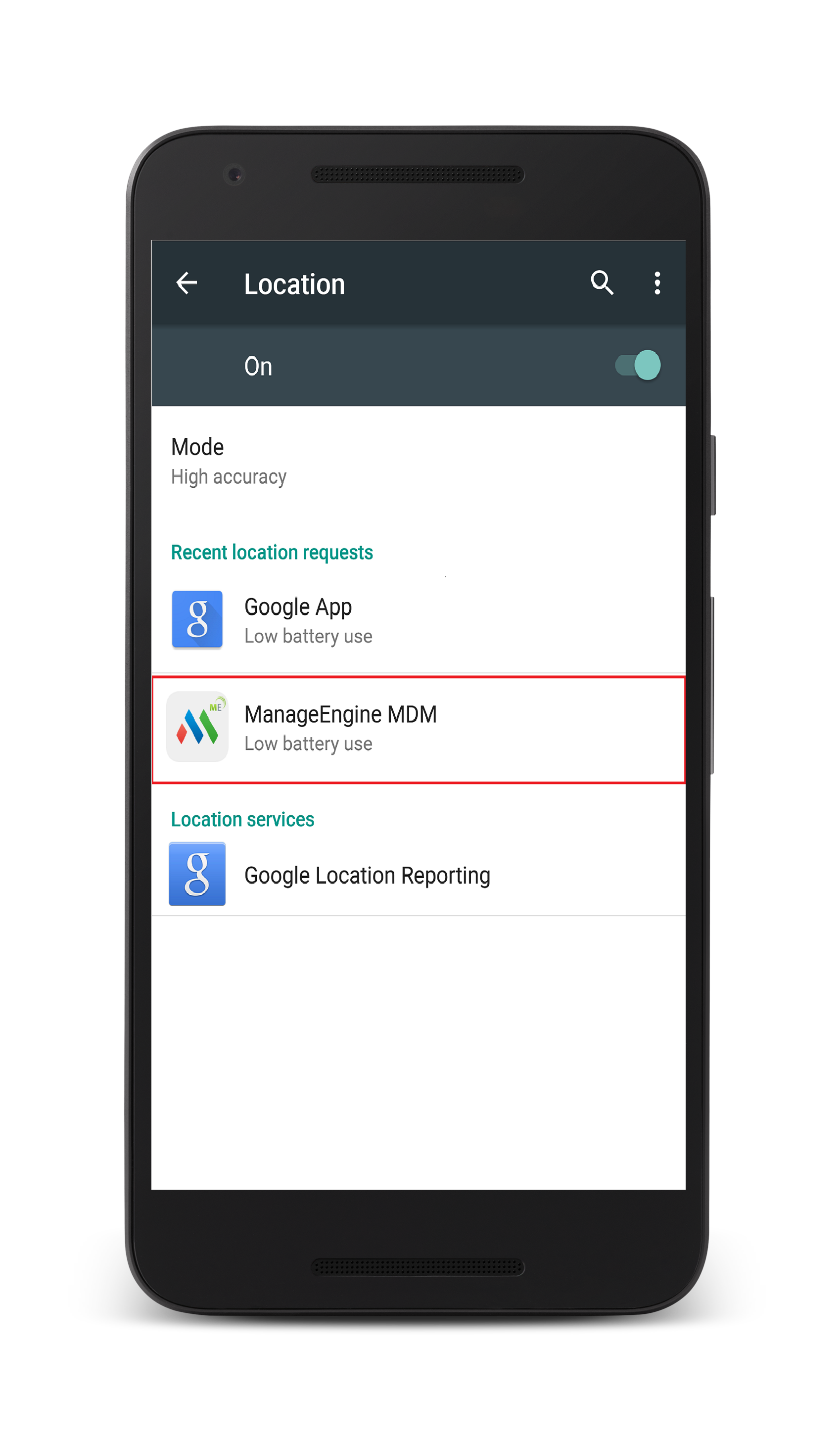
Google Play services is not installed on the device
If Google Play services is not present on the managed devices, download and install it from this link.
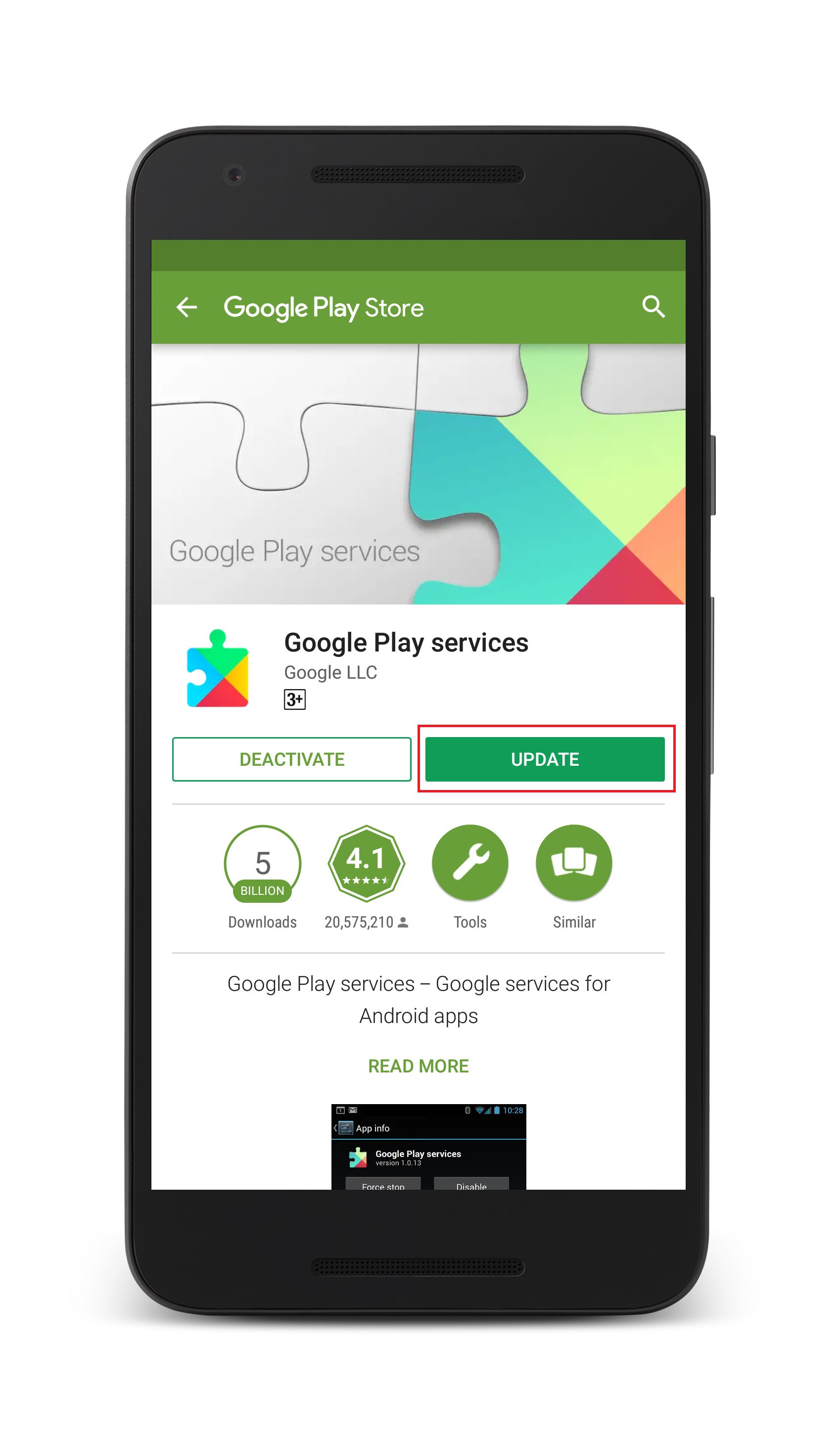
Google Play Services is not up-to-date on the device
If Google Play services is not running the latest version on the device, you can do so as explained below: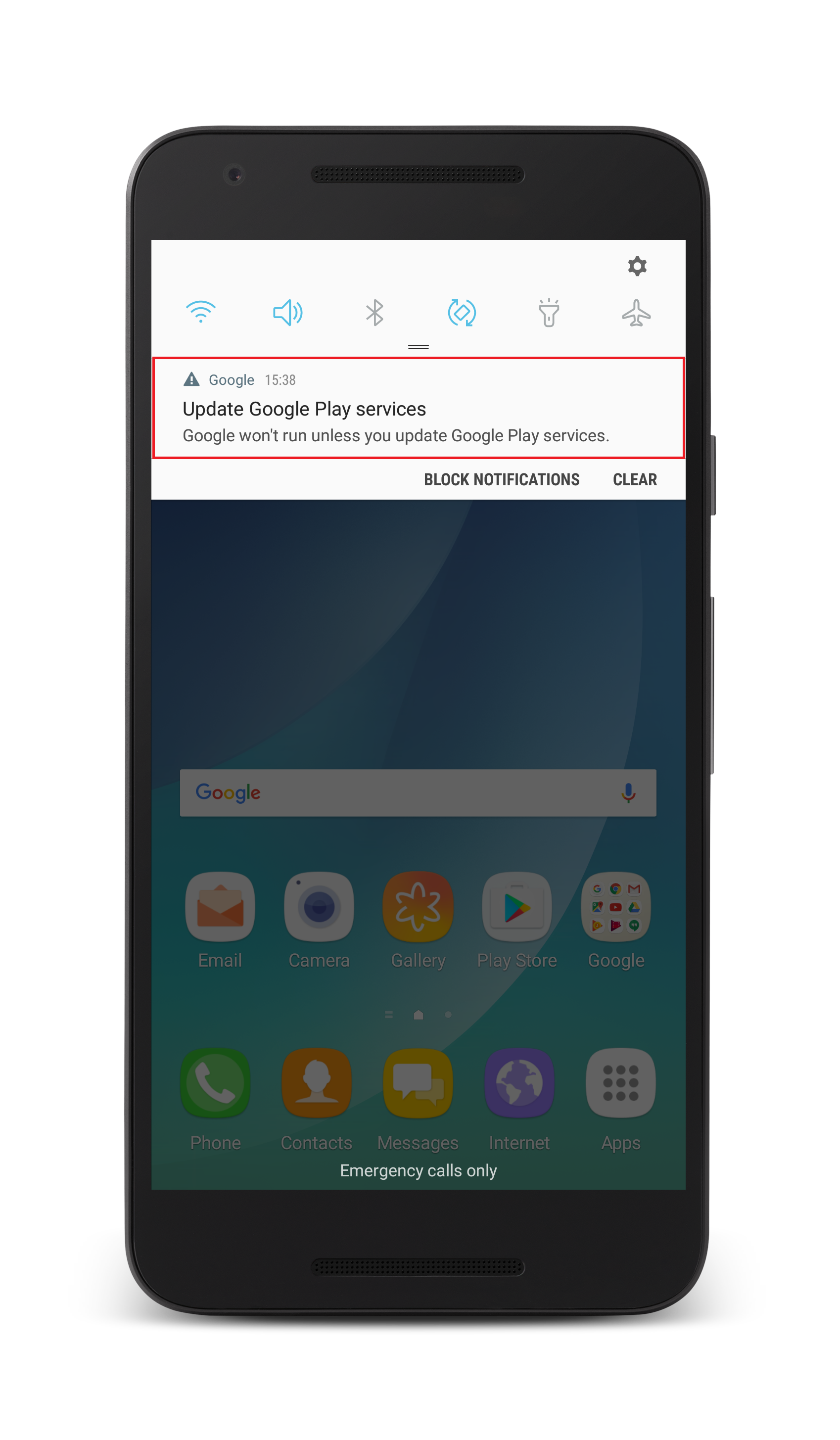
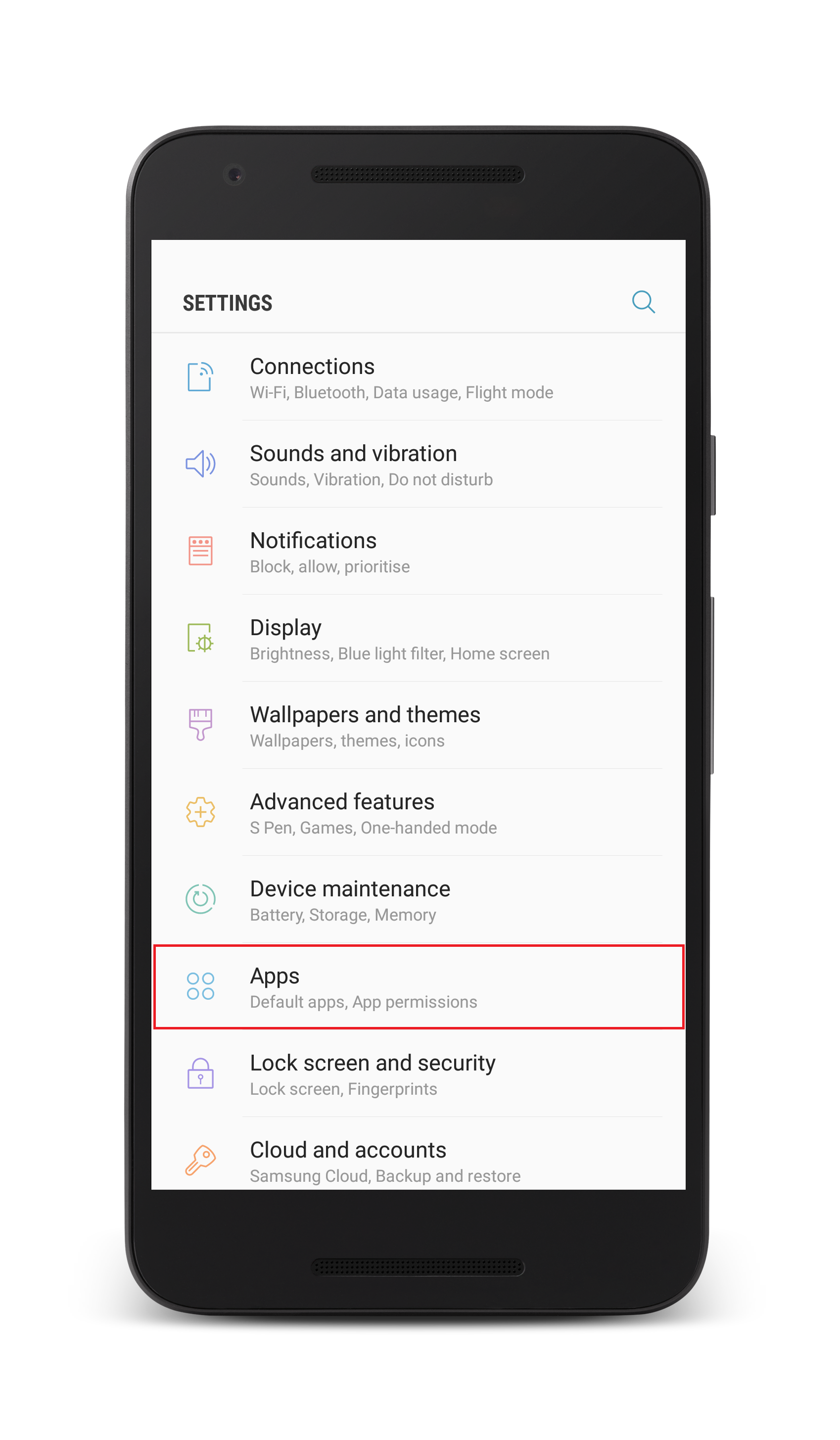
Google Play services is disabled on the device
If Google Play services is disabled on the device, navigate to Settings and select Apps.
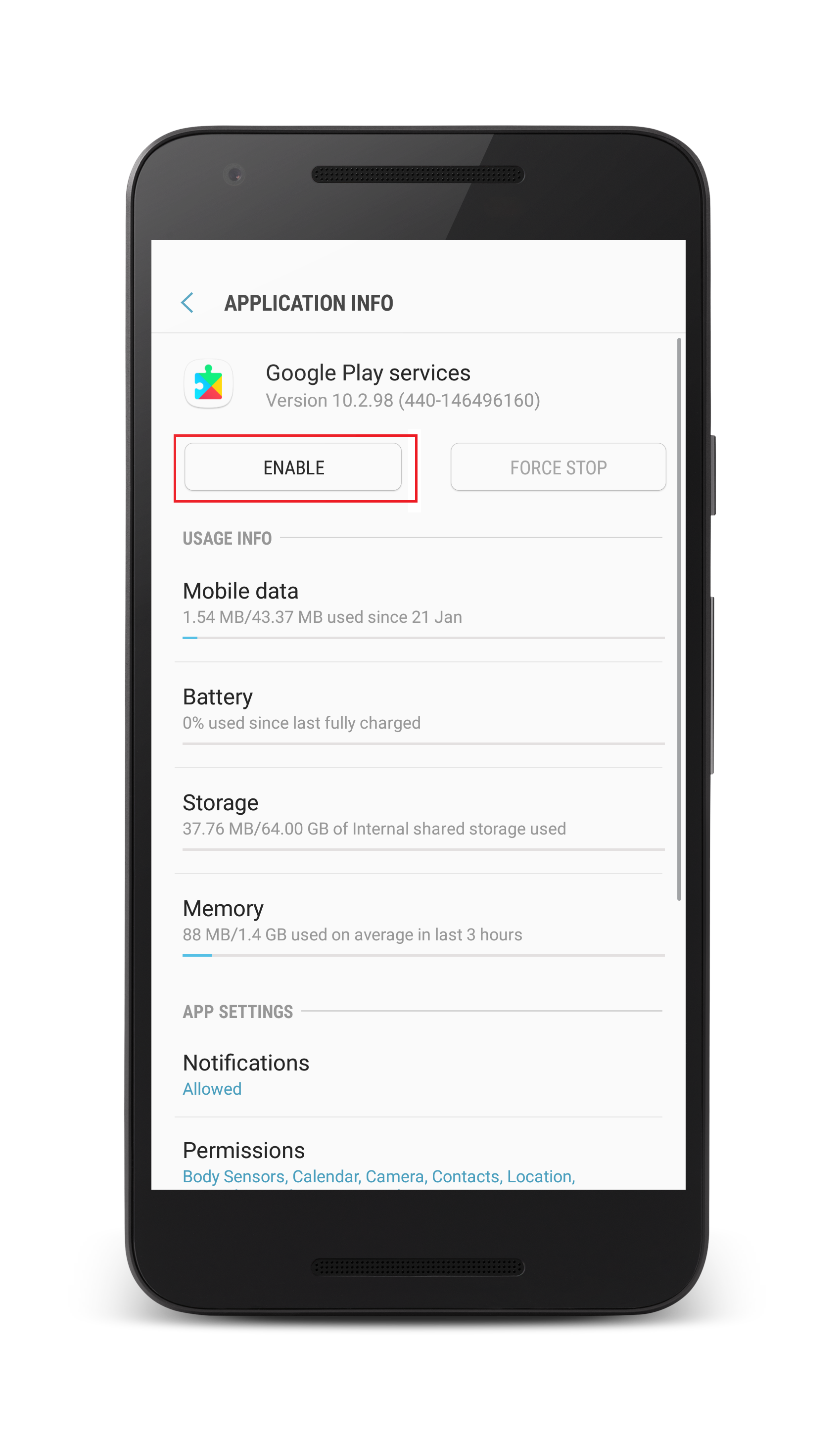
Select Google Play services and click on Enable.
Applies to: Device Location, Geo Tracking
Keywords: Google Account missing, Locate Android Device, Android Location Tracking, MDM Geo Tracking.