Last updated: July 24, 2026
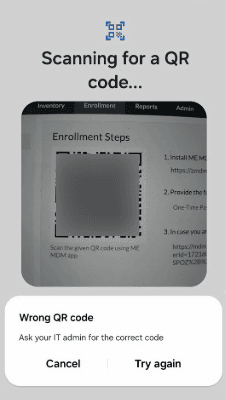
Wrong QR code - Ask your IT Admin for correct code
Problem
You Encounter the error message "Wrong QR code - Ask your IT Admin for correct code" when scanning the QR code during the enrollment of an Android device with Full Device Management.
Cause
The "Wrong QR code - Ask your IT Admin for correct code" error usually occurs due to scanning an incorrect QR code.
Resolution
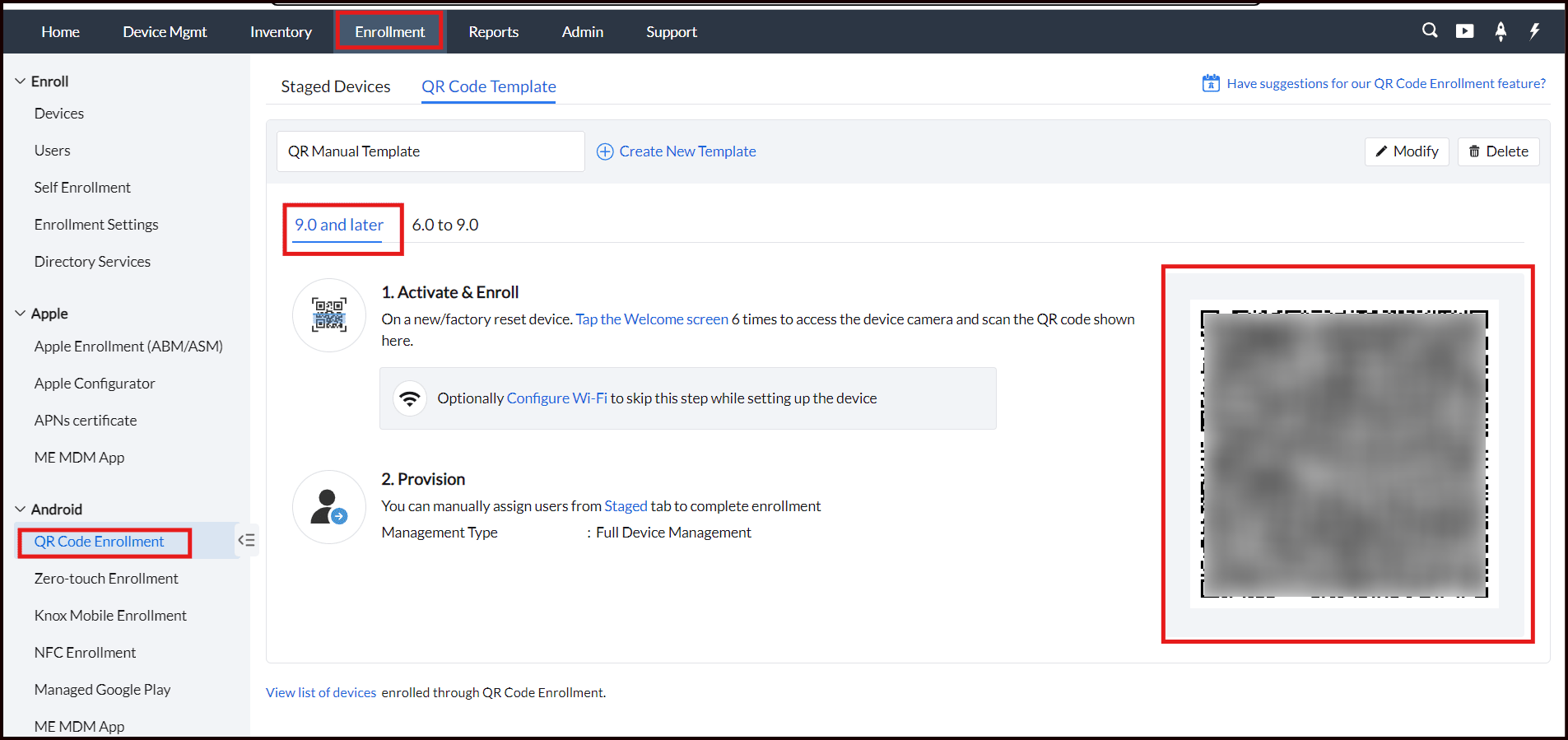
Navigate to Enrollment > Android > QR Code Enrollment and scan the QR code available under the "9.0 and later" tab.
If the problem still persists, contact mdm-support@manageengine.com (MDM On-Premises) or mdmcloud-support@manageengine.com (MDM Cloud)