



Bring OEM vendor and AOSP devices under management even if Google Play Services is not running on them.

Make devices work-ready by applying settings and restrictions, installing work apps, and distributing network profiles for the Wi-Fi, VPN, proxy, APN, and more.

Achieve deep customization of devices by leveraging OEM-provided advanced profiles and settings for over 22 OEMs.
Troubleshoot devices far away from offices through remote control and view options.
Upload custom OS update packages and schedule their deployment during non-work hours.
Set up kiosks to only open one or a set of apps and restrict other device functionalities.
Obtain both historic and real-time device locations and ensure location-based compliance through geofencing.
For lost or stolen devices, enable a complete lockdown, reset passcodes, raise the alarm, and perform a factory reset to prevent data loss.
Empower users with the right apps through ad hoc background installations and updates.
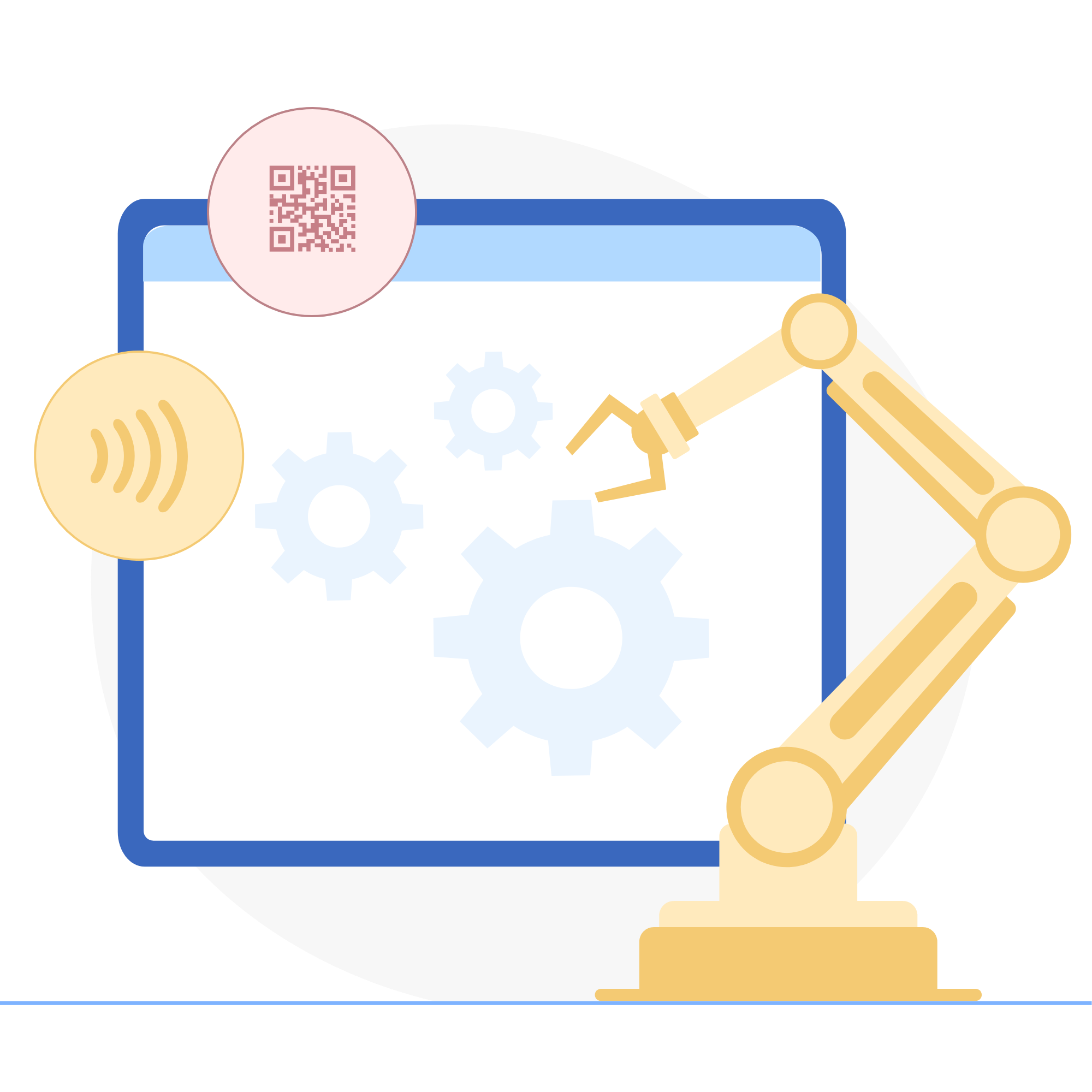
Make use of zero-touch, QR code, and NFC-based enrollment to bring non-traditional devices like AOSP devices under corporate management. Assign apps and content to groups of devices. Configure restrictions on devices to ensure better security and productivity.
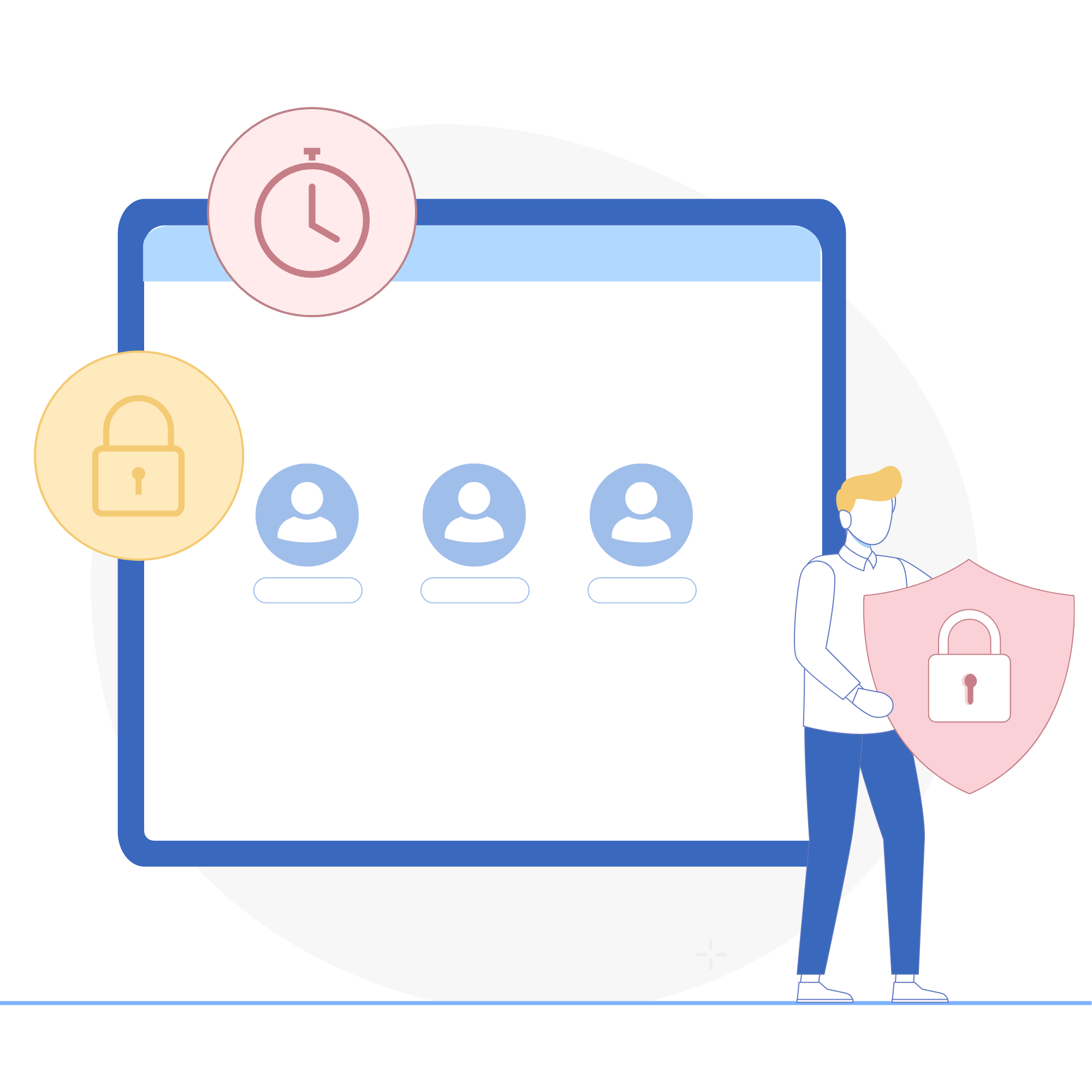
Leverage profiles for devices like shared iPads, and Android shared devices to manage them effectively. Restrict logins and configure the idle timeout and passcode settings to ensure security and user privacy.
View and control the screens of remote OEM devices with a built-in tool. Leverage unattended access to troubleshoot devices in common areas, such as kiosks, without user intervention. Perform common troubleshooting tasks including clearing app data and restarting the device through remote chat commands. Easily deploy augmented reality remote assistance tools such as Zoho Lens to MDM-managed smart glasses, enabling real-time, AR-powered troubleshooting in the field.
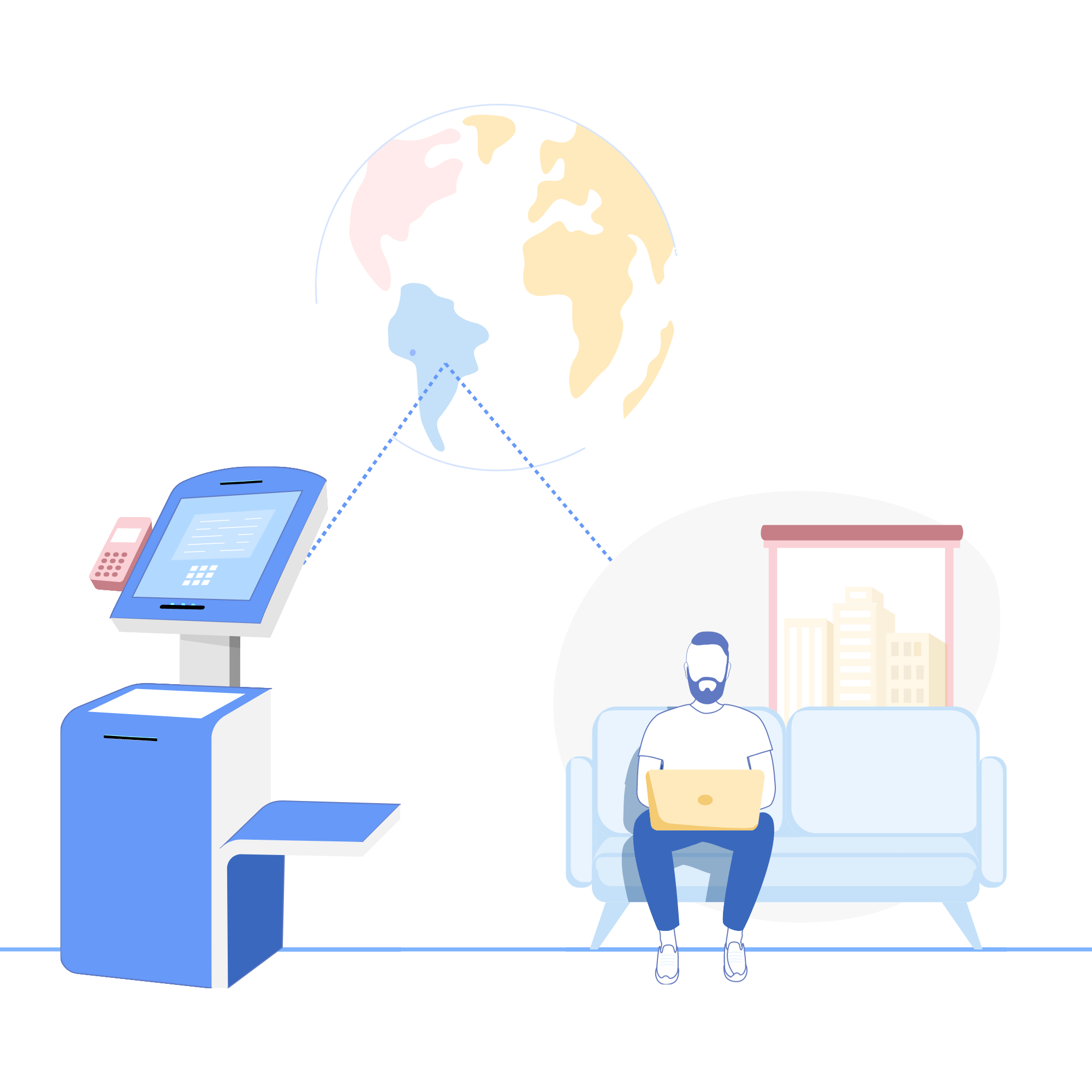
Block access to apps, data, and functions by setting up kiosk mode. Allow access only to select apps and settings while blocking notifications, calls, and more. Also determine which hardware buttons work and customize home screens with wallpaper, the app icon layout, and web shortcuts.






We just recently upgraded about 100 devices, and the fact that you can set groups and policies and push content and apps to the devices automatically reduced 80% of the migration time, where it would have taken weeks to complete this task without an MDM. The geofencing and location tracking are also bonuses.
LJ H.Operations assistant, Construction
I really like how easy it is to deploy and have devices set up and ready for users. I can have a new phone set up for a user in under seven minutes, and most of that time is me having to get all the apps set up to work with our systems.
Josh M.IT specialist, Business supplies and equipment