Monitoring Interval for a Device Category
OpManager allows you to set a common monitoring interval for all the devices under a specific category, i.e., you can set a default monitoring interval for Servers, which will be applied to all devices classified as servers.
To do so, follow the steps given below:
- Under Settings → Configuration → Quick Configuration Wizard → click the Monitoring Intervals option.
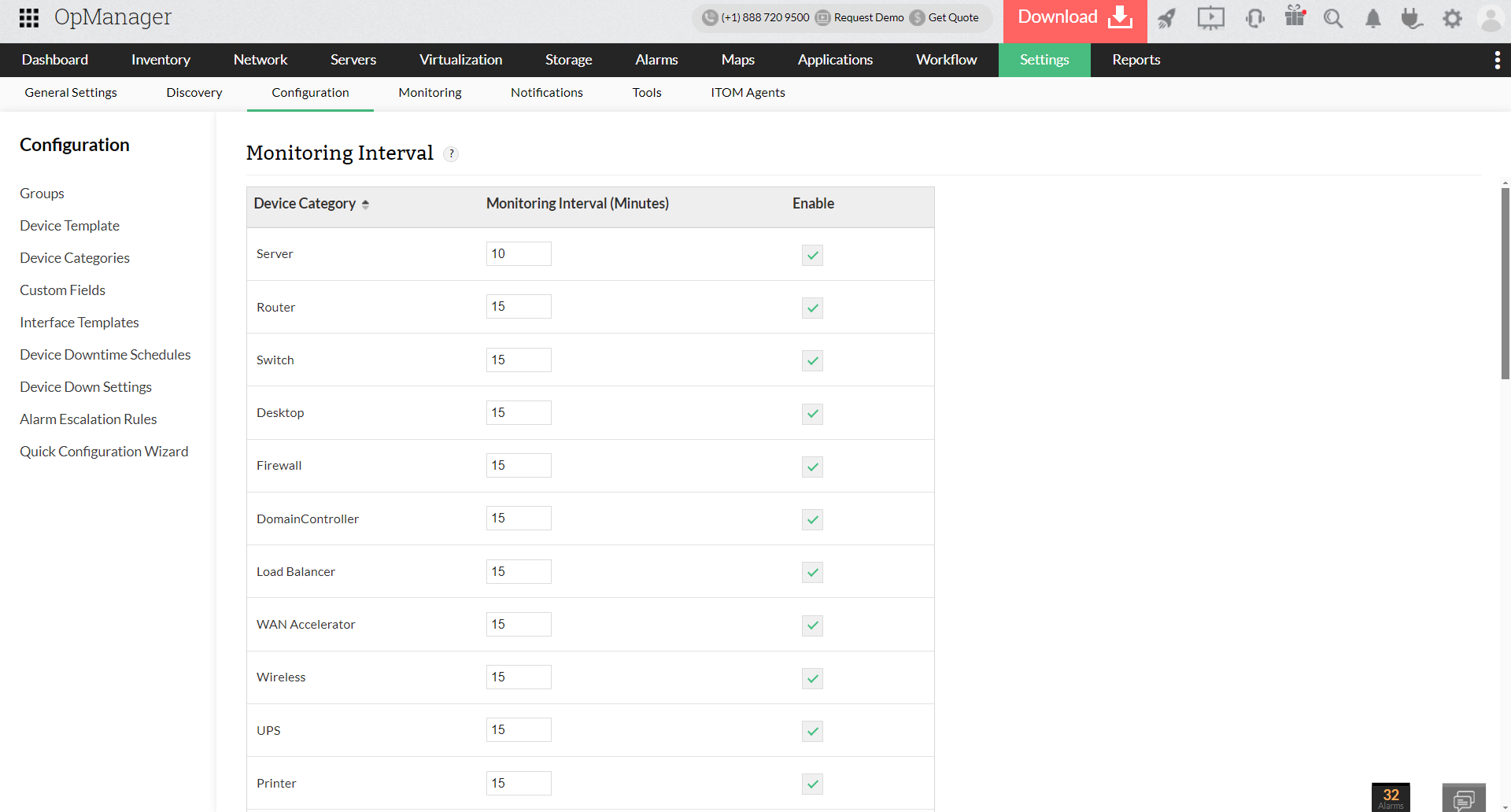
- To enable monitoring for a category, select the check box under Enable column for the infrastructure you want to monitor and enter the monitoring interval in minutes. To disable monitoring for a specific category, clear the corresponding check box.
- Click Save to save the settings.
For instance, if you want to monitor servers every minute, ensure that the check box corresponding to Servers is selected and then enter '1' in the adjacent box.