Optimize network performance with real-time routing protocol monitoring
Routing protocols determine how routers communicate to select optimal paths for data across networks. These protocols enable the dynamic exchange of route information and help networks adapt to topological changes without manual intervention. Modern enterprise networks rely on routing protocols to find the best path for traffic to reach its destination. These protocols—whether used within an organization or between networks—exchange route information in real time and keep traffic flowing.
Interior protocols like OSPF (Open Shortest Path First), IS-IS (Intermediate System to Intermediate System), and EIGRP (Enhanced Interior Gateway Routing Protocol) work within a single domain, whereas BGP can function as both an interior and an exterior protocol depending on the network topology. If these protocols break down or become unstable, it can lead to outages, delays, and increased troubleshooting.
OpManager offers deep visibility into routing behavior across your network. It helps you monitor neighbour states, track route flap counts, and analyze protocol performance so you can maintain consistent connectivity and reduce downtime.
The real-world challenges of routing protocol monitoring
Without a centralized network monitoring system, tracking routing protocols can be a complex, time-consuming task. Network admins often rely on CLI-based tools or vendor-specific dashboards, which provide only partial visibility. This lack of unified insight makes it difficult to correlate issues, especially in multi-vendor environments.
Instabilities like route flaps or inconsistent neighbour states can go unnoticed until they cause major disruptions. The delayed detection of such instabilities, scattered diagnostics, and limited historical context make troubleshooting reactive rather than proactive. That's where OpManager steps in.
Automatically discover routing data across vendors
OpManager automatically detects routing protocols during device discovery using SNMP. Neighbour relationships and route details are organized under a unified routing protocols view for simplified monitoring.
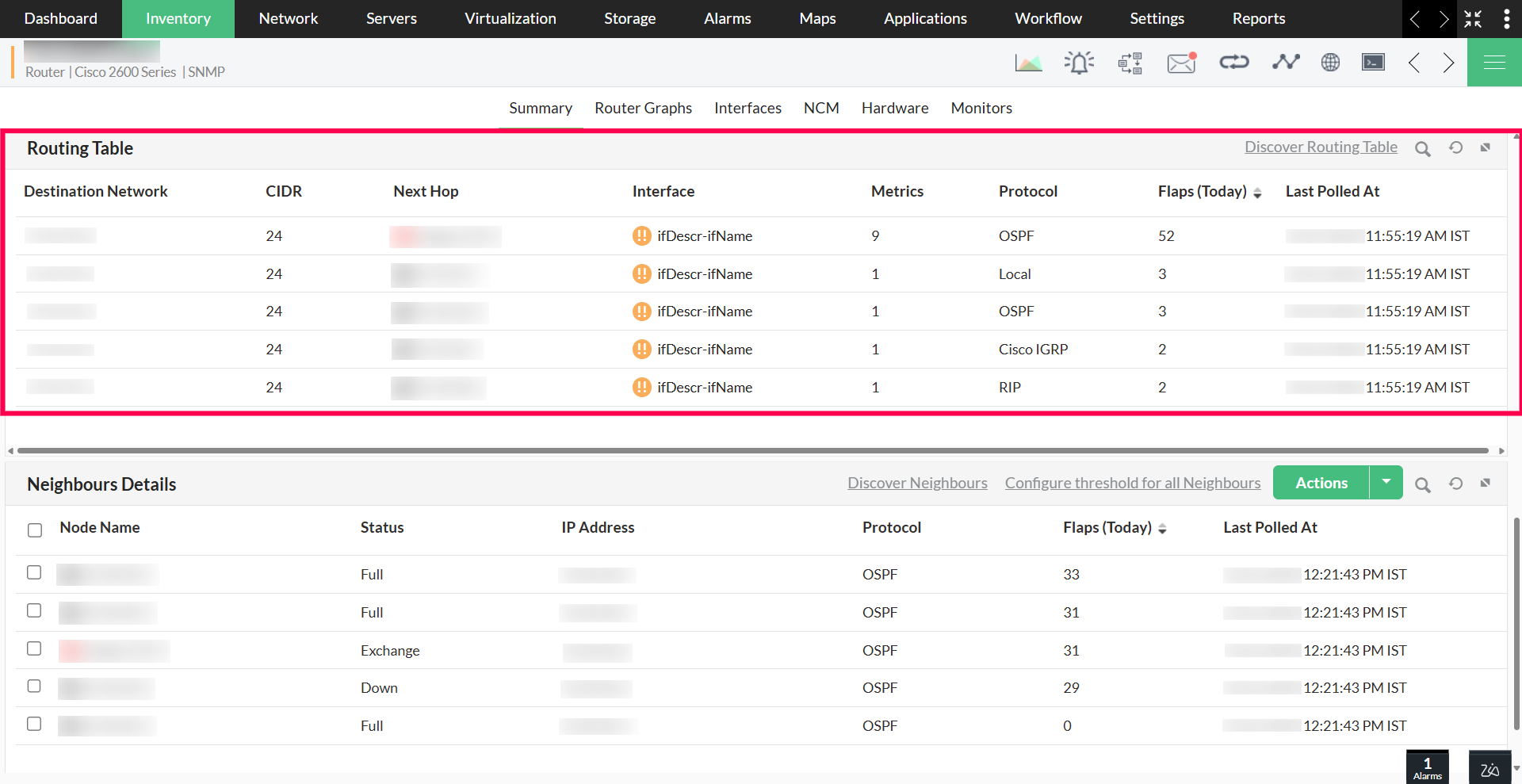
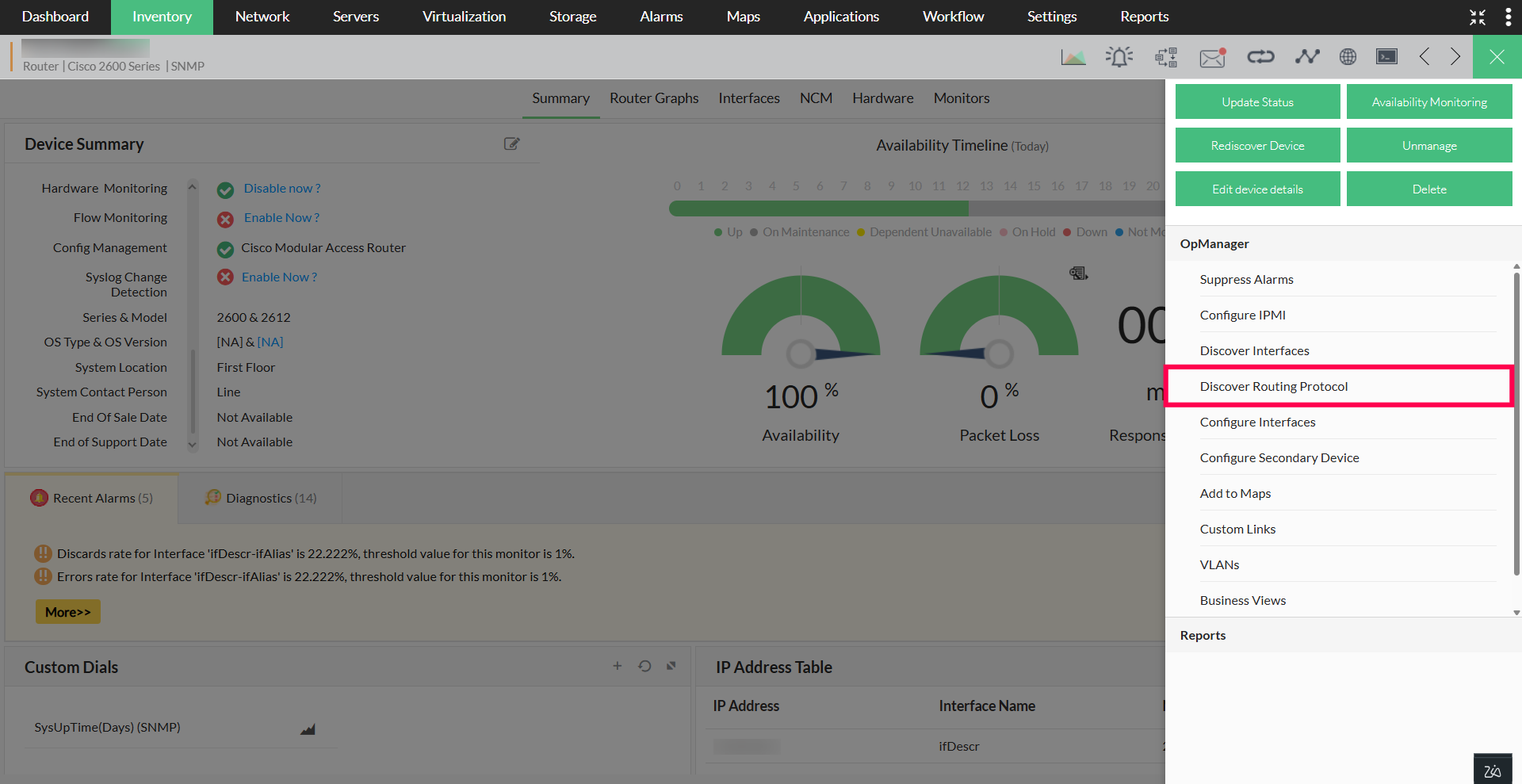
You can initiate discovery from individual device snapshots or perform it globally across your infrastructure. Once discovered, routing data is kept up to date through regular polling.
Monitor neighbour statuses and routing behavior
After discovery, OpManager continuously tracks neighbour relationships, connection stability, and route-level flaps. Each neighbour is listed with its interface, current state, and protocol attributes. Real-time metrics like the flap count, route metrics, and interface health are available directly in the UI.
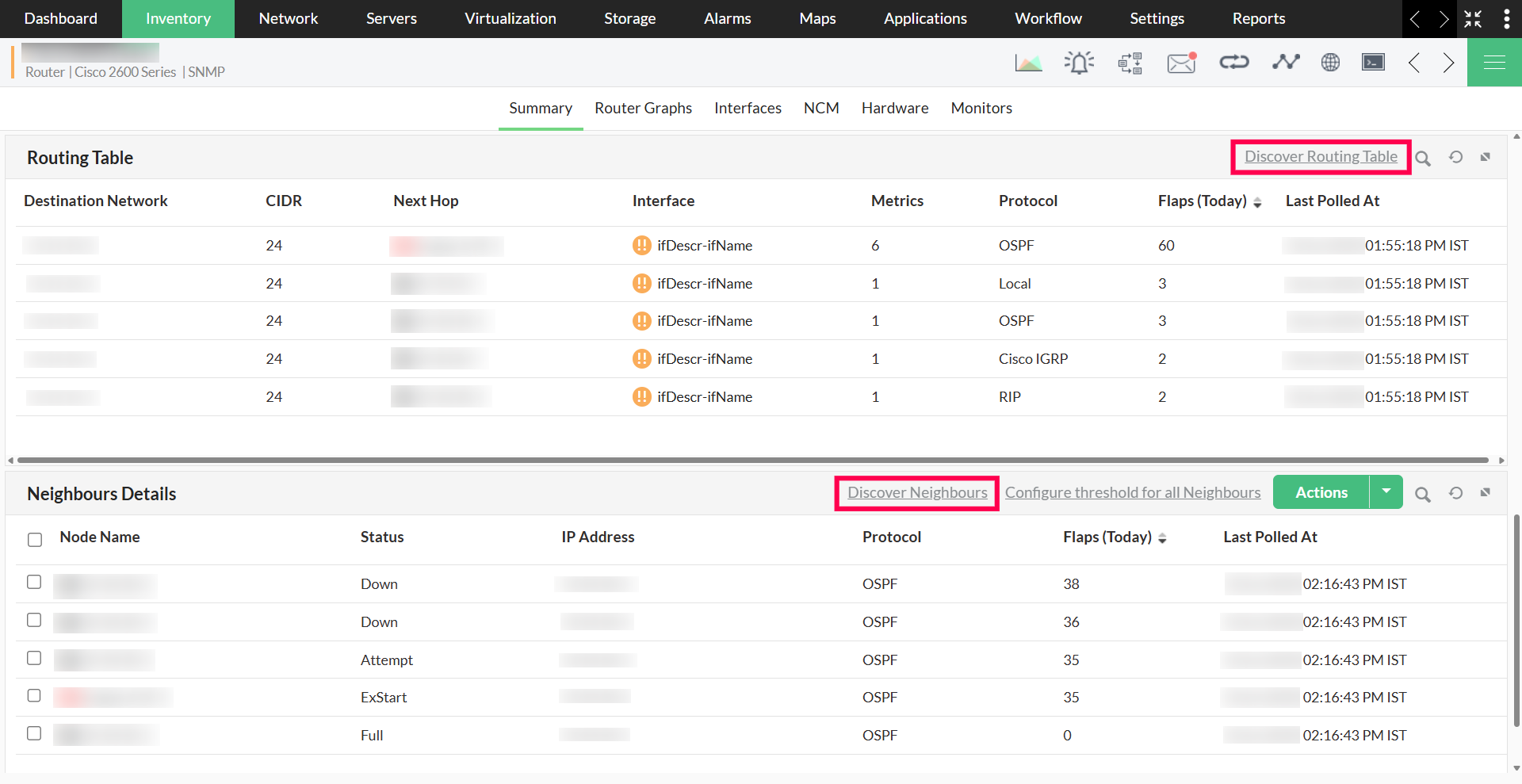
All this routing data is contextualized; if the device is already managed in OpManager, the UI shows the device name and current health alongside the routing information, making it easier to correlate with ongoing issues.
Detect and respond to flapping events
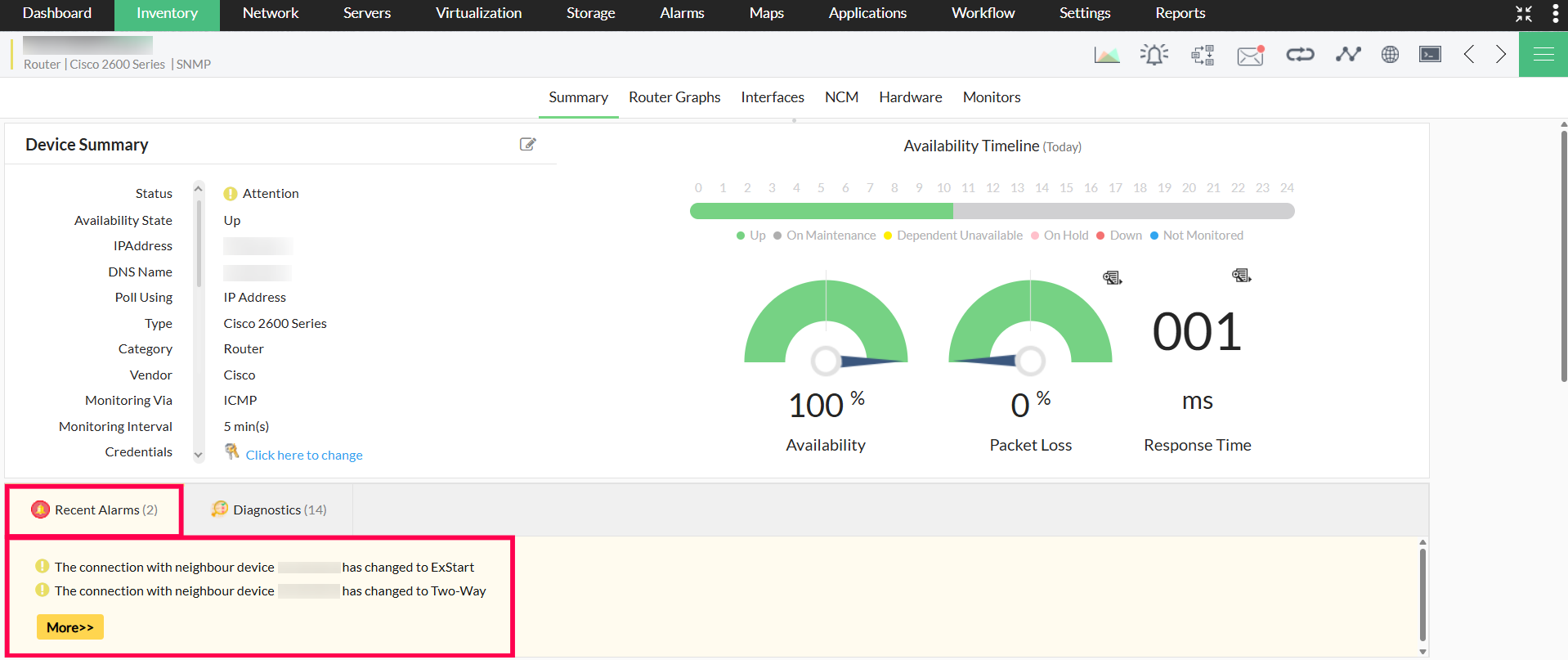
When routing paths fluctuate unexpectedly, this often points to deeper network issues. OpManager detects both route and neighbour flapping in real time and notifies you based on thresholds.
- Route flaps: Caused by metric changes or route reappearances
- Neighbour flaps: Where neighbour connectivity is repeatedly lost and regained
Alerts are triggered based on configurable thresholds (by default, when five or more flaps occur within 30 minutes). You can configure this globally and suppress alerts where flapping is expected, like for unstable WAN links.
Visualize protocol activity over time
OpManager transforms routing protocol data into easy-to-navigate views. Routing tables are presented in a structured, easy-to-read layout with the latest poll timestamp.
You can drill down into individual neighbours or routes to trace historical transitions and easily locate the root cause of instability. All charts and tables update in real time, ensuring visibility.
Global controls allow admins to manage discovery, suppress alerts, and enable or disable protocol tracking based on the topology or role.
Why OpManager for routing protocol monitoring?
With OpManager’s protocol monitoring, you gain more than just visibility; you gain control. Diagnose unstable neighbours before they escalate. Analyze neighbour and route behavior as it evolves. Plus, ensure your routing infrastructure is always optimized for performance and availability.
Start your free, 30-day trial and take charge of dynamic routing with OpManager.
Make your network monitoring simple and efficient!
Download OpManager nowCustomer reviews
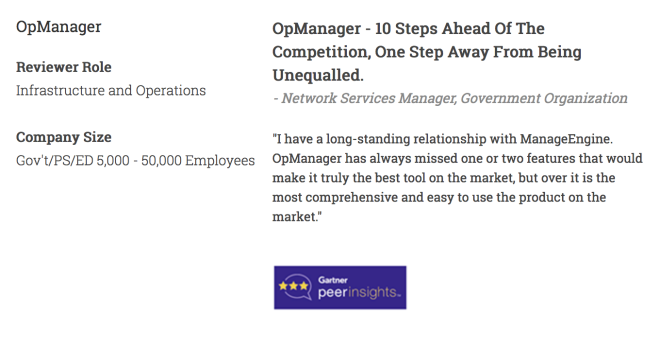
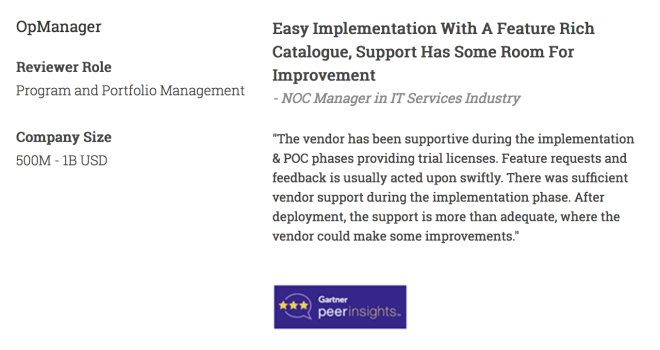
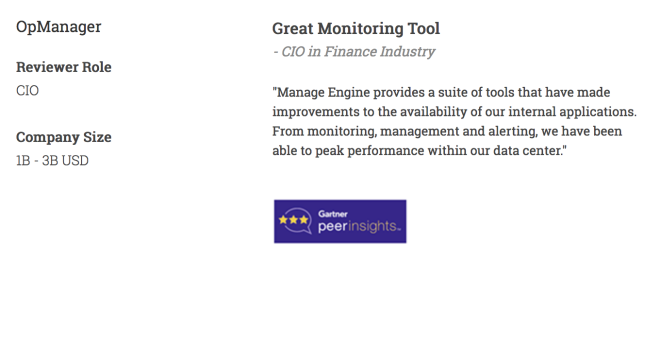
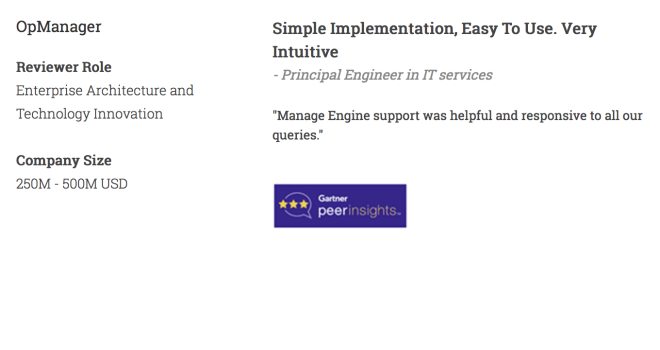
More than 1,000,000 IT admins trust ManageEngine ITOM solutions to monitor their IT infrastructure securely

Case Studies - OpManager
Awards & Honors
- Recognized as a May 2019 Gartner Peer Insights Customers' Choice for Network Performance Monitoring and Diagnostics Software
- Recognised as an April 2019 Gartner Peer Insights Customers' Choice for IT Infrastructure Monitoring Tools.
- Network Management and Monitor Vendor of the Year 2018, 2019
- Entered the 2019 Gartner NPMD Magic Quadrant.
- Ranked #2 in the Infotech Research Software Reviews Data Quadrant 2018.