Authenticating the PAM360 Web Interface
PAM360 offers multiple authentication methods to securely log in to the web interface, ensuring flexibility and ease of use for both locally created users and those integrated from external directories. Below are the authentication mechanisms available in PAM360 for the primary level of authentication:
- PAM360 Local Authentication
- Directory Services Authentication (AD/Entra ID/LDAP)
- RADIUS Authentication
- Smart Card/PKI/Certificate Authentication
1. PAM360 Local Authentication
For user accounts created directly within PAM360 or imported from an external file, the administrator assigns a password at the time of account creation or import. Once the account is set up, the user will receive an email containing important login details, including their PAM360 username, a temporary password, and the login URL.
Using these provided credentials, users can access their respective PAM360 accounts via the login page. Upon their first login with the Local Authentication method, they will be prompted to reset their password. This mandatory password reset ensures enhanced security and protects their account from unauthorized access.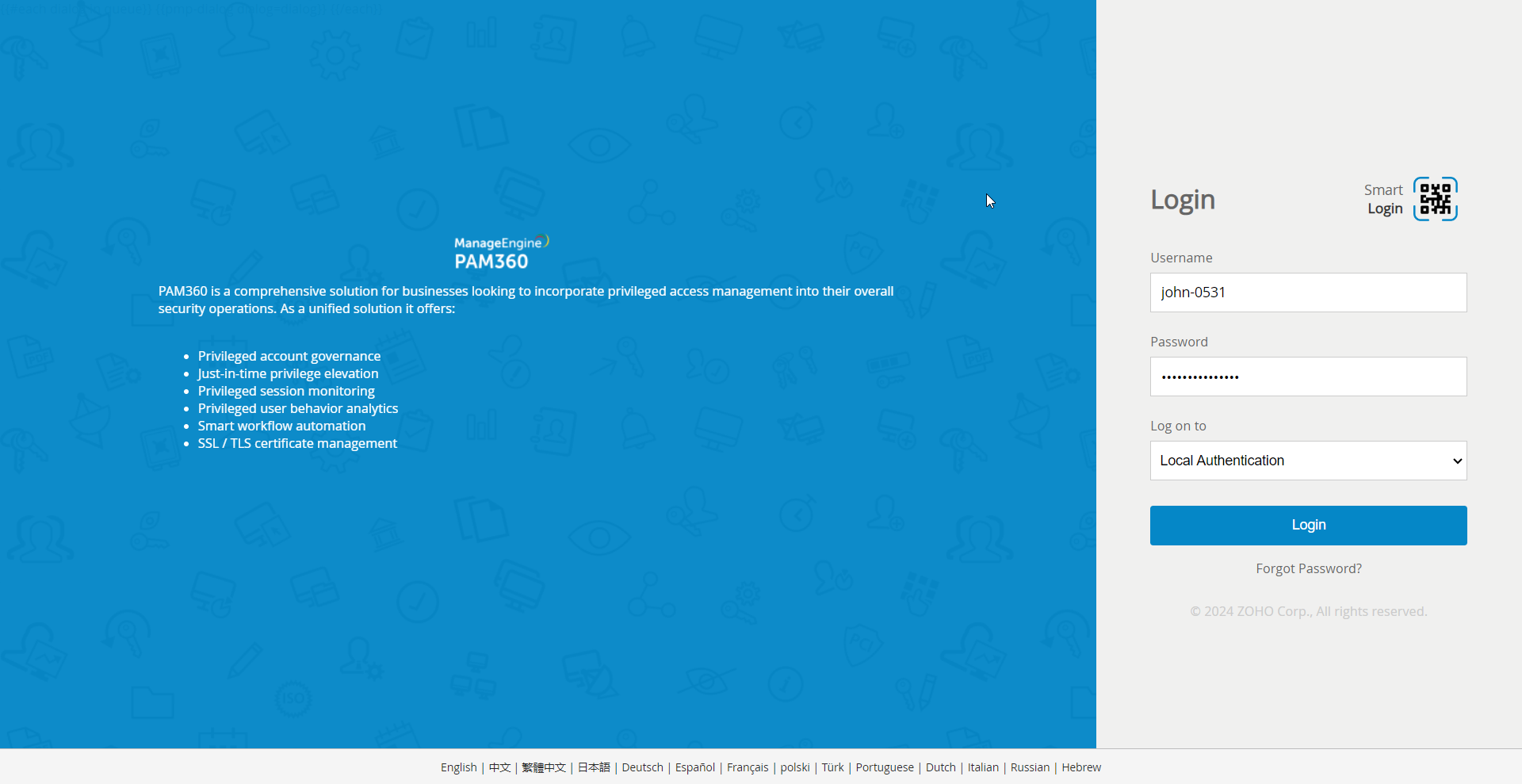
2. Directory Services Authentication (AD/Entra ID/LDAP)
PAM360 supports integration with directory services like Active Directory (AD), Microsoft Entra ID, and LDAP. Once integrated, users can log in using their existing directory credentials. This method enhances security by centralizing authentication through trusted directory services.
- Active Directory (AD) Authentication: After enabling AD integration, users can log in with their AD domain credentials. This applies to users already imported into PAM360 from Active Directory.
- Microsoft Entra ID Authentication: When enabled, users can authenticate using their Entra ID credentials. This works only for users who have been imported from Microsoft Entra ID, and AD authentication must be disabled to avoid conflicts.
- LDAP Authentication: Users can log in using their LDAP credentials after integration. Similar to AD and Entra ID, LDAP authentication works only for users imported from LDAP into PAM360.
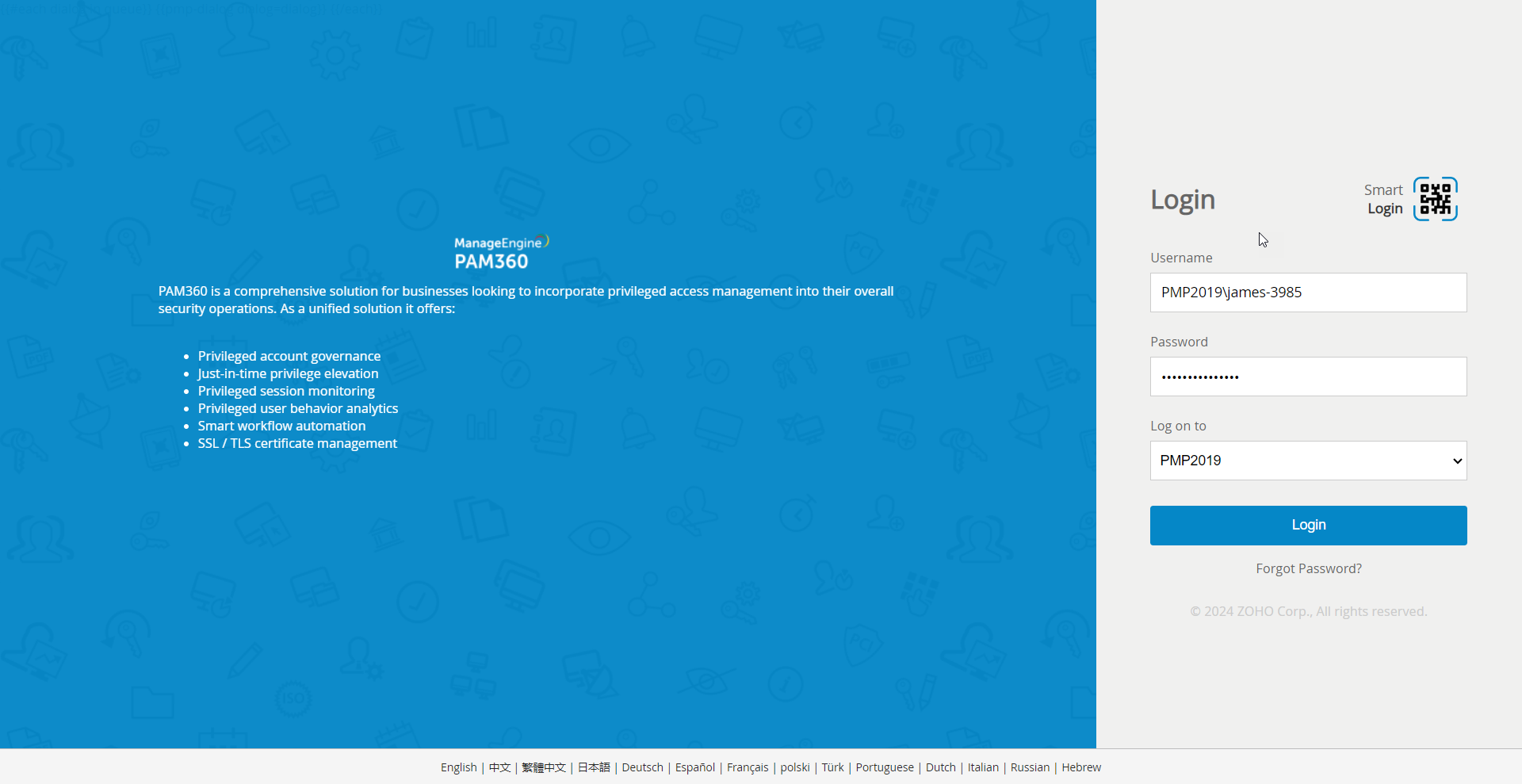
Each authentication method offers flexibility based on organizational needs, providing secure access to the PAM360 application.
3. RADIUS Authentication
Explore how to seamlessly integrate a RADIUS server with PAM360 and configure RADIUS authentication as the first level of authentication. This document provides detailed help to set up and manage RADIUS authentication, ensuring secure and reliable access to PAM360.
4. Smart Card/PKI/Certificate Authentication
Learn how to configure smart card/PKI/certificate authentication as the primary authentication method to enhance the first level of security by utilizing smart card technology and X.509 certificates. Refer to this document to learn more about it in detail.
In addition to the authentication methods mentioned, PAM360 supports SAML Single Sign-On (SSO), allowing users to authenticate directly through other applications without needing credentials. This seamless integration simplifies the login process and enhances security by leveraging trusted identity providers. For detailed instructions on configuring SAML SSO services in PAM360, refer to the SAML Single Sign-On Configuration section in the help documentation.
Additional Detail
To bypass SAML Single Sign-On and use local authentication to access PAM360, use the following skip URL: https://hostname:port/PassTrixMain.cc?skipsamlsso=true
where, hostname is the hostname on which the PAM360 server is running and port is the port number on which PAM360 is running.