×![]()
×
×![]()
×
×
Upgrade Trial to Licensed Version in Endpoint Central
Upgrading from Trial / Free Edition to a Licensed Version: Upon purchasing the product, you will receive a license file via email to upgrade.
Steps to upload the license in Endpoint Central
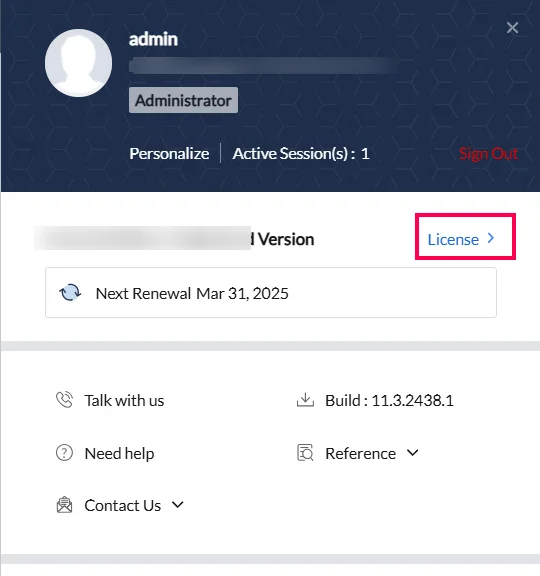
- Open the web console and click the user profile icon at the top-right corner.
- Select License to access the license management page.
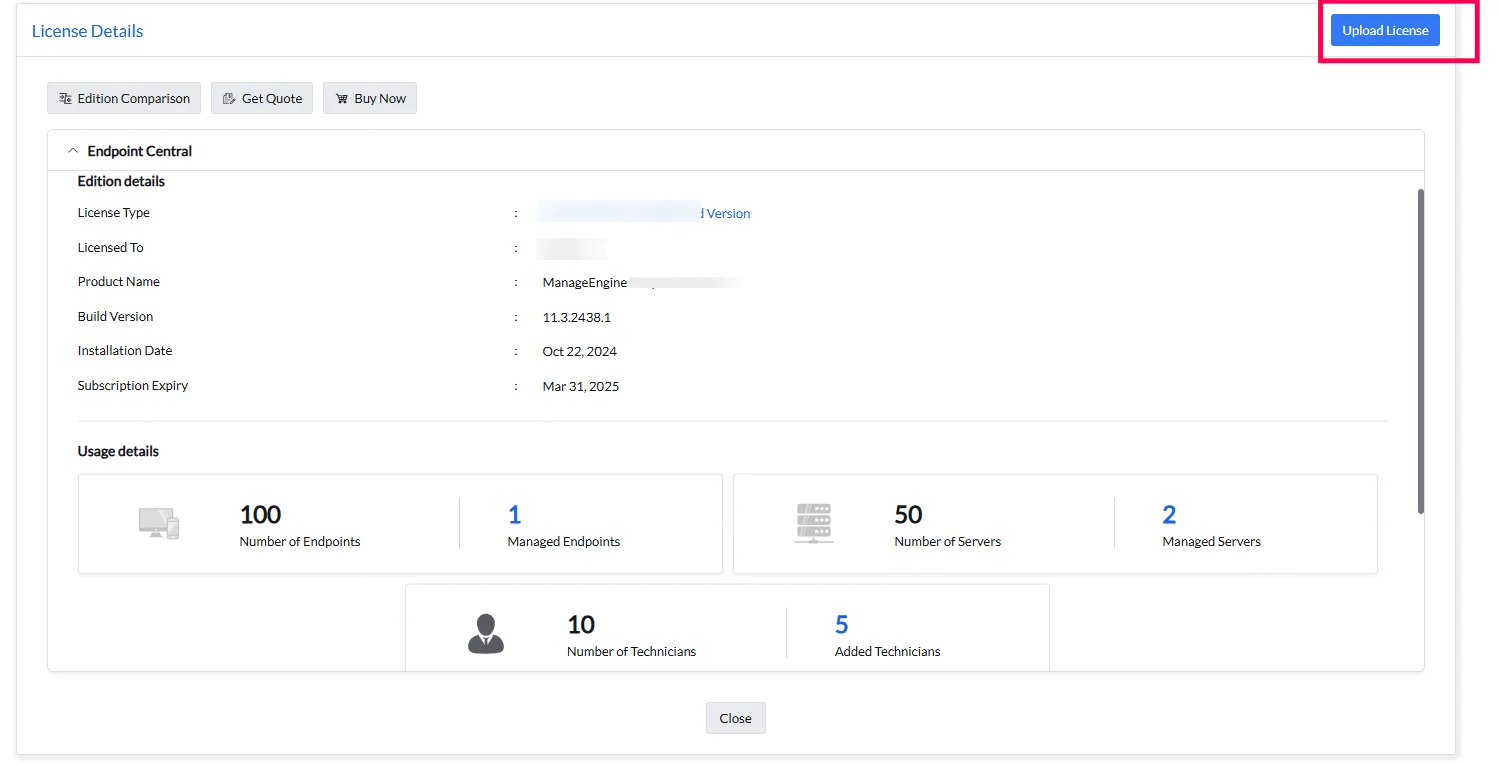
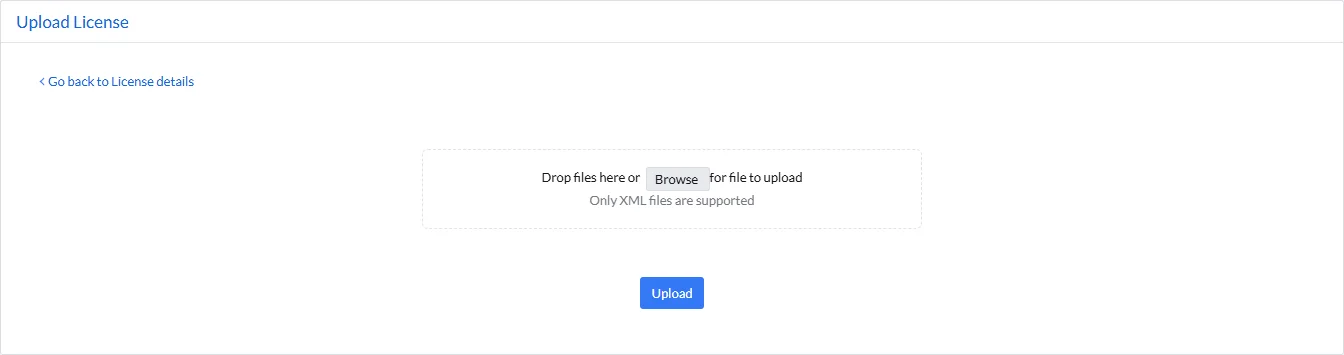
- Drag and drop the received license file or click Browse to select the file, then click Upload.
The Central Server has been successfully upgraded with the new license!