We will send the download link to the registered email ID shortly.
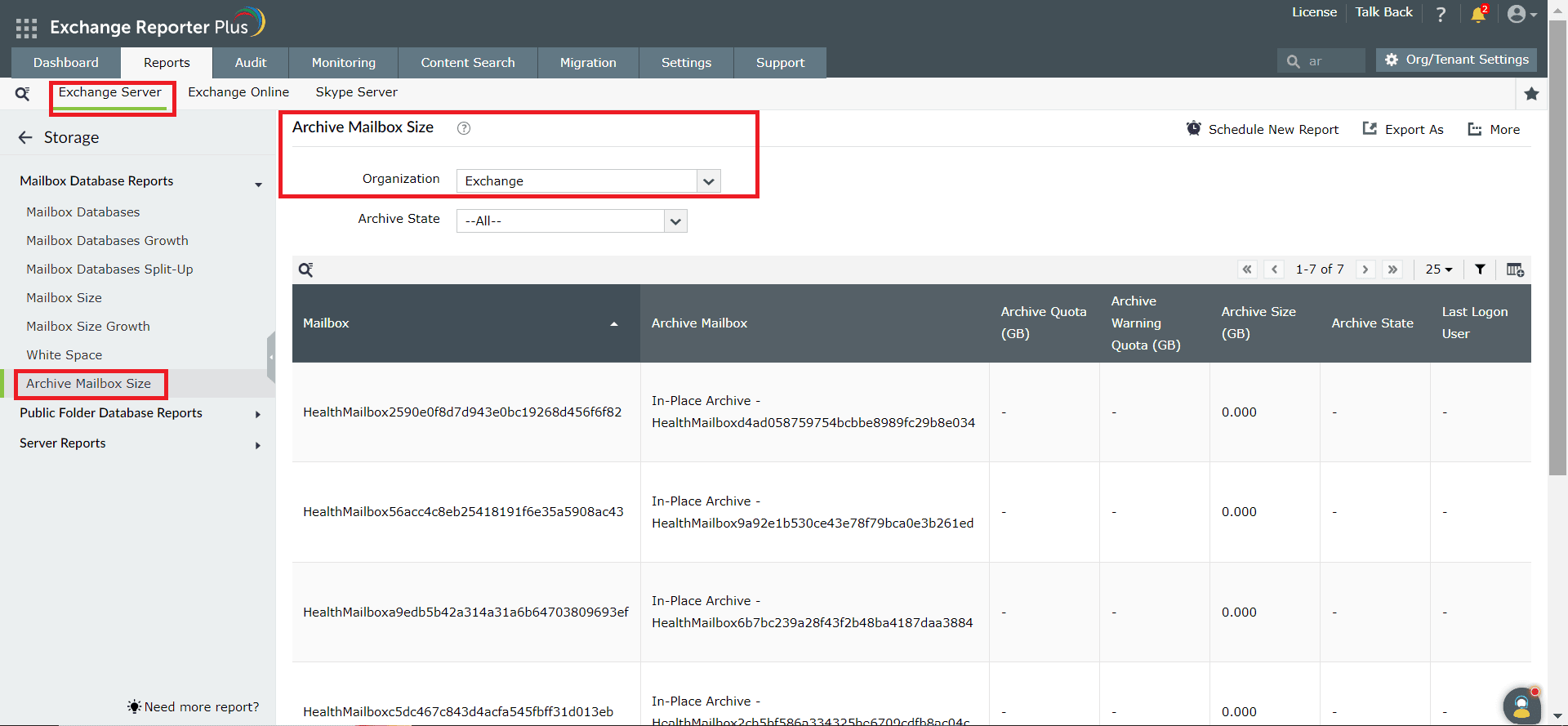
Using PowerShell scripts to check the size and status of archive mailboxes in Exchange involves running commands that query system resources used by Exchange processes. This typically includes utilizing the Get-MailboxStatistics cmdlet to fetch information regarding a mailbox, such as its size. The steps mentioned below can be used to check the size and status of archive mailboxes in your Exchange environment using Windows PowerShell. ManageEngine Exchange Reporter Plus—an extensive tool used for reporting, auditing, monitoring, and creating alerts for critical activities in your Exchange environment—can also be used for this purpose.
The following table is a comparison on how to check the size and status of archive mailboxes in Microsoft Exchange using Windows PowerShell and Exchange Reporter Plus.
Get-MailboxStatistics
Get-MailboxStatistics