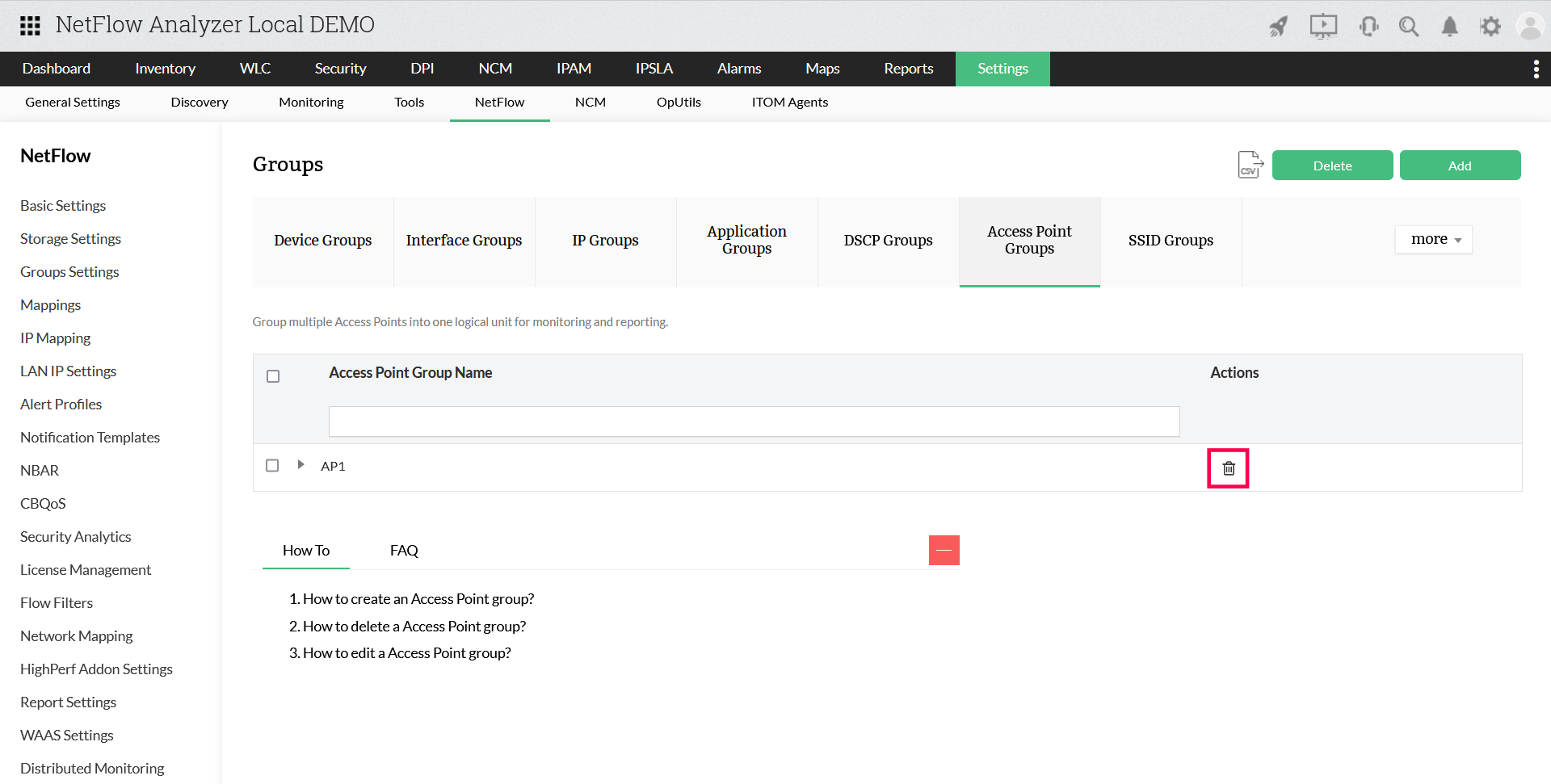
Access Point Groups

    Access Point group allows you to assign multiple Access Point into one logical unit. This can then be used for group-wise monitoring based on any common aspect, and for providing access level restriction. Access points groups can be used to apply configuration to a group of APs simultaneously, without having to modify each AP individually.
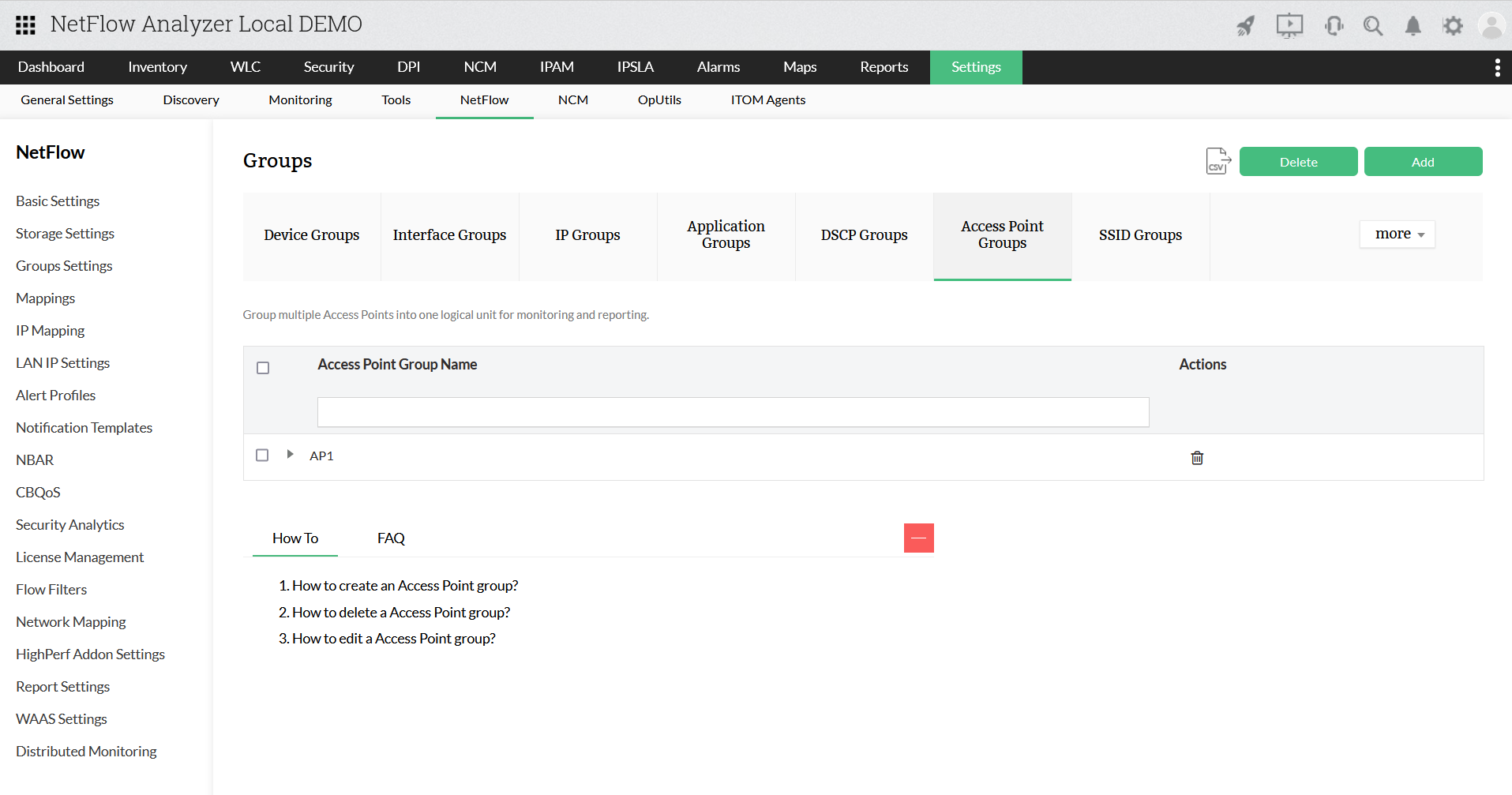
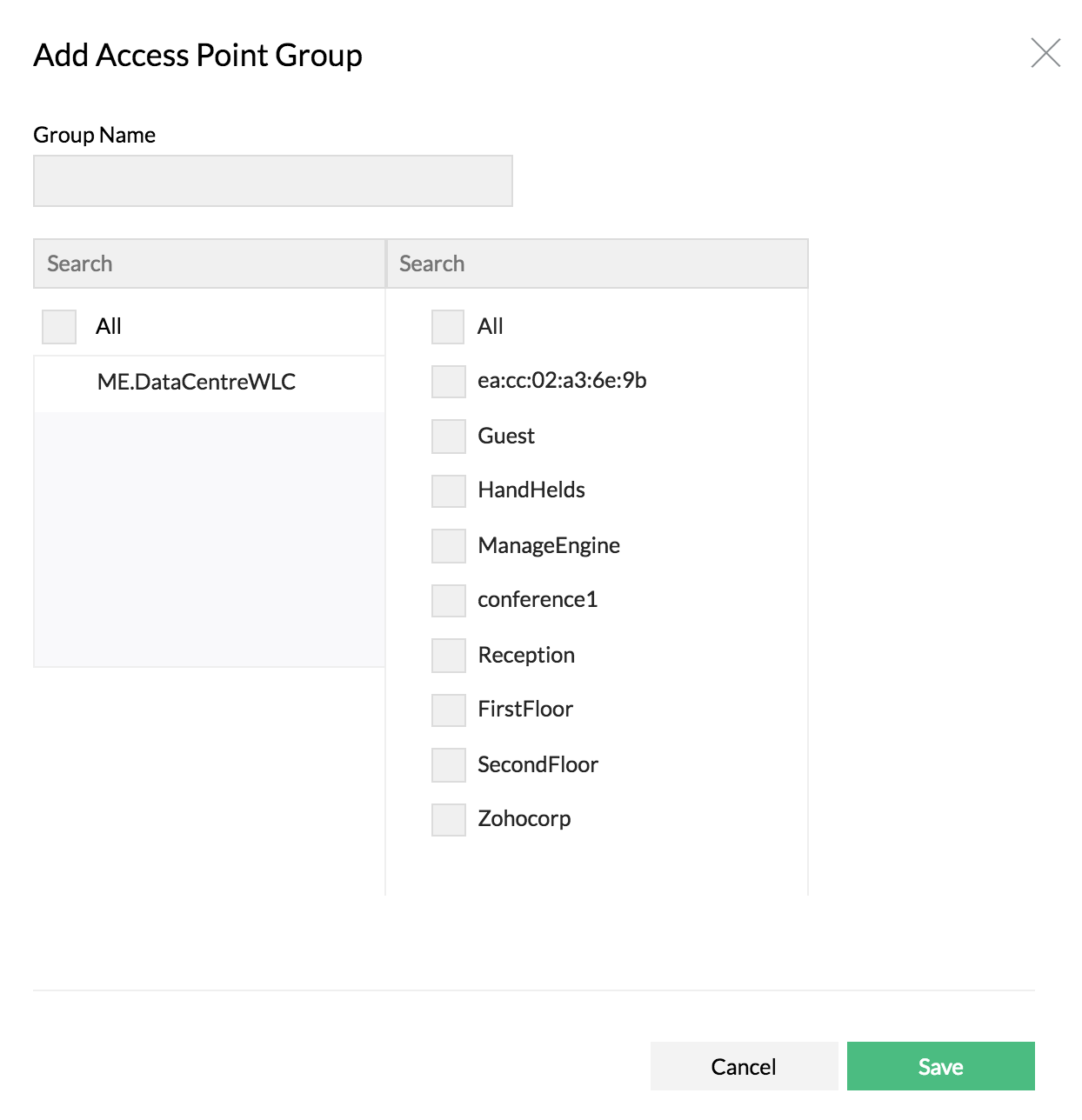
    create AP Group

    How to create an Access Point group?

    create AP Group

    1. Navigate to Settings > NetFlow > Group Settings
    2. Click on Access Point Groups
    3. Click on Add
    4. Provide group name and select the access points
    5. Click on Save

    How to delete a Access Point group?

    How to delete a Access Point group?

    Click on the Delete icon under Actions for the Access Point Group Name that you want to delete.

    How to edit a Access Point group?

    Click on edit and add/remove the Access Points and save.

    Thank you for your feedback!

    Was this content helpful?

    We are sorry. Help us improve this page.

    How can we improve this page?
    Do you need assistance with this topic?
    By clicking "Submit", you agree to processing of personal data according to the Privacy Policy.