How to enable Autonomous System (BGP) data collection for routers?
AS data collection can be enabled from Storage Settings.
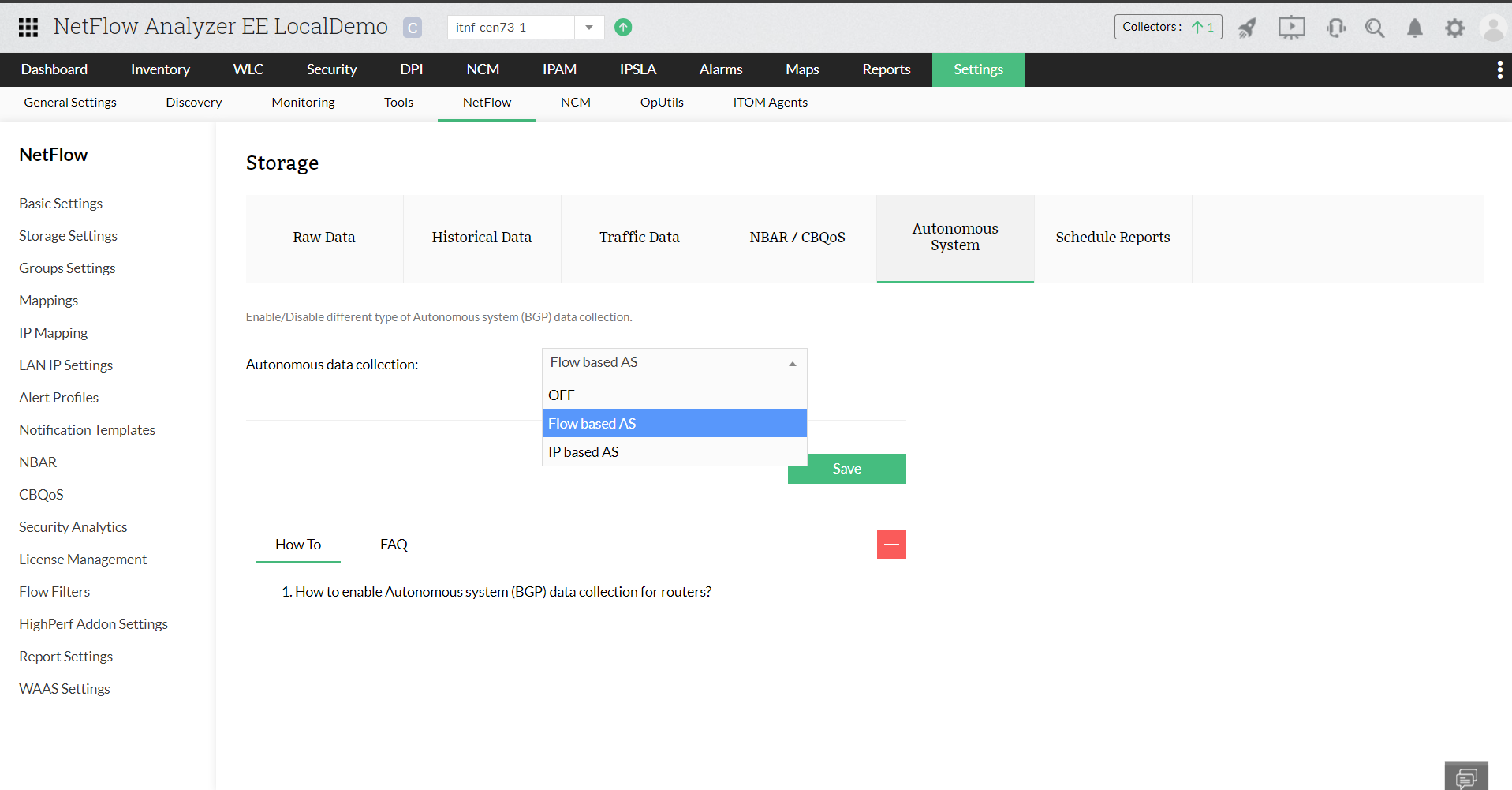
- Settings > NetFlow > Storage Settings
- Click on Autonomous System
- Under Autonomous data collection, select Flow based AS, IP based AS or select OFF based on your requirement
- Click Save
Note: You need to make sure that router sends AS information in the flow packet.
Thank you for your feedback!
