Help
Demos
Get Quote
We're here to help
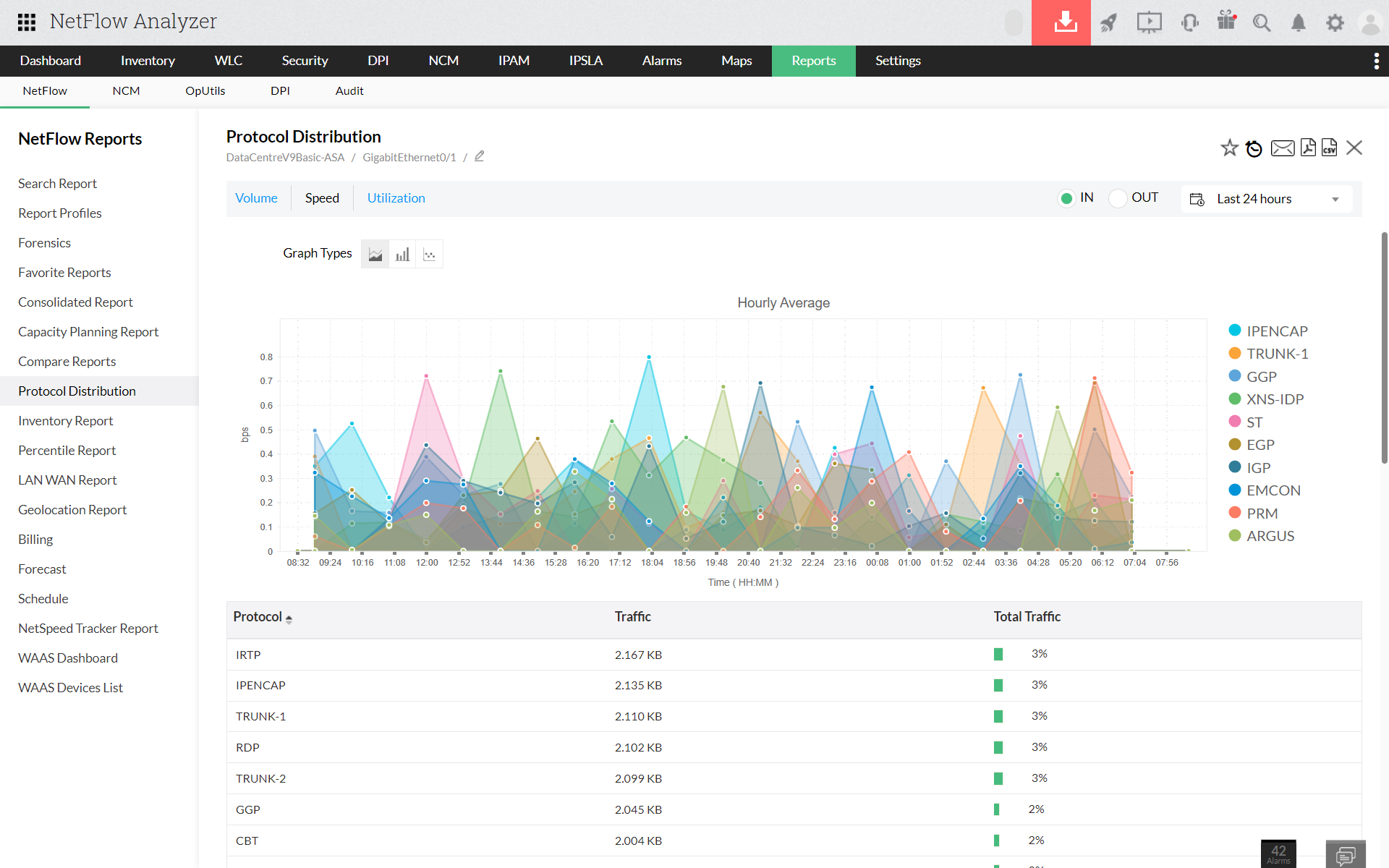
How to generate a protocol distribution report?
Navigate to Reports > protocol distribution
Select source as Interface / IP group / Interface group
Select traffic type (Speed / Volume / Utilization), time period and flow type
Click on Generate report
Thank you for your feedback!
Was this content helpful?
We are sorry. Help us improve this page.
How can we improve this page?
Need more information on this topic
Need better screenshots
Need clear step by step instructions
Others
Do you need assistance with this topic?
Yes
No
By clicking "Submit", you agree to processing of personal data according to the
Privacy Policy
.
Download
Live Demo
Compare
Get Quote
Buy Now