





1. What is role-based access control in IT service management?
Role-based access control (RBAC) is a way to manage access by assigning permissions to roles instead of individual technicians. In IT service management, these roles are typically defined around specific responsibilities across modules such as incidents, problems, changes, assets, CMDB, projects, and releases. For example, a technician assigned the Change Manager role is granted the permissions tied to his responsibilities, streamlining activities from change planning to approval to review. This makes access management far easier to scale, maintain, and audit, since administrators can govern a smaller set of clearly defined roles instead of tracking permissions user by user.
2. How do default roles differ from custom roles in ServiceDesk Plus?
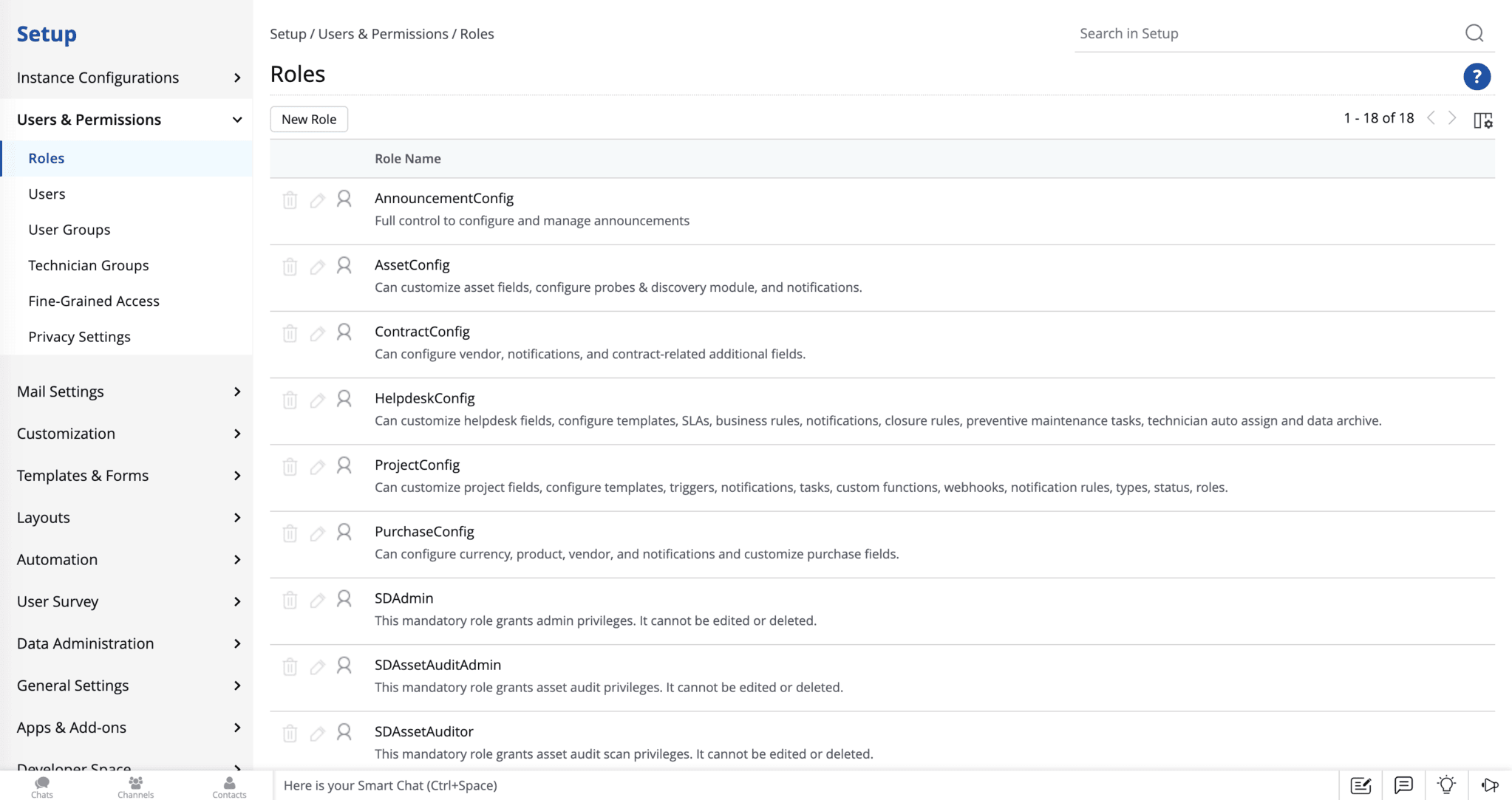
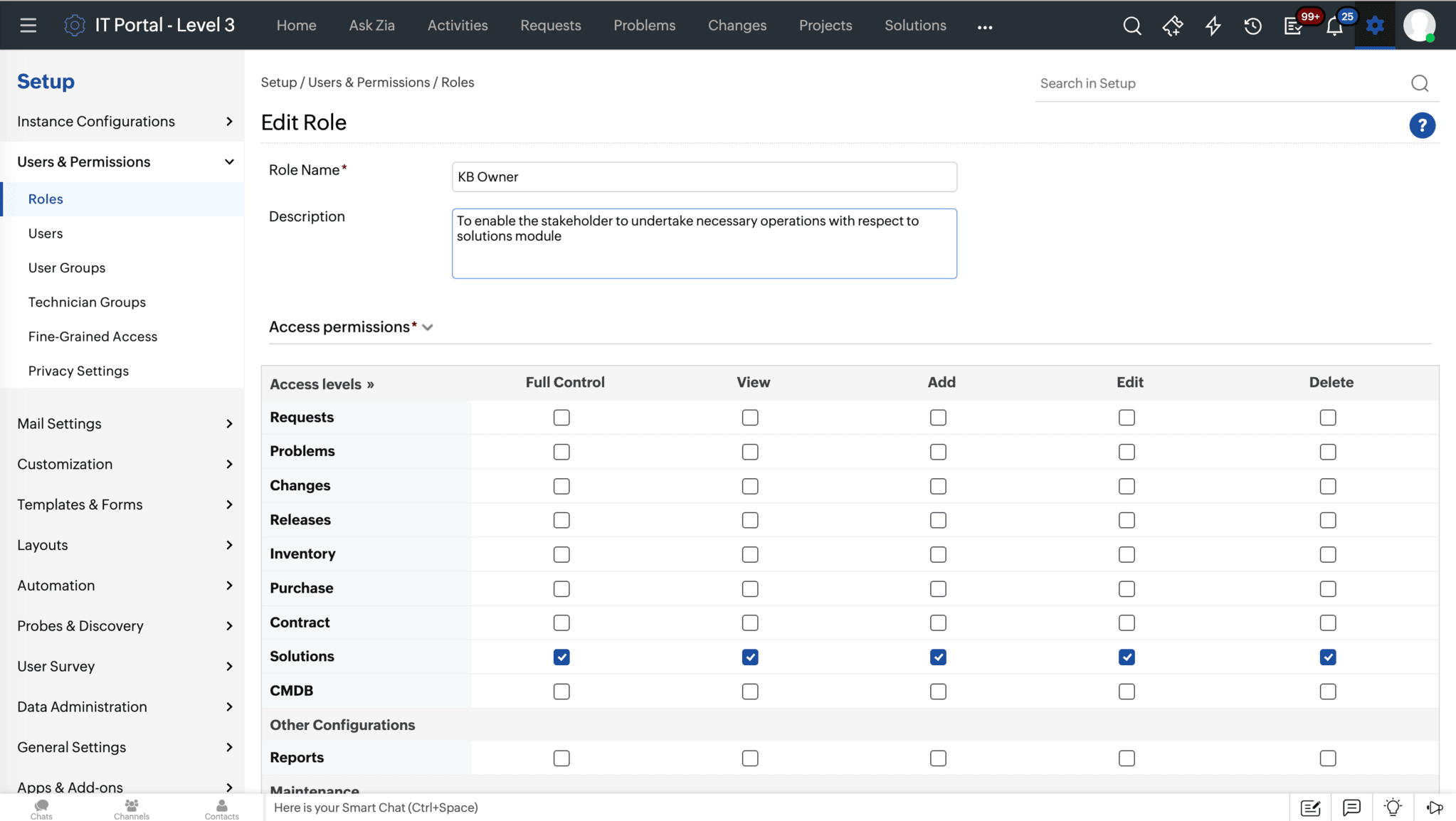
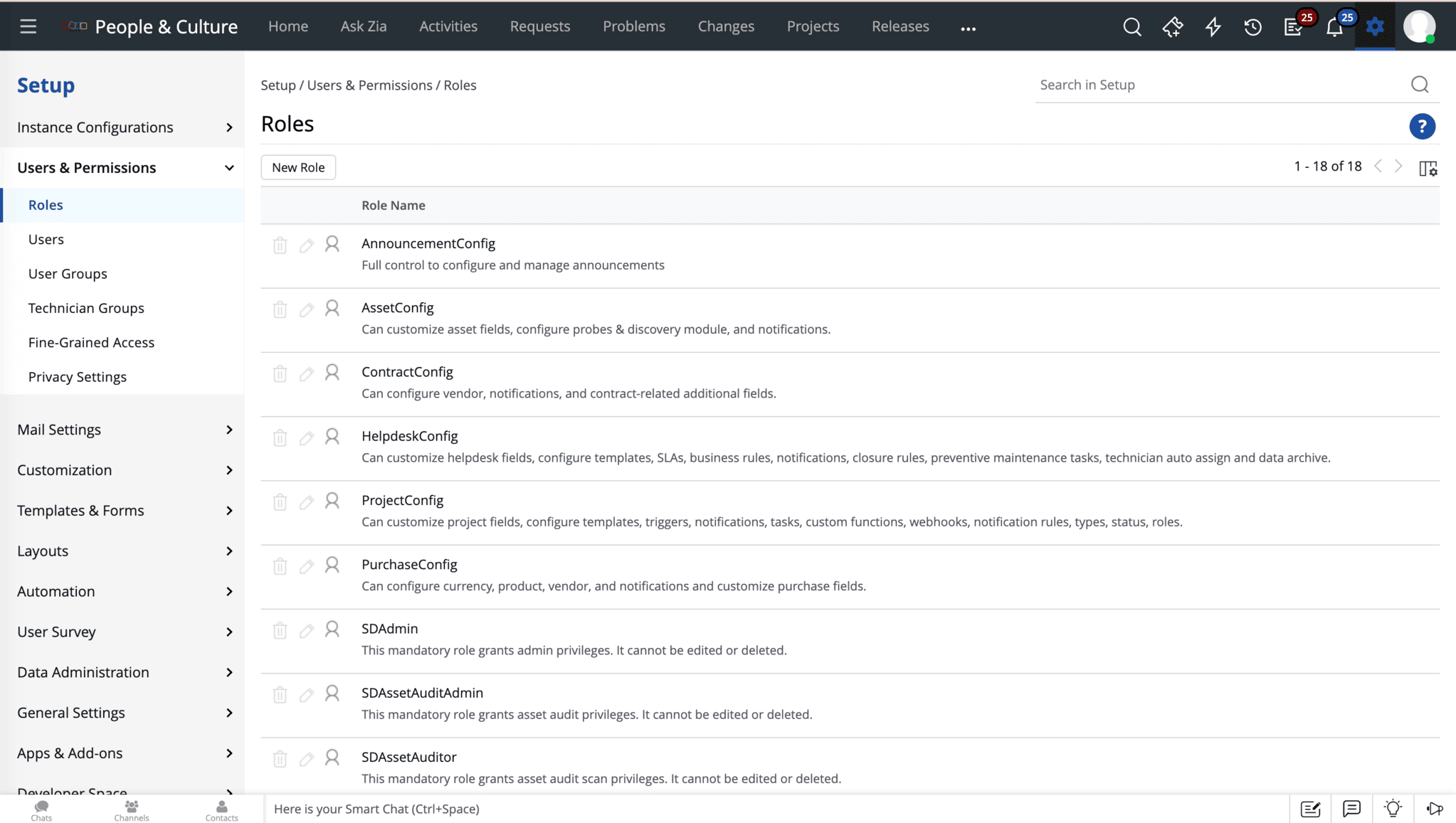
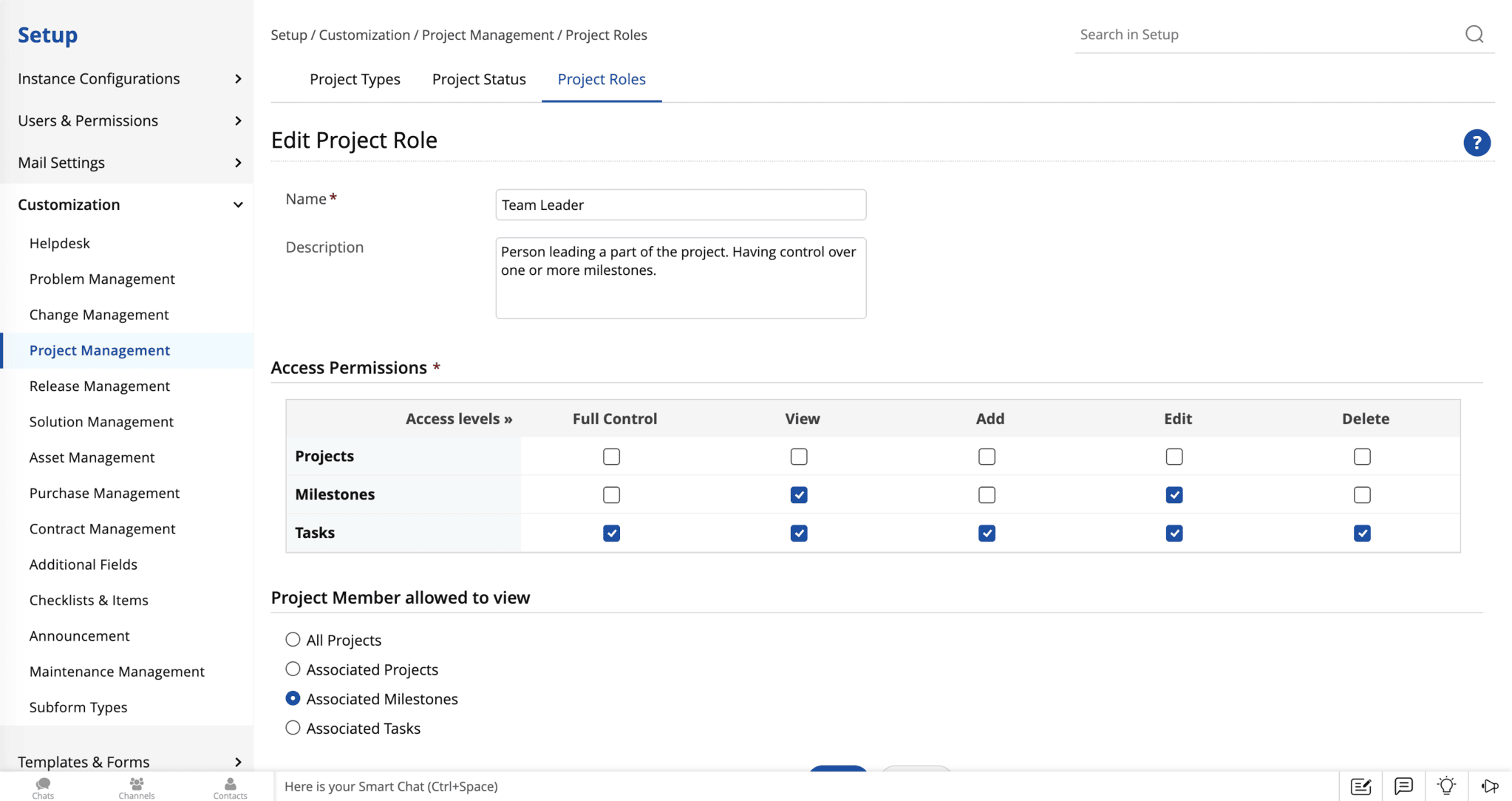
Default roles in ServiceDesk Plus, such as SDAdmin, SDChangeManager, SDAssetManager, SDReleaseManager, and SDCMDBAdmin, come preconfigured with the permissions required for common responsibilities, giving teams a stable and audit-friendly foundation for access governance. On the other hand, custom roles let you tailor access to the way your service desk operates. You can provide module-level permissions while controlling actions like viewing, editing, approving, merging, closing, or deleting records. For example, you can give a Tier-2 Network Engineer access to incidents and configuration items without change approval permissions. This keeps your access model clean, scalable, and easier to audit.
3. How does ServiceDesk Plus help implement role-based access control across an enterprise?
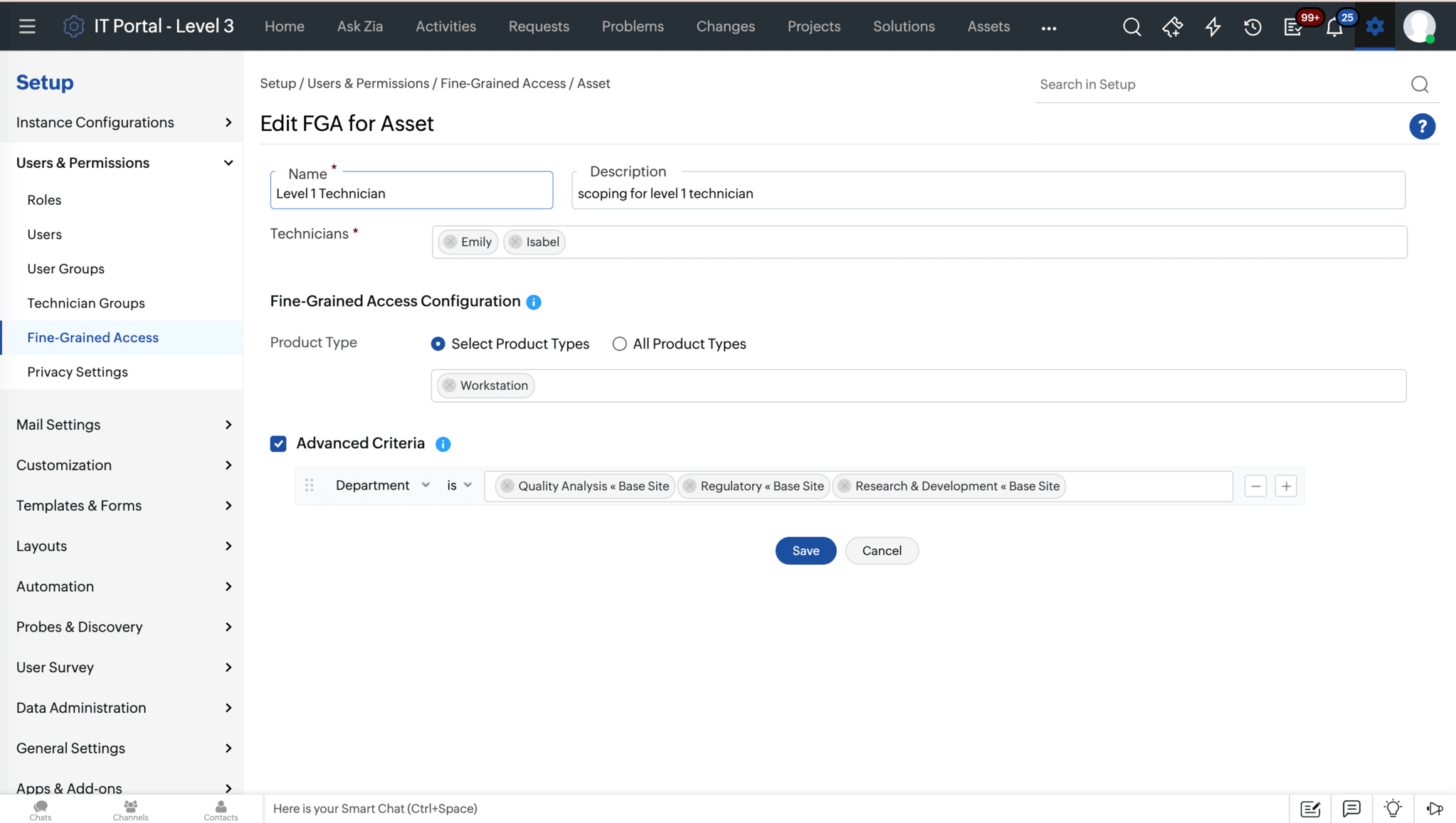
ServiceDesk Plus provides a layered role-based access model for technicians that scales across the enterprise. Predefined roles like SDAdmin, SDChangeManager, and SDAssetManager cover common personas out of the box, and custom roles let you apply the exact permission sets your service desk needs, composing module access, action-level permissions, and approvals into roles tailored to your team. Further, fine-grained access lets you restrict access to assets and CIs per technician with advanced criteria for context-aware permissions. What's more, every layer extends across every ServiceDesk Plus instance, so the same governance model applies whether the service desk is for IT, HR, facilities, or any other department.