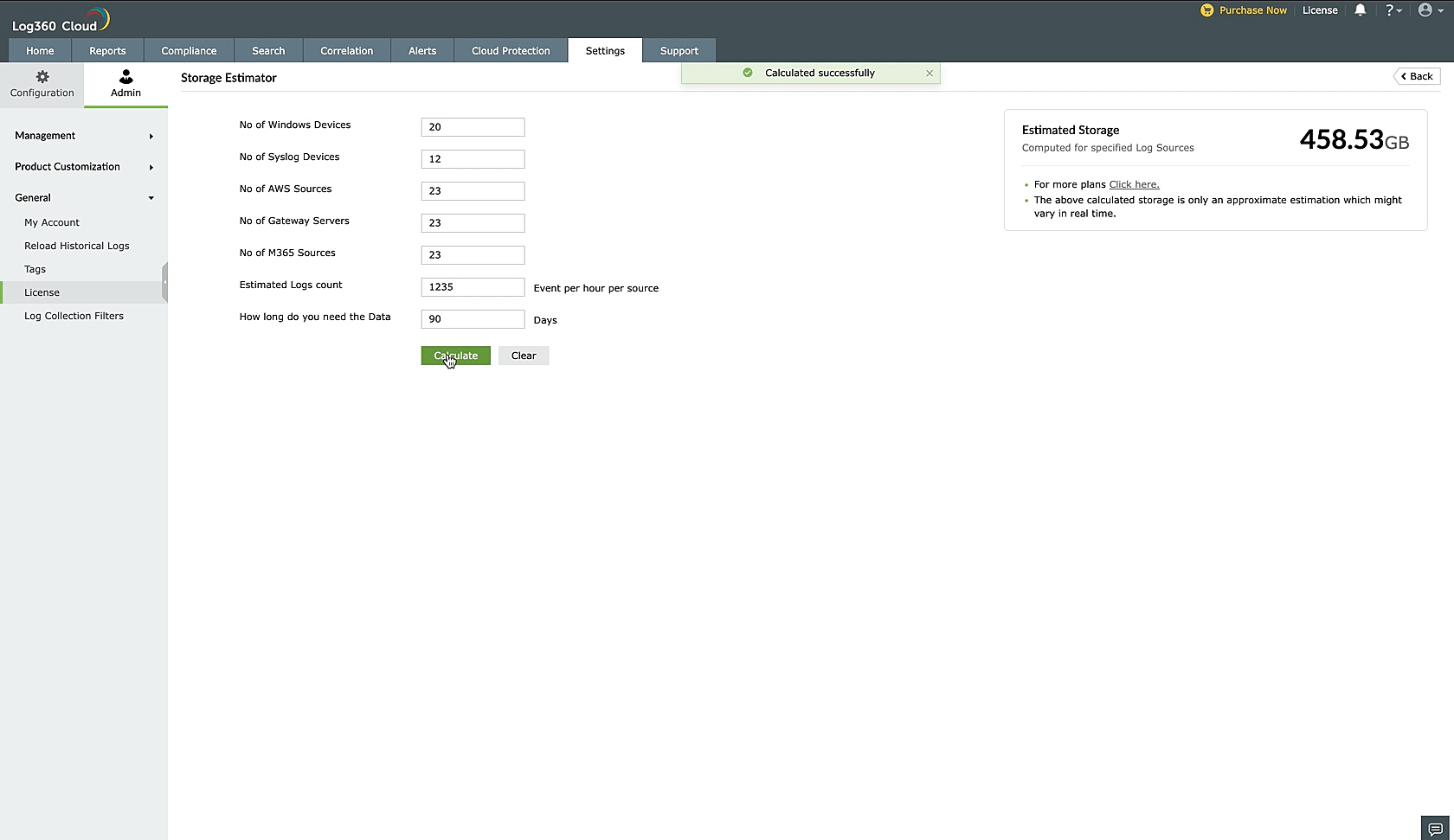
Cloud Log Storage Calculator
Last updated on:
To estimate the sizing requirements for log storage,
- Navigate to Admin under Settings tab.
- Click on License under General.
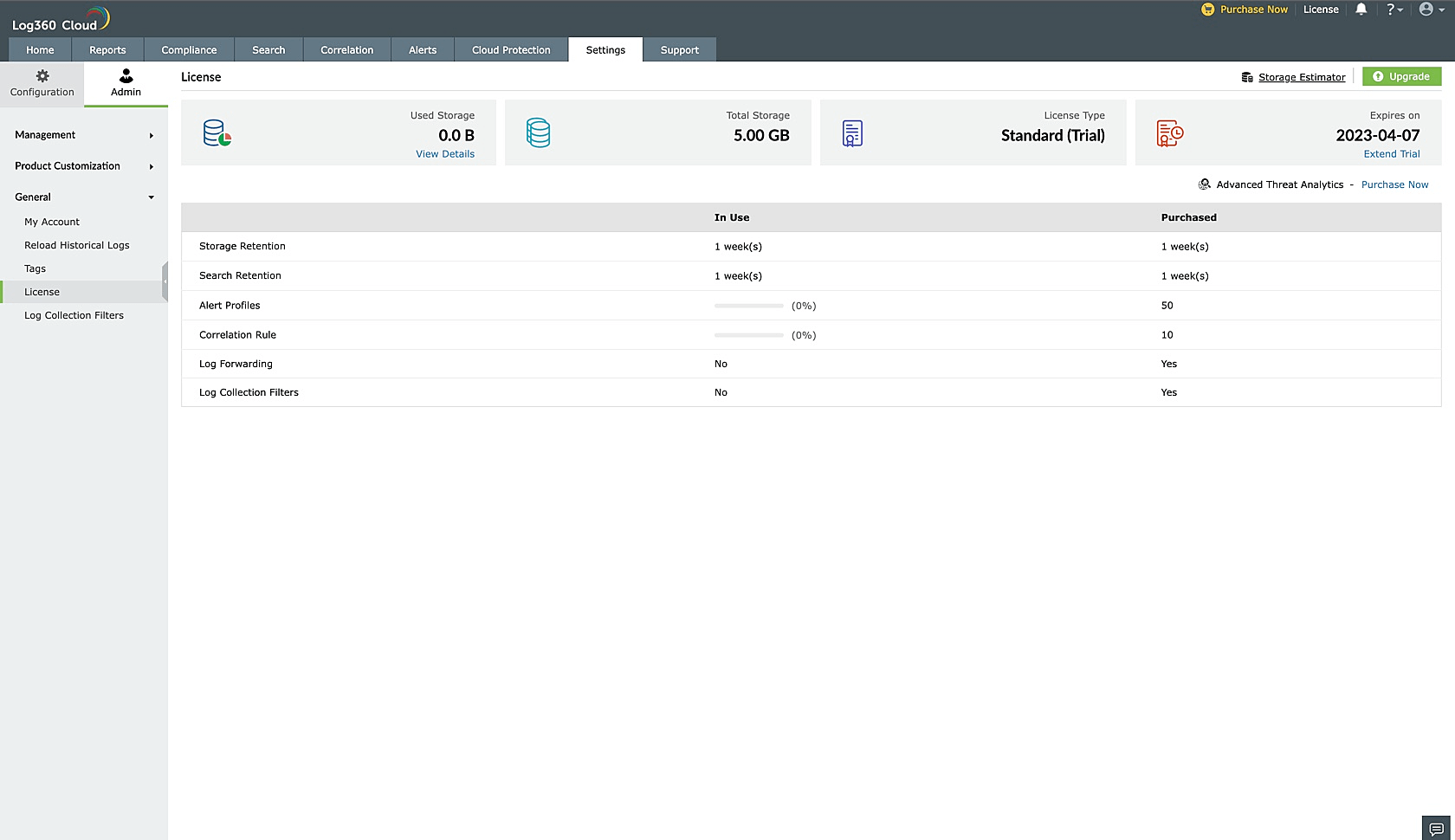
- Click on Storage Estimator button on the top right corner.
- You will see Collecting data please wait... as shown below.
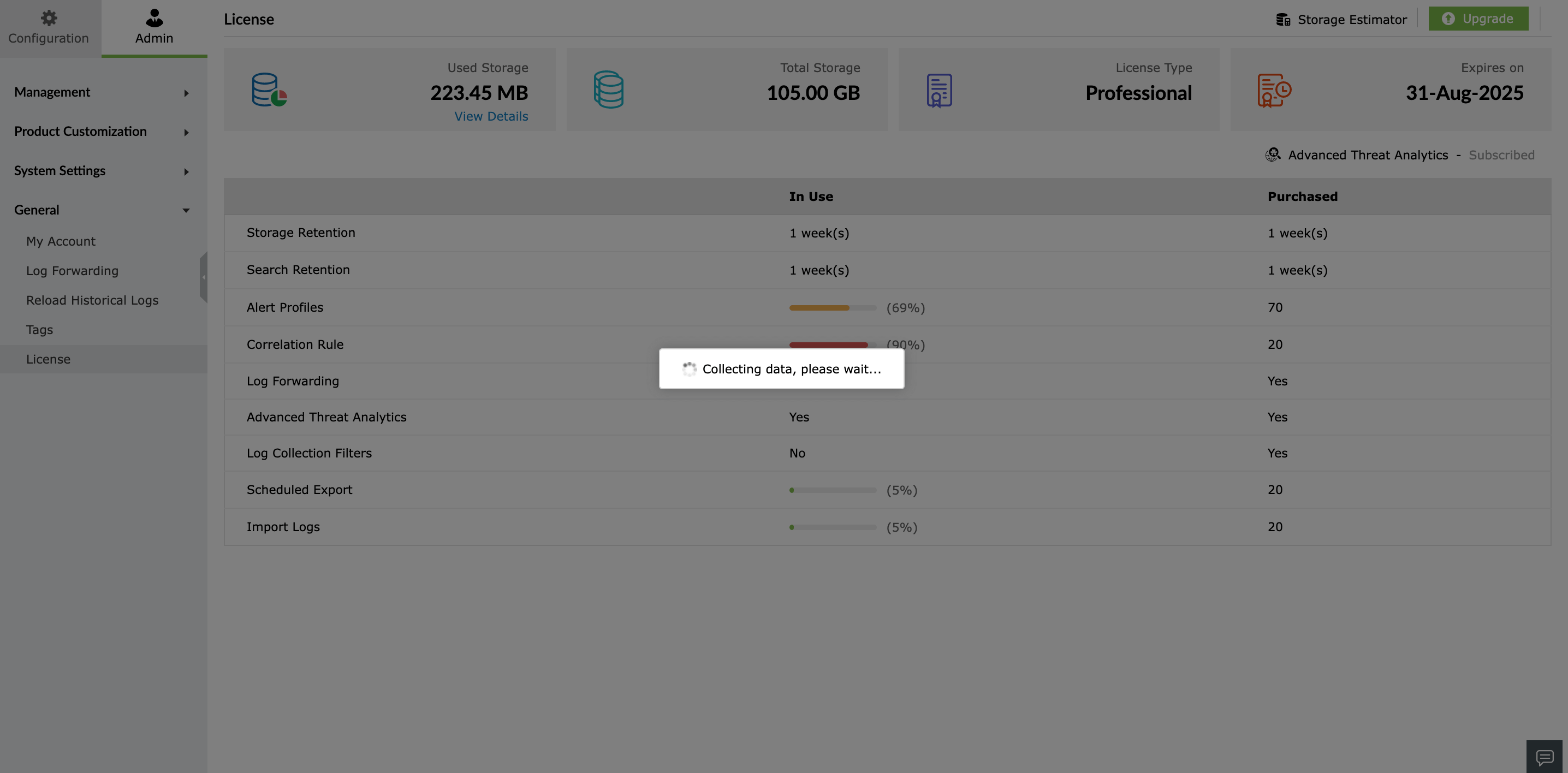
- As the loader keeps loading, inputs for autofill such as number of configured devices, estimated logs count, etc. are retrieved by Log360 Cloud.
- Events count for one prior week is obtained for autofill. In case the same is not available, autofill will not be done.
- On the top of the storage estimator landing page, Log360 Cloud will display a note if autofill is not done.
- In this case, you have to fill in all relevant fields manually.
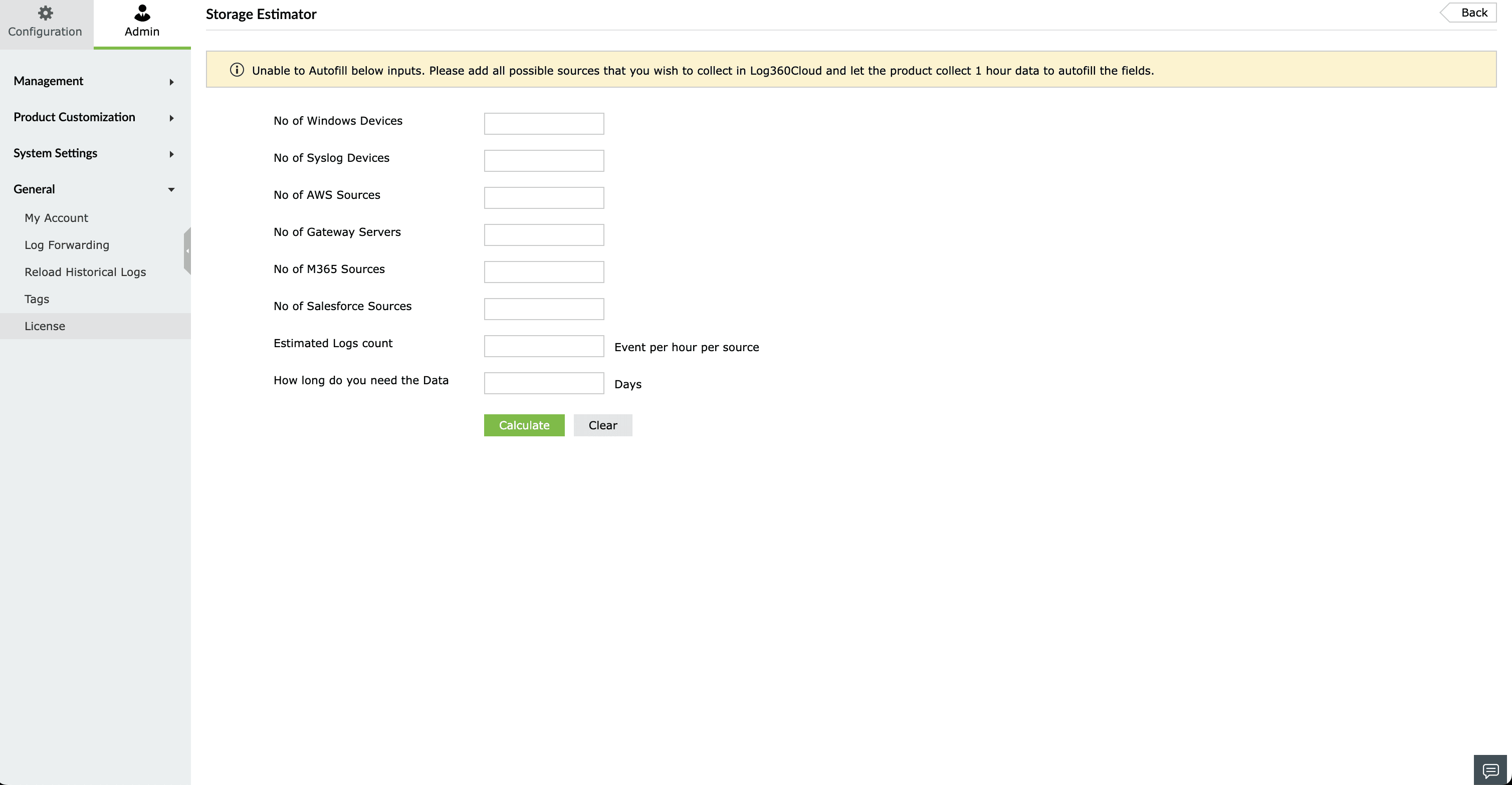
- In case of successful autofill, the fields will be filled automatically.
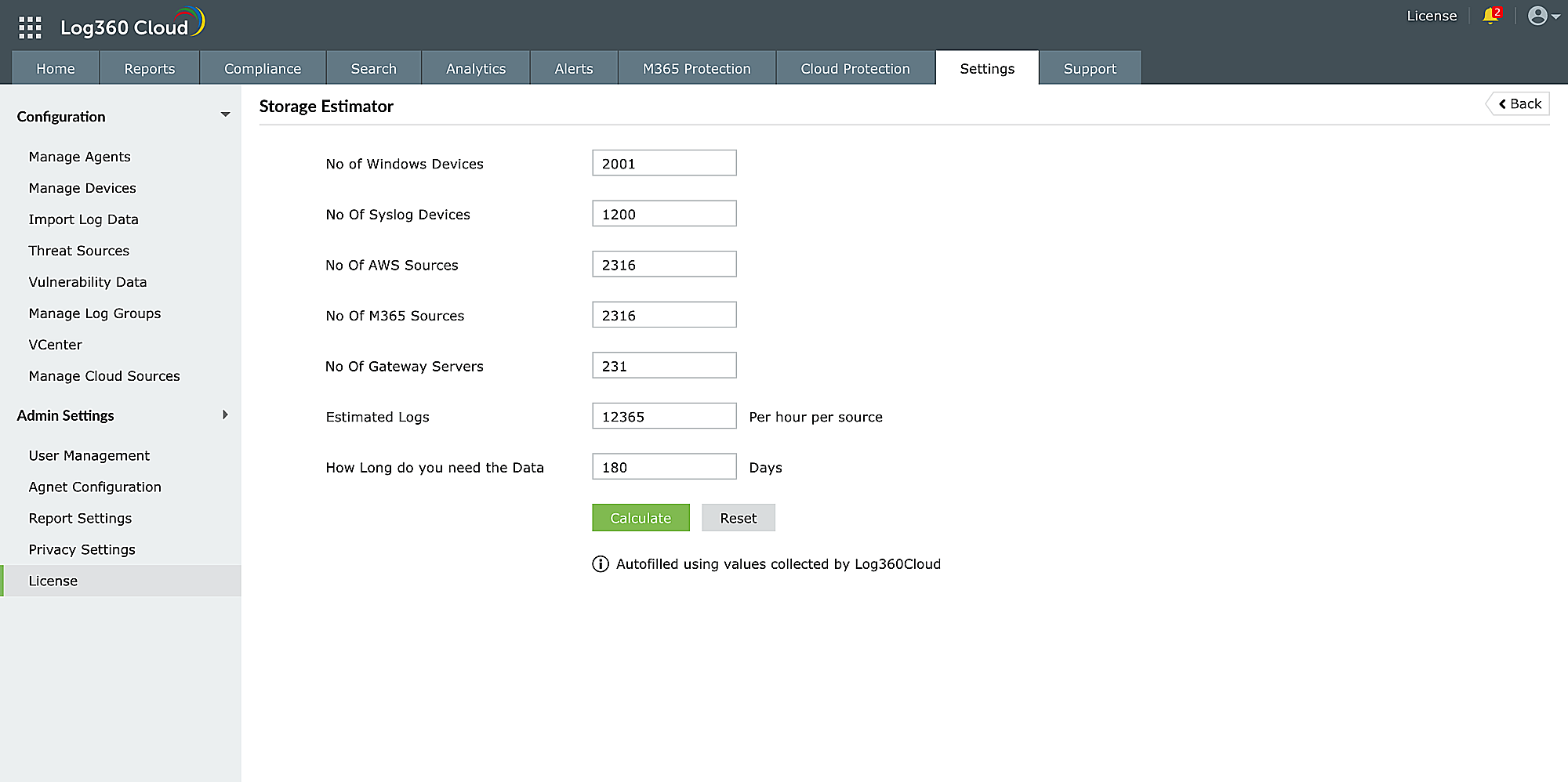
- Click Calculate.
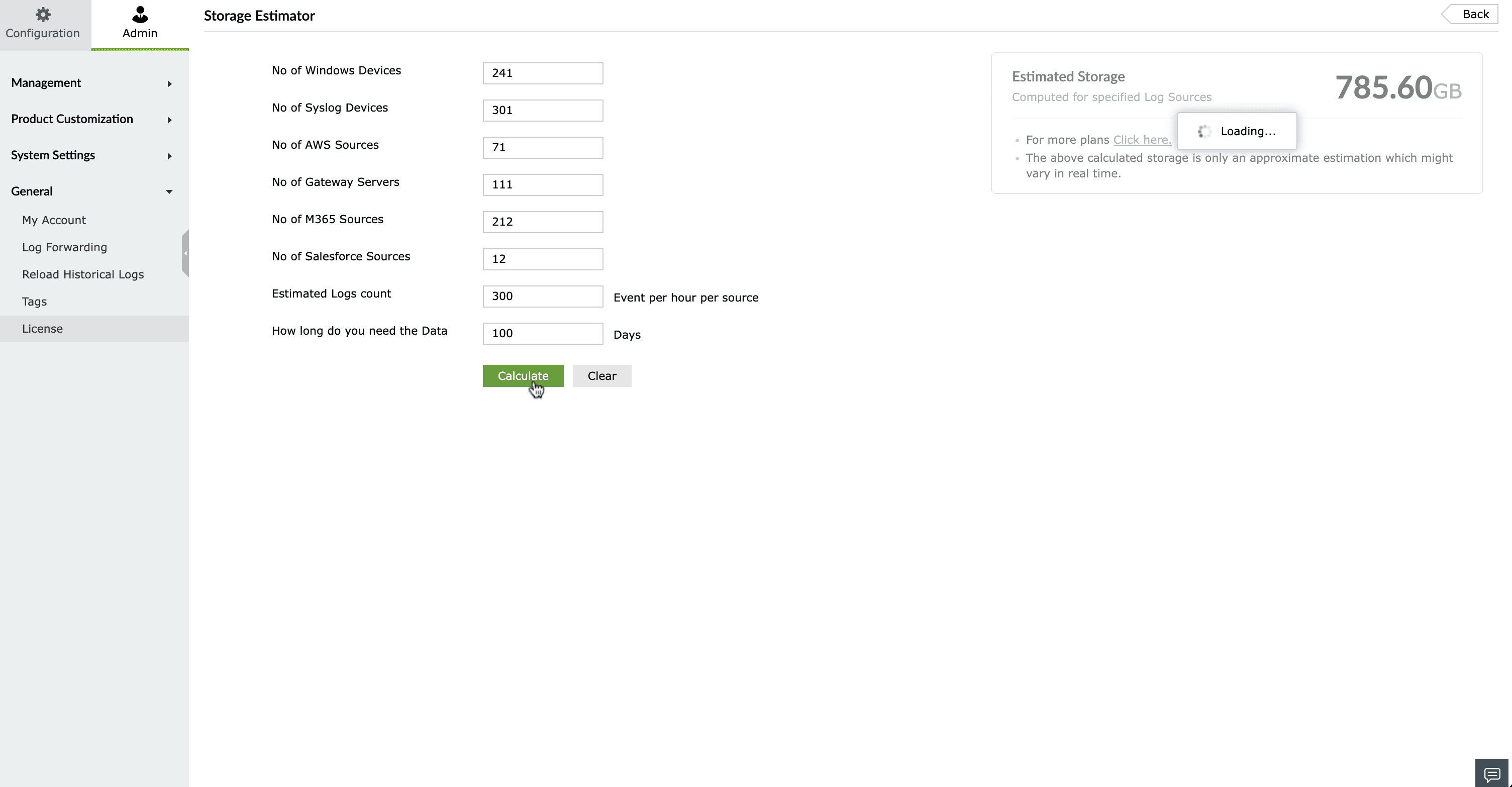
- On the right side, Estimated Storage will be displayed.