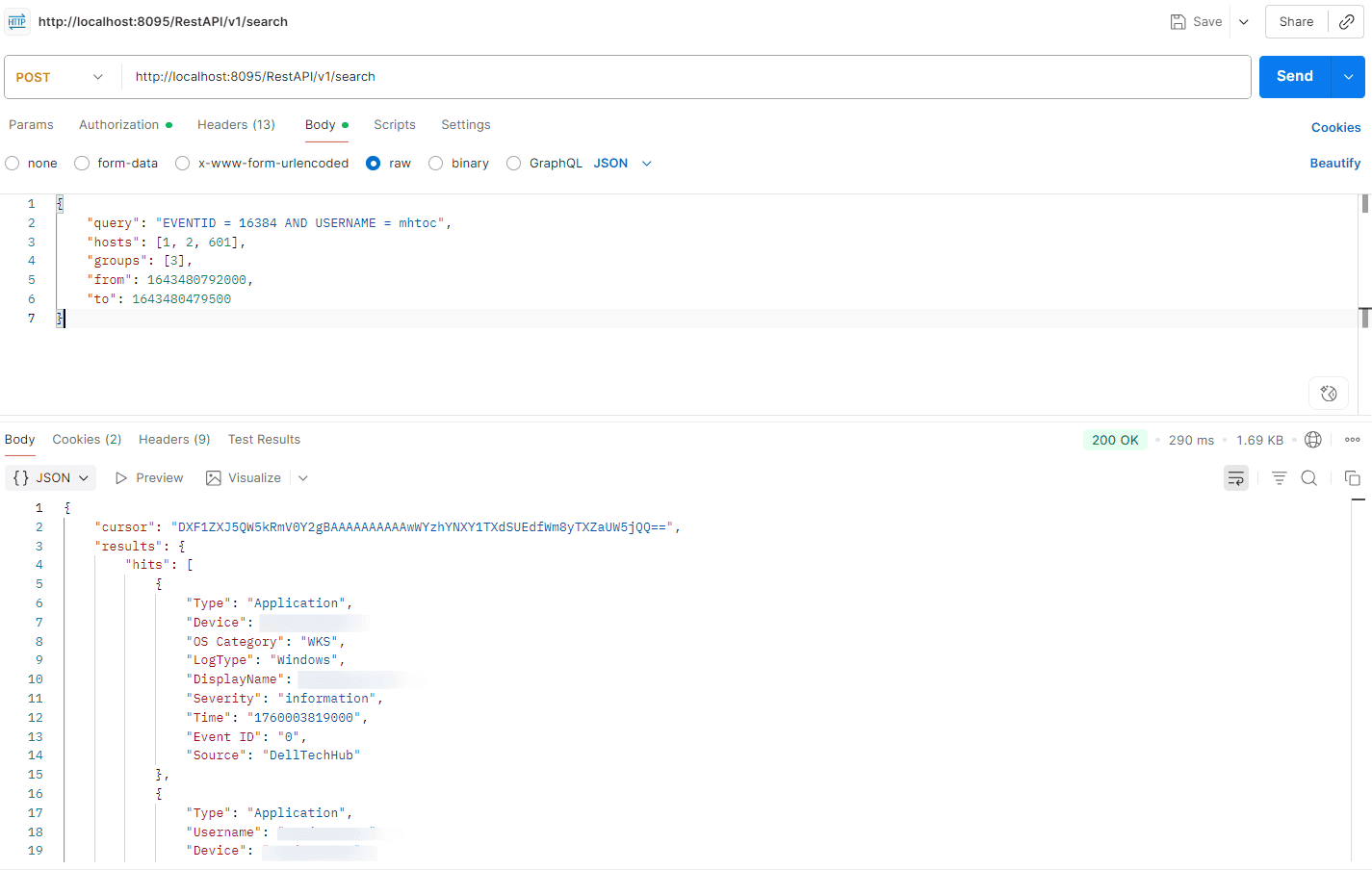
The Synchronous Search API in ManageEngine Log360 allows you to perform searches against the product and retrieve all matching results. When a search request is made using the synchronous method, the product's server processes the query and returns the complete result set.
The time taken to receive the response depends on the number of search results retrieved.
The following steps outline how synchronous search works:
A search request is created with relevant metadata.
The server executes the request on the request thread and returns the result.
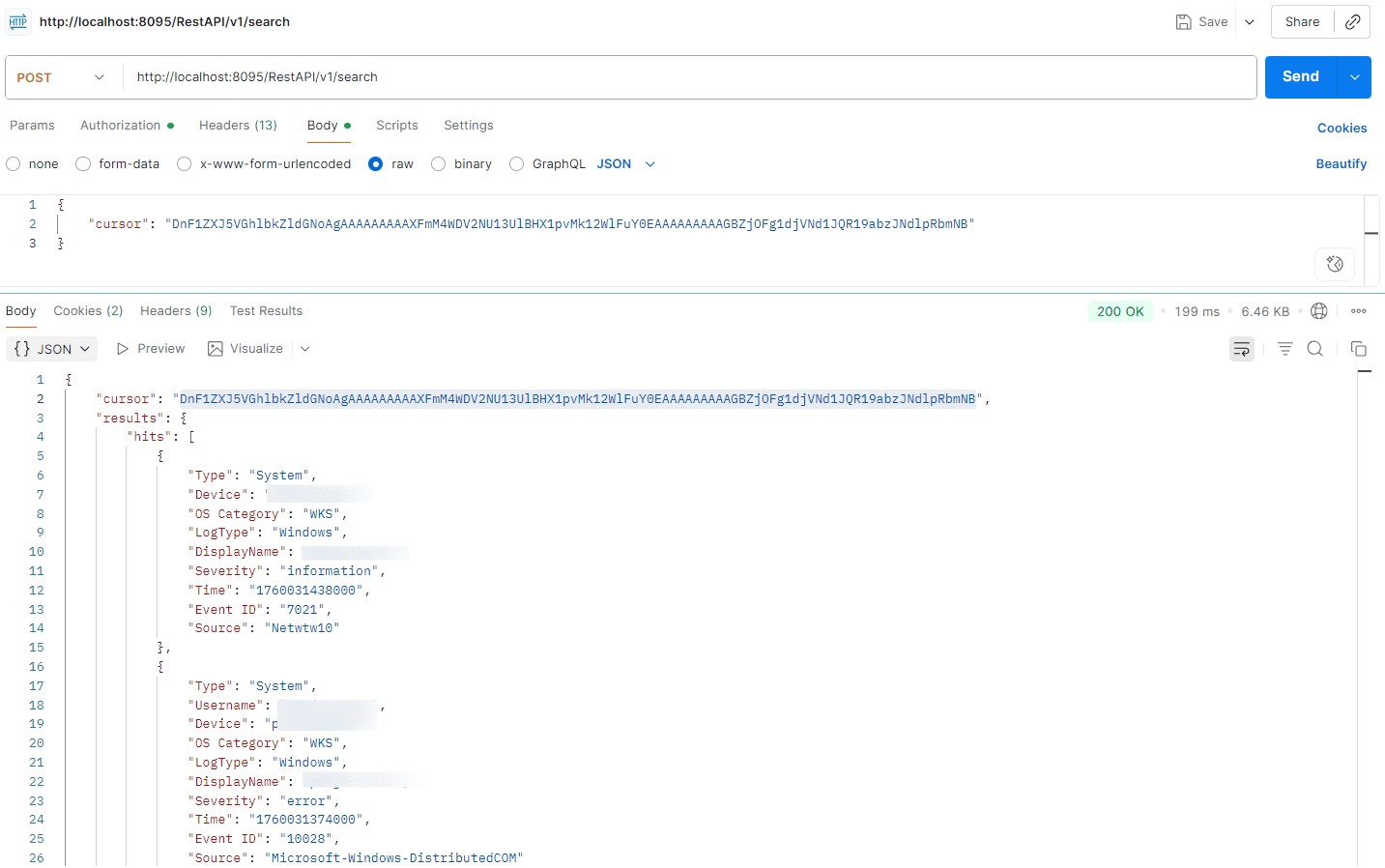
If more results are available, the server includes a cursor in the response.
The next set of results can be retrieved by sending a new request with the returned cursor.
NOTE Continue making requests with the next cursor until all search hits are consumed and the server no longer returns a cursor in the response.
The cursor remains active for five minutes if not used.
Request URL
POST http://hostname:8095/RestAPI/v1/search
NOTE For the request URL, you can either use the IP address, or FQDN of the product server in place of hostname.
The parameters must be sent in the request body in JSON format and should contain following key/value parameters.
Parameter name
Default value
Mandatory
Type
Description
query
*
No
String
Start value of the list
hosts
all
No
JSONArray
List of hosts to search
groups
all
No
JSONArray
List of device groups to search
from
current time - 24 hours
No
Long
Start time for search in Unix milliseconds
to
current time
No
Long
End time for search in Unix milliseconds
cursor
-
No
String
Cursor from next query
NOTE
When the cursor is passed, the other parameters are not required.
Quotes i.e ( " ") in query string must be escaped. If query in the product's search page is REMOTE_INTERFACE = "switch 1", then for Rest API the query parameter should be written as "REMOTE_INTERFACE = \"switch 1\""
Response
The API returns a JSON object containing the following key/value pairs.
Parameter name
Description
hits
JSON object which contain search hits for the request
Contains following fields hits: List of search hits hits_count_in_current_page: Hits count in current search response