
How to monitor logs from an Amazon Web Services (AWS) Windows instance
Last updated on:
Installation procedure
Ensure that EventLog Analyzer server can access EC2 Windows instance.
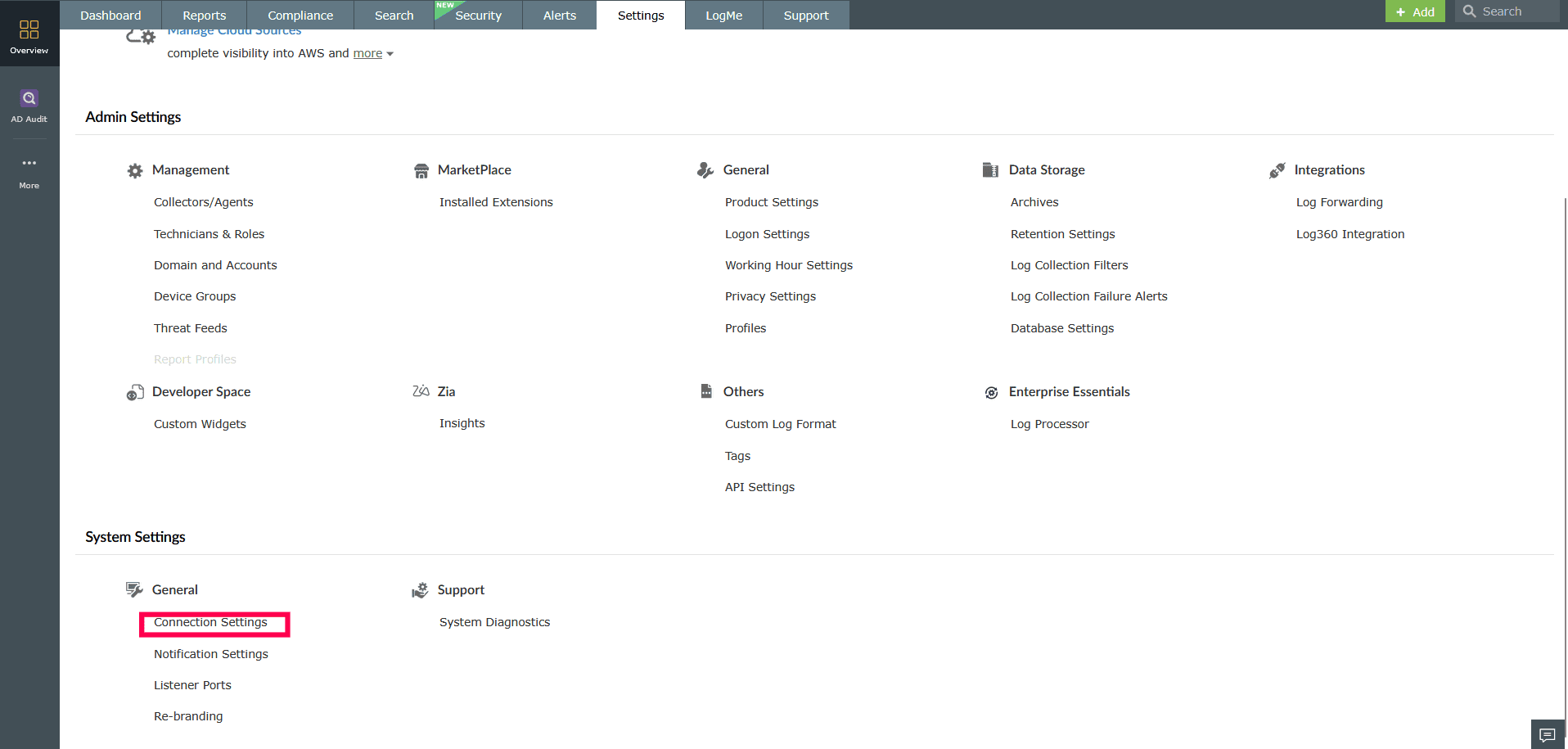
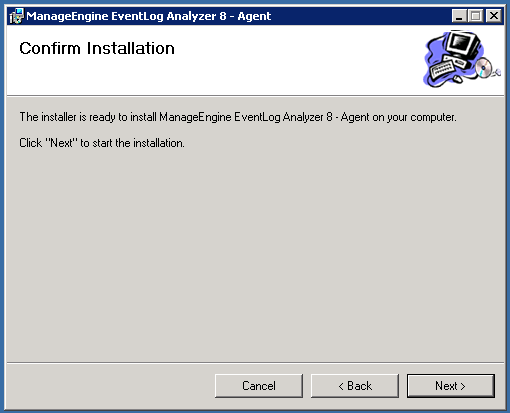
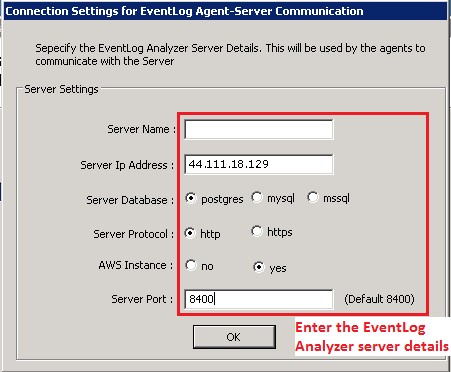
Enter the server details: Server Name or Server IP Address, Server Database, Server Protocol, AWS Instance (choose Yes if agent installation is on AWS, No if it is not), Server Port (mention the HTTP/HTTPS server port, default port is 8095).
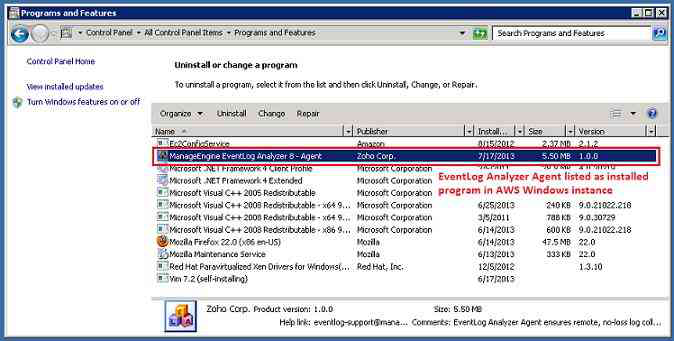
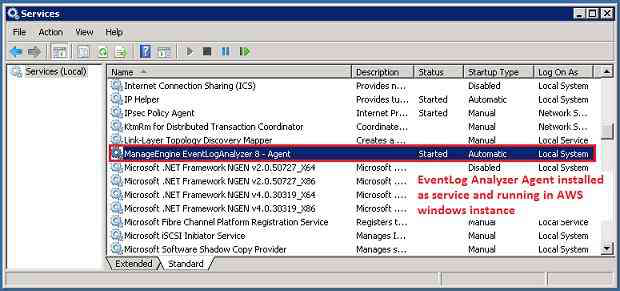
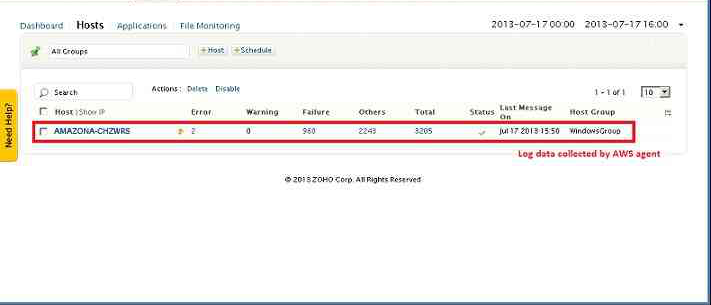
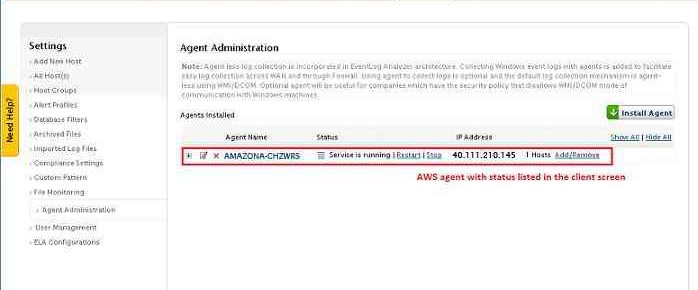
You can check that the AWS instance is displayed in both the Devices tab and the Agent Administration settings page.
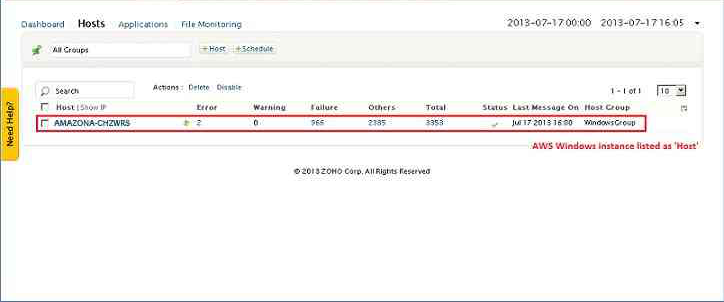
After five minutes you can view the reports rolling out for the AWS instance.
Note
- Install one agent on each AWS Windows server instance.
- You should not associate other AWS server instances with an AWS agent.