Extension Builder
Last updated on:
The Extension Builder is used to create extensions by uploading the extension profile generated through the Extension Profile Generator.
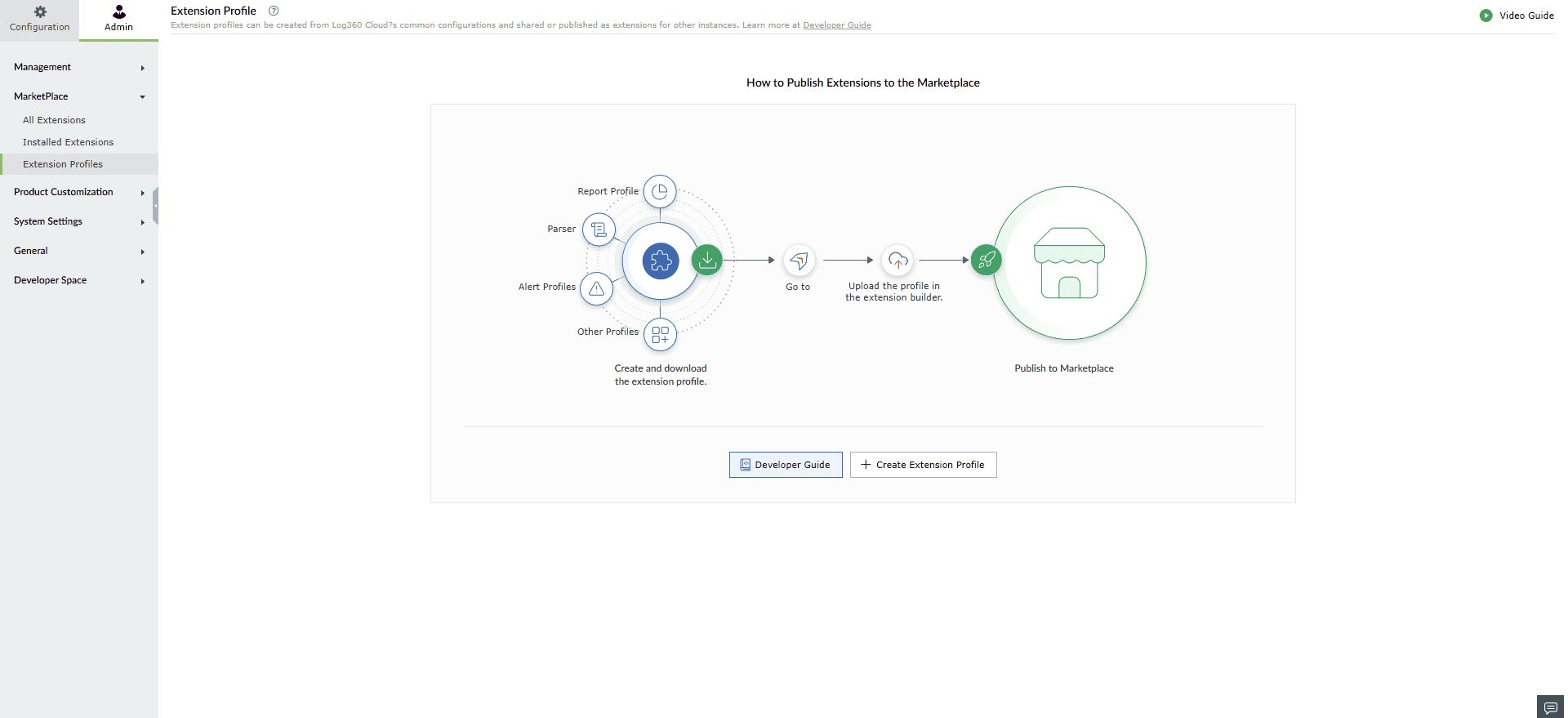
How to Create an Extension
- Upload the extension profile created via the Extension Profile Generator.
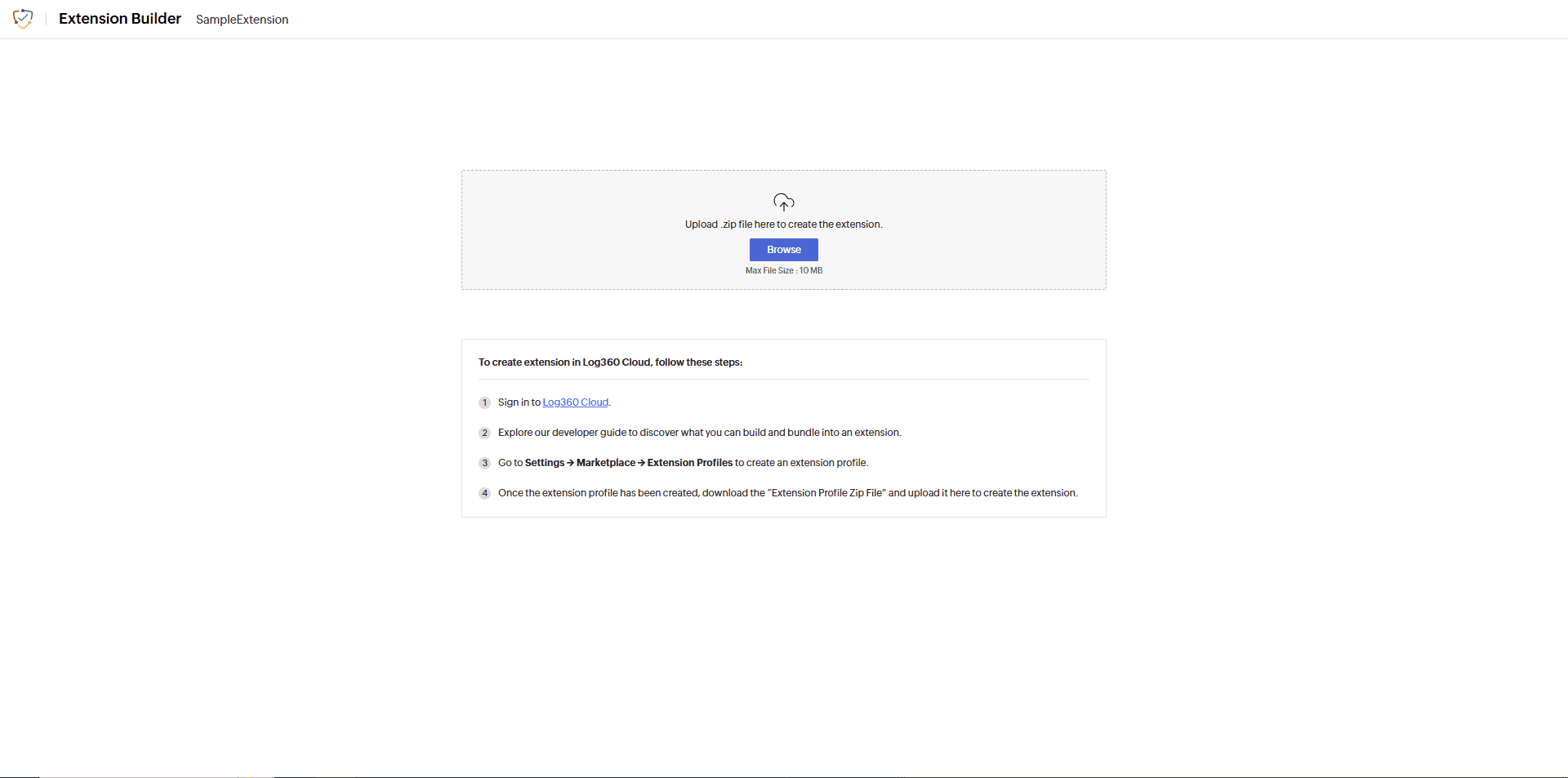
- Once the file is uploaded, click Create Extension.
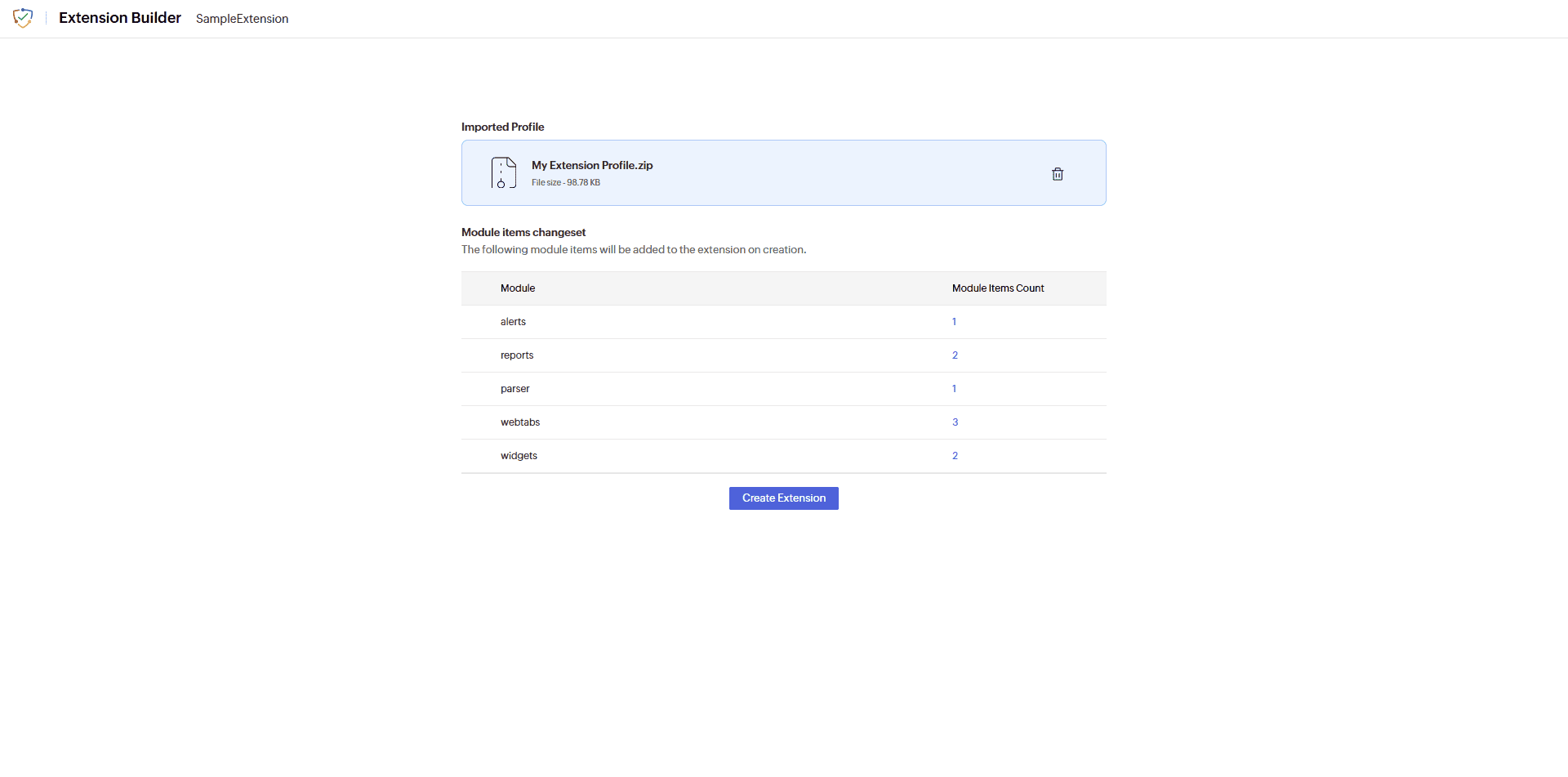
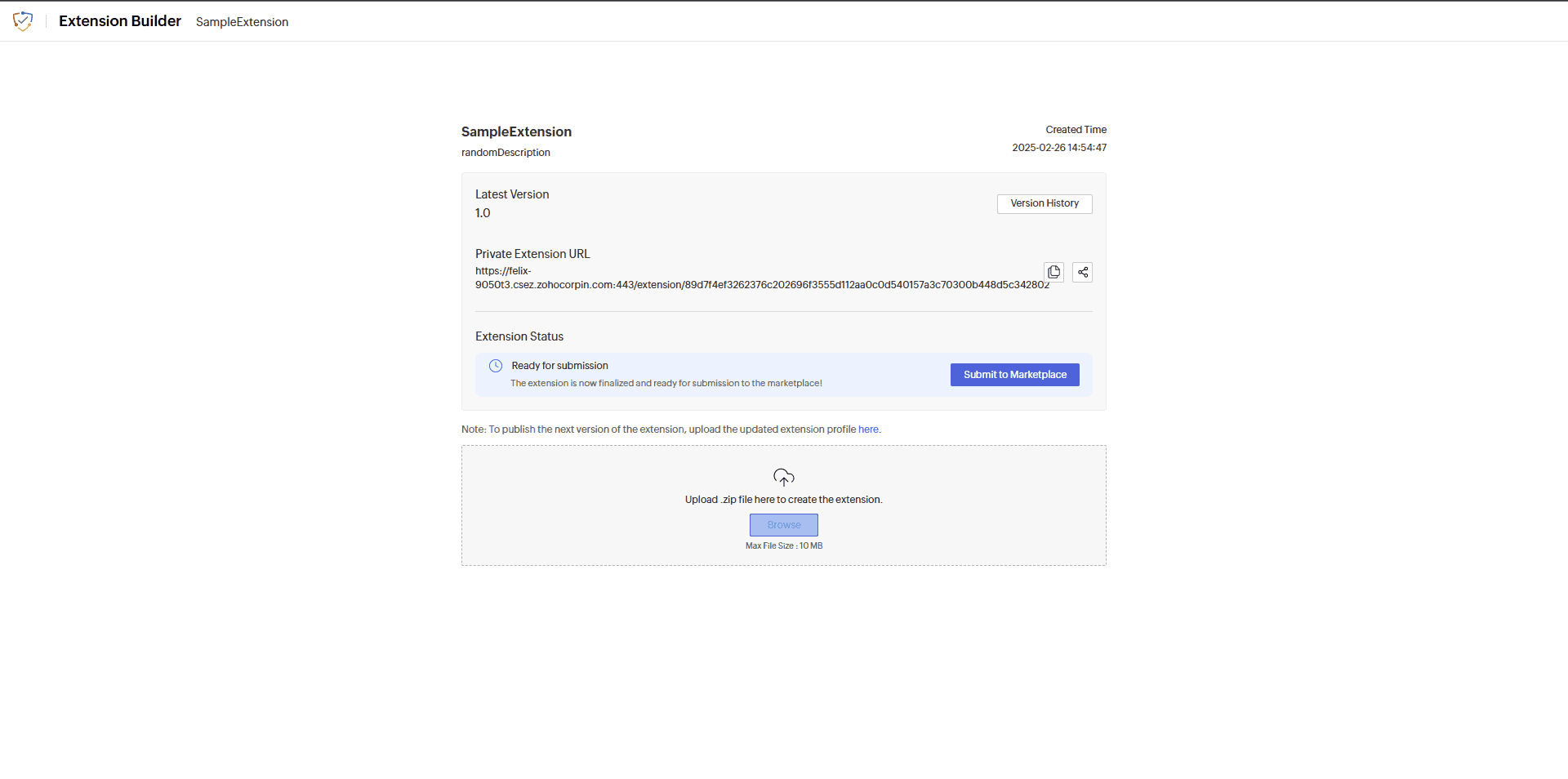
- Once the extension is created, it can be shared with users or published to the Marketplace.
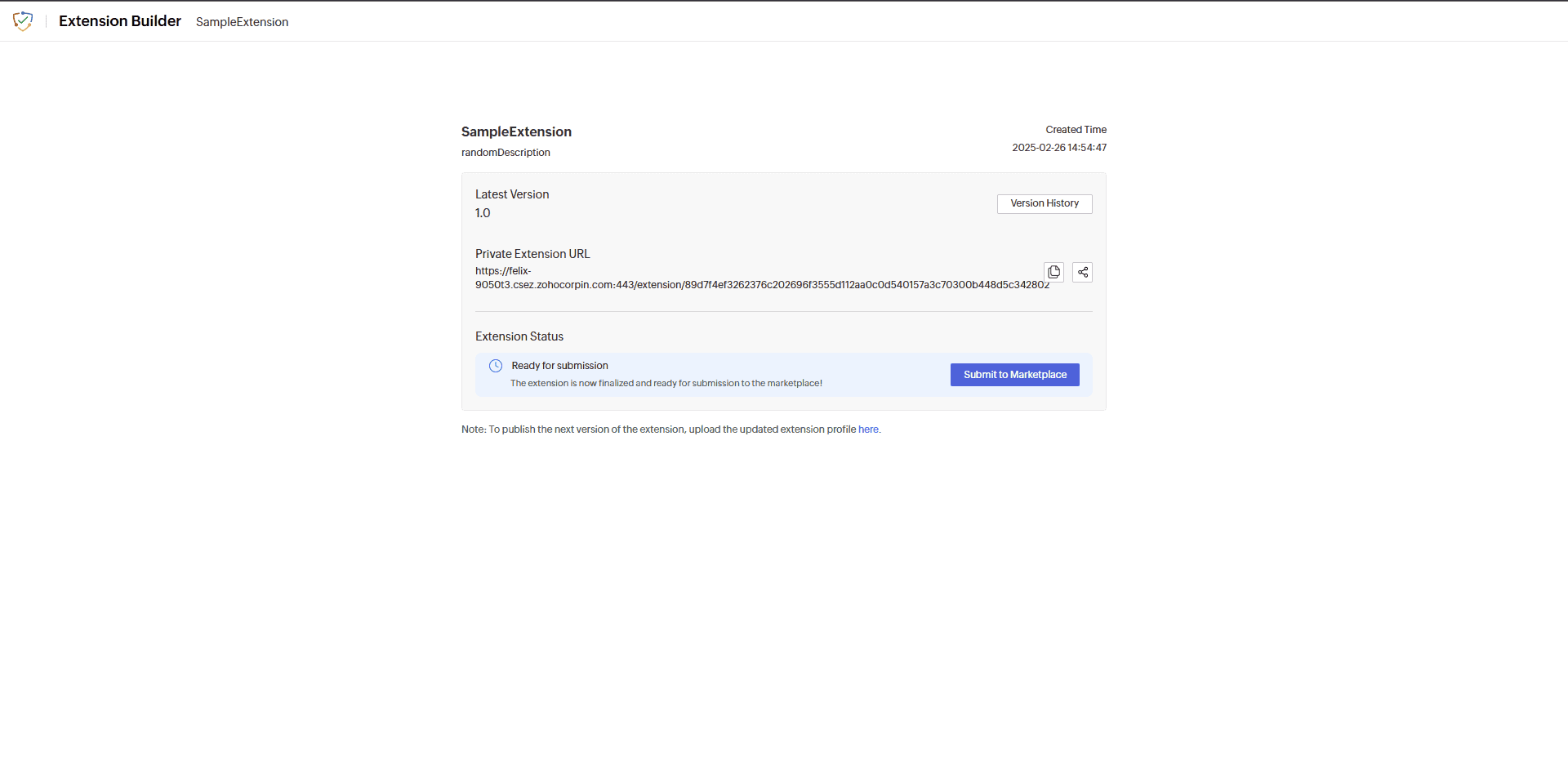
- To share an extension privately with any user, it can be sent via email by clicking the share icon.
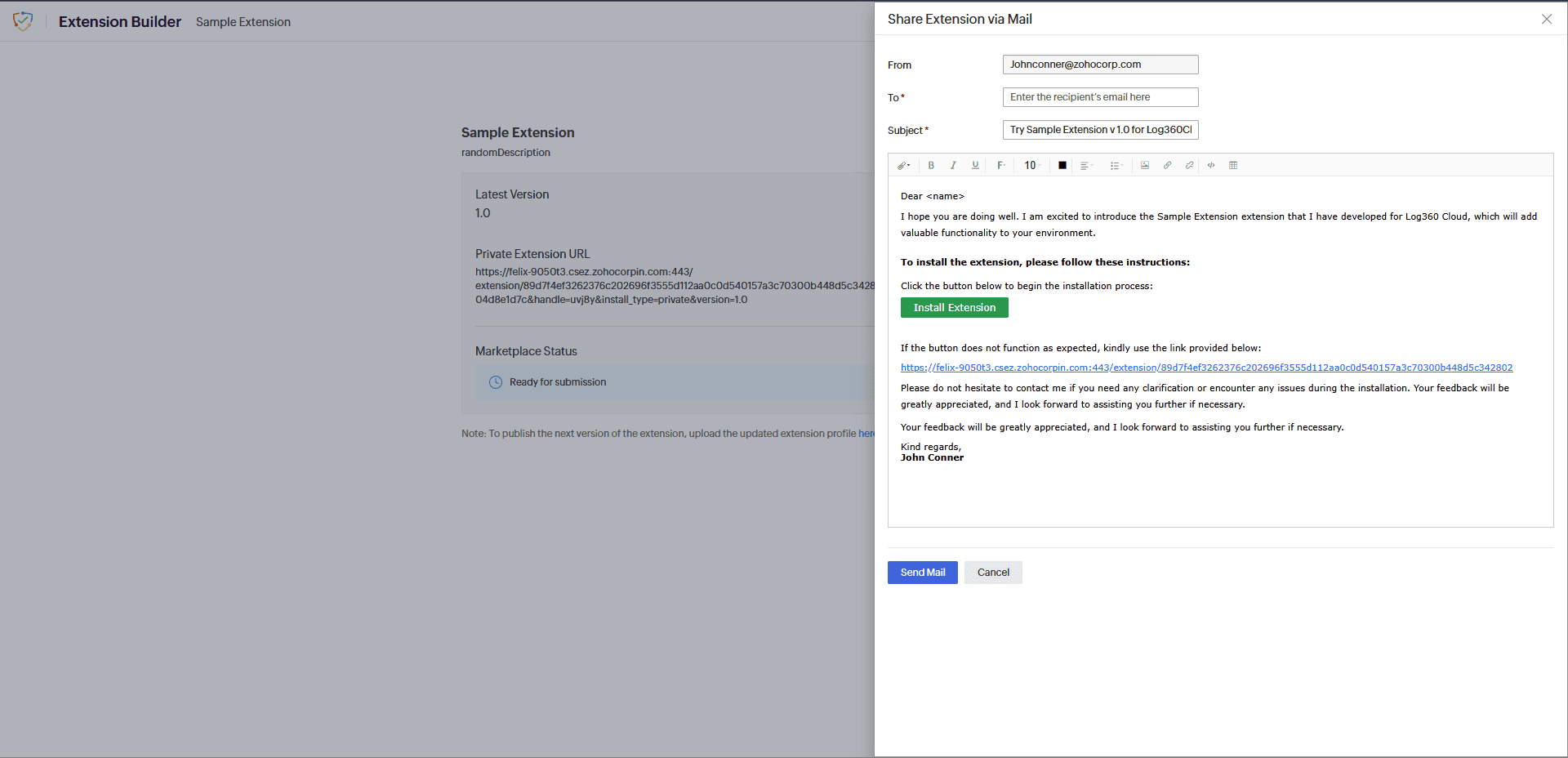
- To publish the extension to the Marketplace, click Submit to Marketplace.
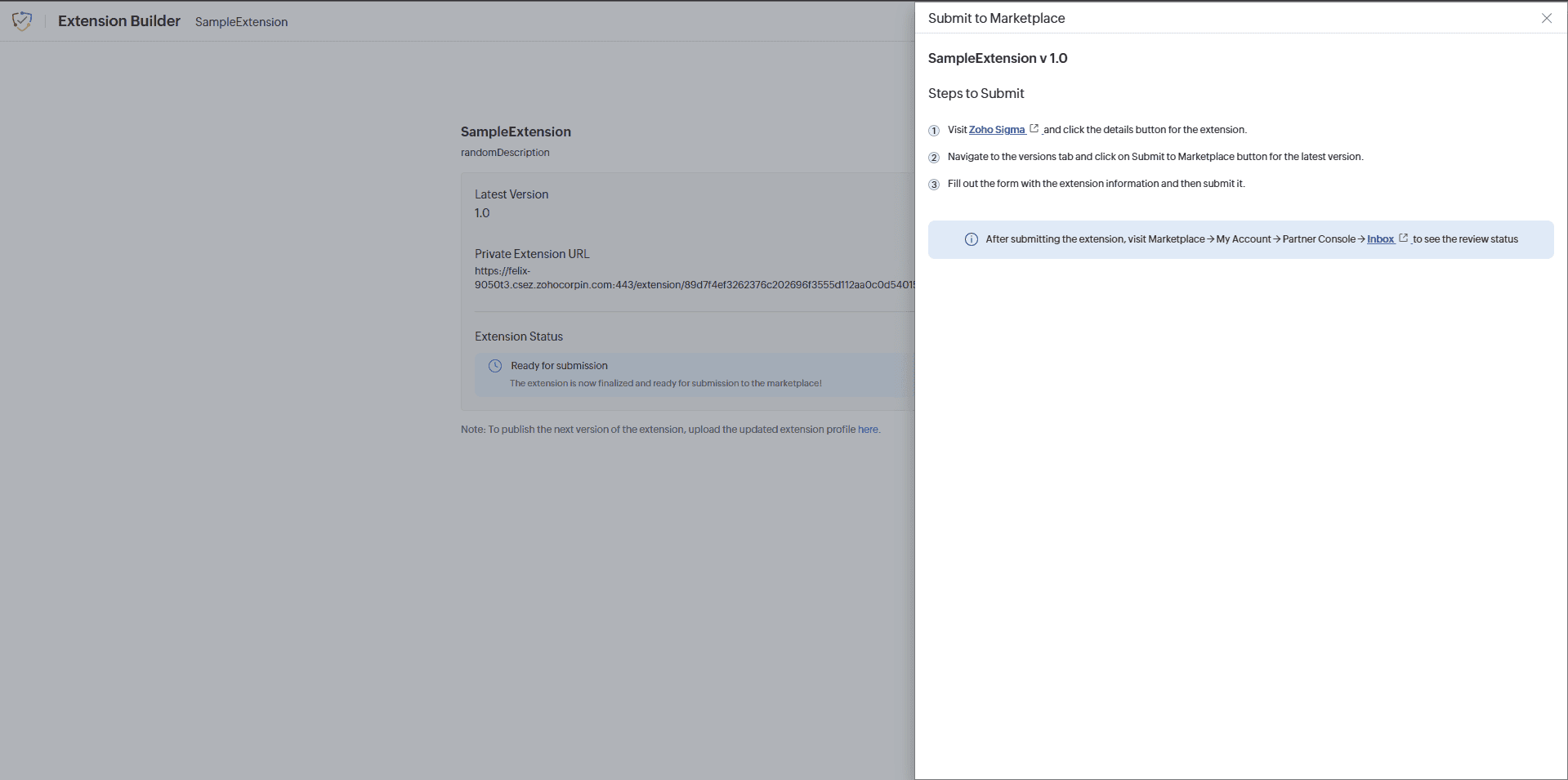
- In the popup, click on Visit Sigma and then on Submit to Marketplace.
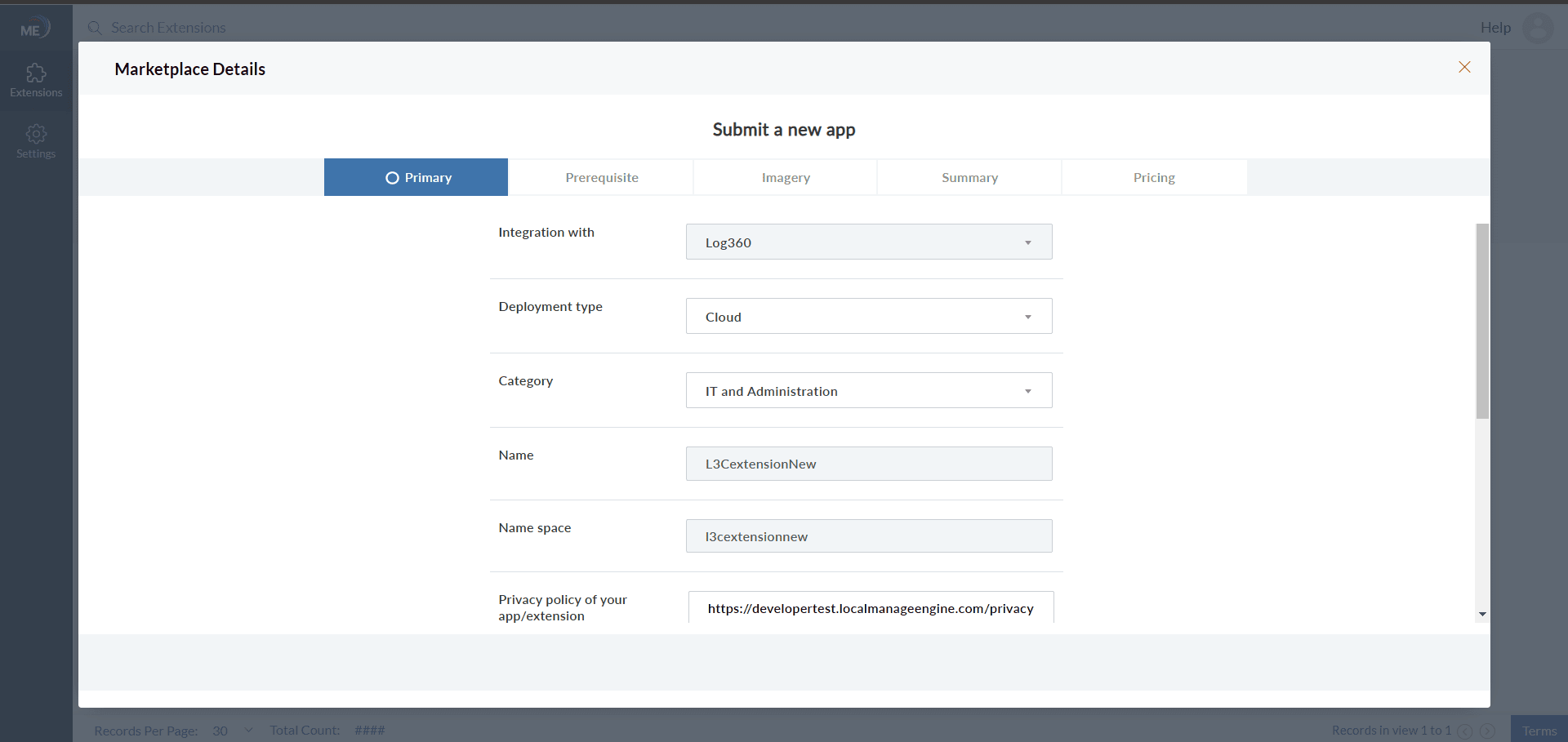
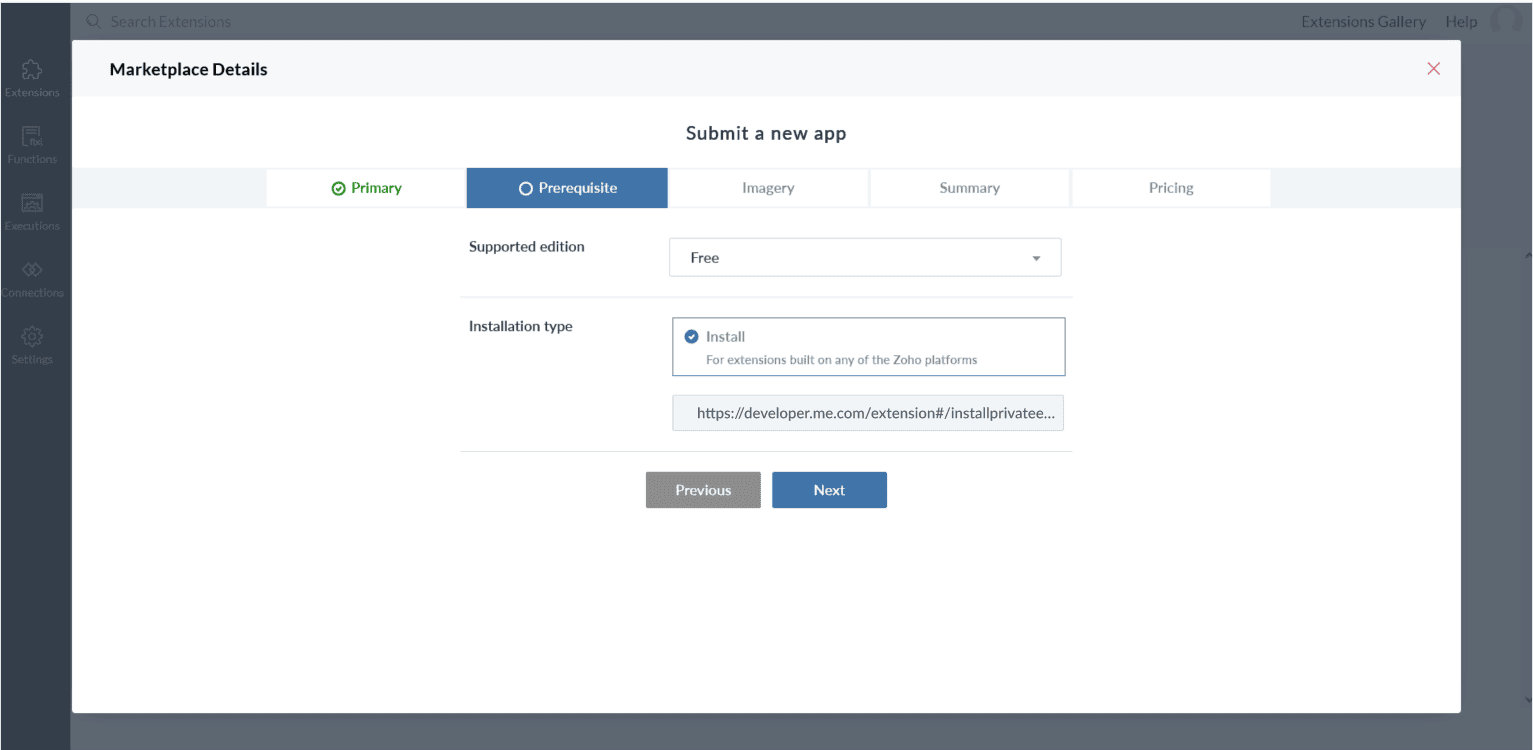
- Fill out the Marketplace form to submit the extension to the Marketplace.
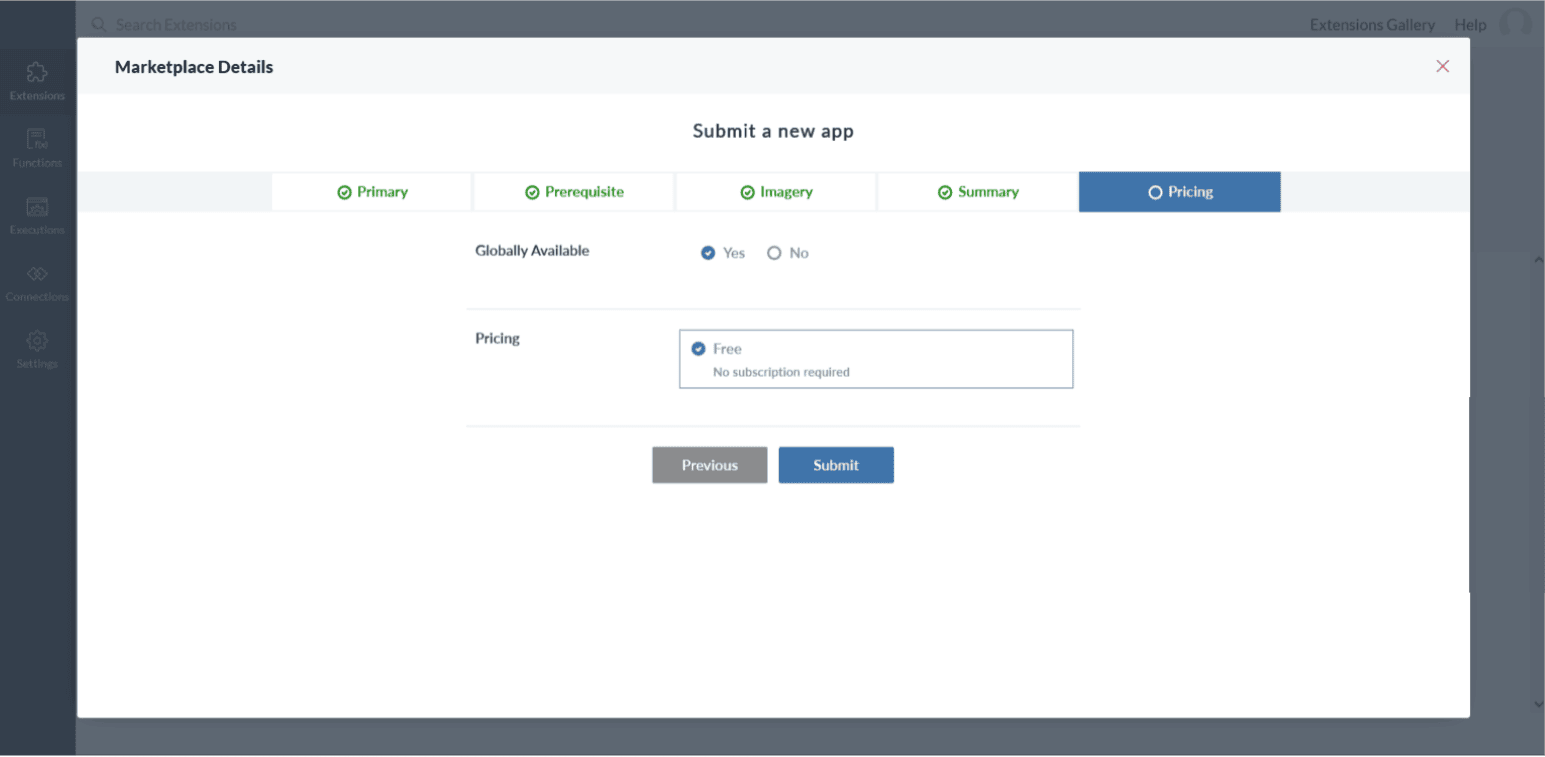
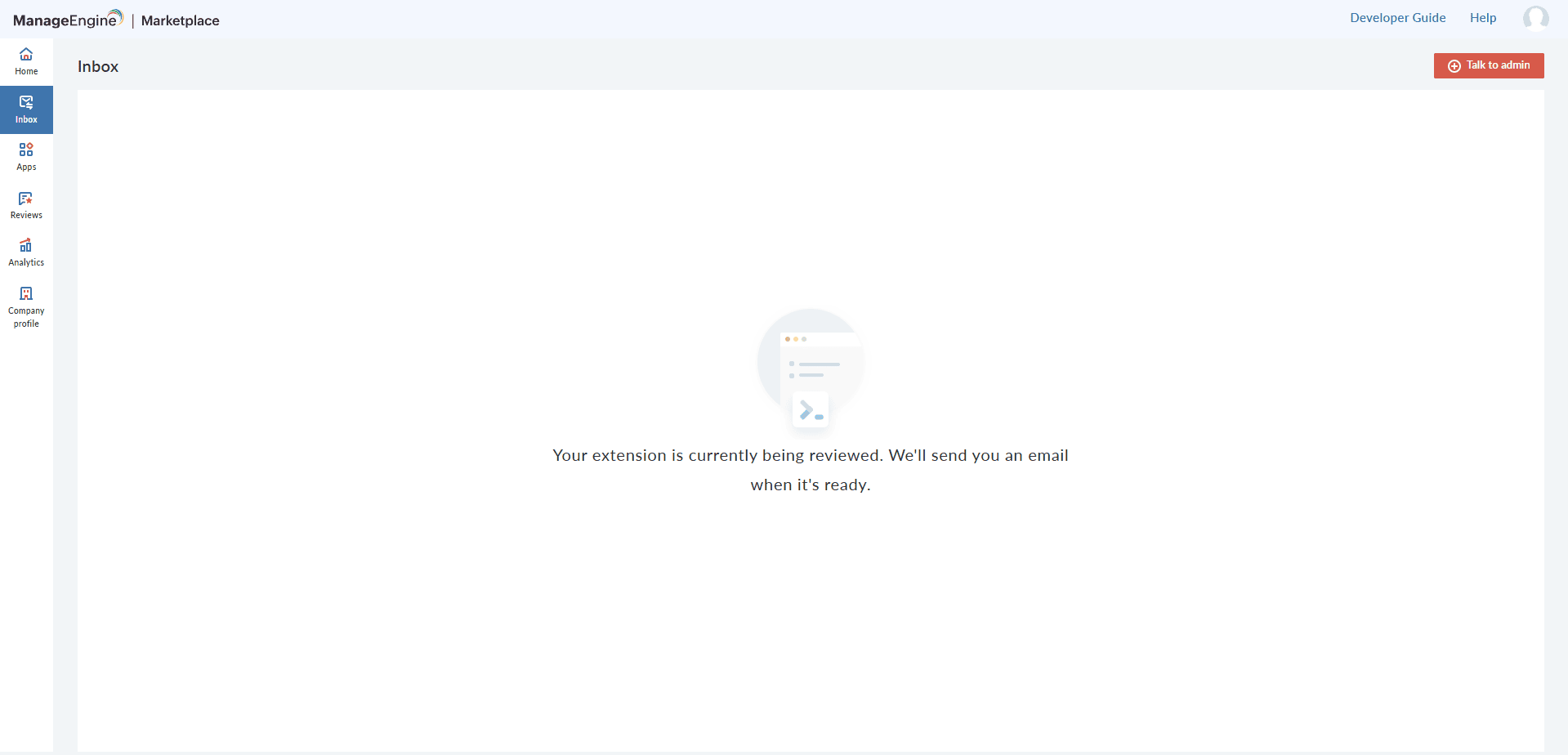
- Once the extension is submitted to the Marketplace, the Marketplace team will communicate with you via the Inbox feature in the Marketplace.
How to Publish a Newer Version of an Extension
- Once an extension is created, you can upload another version by modifying the extension profile using the Extension Profile Generator and uploading it again in the Extension Builder.
- After uploading the updated extension profile, click on Create Extension to create a newer version of the extension.
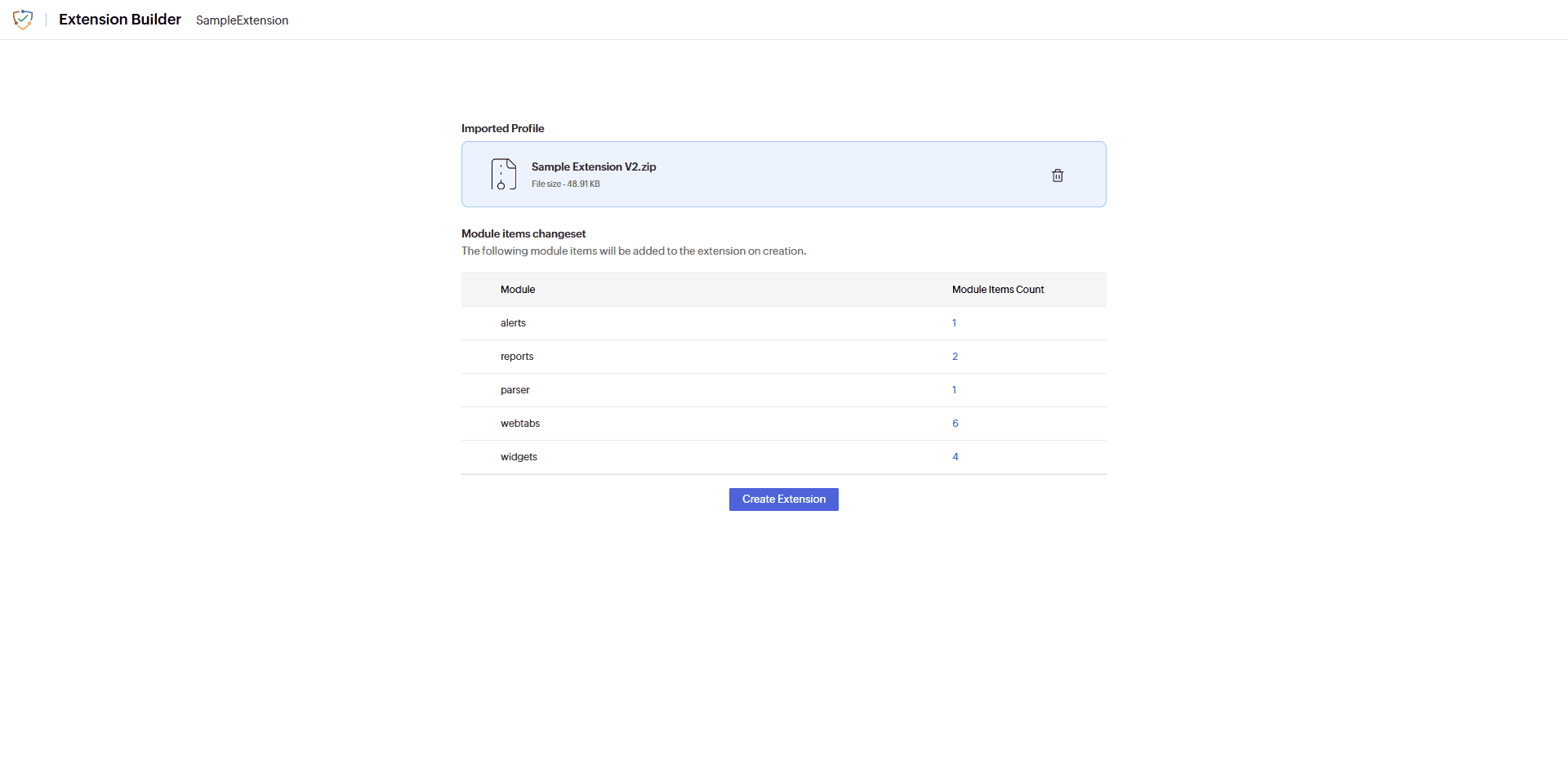
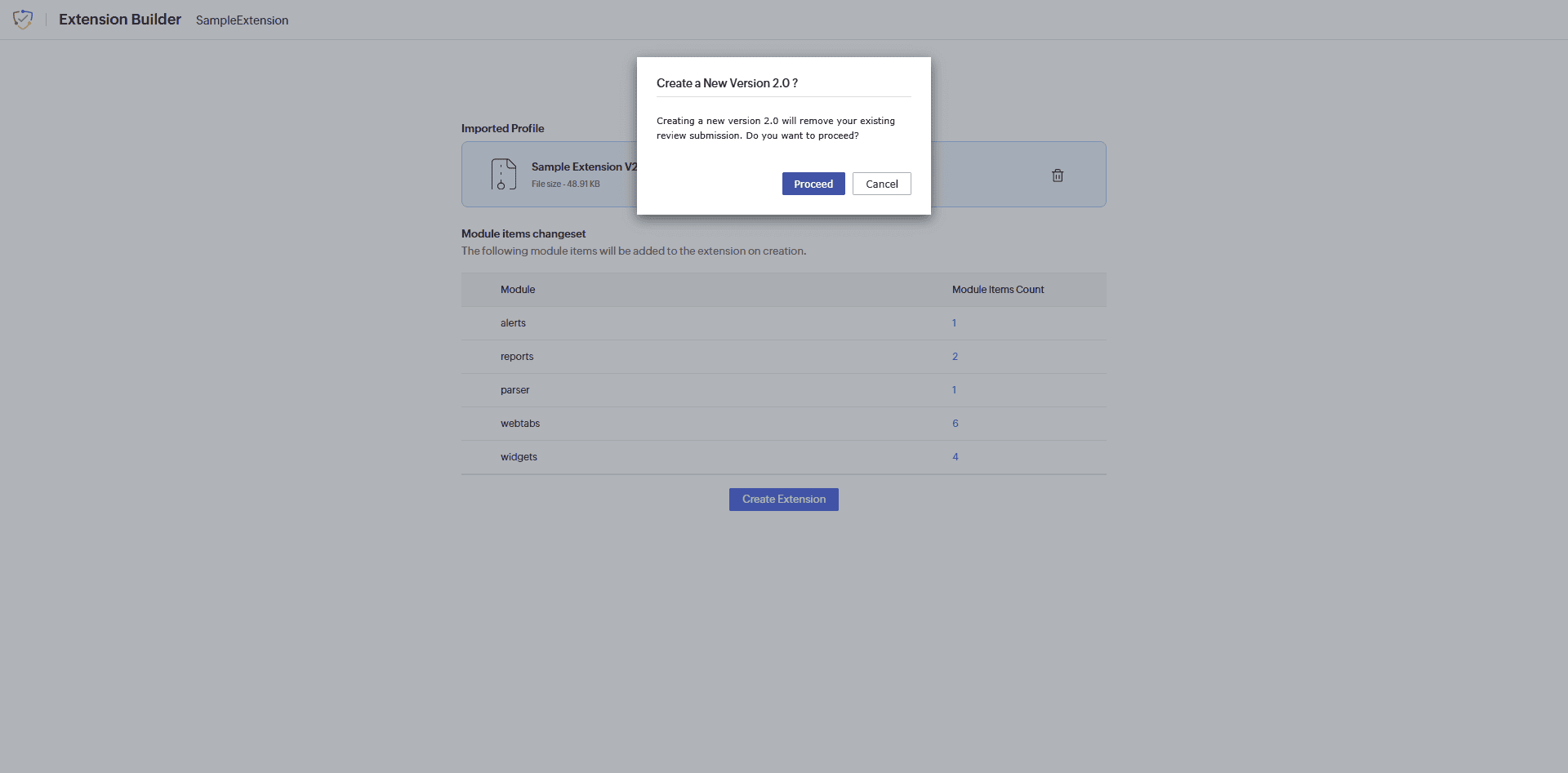 Note Creating a newer version of an extension will deprecate the older version.
Extension Version History
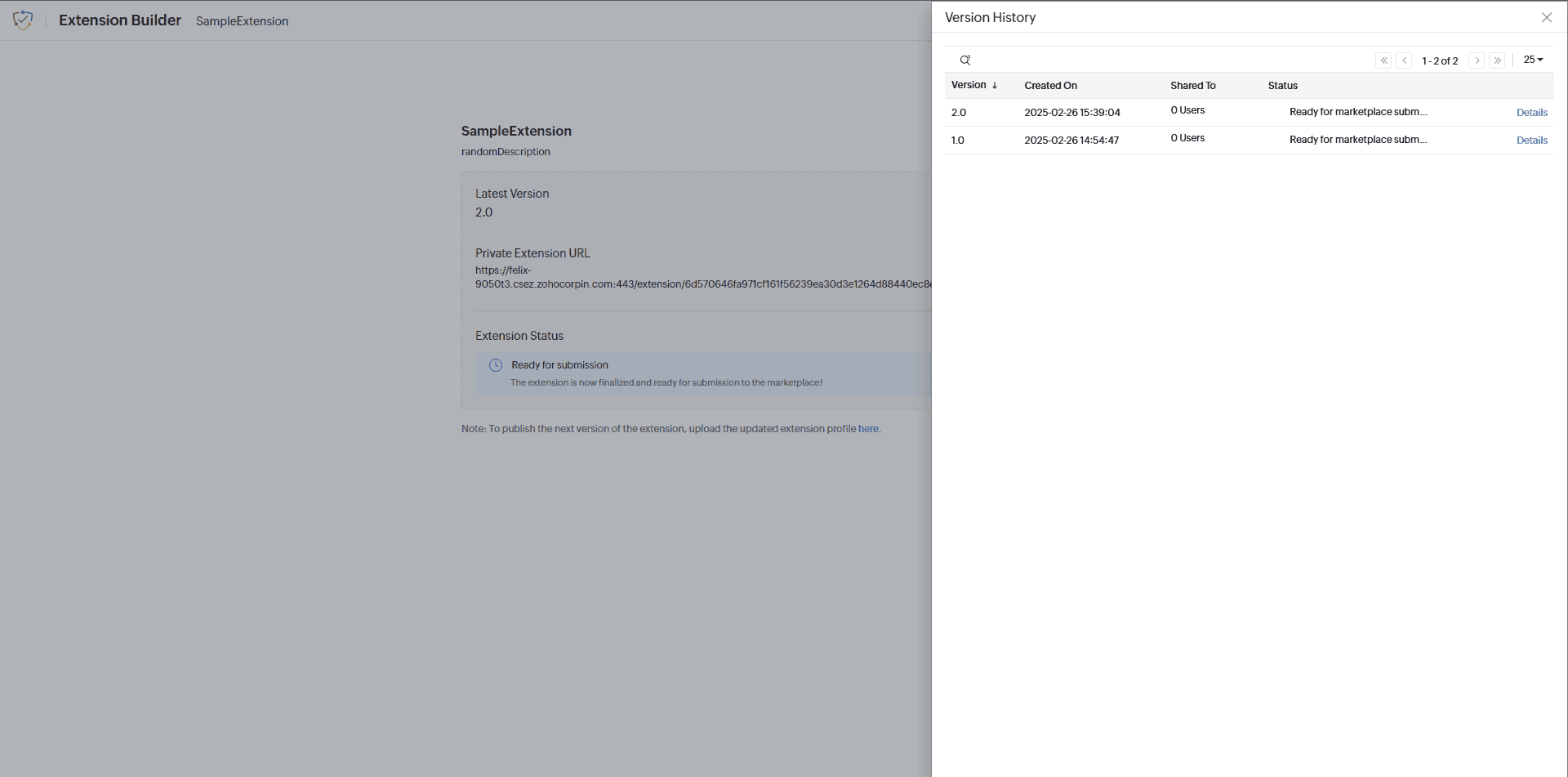
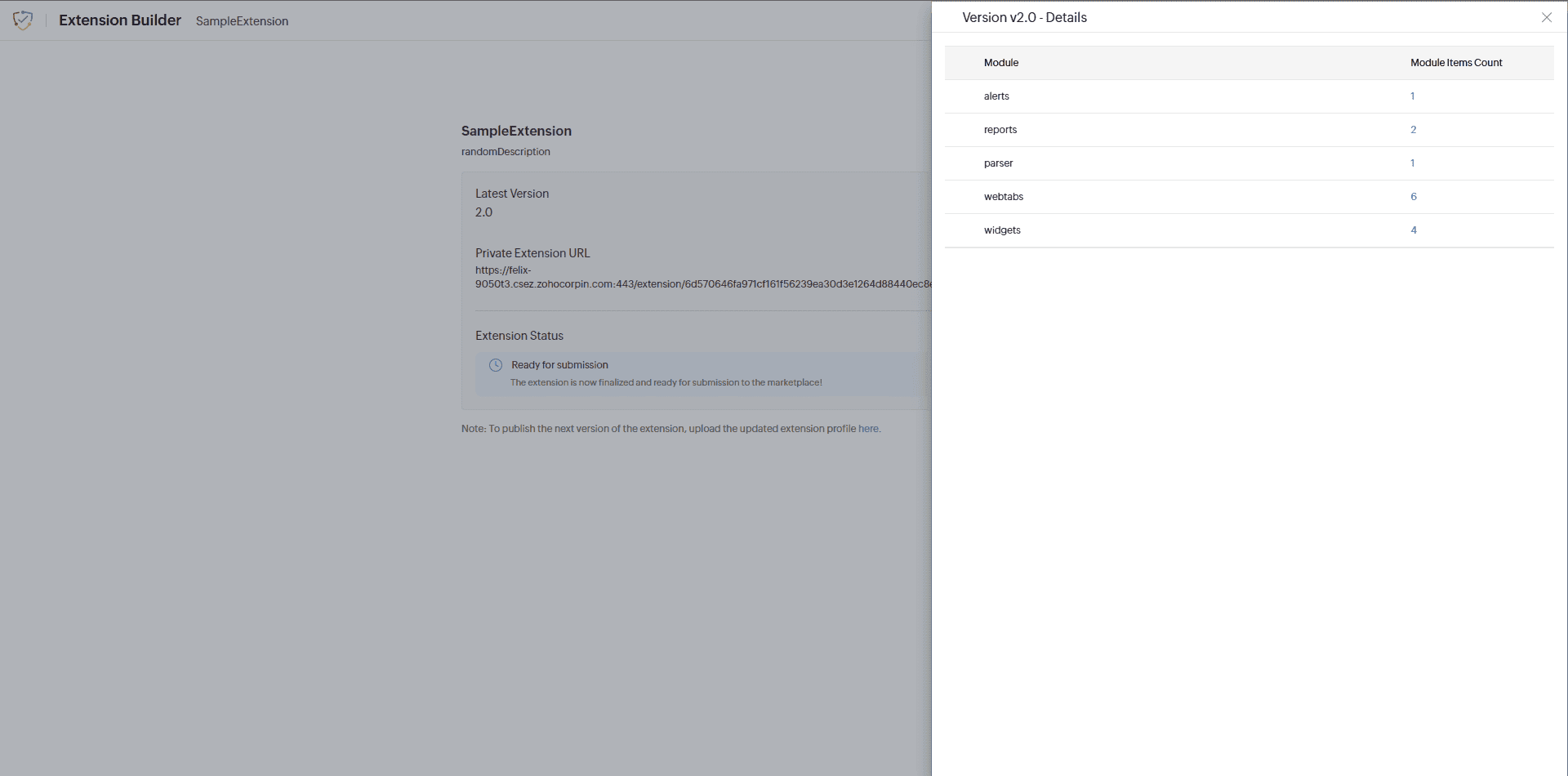
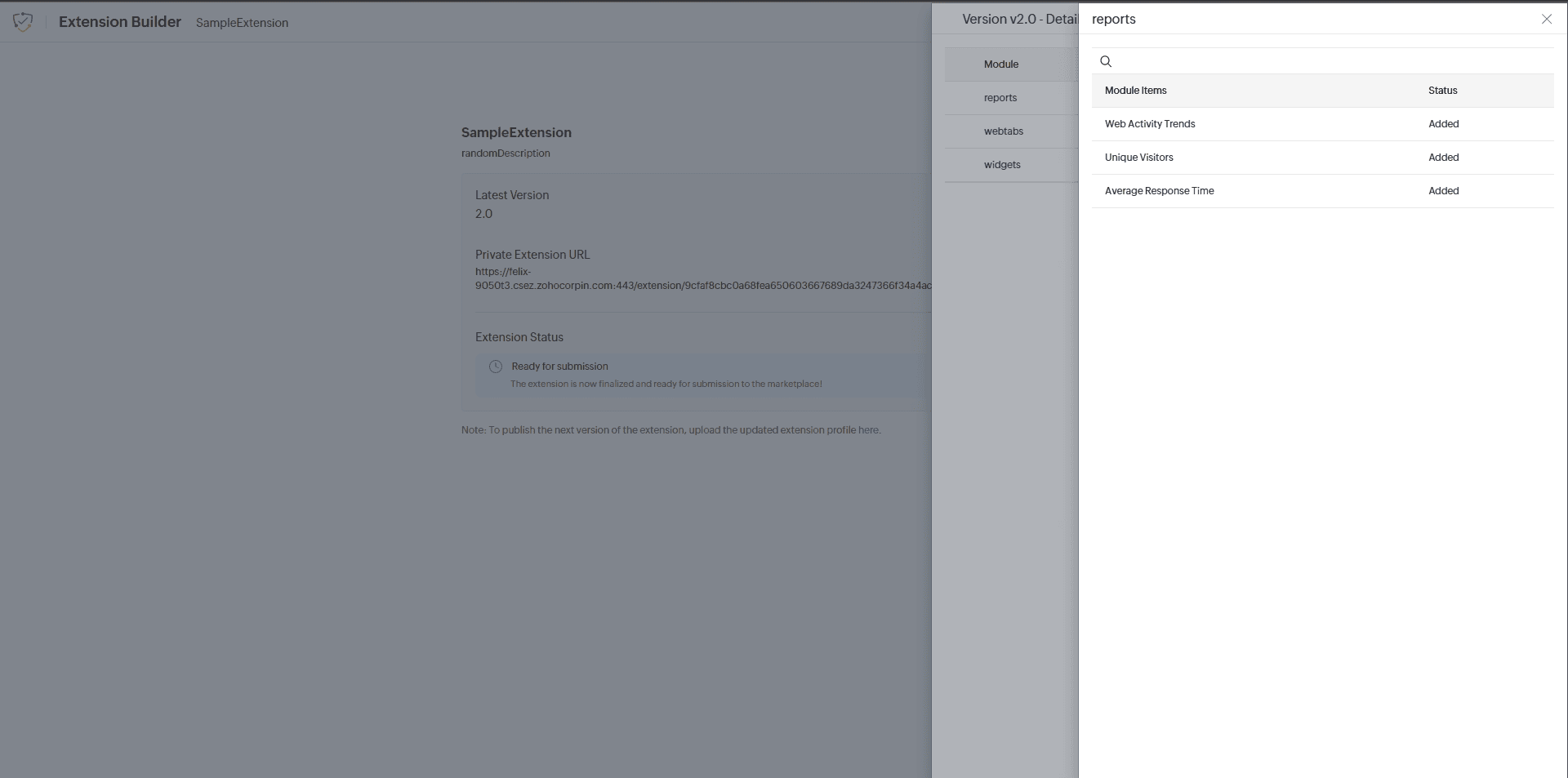
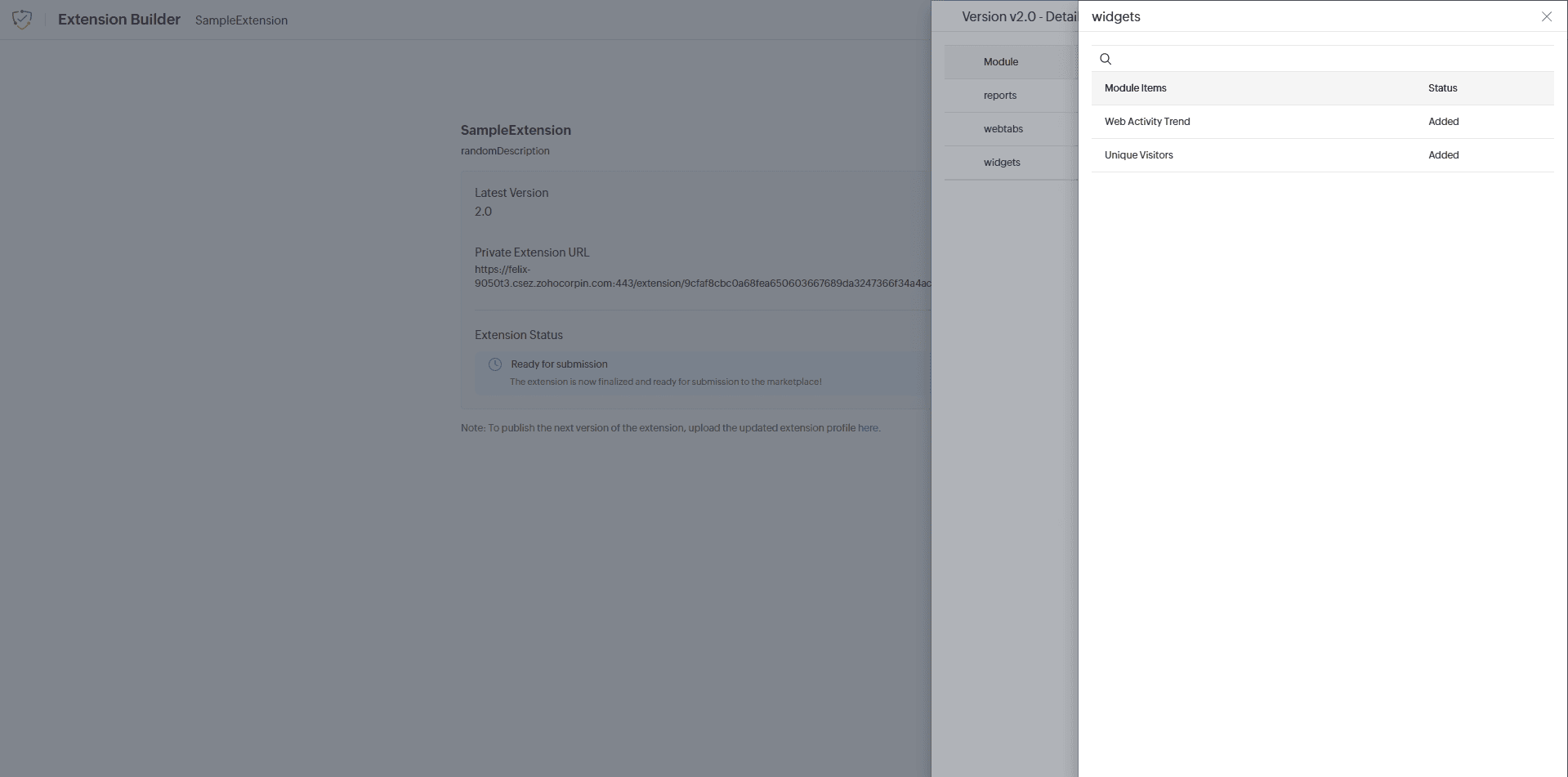
- The version history of an extension can be viewed by clicking on the Version History button on the following page: