
Risk analysis
Last updated on:
In this page
Overview
Running, scheduling, and exporting analysis evaluates your configured sources against defined risk posture rules to update their statuses (Low/No Risk, High Risk, Unable to Verify). This keeps the posture up to date, highlights misconfigurations that need attention, and provides time-stamped evidence for reporting and audits without requiring manual verification.
This page details how you can run and schedule analysis.
Steps to run a risk analysis
You can manually run an analysis at any time to view the updated risk posture results.
- In your account, go to the Dashboard tab and click Risk Posture in the top-right corner.
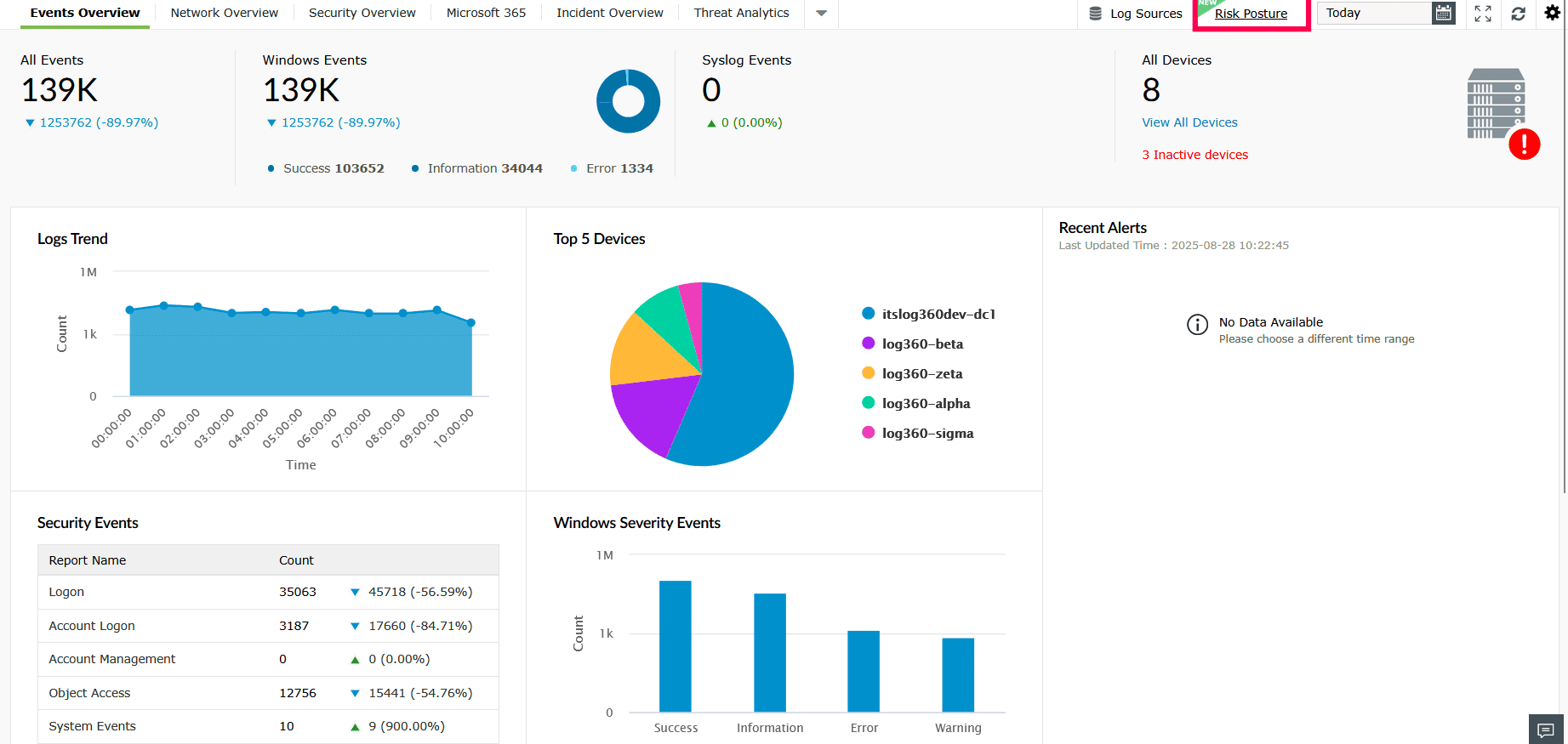
Figure 1: Navigating to Risk Posture - In the Risk Posture page, locate the source you want to analyze, and click Run Analysis at the top-right corner.
NOTE You can access the same page by navigating to the Compliance tab.
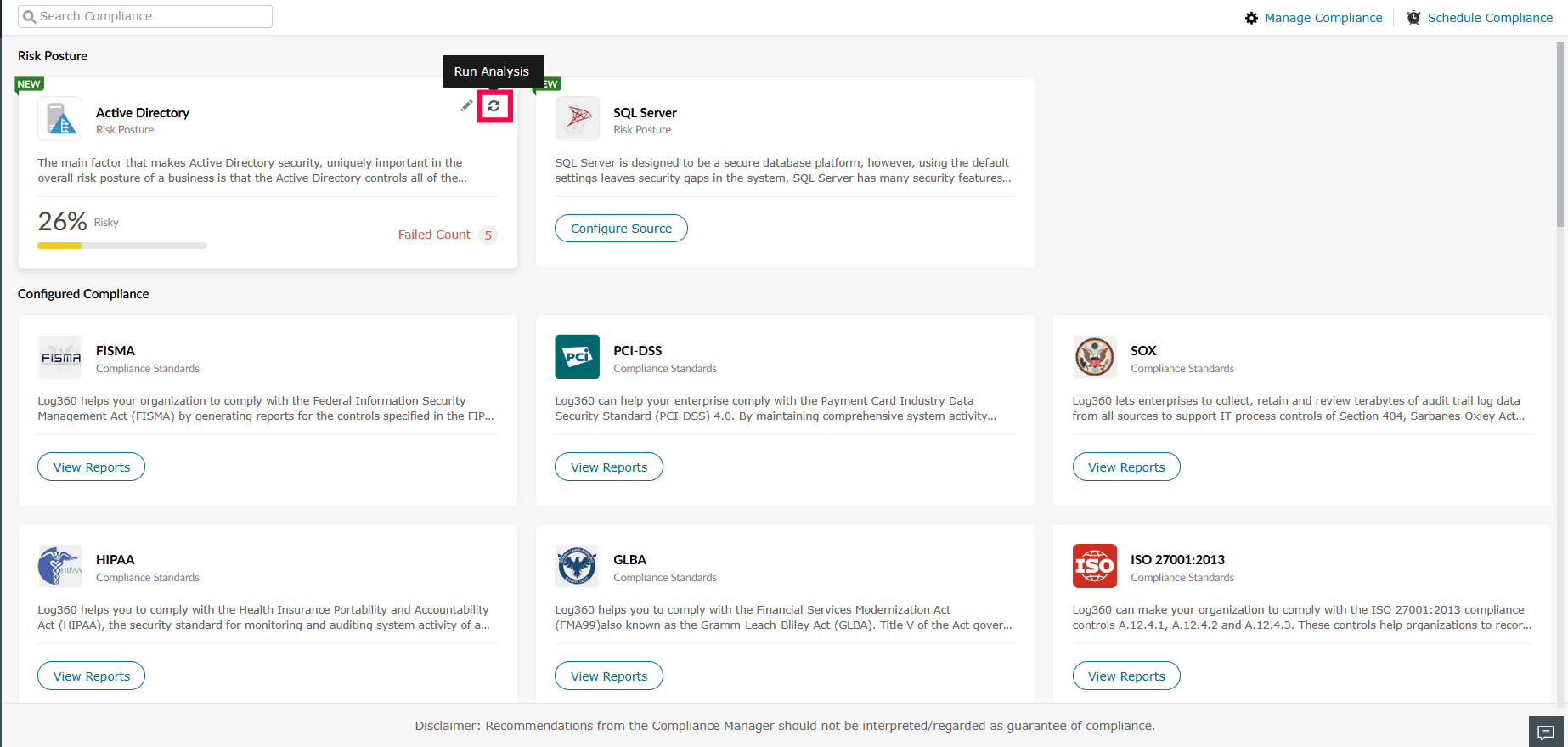
Figure 2: Running Analysis - You can also run an analysis by selecting a source and clicking Run Now.
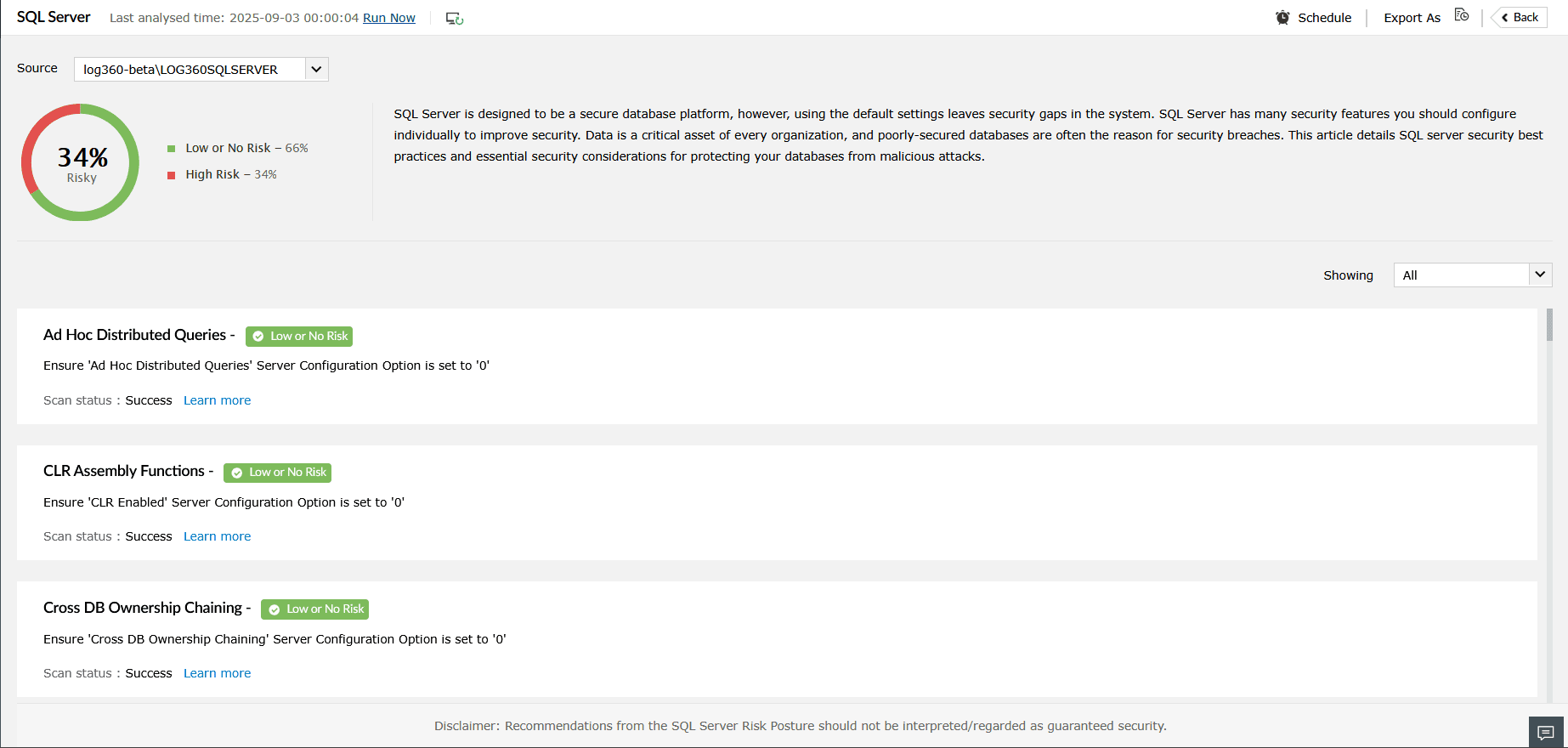
Figure 3: Running Analysis
Scheduling risk analysis
- In your account, go to the Dashboard tab and click Risk Posture in the top-right corner.
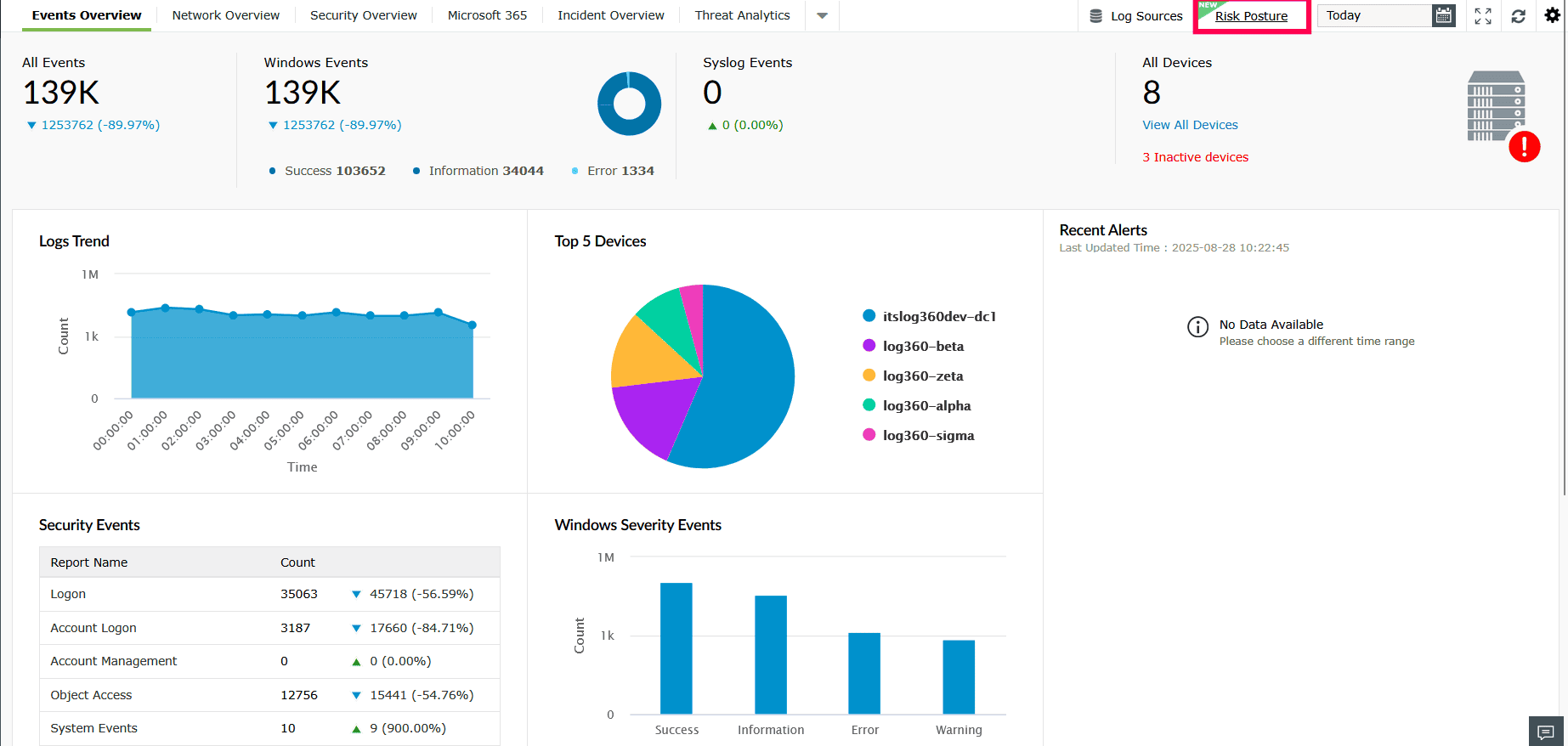
Figure 4: Running Analysis - On the Risk Posture page, locate and select the source you want to schedule the analysis for.
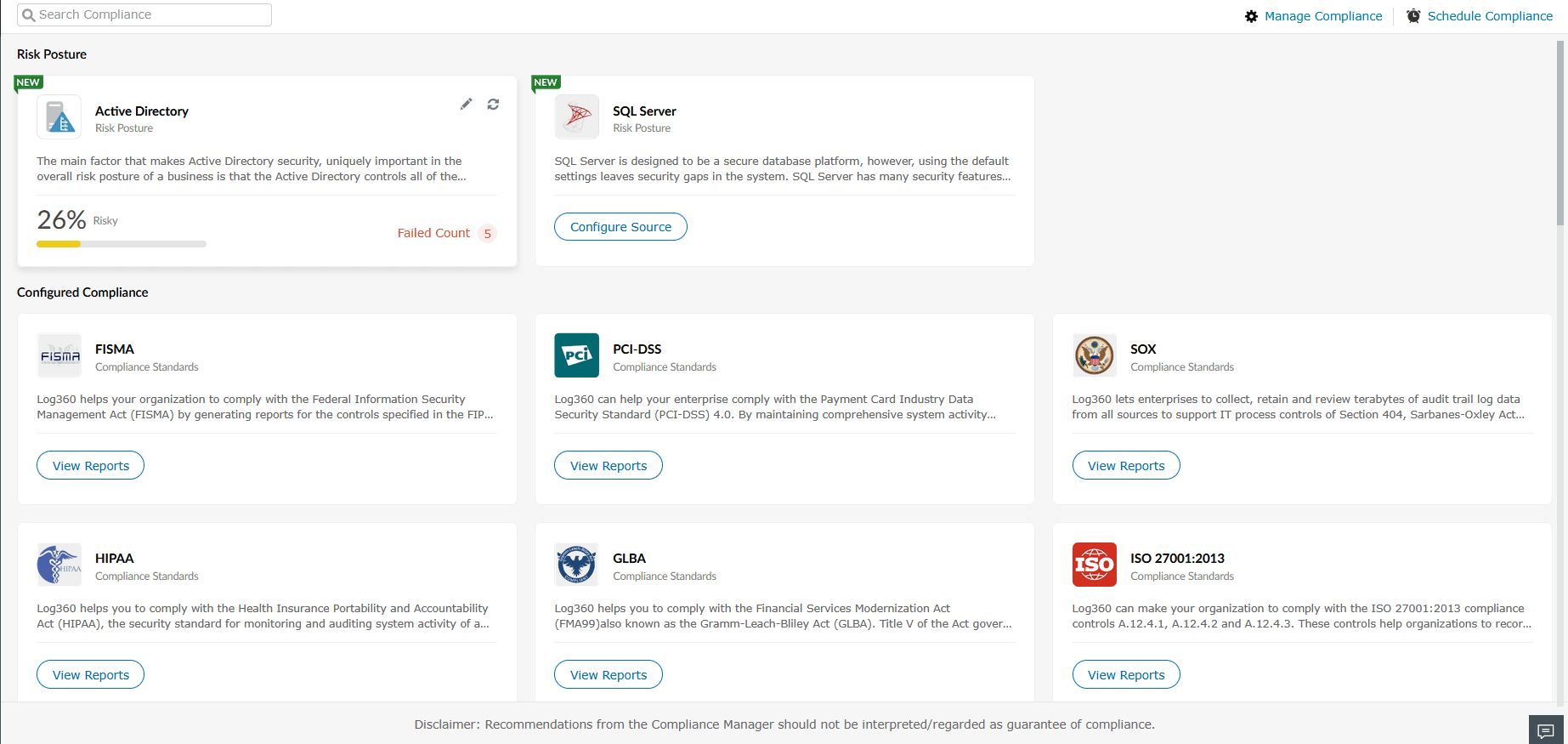
Figure 5: Selecting a source - Click the
 icon.
icon.
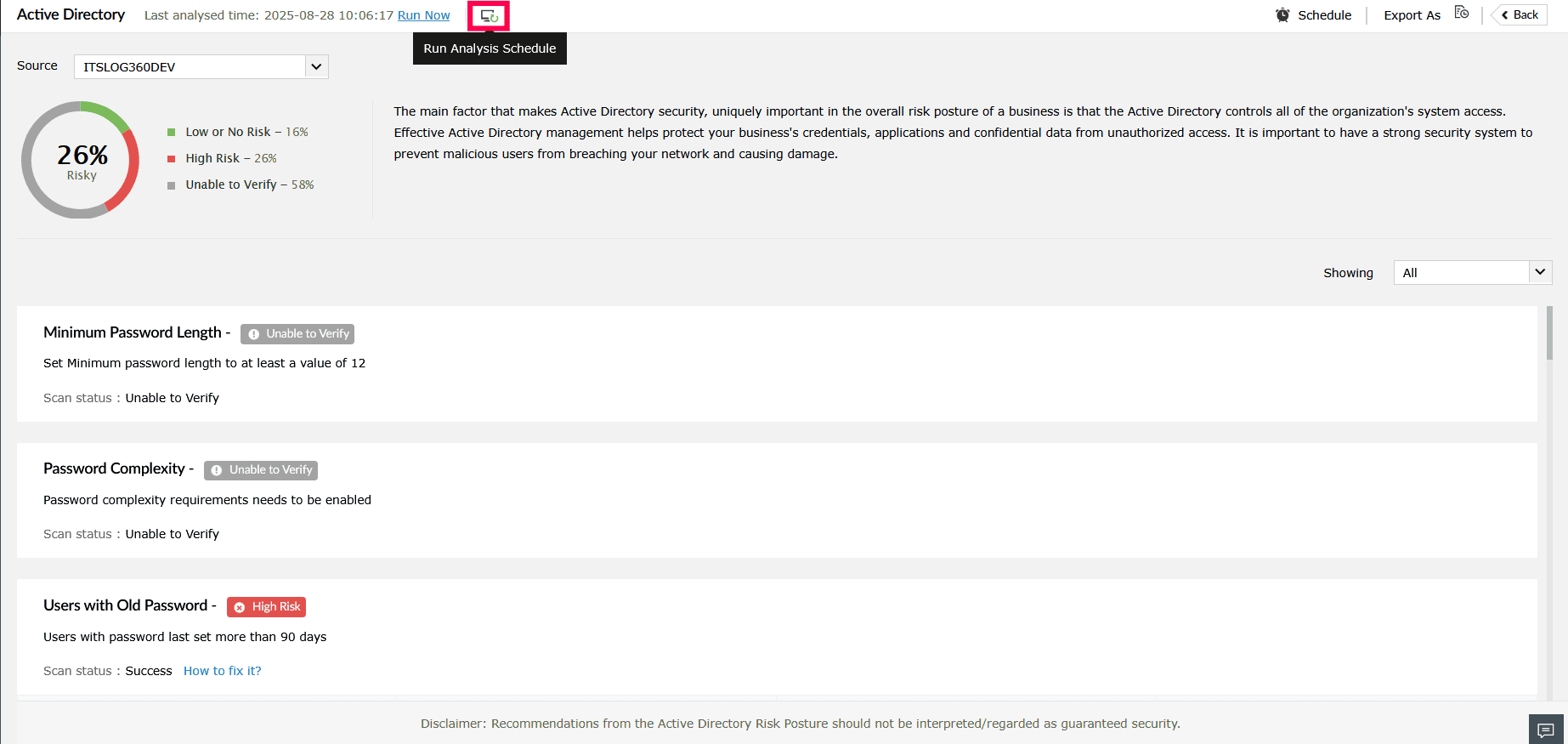
Figure 6: Scheduling run analysis - In the Run Analysis Schedule pop-up, set the frequency (Daily, Weekly, or Monthly) and specify the hours and minutes for the analysis to run.
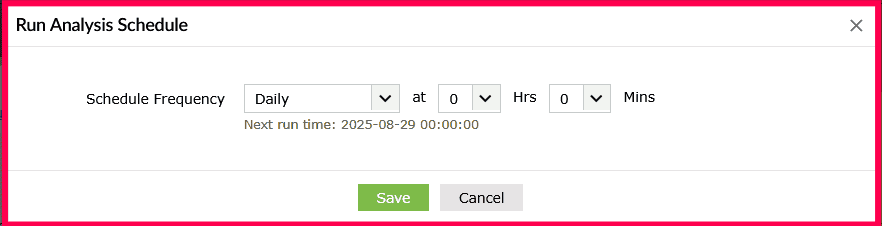
Figure 7: Setting the frequency for schedule analysis - If you select Weekly, choose a day from the dropdown. If you select Monthly, choose a month from the dropdown.
- Click Save to apply the schedule.
Exporting an analysis
- On the Risk Posture page, locate and select the source you want to export.
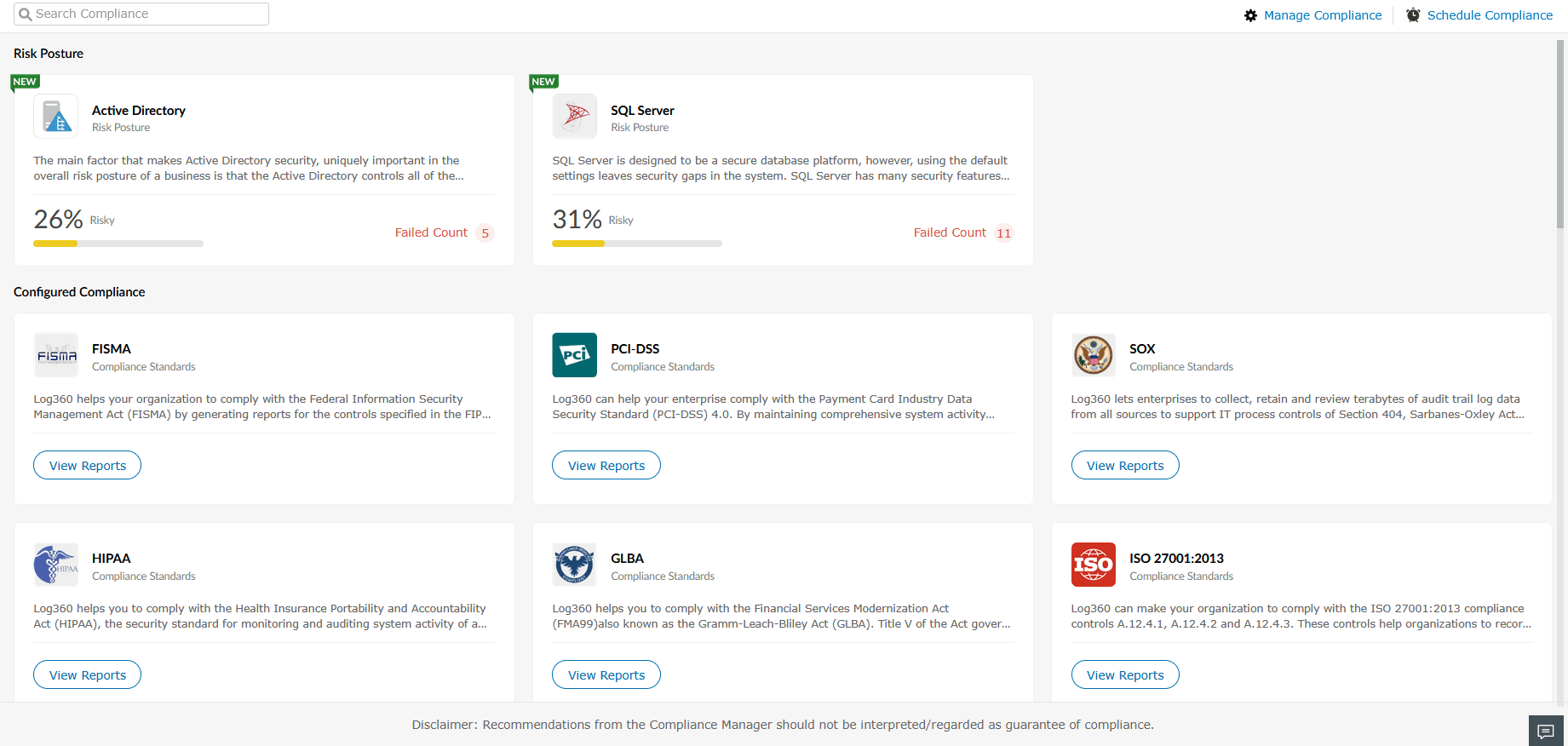
Figure 8: Selecting a source - Click Export As in the top-right corner.
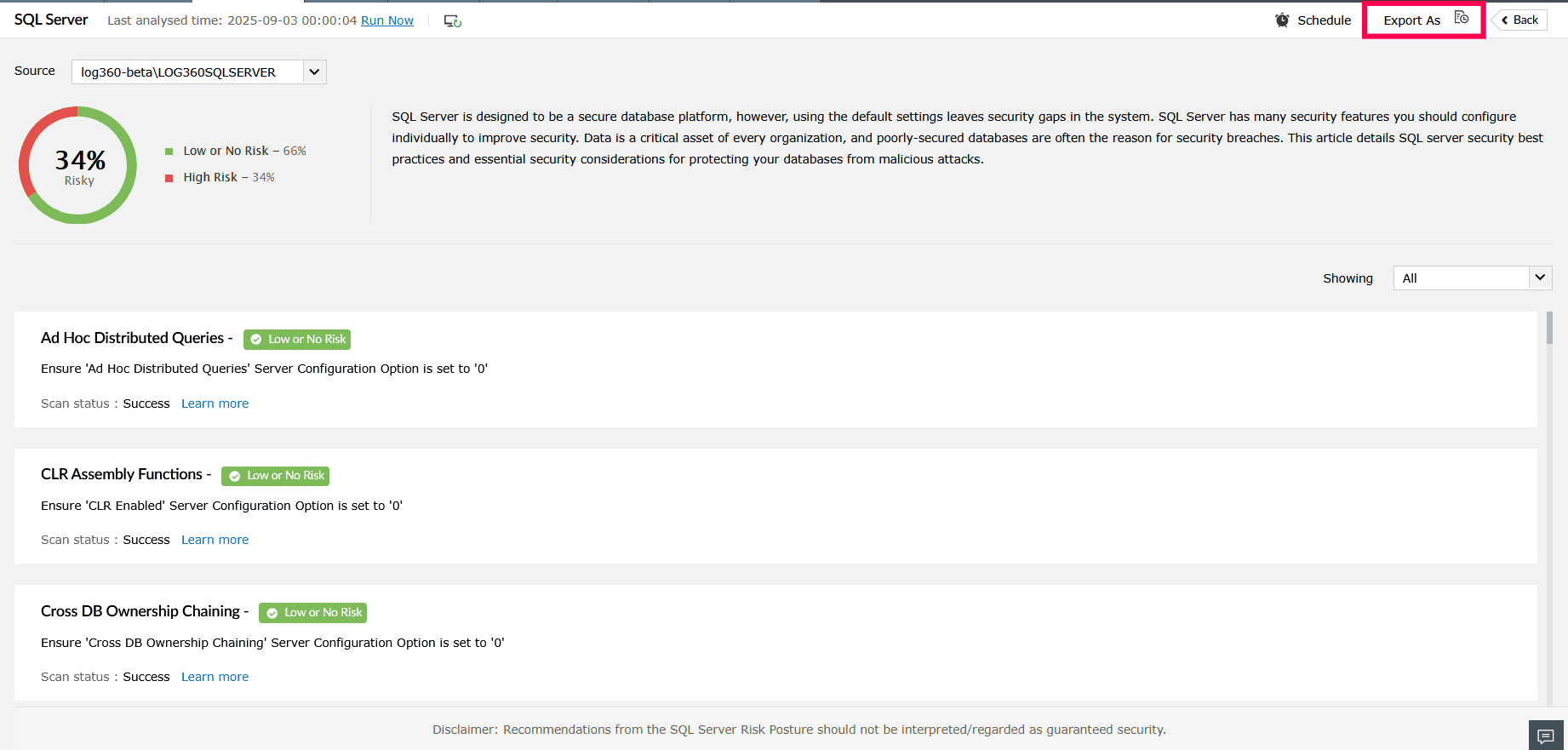
Figure 9: Exporting analysis results - In the Export dropdown, choose either Summary or Summary and Details.
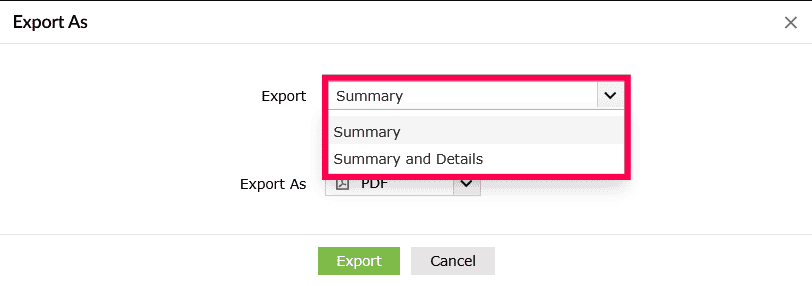
Figure 10: Exporting analysis results - (Optional) If you want to run a fresh analysis before exporting, select the Run Analysis before Export checkbox.
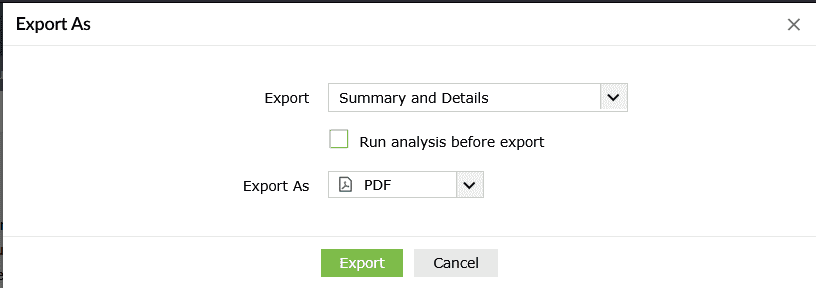
Figure 11: Exporting analysis results - In the Export As dropdown, choose the desired format: PDF or CSV.
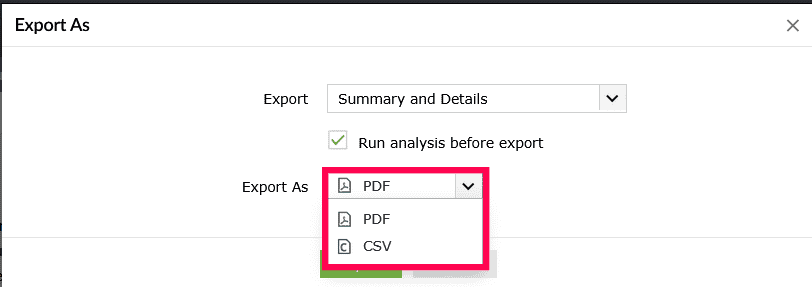
Figure 12: Exporting analysis results - Click Export to download the file.
Read also
This section explained how to run, schedule, and export an analysis to keep your risk posture updated. For details on the pre-defined rules available, see: