
Reports overview
Last updated on:
In this page
Overview
The reports module provides a centralized view of all predefined and custom reports generated from logs collected across servers, network devices, security appliances, cloud services, applications, and storage platforms.
These reports help users review security events, monitor operational activity, investigate incidents through raw log drill-downs, and meet regulatory compliance requirements. Reports can be accessed from the Reports tab in the product console, where data can be filtered, analyzed, and exported based on various log attributes.
Available Reports:
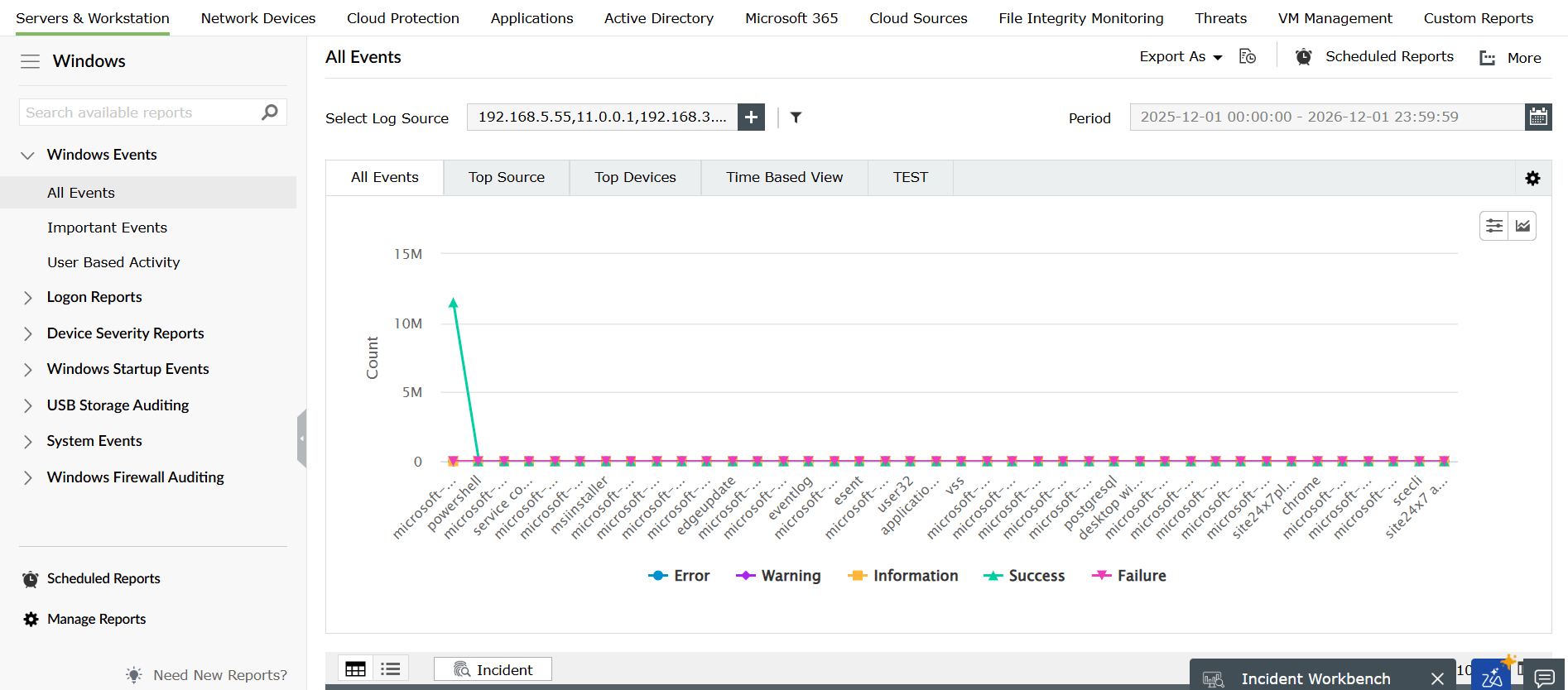
The product provides a comprehensive set of predefined reports categorized by device types, operating systems, applications, databases, cloud platforms, and security solutions. These reports help administrators and security teams monitor activity, analyze trends, detect anomalies, investigate incidents, and meet auditing and compliance requirements across on-premises, hybrid, and cloud environments.
Each report category listed below contains multiple detailed reports that offer drill-down visibility into events, user actions, traffic patterns, configuration changes, and security threats.
| Windows reports | Unix reports | IIS W3C FTP reports |
| Linux reports | Cisco reports | MSSQL reports |
| SonicWall reports | Fortinet reports | Oracle reports |
| Juniper reports | Meraki reports | Printer reports |
| Sophos reports | Active Directory reports | SNMP Traps reports |
| Palo Alto reports | WatchGuard reports | Terminal Server reports |
| Barracuda reports | Huawei reports | Microsoft 365 reports |
| NetScreen reports | Checkpoint reports | CEF format reports |
| Arista reports | HP reports | Malwarebytes reports |
| pfSense reports | F5 reports | Symantec DLP reports |
| Firepower reports | H3C reports | Trend Micro reports |
| Stormshield reports | Forcepoint reports | Hyper-V reports |
| Dell reports | Apache reports | File Monitoring reports |
| IBM DB2 reports | DHCP Linux reports | Isilon reports |
| DHCP Windows reports | ERP reports | QNAP NAS reports |
| IIS W3C Web reports | AWS reports | VMware ESXi reports |
| MySQL reports | Salesforce reports | vCenter reports |
| PGSQL reports | FireEye reports | EMC server reports |
| SAP reports | McAfee reports | NetApp reports |
| Sysmon reports | Threat analytics reports | Synology NAS reports |
| Windows cluster reports |
Read also
This page provided an overview of the reports module and listed the categories of reports available across infrastructure, security, cloud, application, and storage environments. Explore related report sections to gain deeper visibility into security events and operational trends.