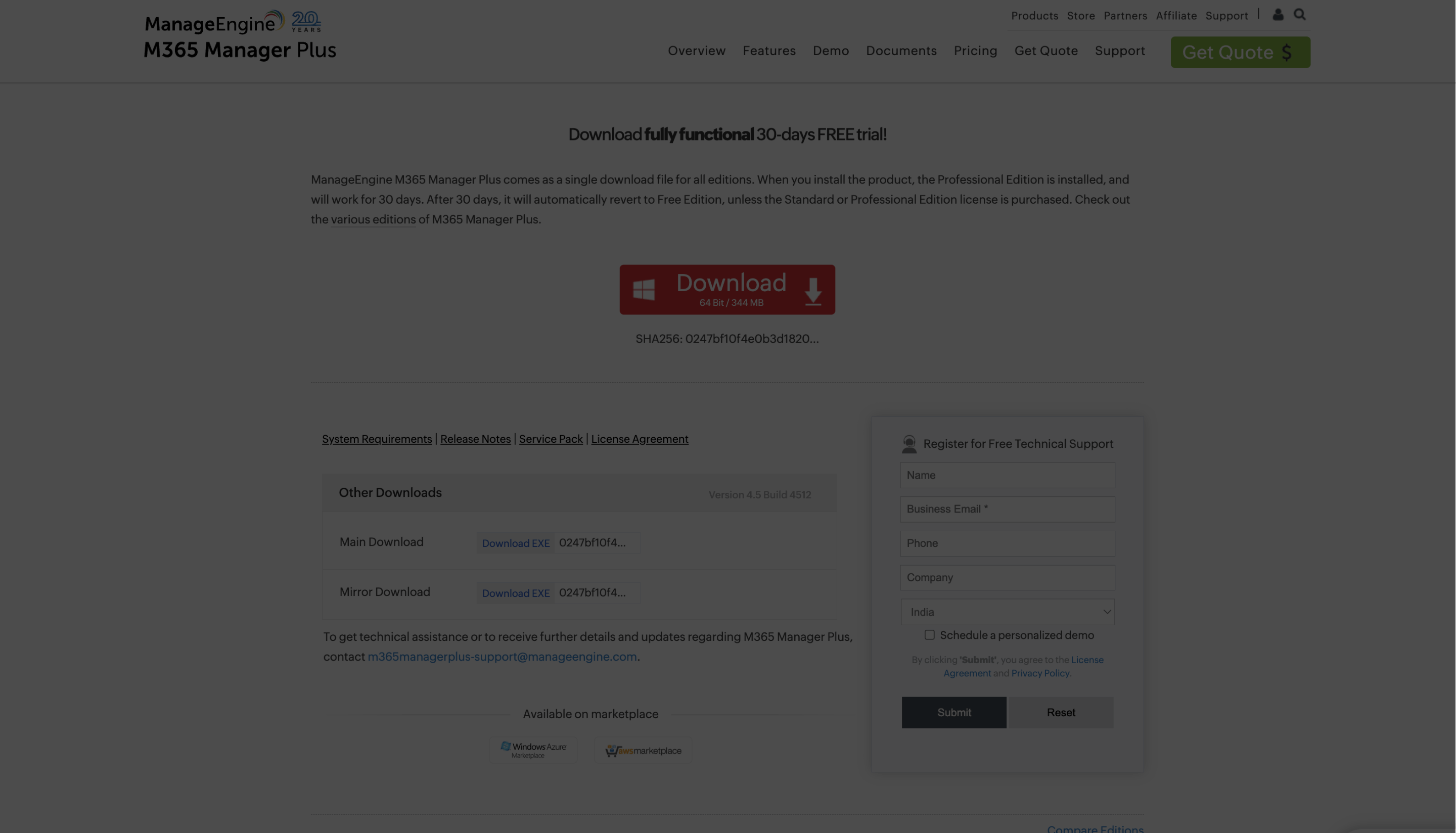
Click here to download the .EXE file
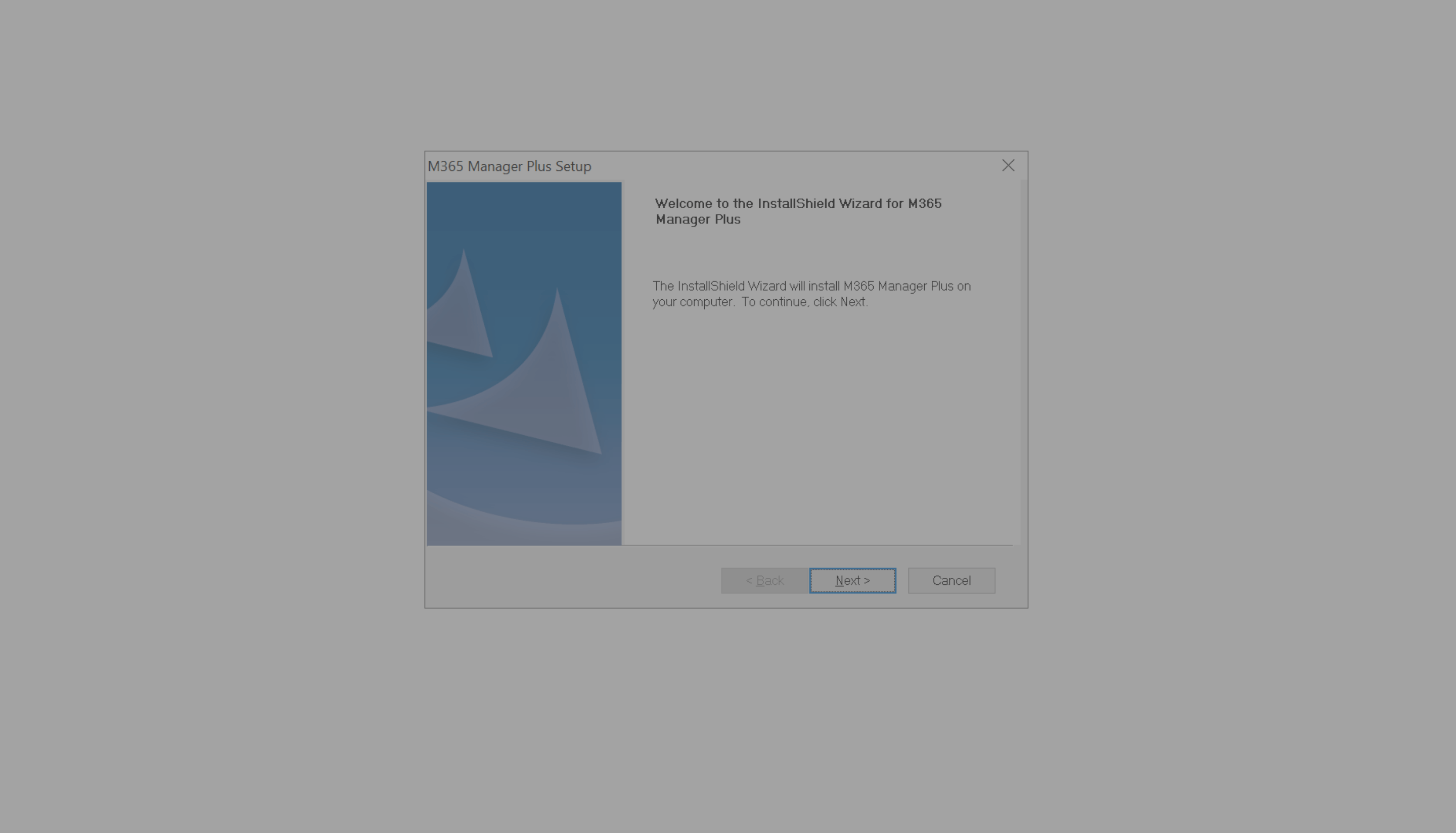
Click here to continue with the Installation
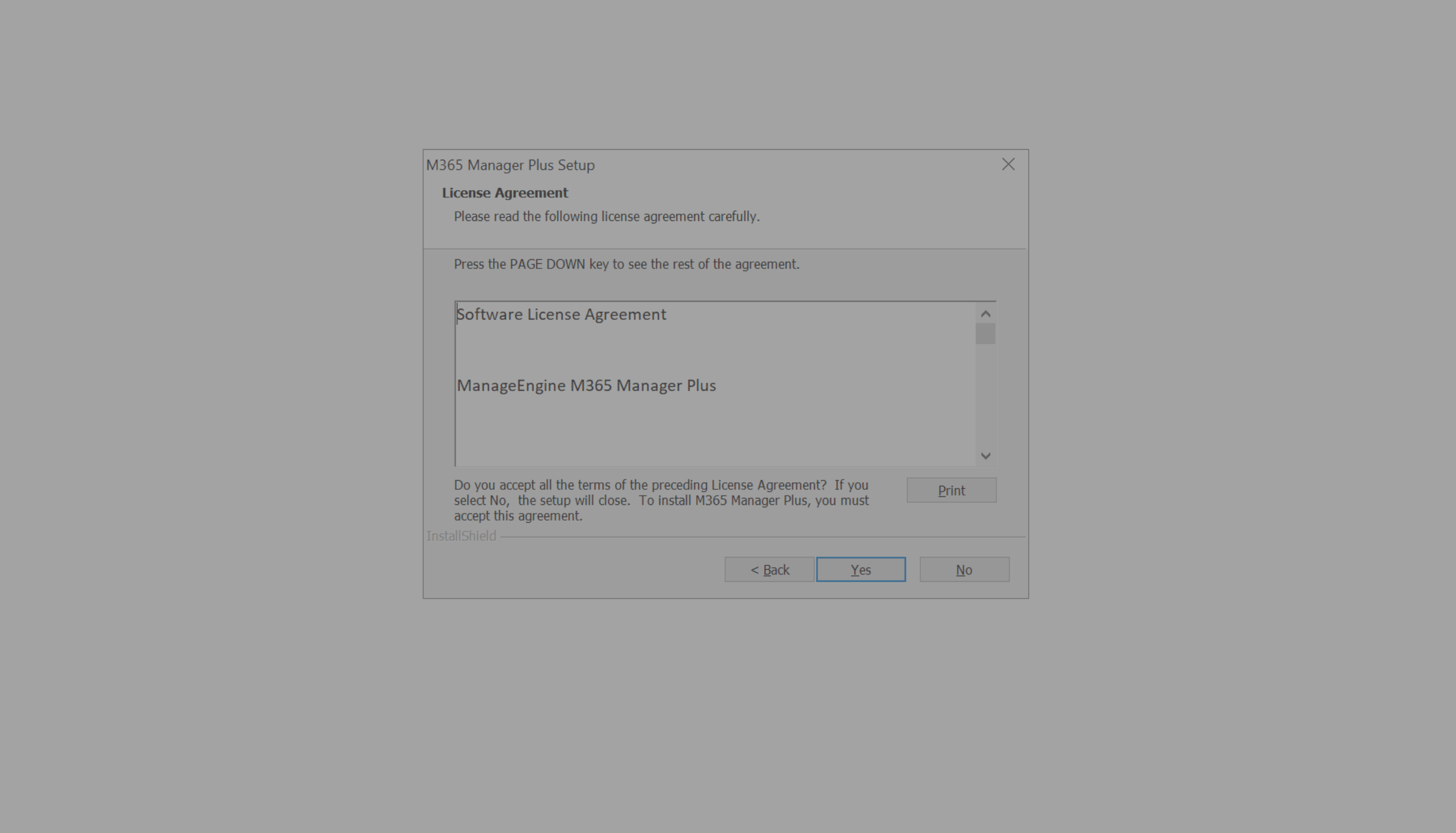
Scroll down to review the License Agreement
Click here to continue with the Installation
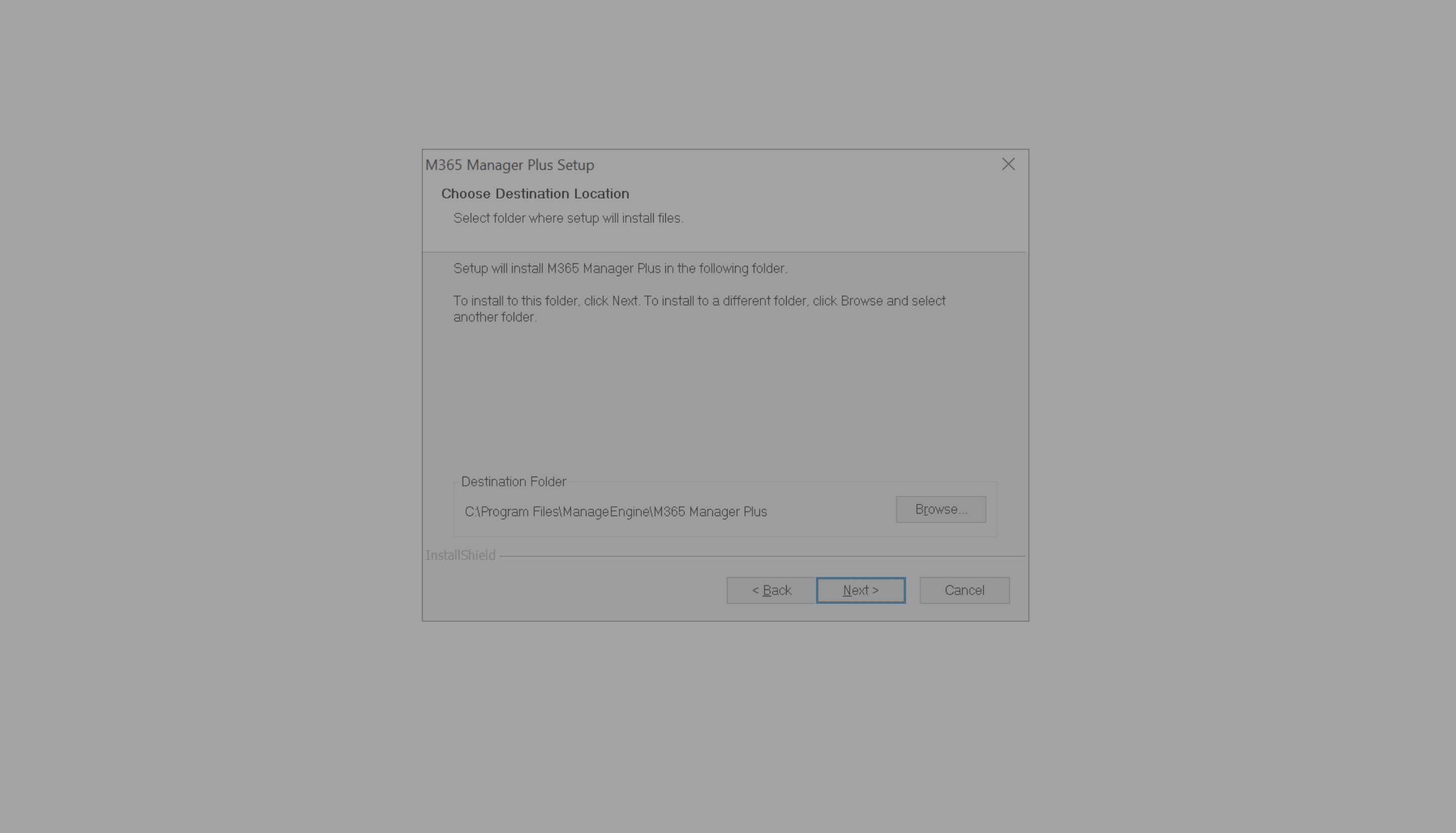
Click here to change the Destination Location.
Click here to proceed with the installation.
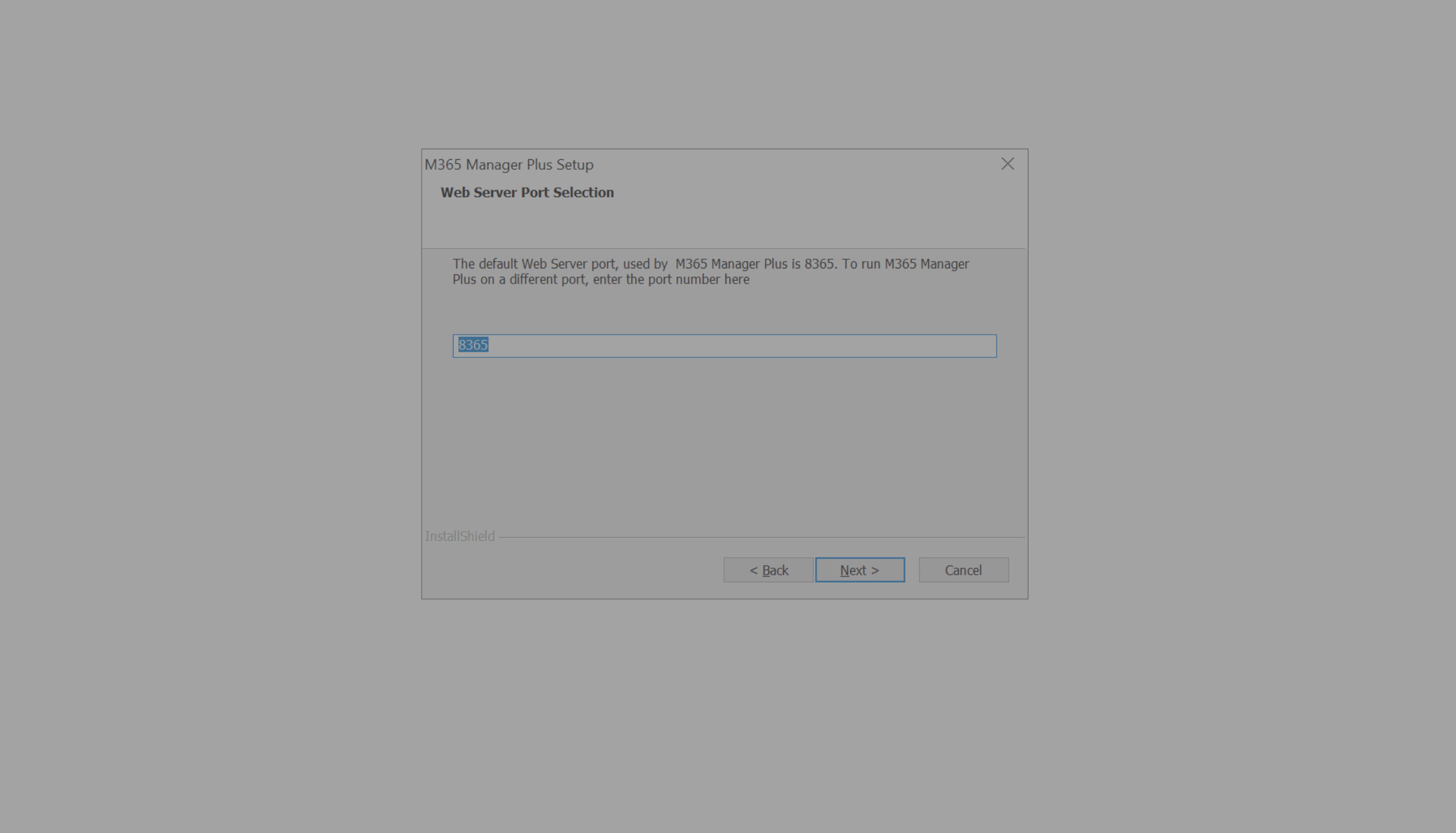
Choose a port number to run M365 Manager Plus.
Click here to continue with the installation.
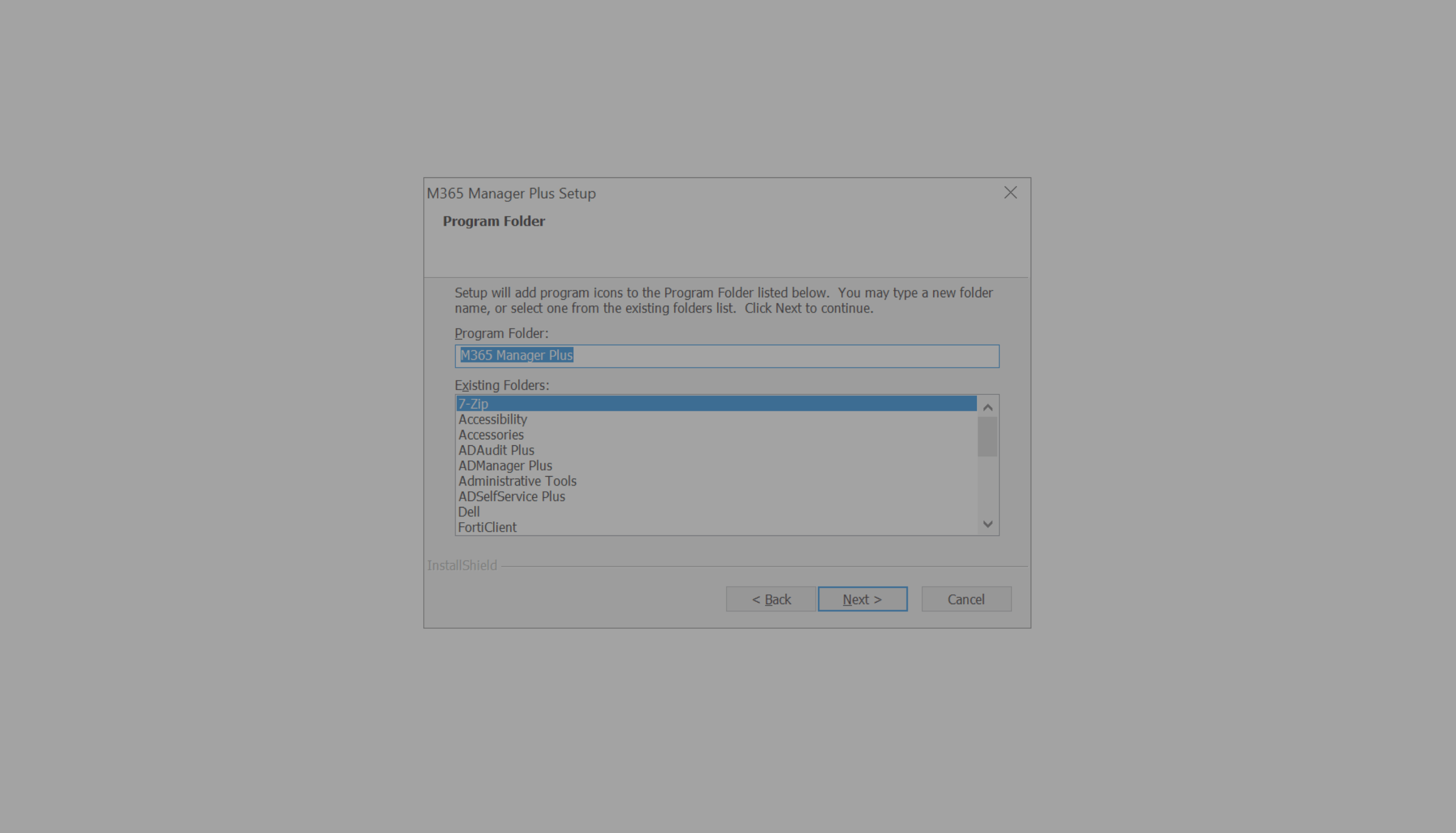
Scroll down to select a different folder
Click next to continue
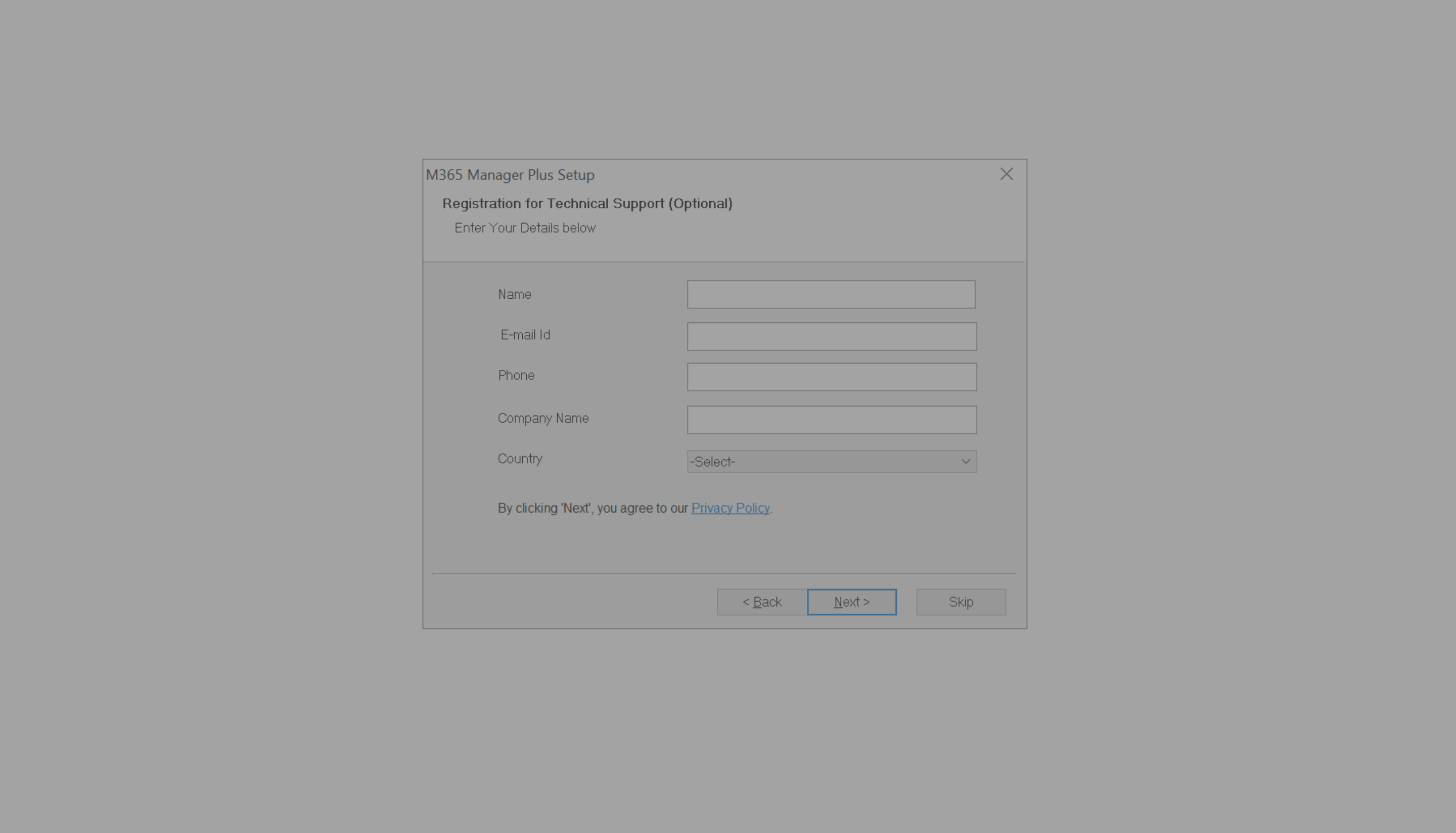
Provide required information to sign-up for Technical Support
Click here to continue with the installation.
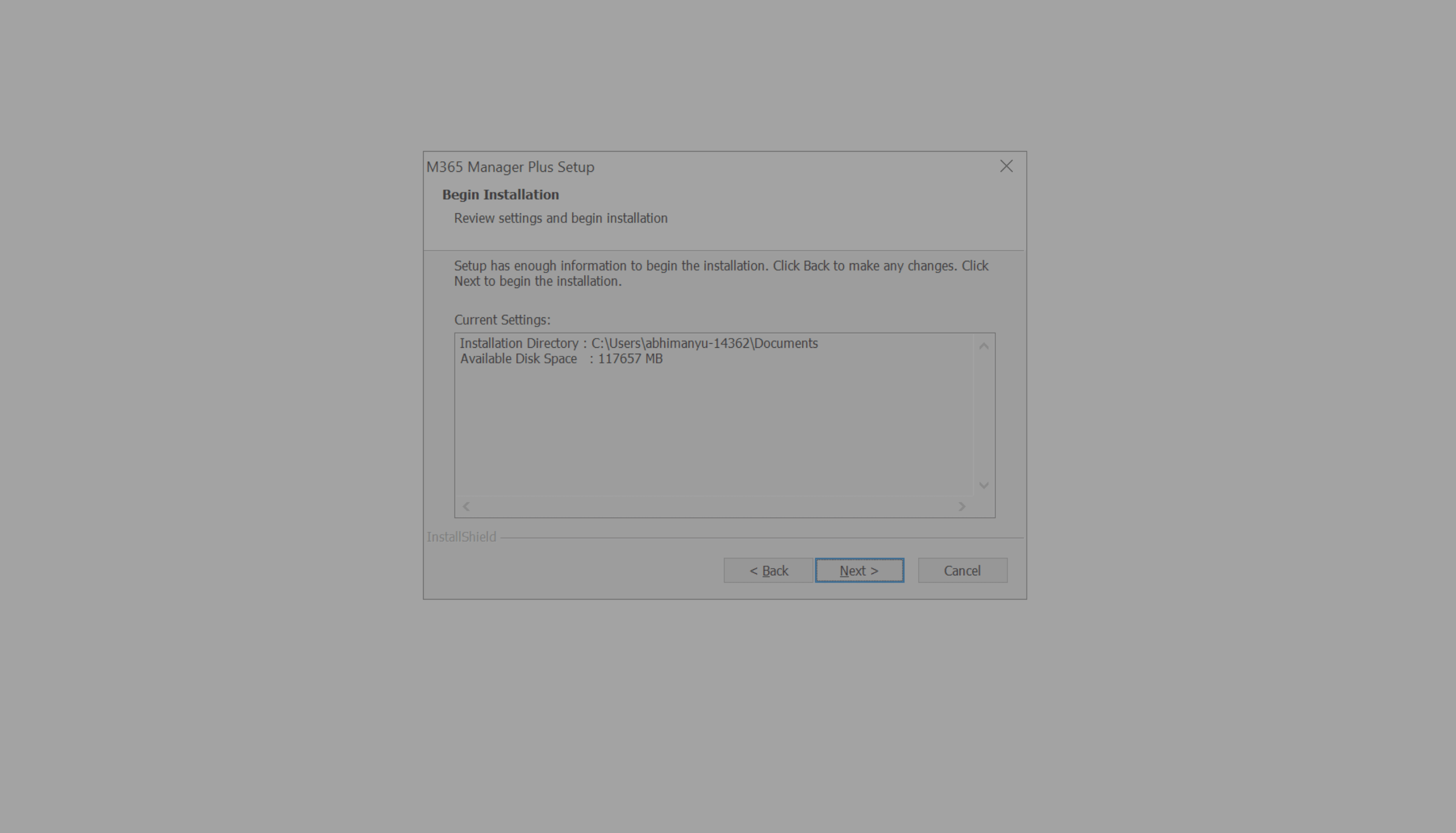
Review current settings
Click next to begin installation
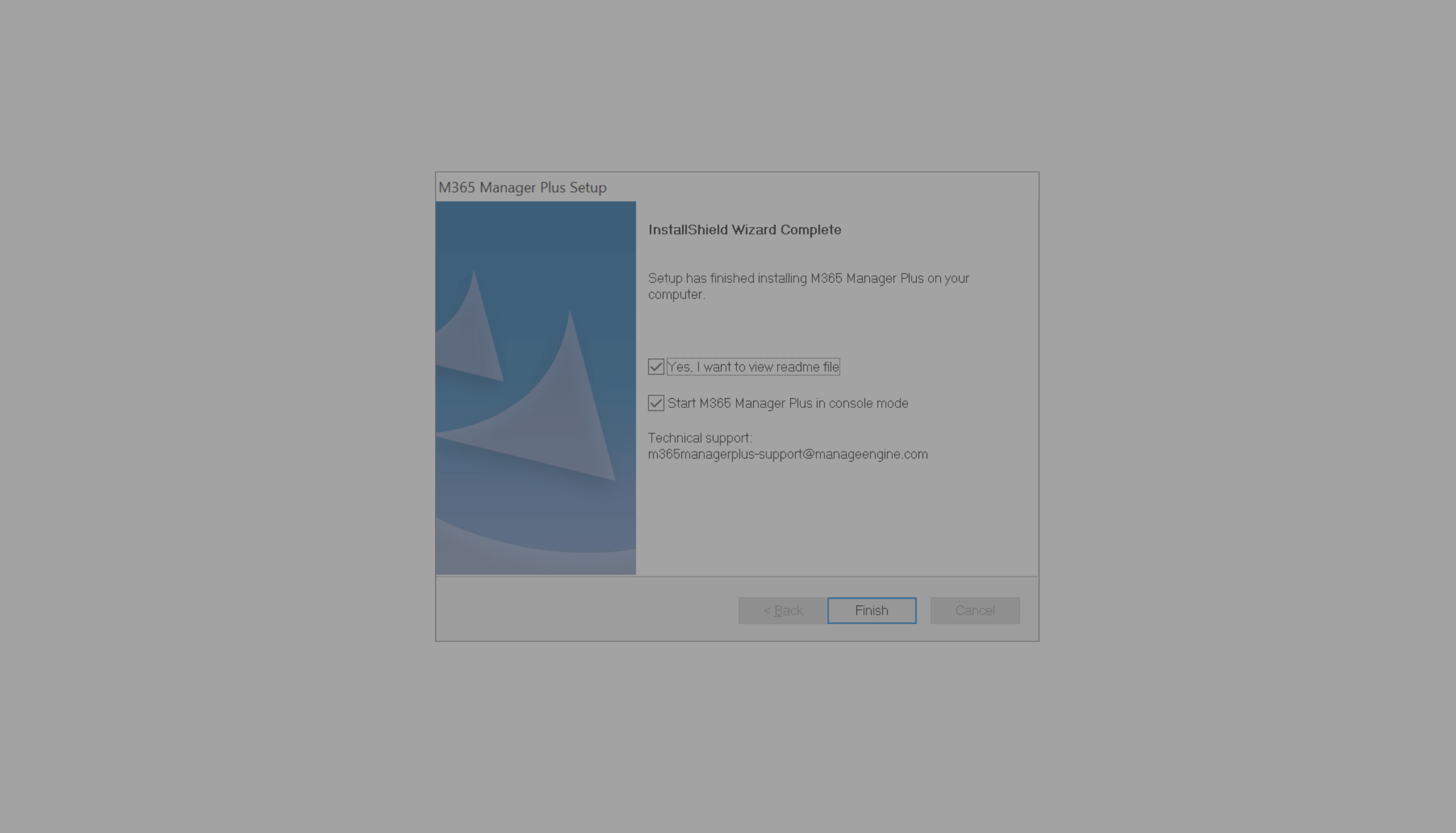
Click here to finish installation. M365 Manager Plus is now installed as an application.