Manage enterprise devices from your own device
Use the Mobile Device Manager Plus mobile app and execute essential MDM tasks on the go
Available on:


Remotely configure, secure, and monitor devices, apps, settings, and more across Apple, Android, Windows, and Chrome devices in the cloud.


Trusted By






Implement a robust device management strategy with comprehensive MDM.

Automate device onboarding with over-the-air, bulk enrollment methods that require minimal admin and user intervention to ensure devices are provisioned with all the required apps and resources, making them work-ready out of the box.

Secure device data at rest with device passcodes, automated OS and app updates, containerization, encryption, and more. Secure data in transit by configuring secure Wi-Fi and automated VPN connections, and safeguard data in-use through DLP policies.

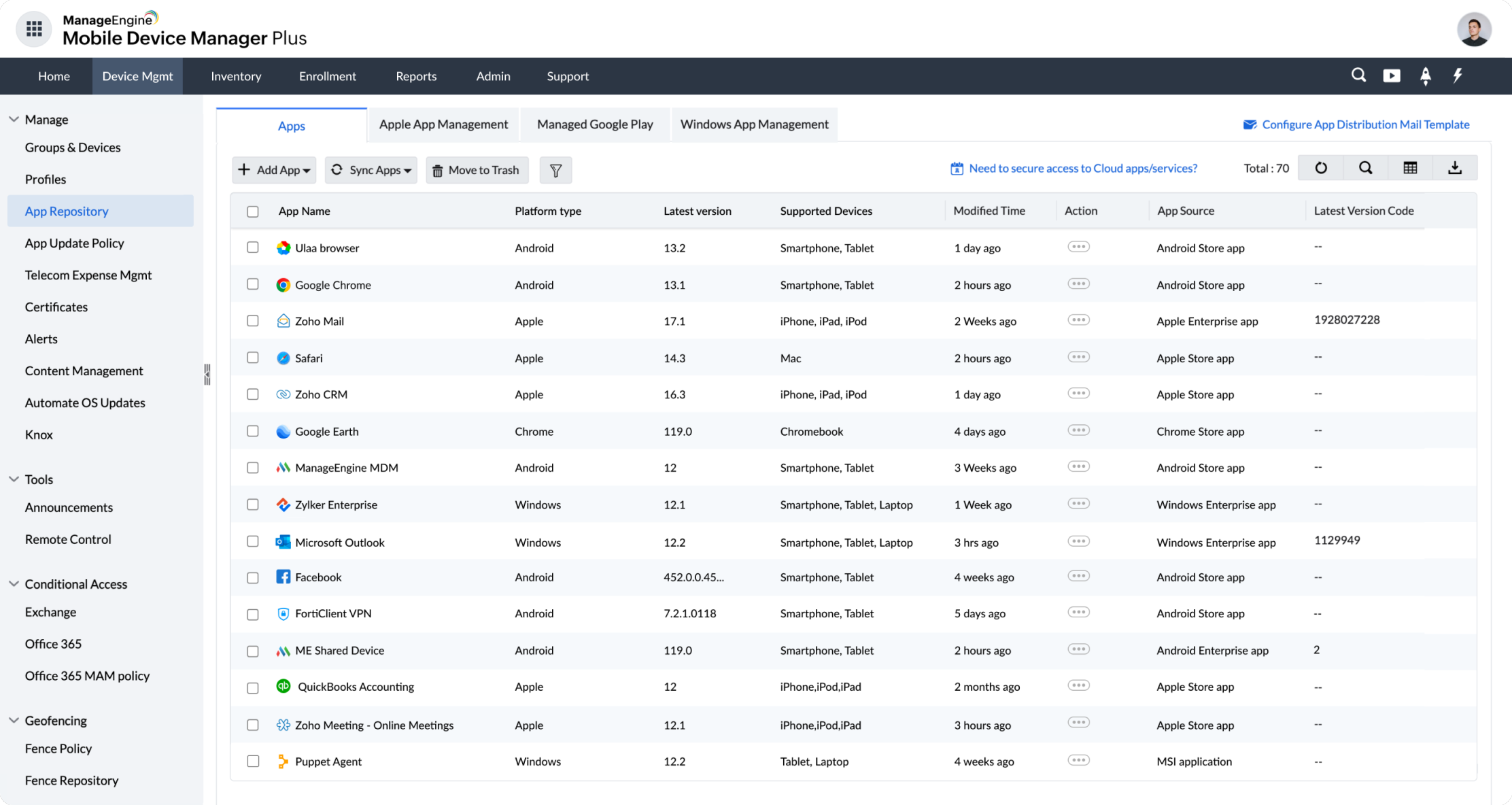
Distribute work apps and files to groups of devices, keep them updated, and make work apps conditionally accessible only to managed devices. Also, block the access of malicious apps and web domains, and the unauthorized sharing of corporate data.

Configure dedicated devices by restricting device functionalities and locking them down to a single app or set of apps. Also configure shared devices, where a single device is accessible to multiple users, each getting their own workspace on the device.

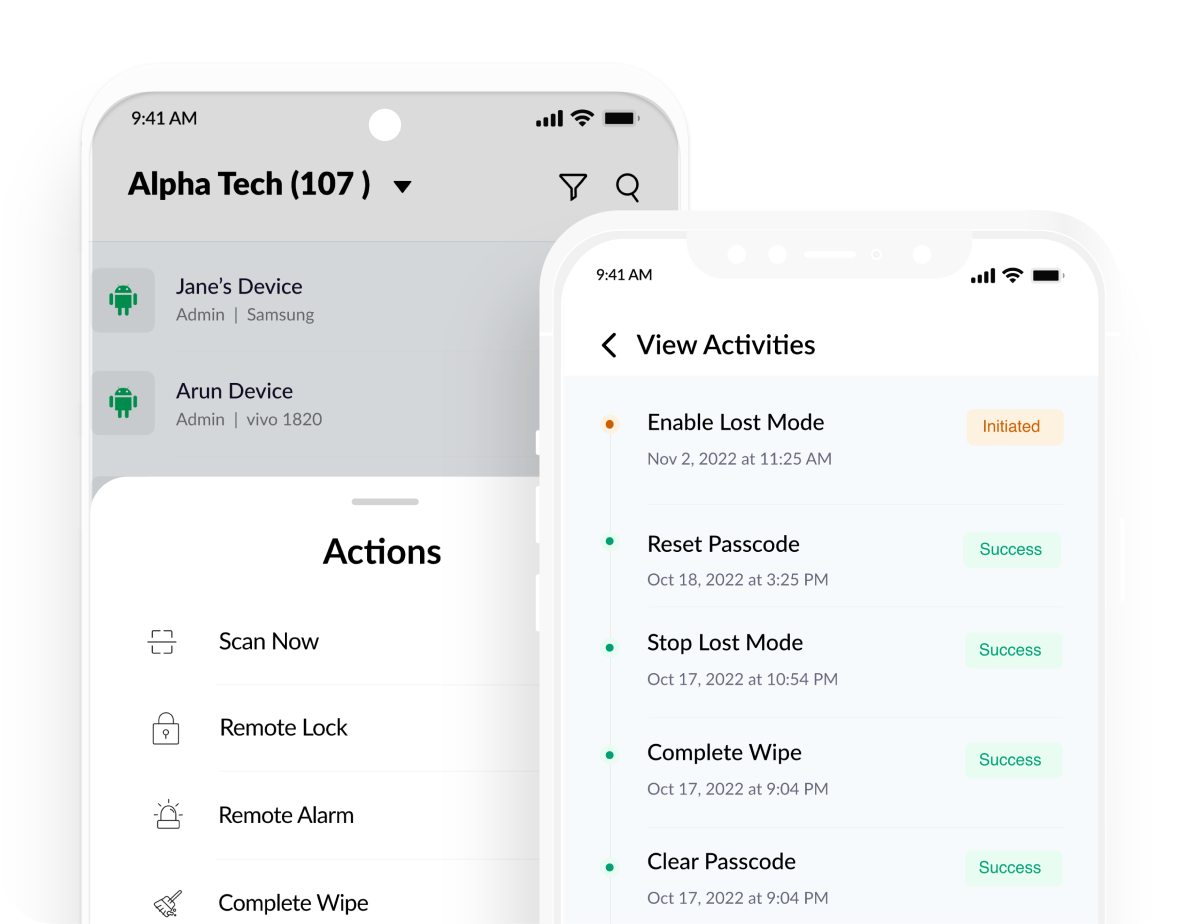
Troubleshoot technical issues on devices by viewing and controlling the device screens right from the console. For misplaced devices, initiate remote lock, alarm, locate, and Lost Mode commands to aid in their recovery, or perform a wipe to secure device data.

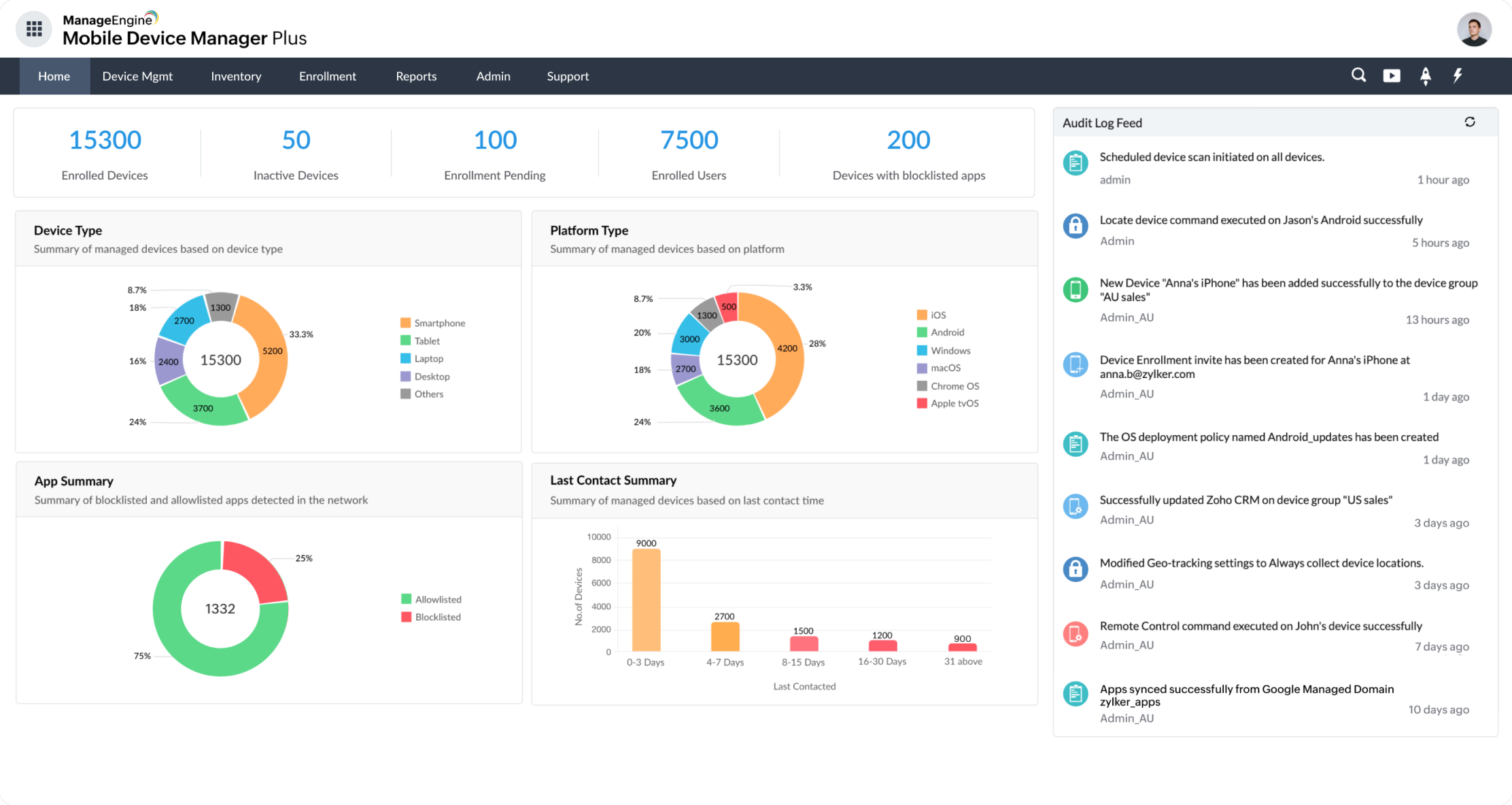
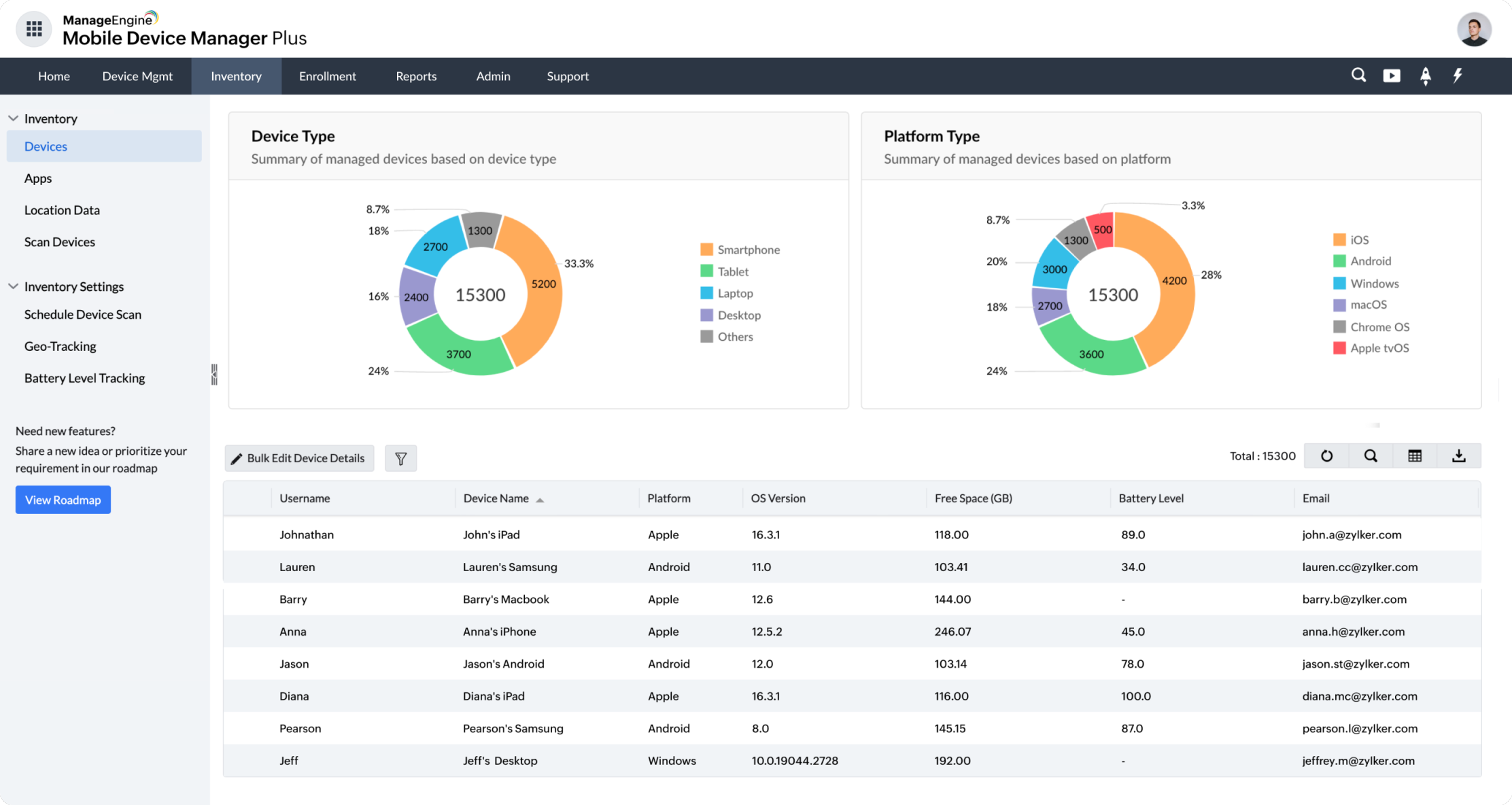
Automate the tracking of real-time device details, telecom expenses, device locations, battery status, device health, security, and compliance, and the generation of insightful reports based on these details for easier auditing.
Our accolades


4.5/5

4.6/5

4.6/5



Seamlessly integrate Zoho and ManageEngine and get the best out of both ecosystems.

When you use Mobile Device Manager Plus, you leverage secure data centers and cloud services that are owned by Zoho. These data centers align with your region's security and compliance regulations, ensuring your organization's information stays with us and is safeguarded to the industry's highest standards.

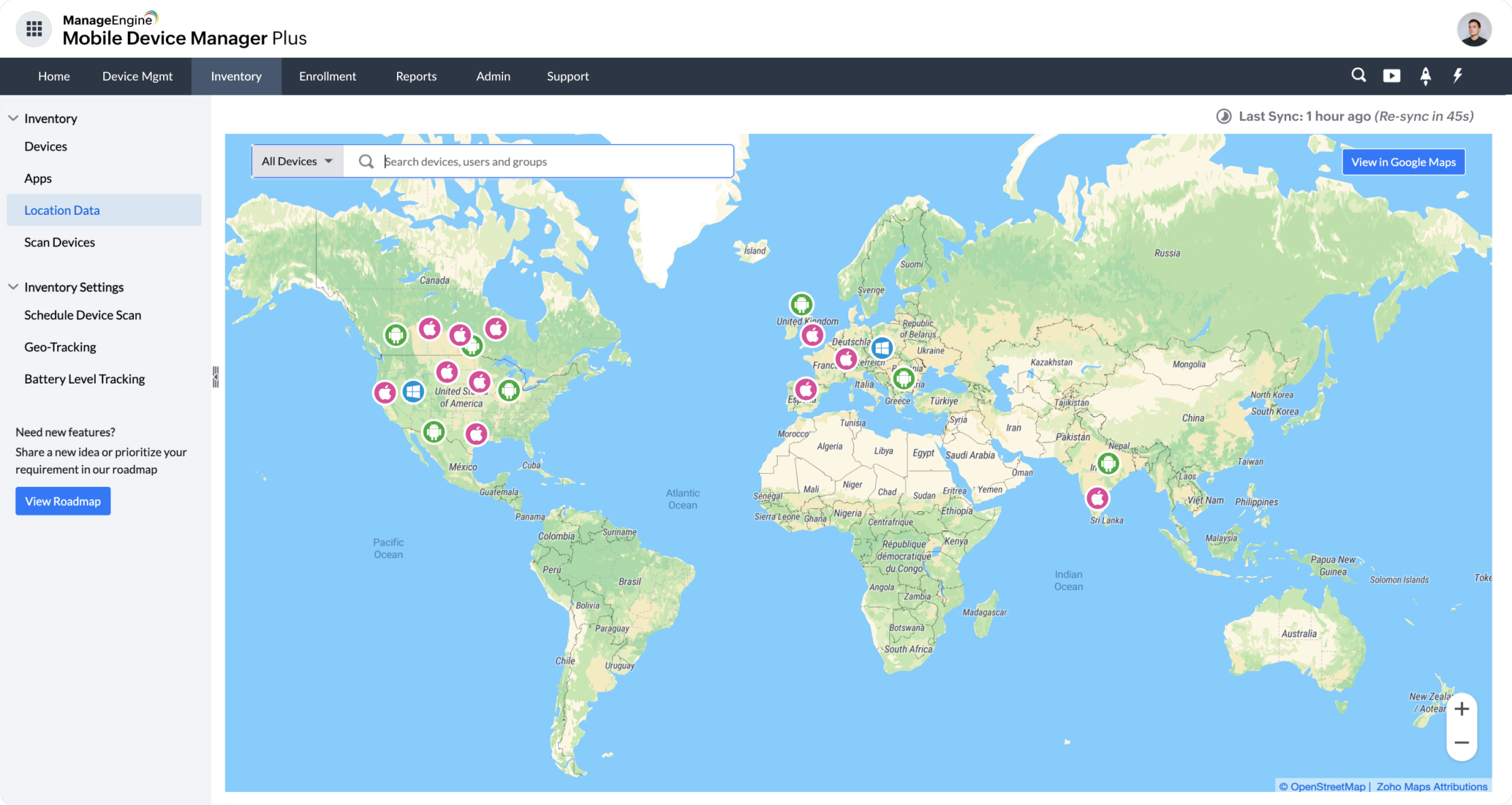
Mobile Device Manager Plus utilizes Zoho Maps to visualize your fleet's location tracking data, and Zoho Assist for remote troubleshooting. This eliminates the need to sign up for another service and the dependence on third-party apps, thereby making things more secure and easier for you at no added cost.

Integrate Mobile Device Manager Plus with Zoho CRM and Zoho Creator to make app development and distribution easier, and with Zoho Flow to automate your device management routine further. Moreover, you can secure your organization's use of Zoho by enabling only managed devices to access Zoho One apps through conditional access.













Use the Mobile Device Manager Plus mobile app and execute essential MDM tasks on the go
Available on:

MDM is the set of processes, tools, and IT management practices that are focused on monitoring, securing, and controlling the mobile devices that are used for work. MDM tools and software enable IT admins to automate this process and equip them to manage the mobile devices, as well as device settings, apps, content, updates, and more.
Read more
Trusted by great brands
"With Mobile Device Manager Plus, we're able to leverage the Zoho and ManageEngine ecosystems together to utilize the full potential of these platforms, and further enhance the productivity of our in-office and remote teams."
Godfrey Francis,DVP, Technology Solutions Group at IIFL
"The most useful thing [Mobile Device Manager Plus provides] is the ability to remotely view device screens. This makes troubleshooting from a distance so much easier. This has been a great time saver and has cut down tremendously on the amount of frustration experienced by both myself and the end users when problems arise."
Amanda Hood,IT Director, UFCW 227
“Mobile Device Manager Plus is a powerful safeguard against the threat of corporate content coming into the wrong hands."
Abdoul Karim Barry,Engineer-System, Microcred