The problem
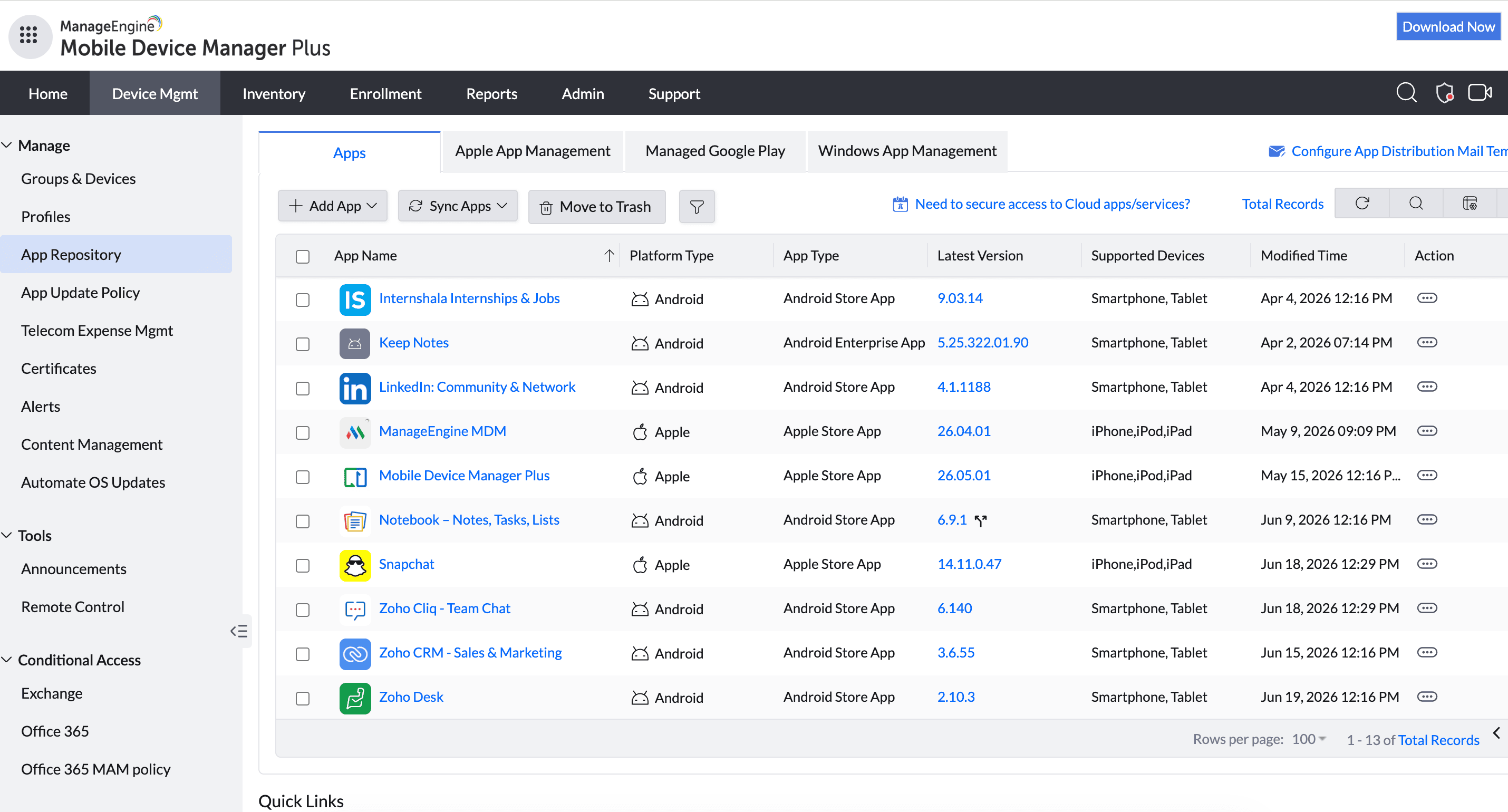
Employees install unapproved messaging, storage, and AI apps because the approved tool is slower — creating shadow IT and real data-leak risk. You want the fleet to run only what's been vetted, without playing whack-a-mole with every new app.
The feature
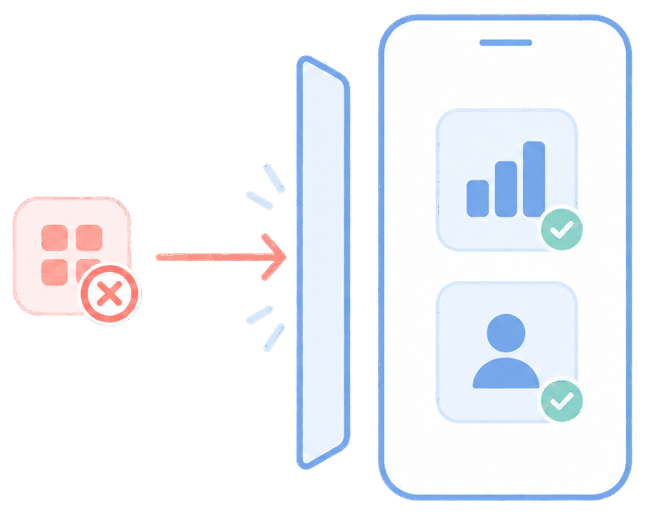
Quick answer: use app allowlisting/blocklisting (formerly whitelist/blacklist) plus install restrictions to control exactly what runs.
On Android, "Managed Google Play → only approved apps" makes the managed catalog the only source. You can block specific named apps (e.g. certain social or messaging apps), block categories, and prevent installs from outside the catalog.
The unique advantage
MDM Plus is candid about the managed-vs-unmanaged distinction, which most vendor pages skip: you can force-remove apps you deployed, and Android Device Owner mode can uninstall more broadly — but on unsupervised/BYOD iOS, Apple does not allow an MDM to delete apps a user installed themselves. For those, the right play is a compliance-triggered action (block access, selective wipe, or re-enrollment) rather than a promise you can't keep.
How it looks in the console and device
In the console you build the allow/block list and set install restrictions per group. On the device, blocked apps won't install or run; on Android, users hit the "security policy prevents installation of this application" message when they try to side-load.
Use cases in different industries
Finance & legal
Prevent unsanctioned file-sharing and messaging apps on client data.
Healthcare
Keep only approved clinical and communication apps on devices.
Retail & frontline
Stop games and streaming on shared work devices.
Any org managing AI-tool sprawl
Limit unvetted AI apps handling company data.
Tips and troubleshooting
Capture both terminology generations for search: allowlist/blocklist and whitelist/blacklist.
Be explicit with users about BYOD vs corporate-owned — the enforcement differs and this is the most common source of confusion.
For iOS apps you can't remove, mark the device non-compliant and gate access rather than claiming a forced uninstall.
Related use cases