The problem
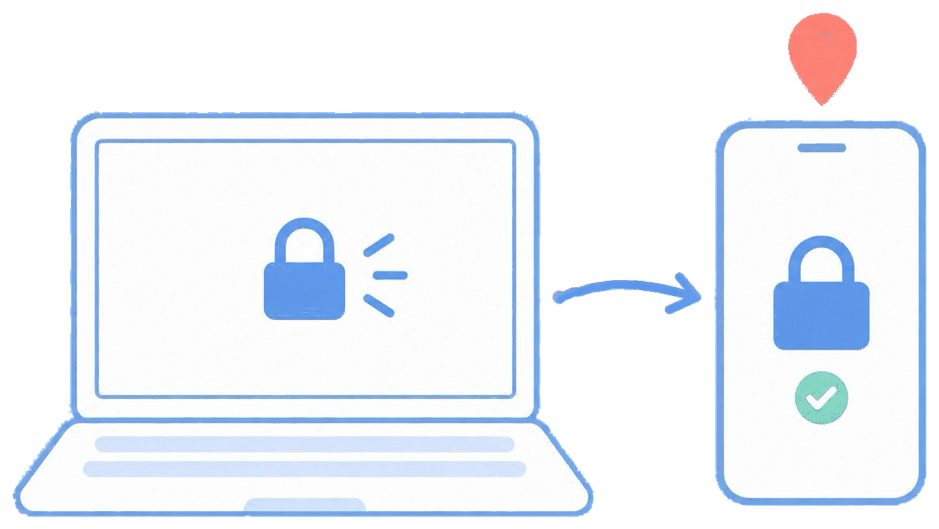
An employee loses a personal phone that had work email on it. IT needs the company data gone now — but the employee is (rightly) anxious that a wipe will erase their family photos. Fear of a full wipe is one of the biggest reasons people resist enrolling their own devices at all.
The feature
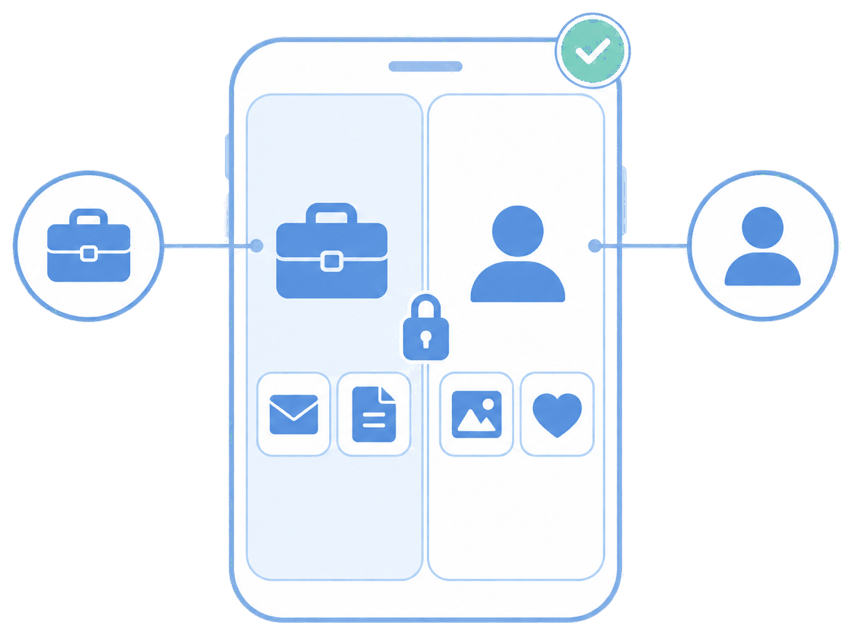
Quick answer: containerization separates work from personal, so a corporate wipe clears only the managed side.
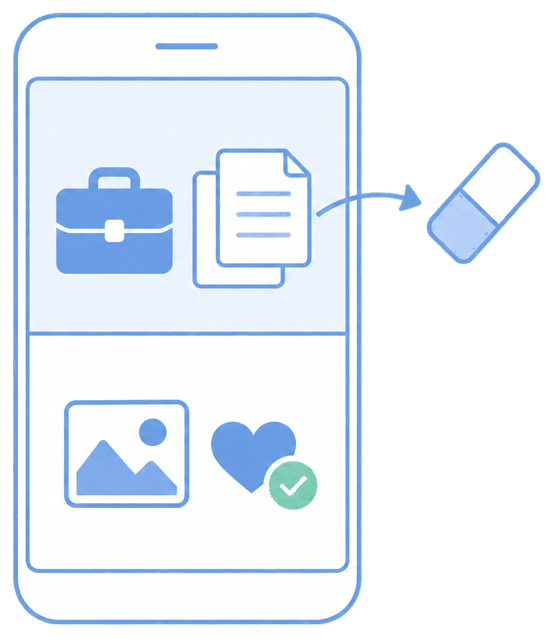
MDM Plus provisions a work container (Android work profile / iOS managed apps and accounts). When a device is lost or an employee leaves, you trigger a corporate wipe that removes managed apps, configured accounts, and their data — and nothing else.
The unique advantage
You get the security outcome (company data gone) without the trust cost (personal data intact), which measurably reduces BYOD enrollment resistance. Because the boundary is defined at enrollment, there's no guessing later about what's "work" versus "personal."
How it looks in the console and device
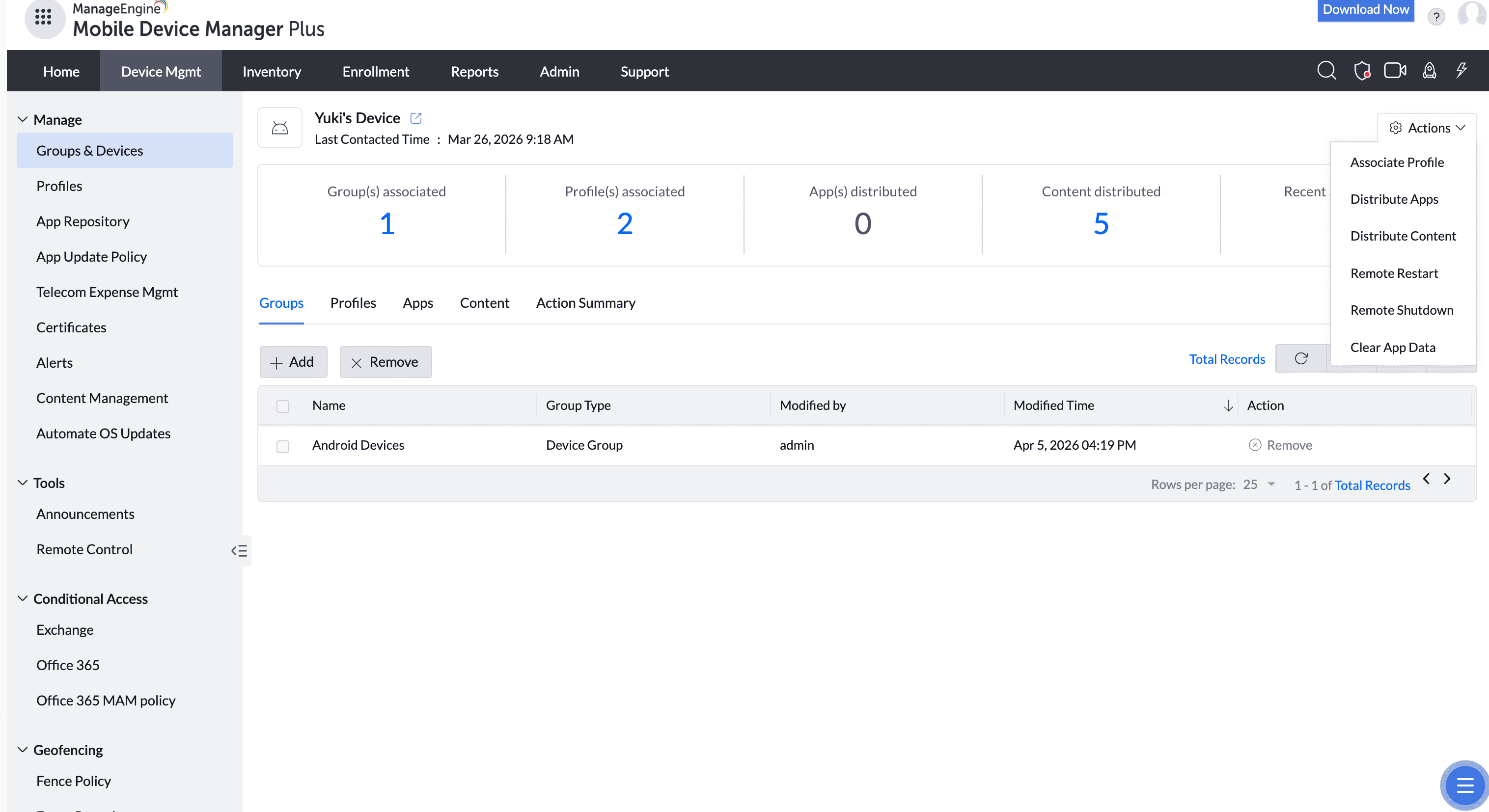
In the console you pick the device and choose Corporate Wipe (versus Complete Wipe). On the device, the work profile and its apps disappear; the personal home screen is untouched. The user keeps using their phone normally.
Use cases in different industries
Professional & financial services
Remove client data from a departing consultant's own phone.
Healthcare
Clear PHI from a personal device without touching the clinician's personal life.
Any BYOD-heavy org
Offboard contractors and seasonal staff cleanly.
Sales
Revoke CRM and email access the moment a rep leaves.
Tips and troubleshooting
Be transparent up front about what a selective wipe does and doesn't touch — publishing a short "what IT can and can't see/do" note dramatically lowers enrollment pushback.
Selective wipe only covers managed apps and accounts; anything the user set up personally is out of scope by design.
For corporate-owned devices, use Complete Wipe instead to return the device to factory state.
Related use cases