The problem
A new hire's first day should not start with a two-hour trip to the IT desk. When devices arrive unconfigured — no email, no apps, no security policy — someone has to touch every single one, and the backlog grows with every headcount. For a small IT team, manual setup simply doesn't scale past a few dozen devices.
The feature
Quick answer: zero-touch enrollment links devices bought through Apple Business Manager (ABM) to MDM Plus so they enroll automatically on first boot.
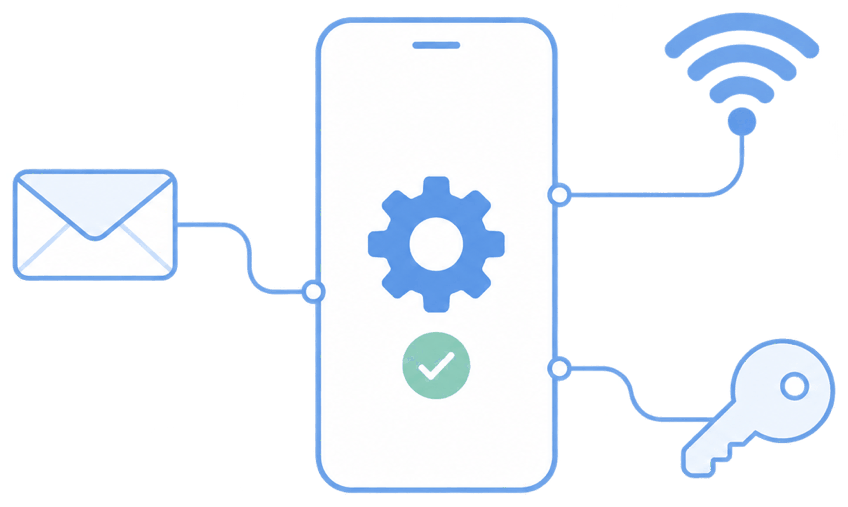
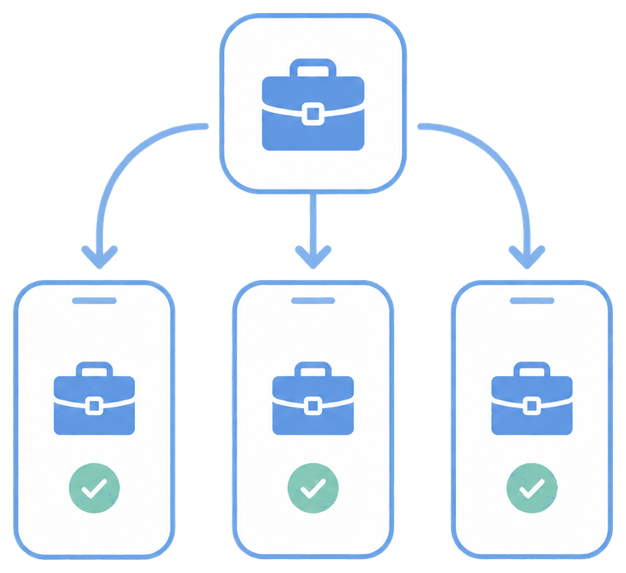
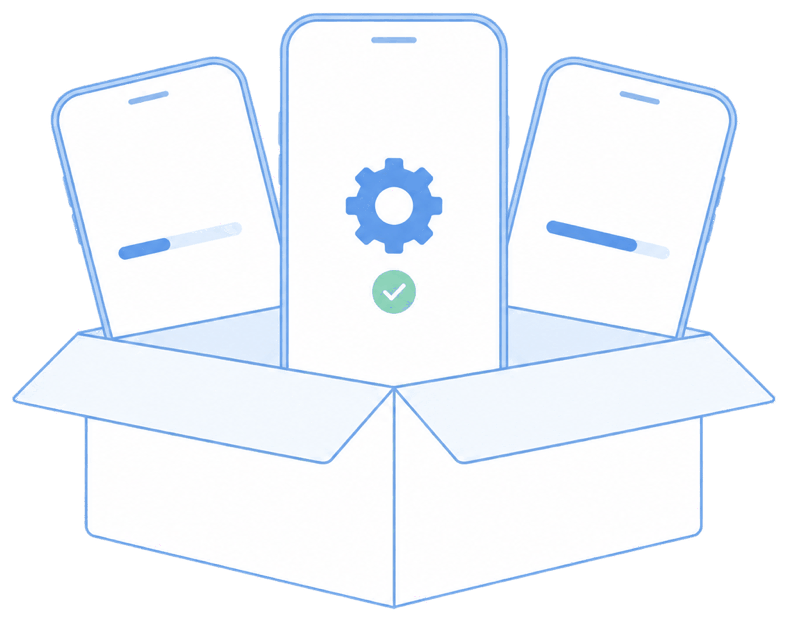
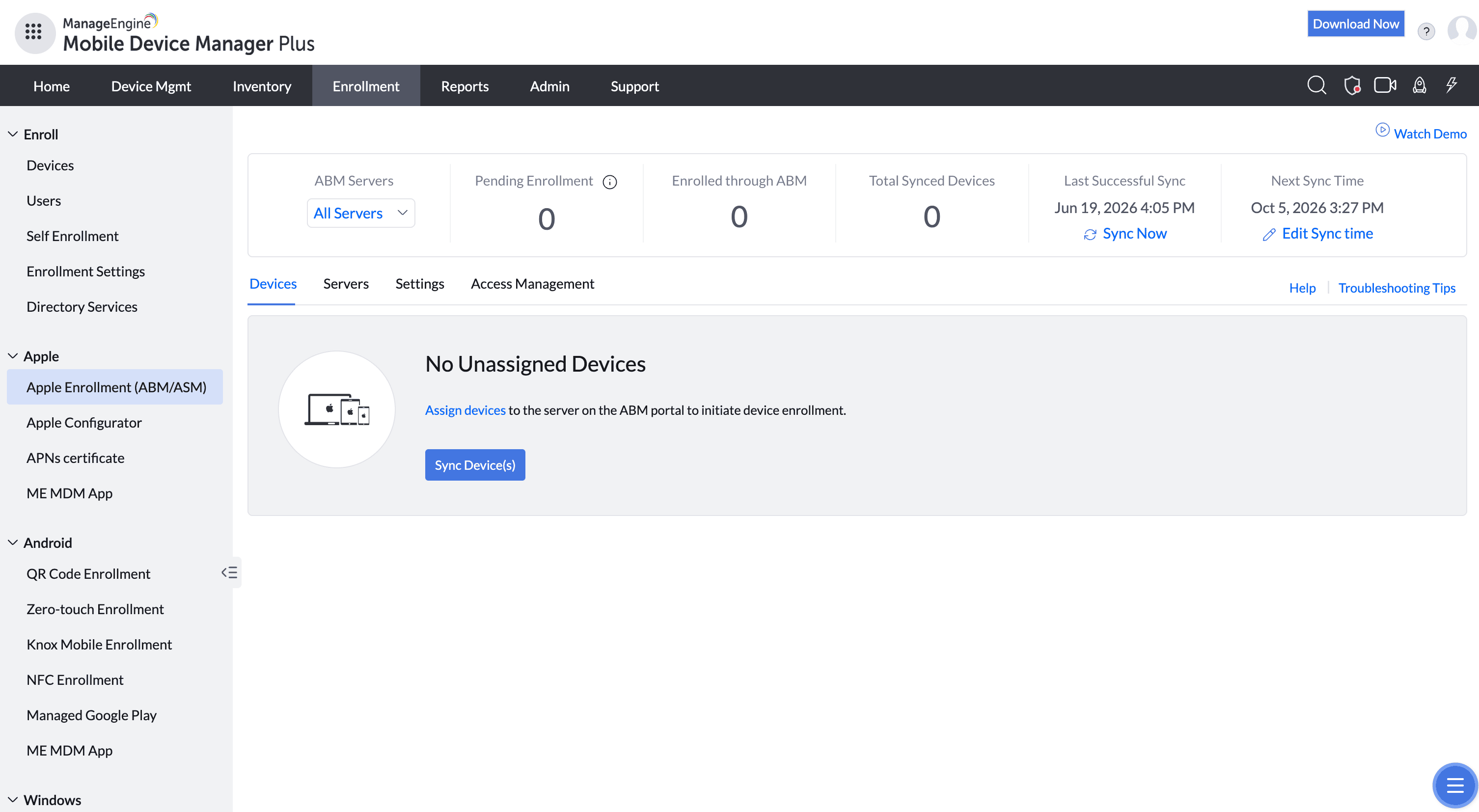
You register your Apple Business Manager (or Apple School Manager) account, assign devices to the MDM Plus server, and build an enrollment profile. When the user powers the device on and connects to the internet, it pulls its configuration, apps, and restrictions before they ever reach the home screen. The same model applies to Android (zero-touch / Samsung Knox) and Windows (Autopilot).
The unique advantage
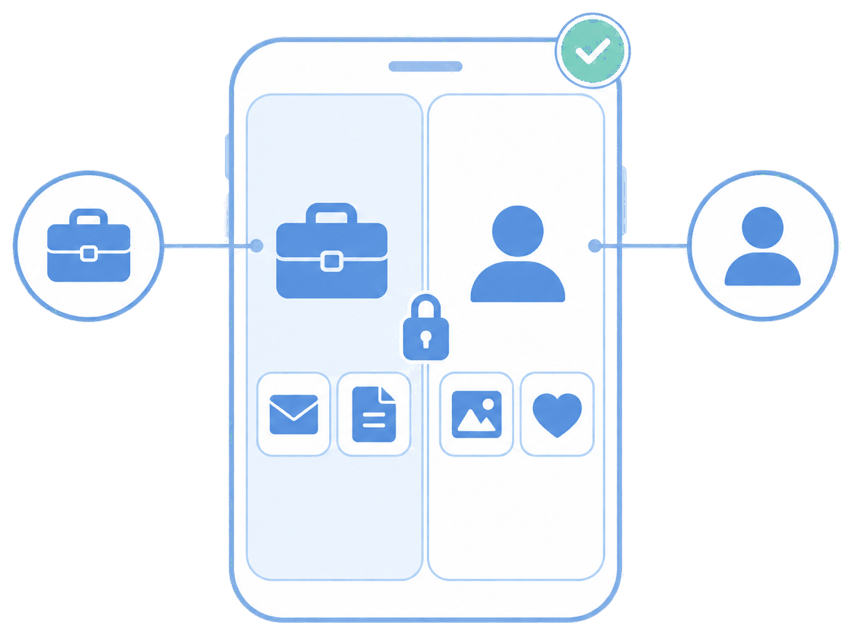
Enrollment is supervised and locked from the start, so the device can't be wiped-and-reused to shake off management. Because MDM Plus handles Apple, Android, Windows, and Chrome OS from one console, you're not stitching together a separate tool per platform — the same enrollment logic and policy set covers a mixed fleet.
How it looks in the console and device
In the console you connect ABM, sync your device serials, and attach an enrollment profile to a group. On the device, the user sees the standard setup assistant, then a "Remote Management" screen confirming the company is configuring it — after which apps and settings appear on their own.
Use cases in different industries
Retail
Drop-ship pre-configured iPhones to new store locations; staff unbox and start selling.
Healthcare
Issue ready-to-use iPads to clinicians with EHR apps and Wi-Fi already in place.
Field services
Ship devices directly to technicians in the field, fully provisioned on arrival.
Professional services
Onboard a cohort of new hires with identical, policy-compliant devices on day one.
Tips and troubleshooting
Devices must be purchased through ABM or an Apple-authorized reseller linked to your account — retail-bought iPhones can't be added to zero-touch retroactively.
If a device skips the management screen, confirm it was assigned to the MDM server in ABM and re-synced in the console.
Pre-stage app licenses (VPP / managed distribution) before enrollment so apps install without prompting for an Apple ID.
Related use cases