The problem
Employees postpone OS updates for fear of downtime, changed workflows, or a broken app — leaving known vulnerabilities open for weeks. Left to individuals, "update later" becomes "never," and your fleet fragments across a dozen OS versions.
The feature
Quick answer: control when updates install by scheduling and staging them from the console instead of leaving it to users.
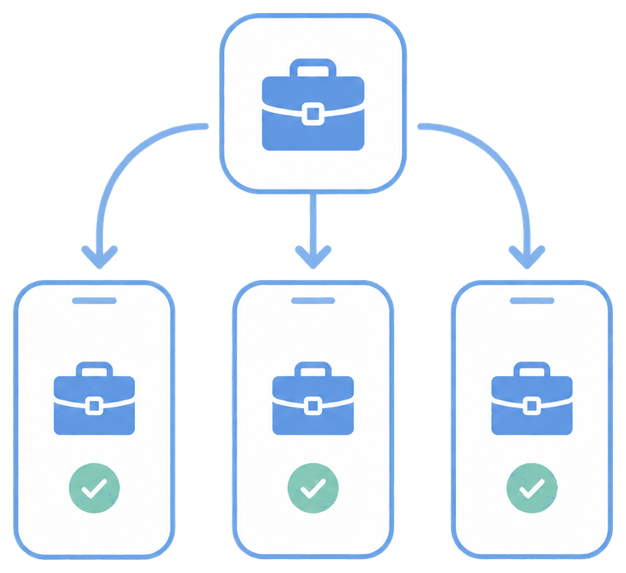
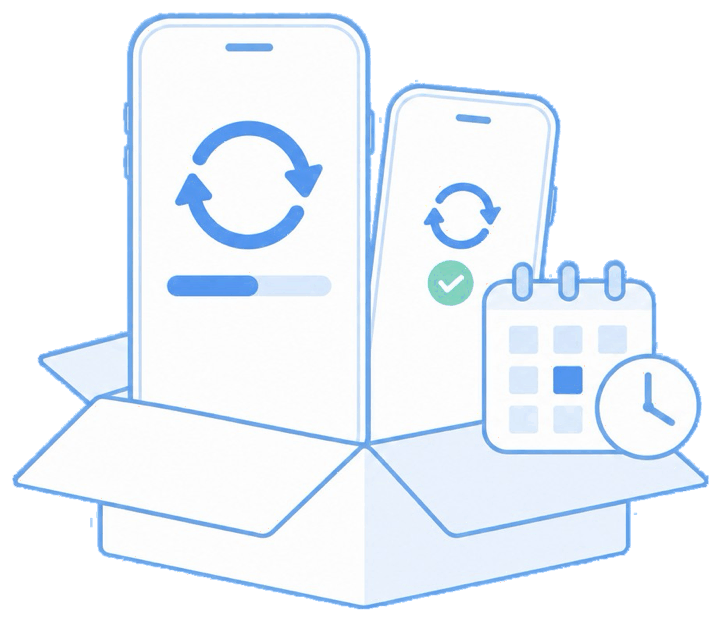
You can defer updates, approve specific versions, push them to chosen groups first, and set install windows so updates land outside working hours. This turns patching from a nag into a managed rollout.
The unique advantage
Staged rollout means you validate an update on a small group before it reaches everyone — so a bad OS release never takes out your whole fleet at once. Scheduling around shifts removes the downtime excuse that drives update resistance.
How it looks in the console and device
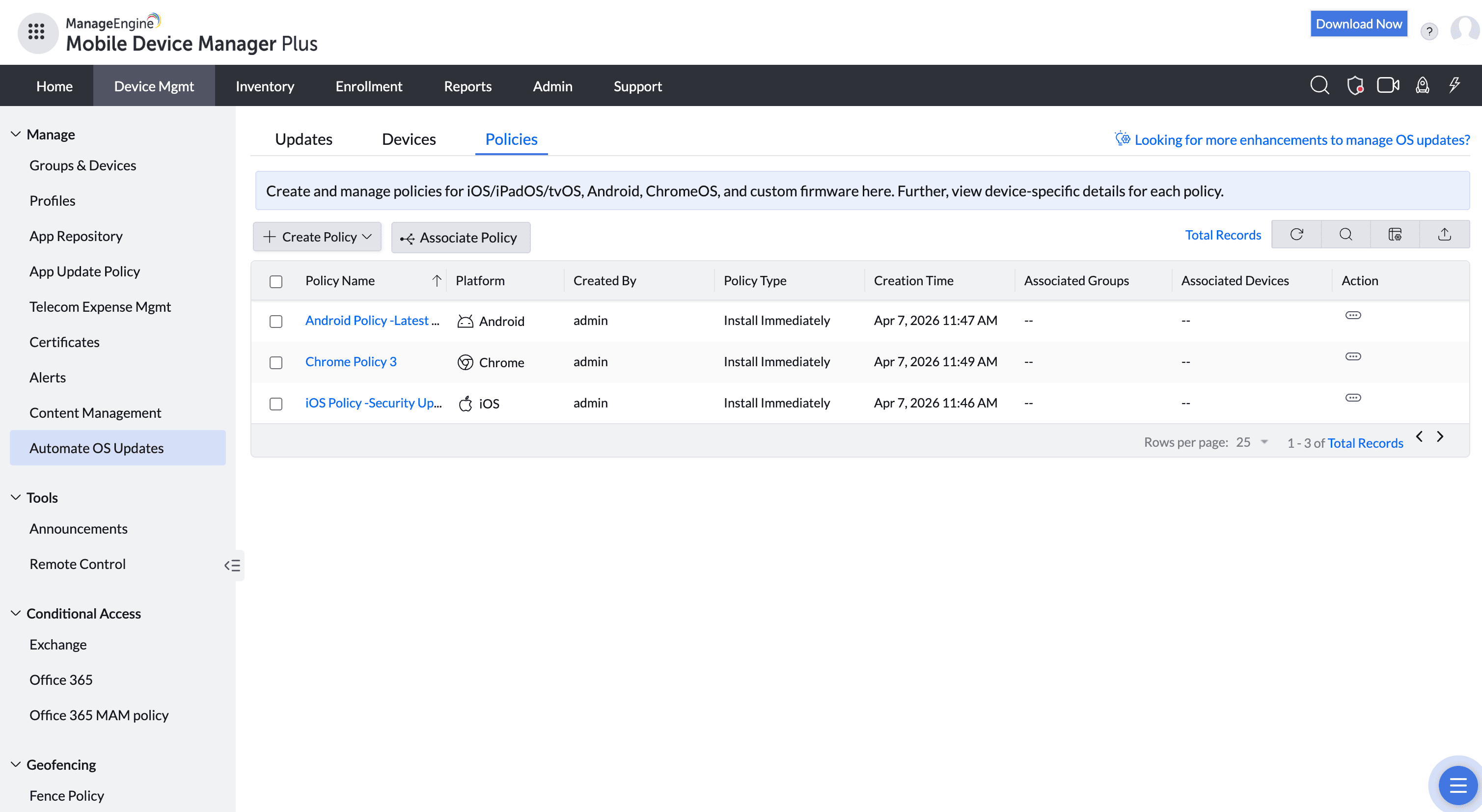
In the console you choose the update, the target group, and the schedule. On the device, the update installs in the window you set, often overnight, and the user simply finds it done.
Use cases in different industries
Healthcare
Update ward devices overnight so nothing goes down during patient care.
Retail
Patch store devices after closing, before opening.
Logistics
Stage driver-device updates so routes are never interrupted.
Finance
Keep every endpoint on a vetted, current OS for compliance.
Tips and troubleshooting
Update control is strongest on supervised iOS and Android Device Owner devices; unsupervised/BYOD offers fewer enforcement levers.
Always pilot a major OS version on a test group before fleet-wide release — apps and profiles occasionally behave differently on a new OS.
Communicate the install window so overnight reboots don't surprise anyone on call.
Related use cases