The problem
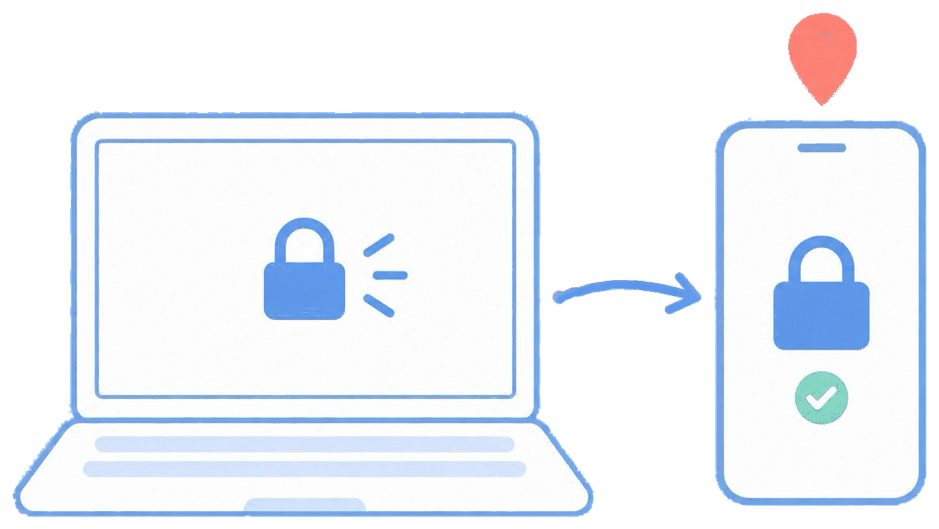
Expensive, data-carrying devices are meant to stay on-site, but there's no easy way to know when one walks out the door until it's already gone. By the time a missing device is noticed and reported, the window to protect it has closed.
The feature
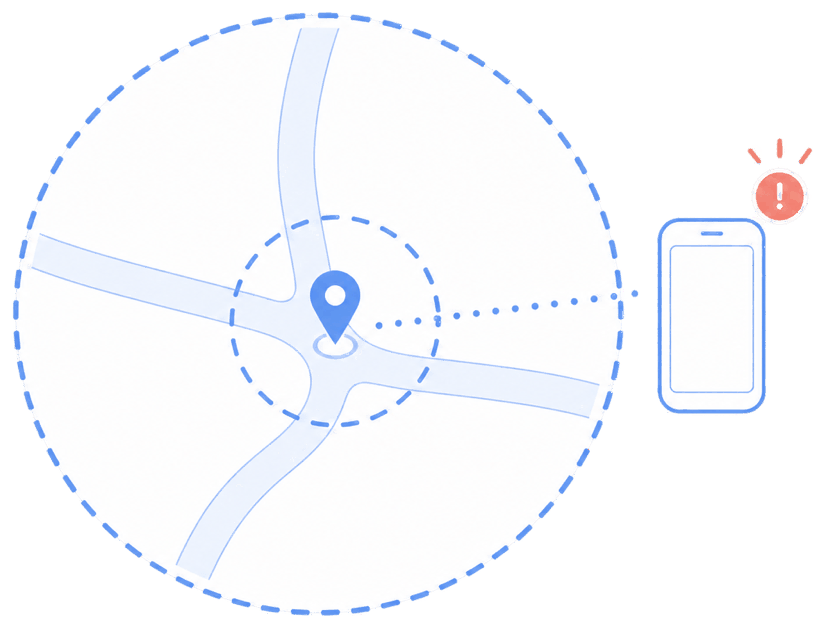
Quick answer: define a geofence around a location and attach actions that fire on entry or exit.
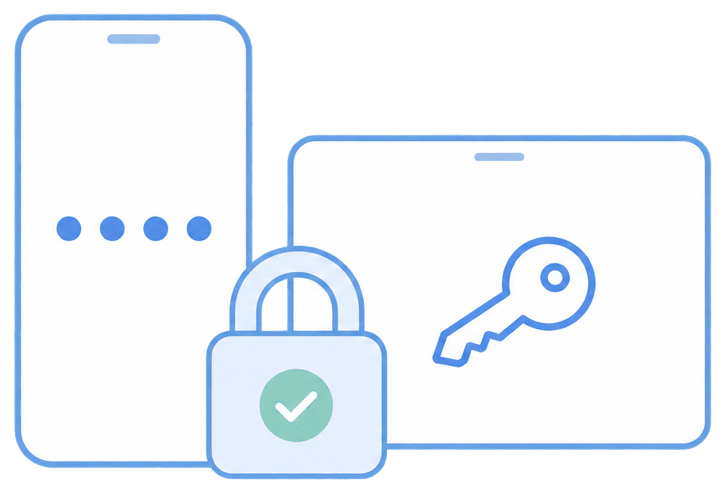
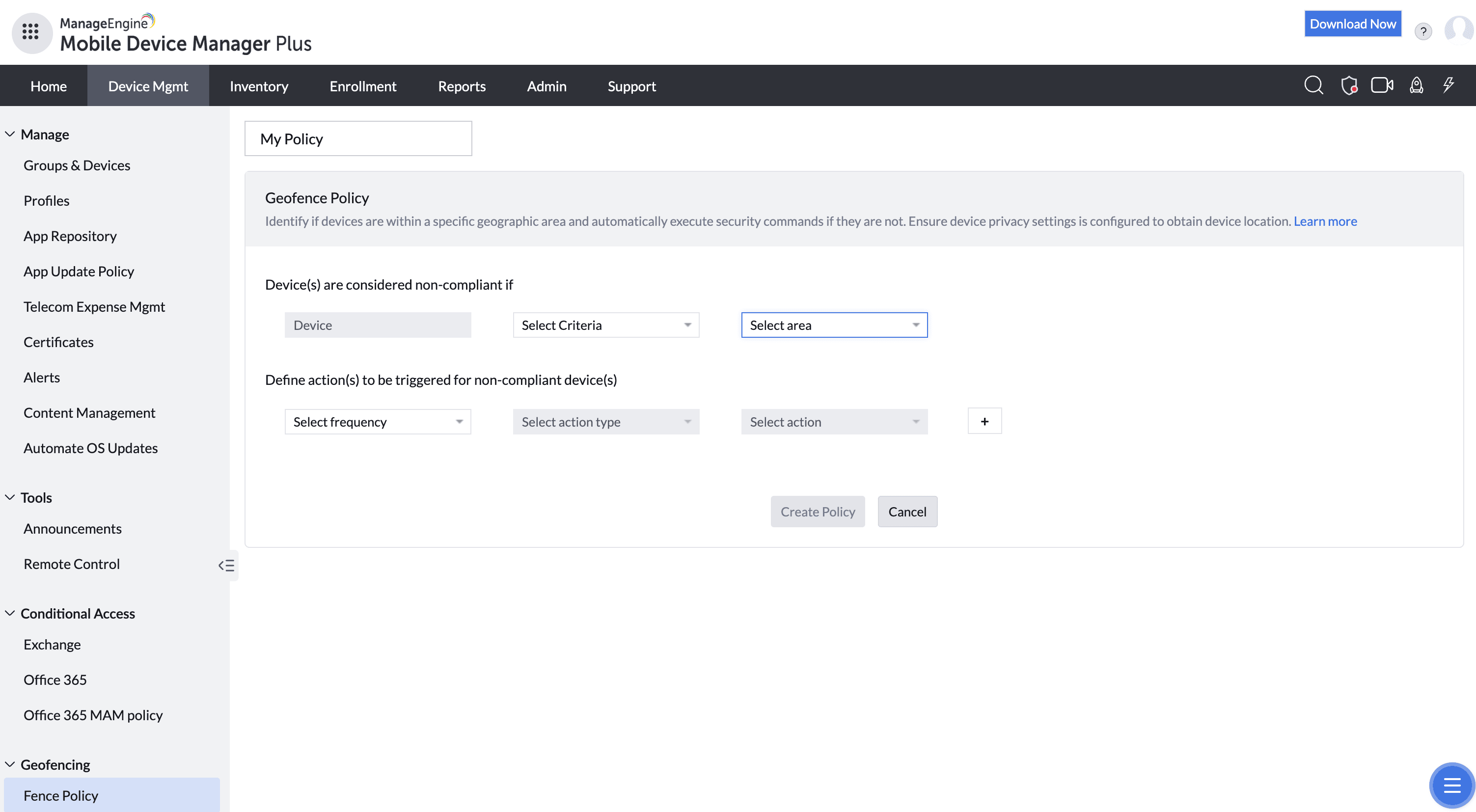
You set a location and radius in the console, then bind policies to the boundary — send an alert, mark the device non-compliant, lock it, or apply a stricter profile when it leaves the approved area.
The unique advantage
Instead of location tracking as a passive map, geofencing is active — it turns "where is this device" into "do something automatically when it shouldn't be there." Combined with lock/wipe, it shrinks the exposure window from hours to seconds.
How it looks in the console and device
In the console you place the fence on a map and choose the trigger actions. On the device it's silent; the user only notices if a policy (like a lock) is applied on exit. Admins see location and boundary-crossing events in reports.
Use cases in different industries
Warehouse & logistics
Keep scanners and rugged tablets inside the facility.
Healthcare
Alert when infusion-pump tablets or ward devices leave the floor.
Education
Notify when a loaned device leaves campus.
Construction
Confirm site tablets stay on the correct job site.
Tips and troubleshooting
Geofencing depends on location services and connectivity — a device that's off or offline reports its crossing once it reconnects.
Set a sensible radius; too tight and normal movement triggers false alerts near the boundary.
Pair exit actions with lock/wipe for genuinely sensitive fleets rather than alerts alone.