The problem
Field teams work off whatever PDF landed in their inbox last month — often an outdated price list, manual, or safety sheet. Emailing sensitive documents around also means copies scatter across personal apps with no way to pull them back.
The feature
Quick answer: distribute documents to a managed content app, update them centrally, and restrict sharing outside it.
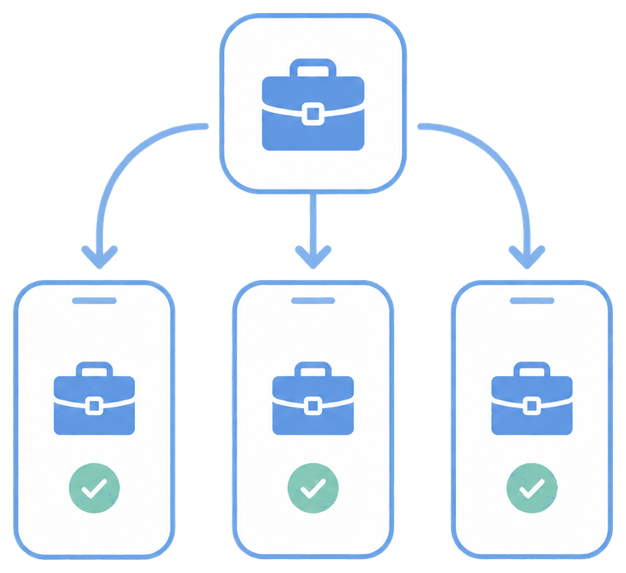
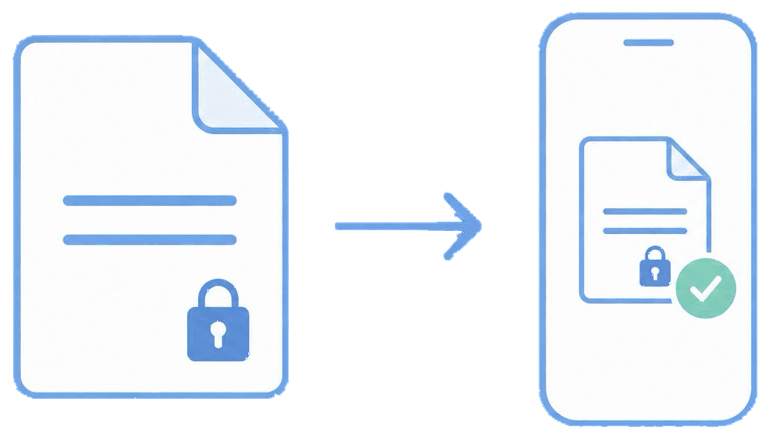
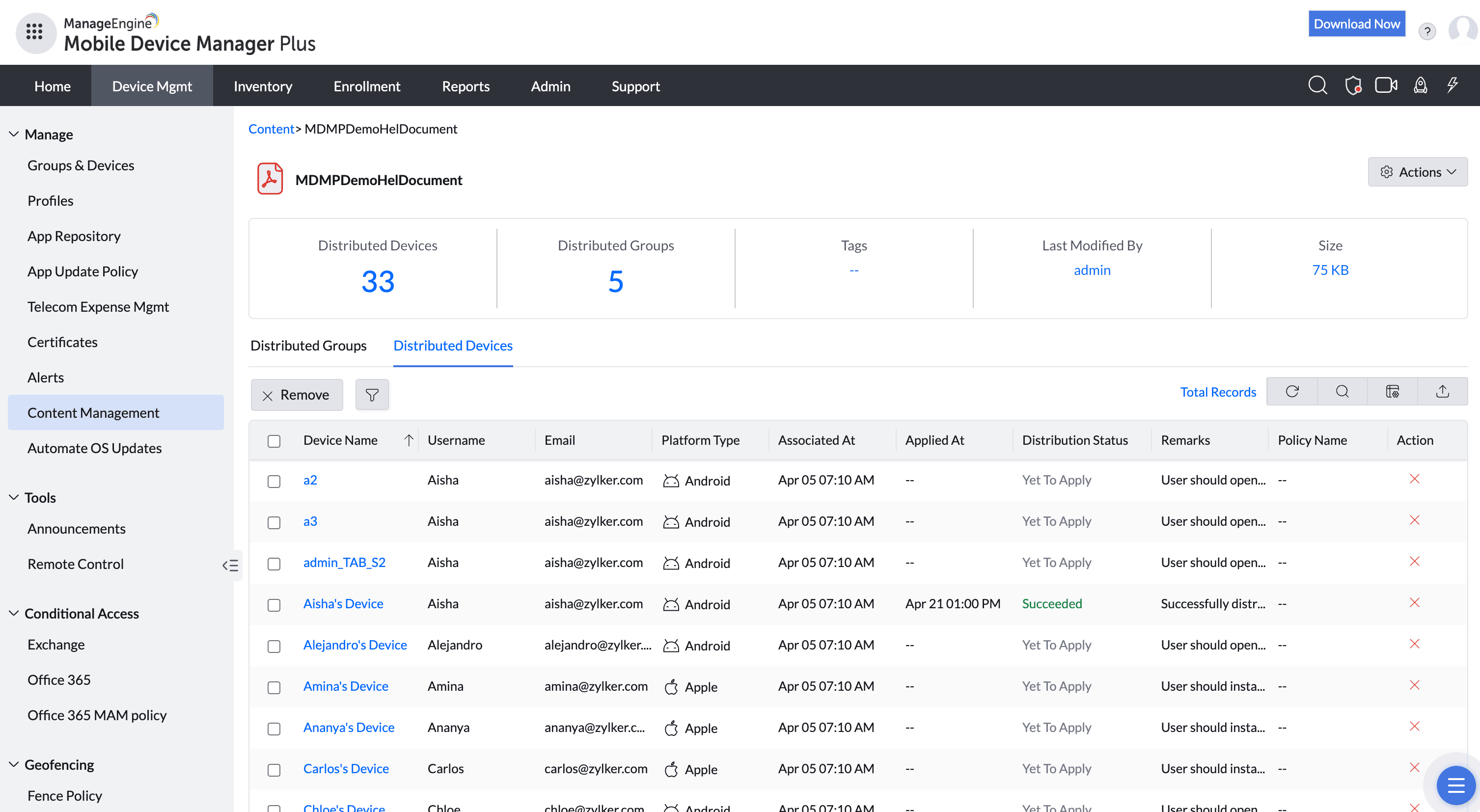
You upload files, associate them with device groups, and push them to a secure viewer on the device. When you update the source, devices get the new version; data-loss controls stop files from being copied, printed, or opened in unmanaged apps.
The unique advantage
Documents stay inside the managed boundary, so "confidential" actually means confidential — you can revoke or update content remotely, and it never lives loose in someone's personal cloud. Field staff stop working off stale copies because the current version is always the one on the device.
How it looks in the console and device
In the console you add content and set sharing restrictions. On the device, files appear in the managed content/viewer app; depending on policy, options to share, print, or copy out are disabled.
Use cases in different industries
Construction
Push current blueprints, permits, and safety docs to every site tablet.
Field sales
Keep pricing, spec sheets, and contracts current in reps' hands.
Healthcare
Distribute protocols and formularies to clinical staff.
Utilities & inspection
Deliver checklists and compliance forms that can't be forwarded out.
Tips and troubleshooting
Pair content distribution with copy-paste and screenshot restrictions for true document DLP, not just delivery.
Restrict "open in" so a confidential PDF can't be routed into a personal app.
Version your source files clearly so field staff can confirm they're on the latest.
Related use cases