The problem
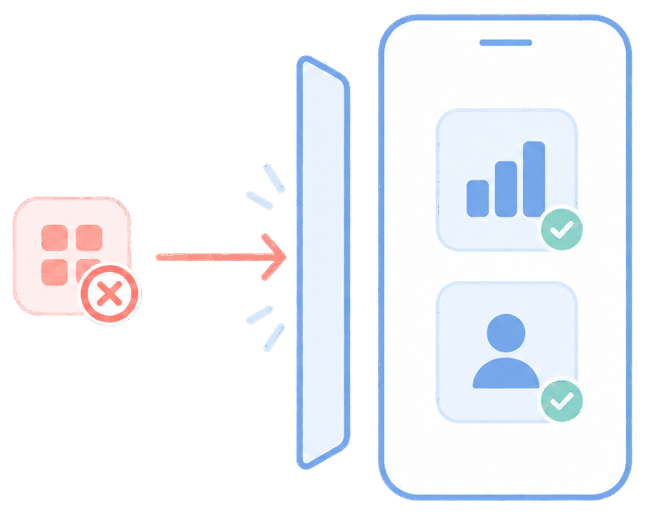
Rolling out a new app by emailing everyone a link and hoping they install it means partial coverage, wrong versions, and a week of chasing stragglers. Field and frontline staff often can't (or won't) fumble with store logins just to get the tool they need to do their job.
The feature
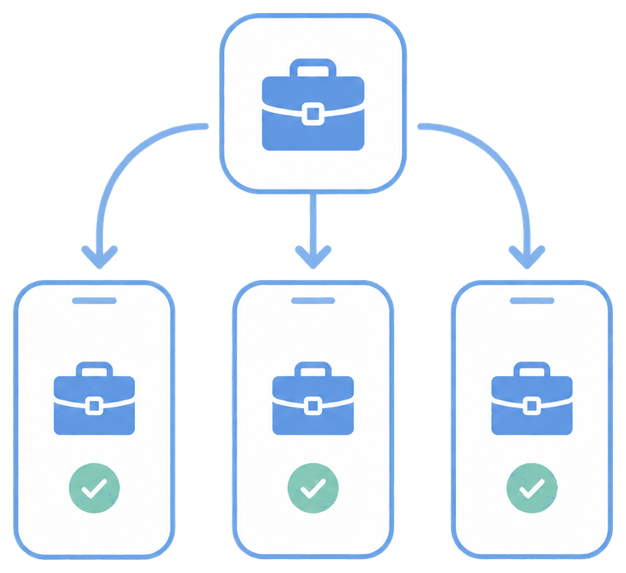
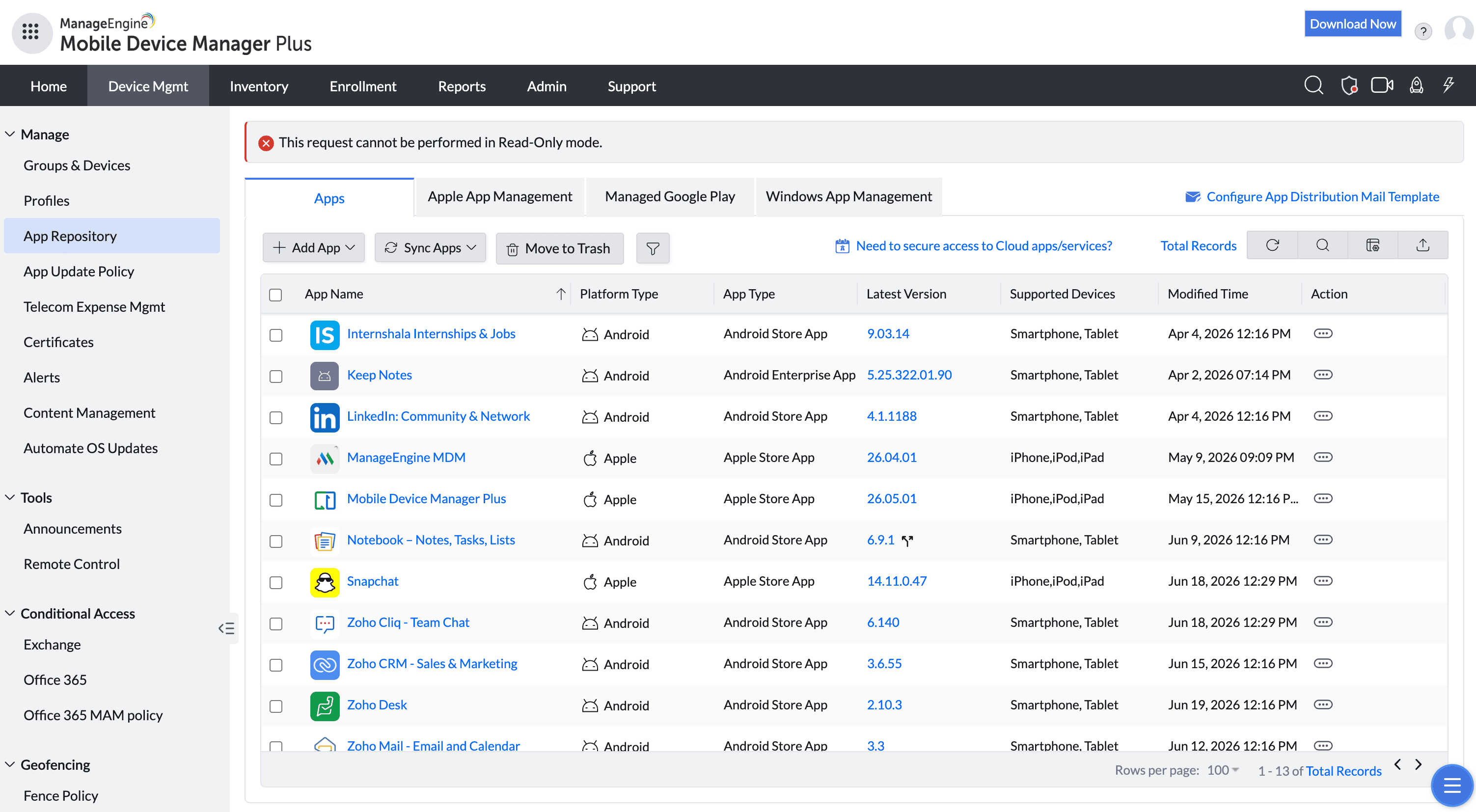
Quick answer: add apps to the App Repository, associate them with a group, and MDM Plus pushes and installs them silently.
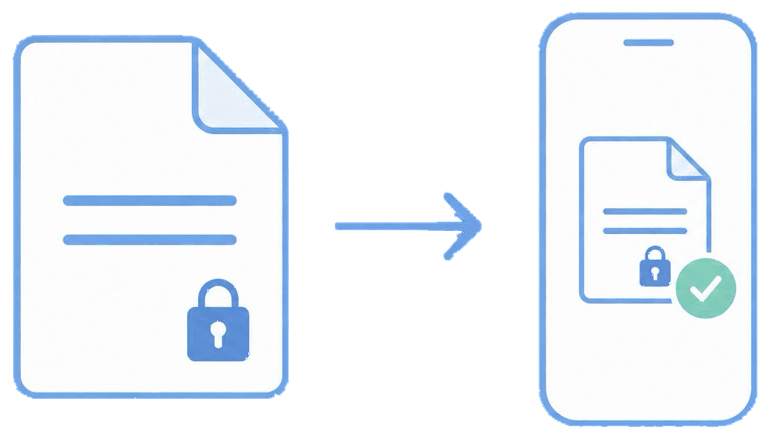
It supports public App Store / Google Play apps, enterprise (in-house) apps, and web clips. Through managed distribution (Apple VPP / Managed Google Play), installs happen without prompting for personal credentials, and you can update or remove what you deployed later.
The unique advantage
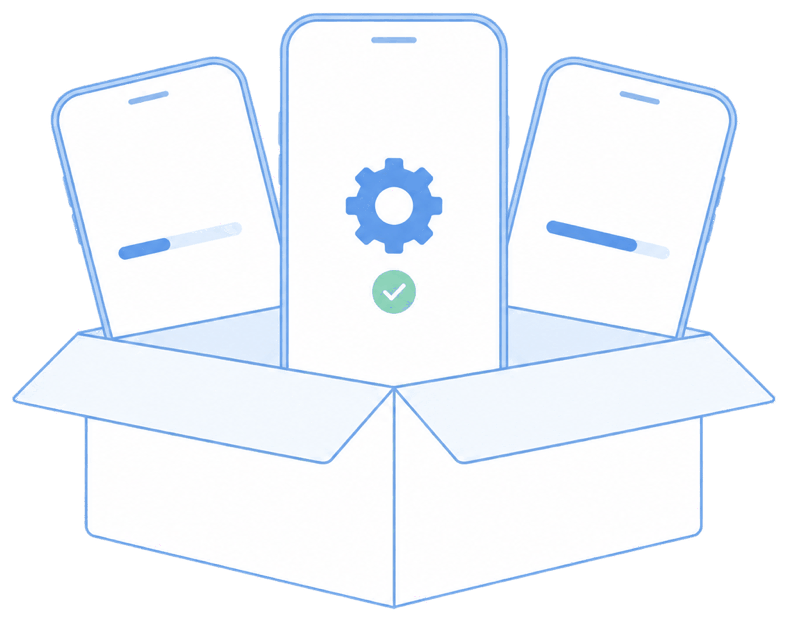
One catalog covers every platform, so a cross-platform rollout is a single action rather than three. You control versions centrally and can silently update apps in waves — useful when a bad release needs to be held back from most of the fleet.
How it looks in the console and device
In the console you add the app, assign licenses, and publish to a group. On a fully managed device the app simply appears and installs; on a work profile it lands inside the managed (work) side only.
Use cases in different industries
Logistics
Push route, scanning, and proof-of-delivery apps to every driver at once.
Healthcare
Deploy clinical and secure-messaging apps to new devices instantly.
Retail
Roll a seasonal promo or inventory app to all stores overnight.
Construction
Equip site tablets with plans, safety, and reporting apps before they leave the office.
Tips and troubleshooting
Silent install on iOS generally requires Supervised mode plus managed distribution; on unsupervised BYOD, the user may see a lightweight confirmation.
On Android, "Managed Google Play → only approved apps" pairs well with silent push to prevent side-loading.
If an install stalls, check that the app license (VPP/Managed Play) is assigned and the device has checked in recently.
Related use cases