Emergency Patching
Emergency patching in OpManager allows you to apply immediate fixes for product-specific critical security updates. It enables automated, rapid deployment of critical patches to fix vulnerabilities or bugs that impacts the production services, and helps you to stay ahead of risks.
Configure Emergency Patching Settings
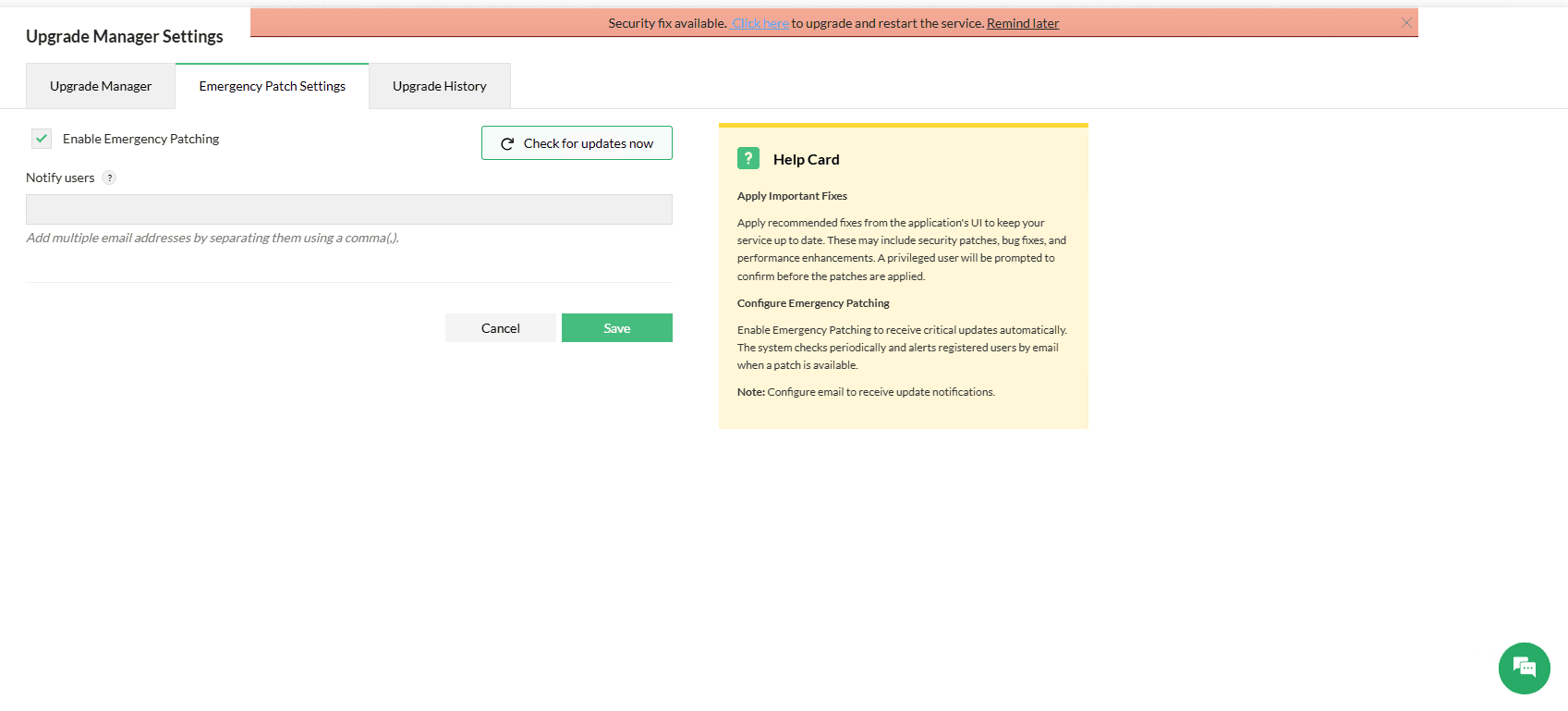
To Configure emergency patching settings in OpManager, Go to Settings -> General Settings -> Upgrade Manager Settings -> Emergency Patching.
- Emergency patching is enabled by default to automatically apply critical security updates.
- OpManager will automatically notify you of available security fixes via UI and email. To set up primary mail settings for notifications, click here.
- You can also manually check for patches at any time by clicking on the Check for updates now button.
- Using the Notify Users option, you can add multiple usernames to receive notifications about the security fix update.
- You can also enable or disable emergency patching using the Enable Emergency Patching checkbox.
Note:
- Disabling the Emergency Patching feature is not recommended, as it can delay critical fixes and reduce the overall security of your network environment.
- If the server on which the product is installed has restricted internet access, ensure that https://updates.manageengine.com/ is added to the network’s whitelist to allow the application to check for and download updates.
How Security Patches Are Applied
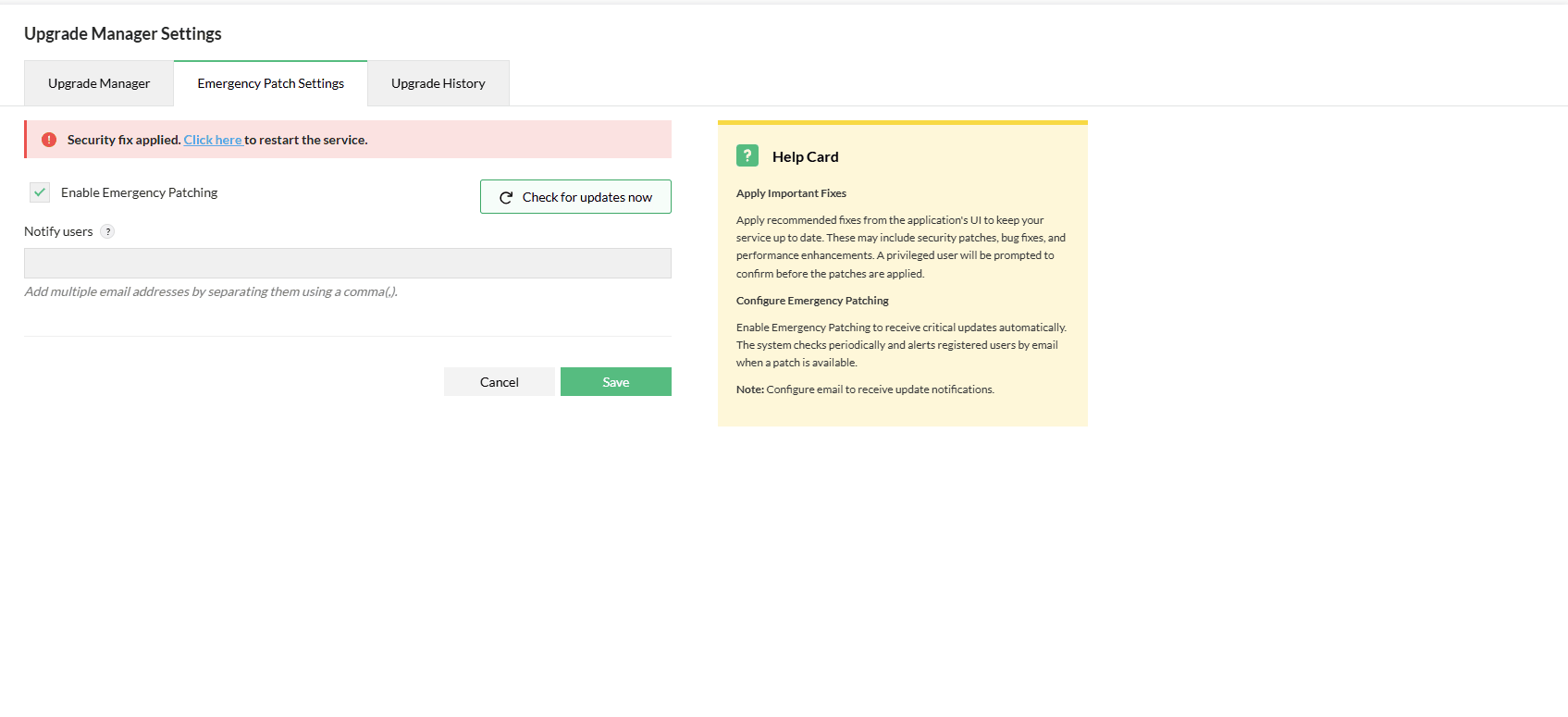
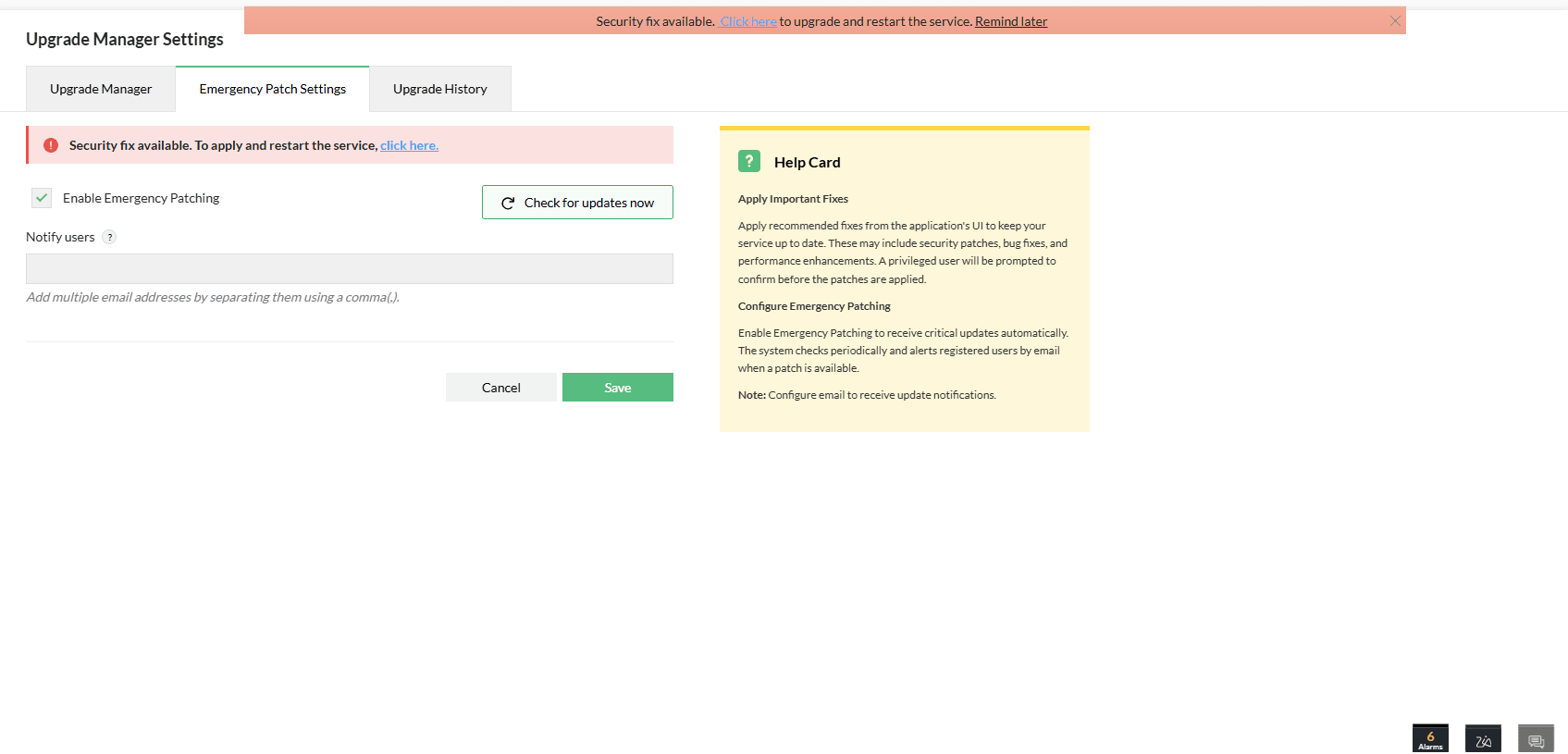
OpManager delivers upgrades through critical security patches, which are categorised based on their update type. While some patches are applied automatically without interruption, others require you to apply the patch and restart the service.
- Both types of security fixes will be notified via UI and email.
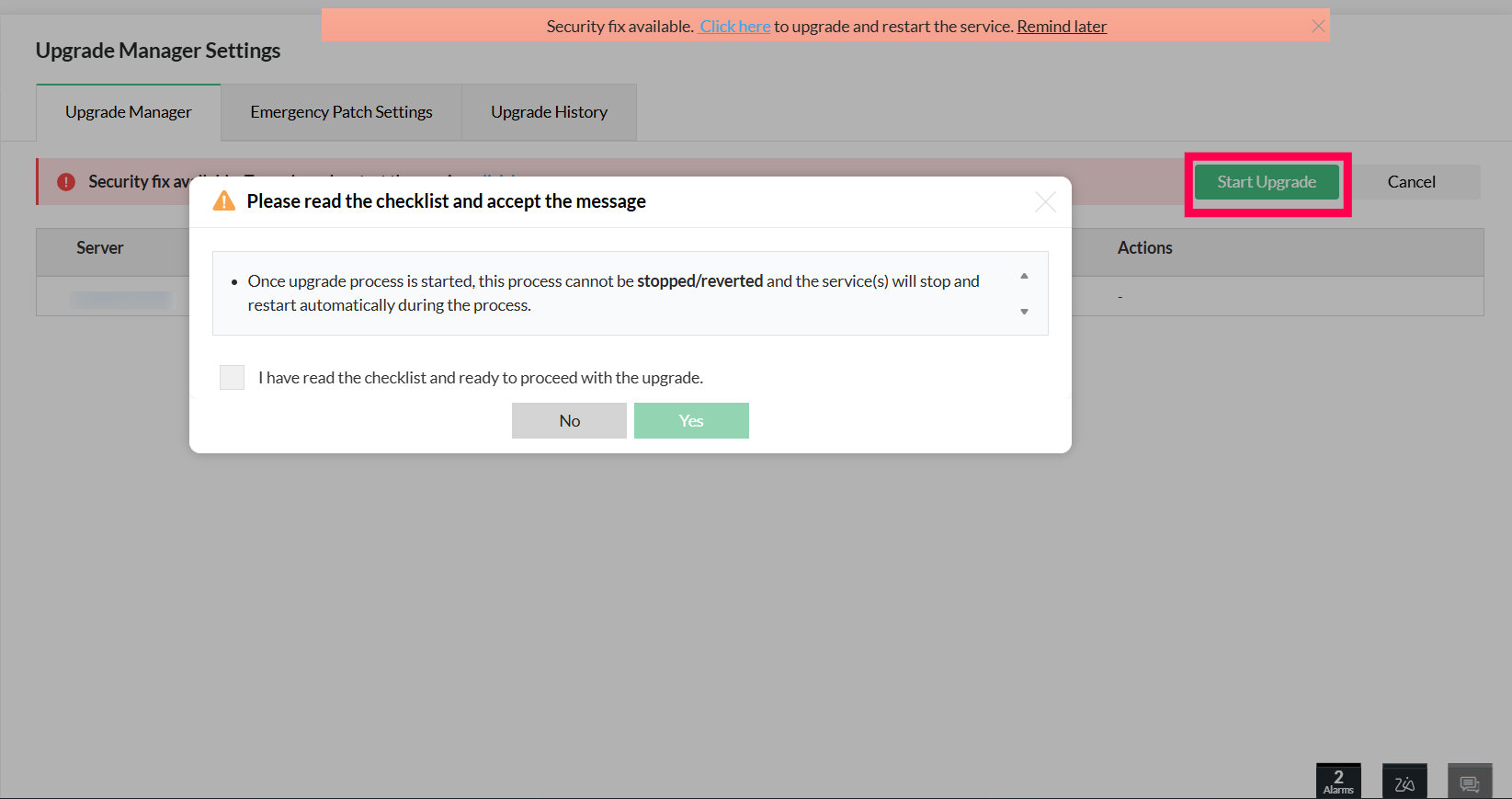
- Click Start Upgrade to begin the upgrade process and the service will restart to upgrade automatically. Read and acknowledge the checklist displayed in the message box to proceed with the security fix update.
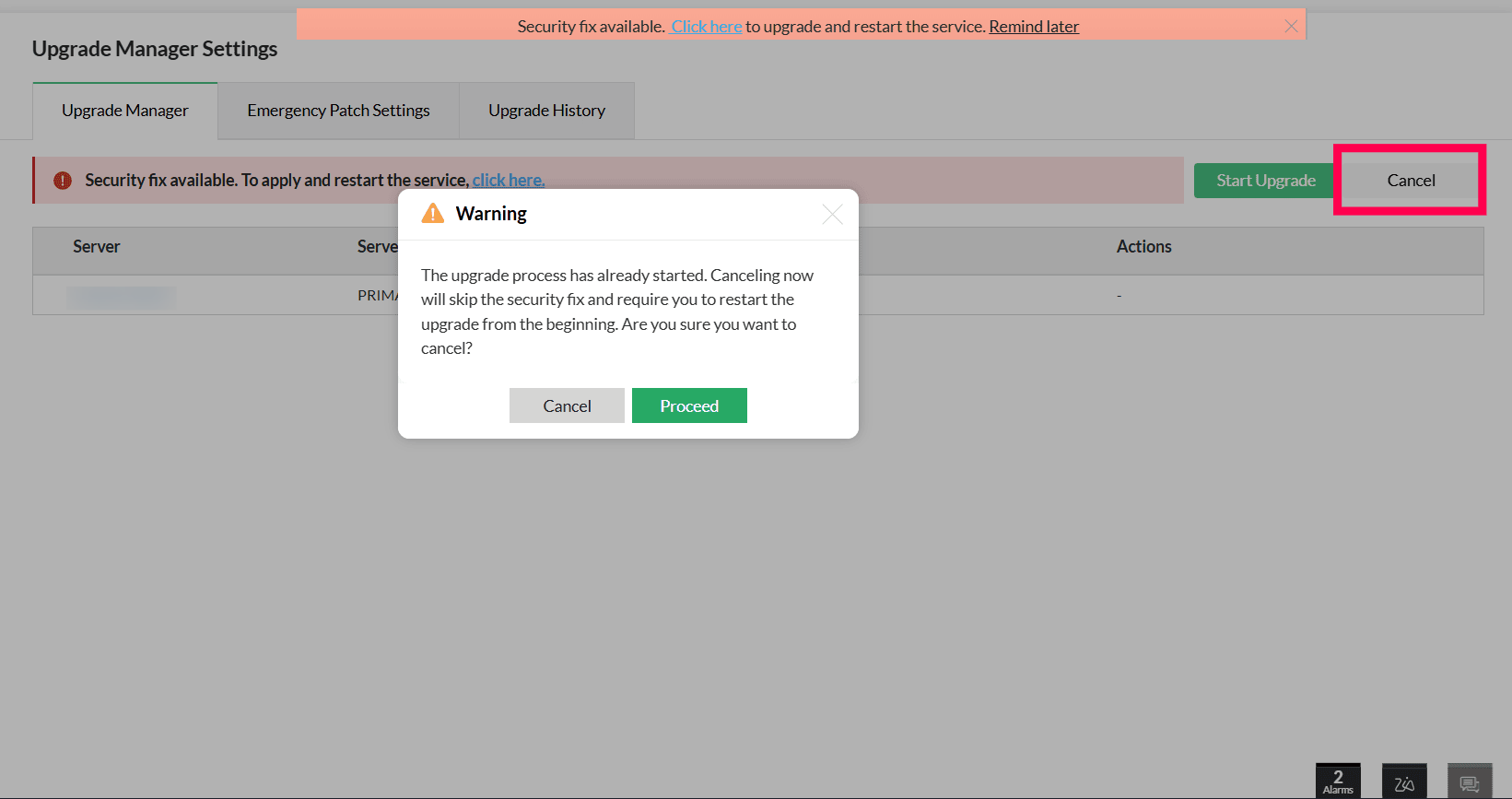
- If you choose to cancel the security fix while an upgrade is in progress, a warning message will be displayed to notify you about the cancellation process.
- Once you proceed with the cancellation, the entire process will stop and you will have to apply the upgrade from the beginning again.
Note: Emergency Patching is not a substitute for regular service pack installations. It is designed to provide the fastest possible protection during critical situations.