Configuring My Favorite Reports
My Favorites in OpManager is a feature that allows users to organize and categorize their most important or frequently viewed reports for quick and easy access. By adding reports to "My Favorites," users can save time by not having to search through the entire list of available reports every time they need them. Instead, they can directly access the reports that matter most to them with just a few clicks.This feature is particularly useful in environments where users need to monitor specific metrics or data regularly. By customizing the list of favorite reports, users can streamline their workflow and enhance productivity. To mark a report as your favorite one, follow the steps given below:
- Generate the report that you want to mark as your favorite.
- Click the Star icon (Mark a report as Favorite) at the top of the page to mark a report as Favorite.
Tip: Favorite reports can be also configured in report list by clicking star Icon nearer to the report name.
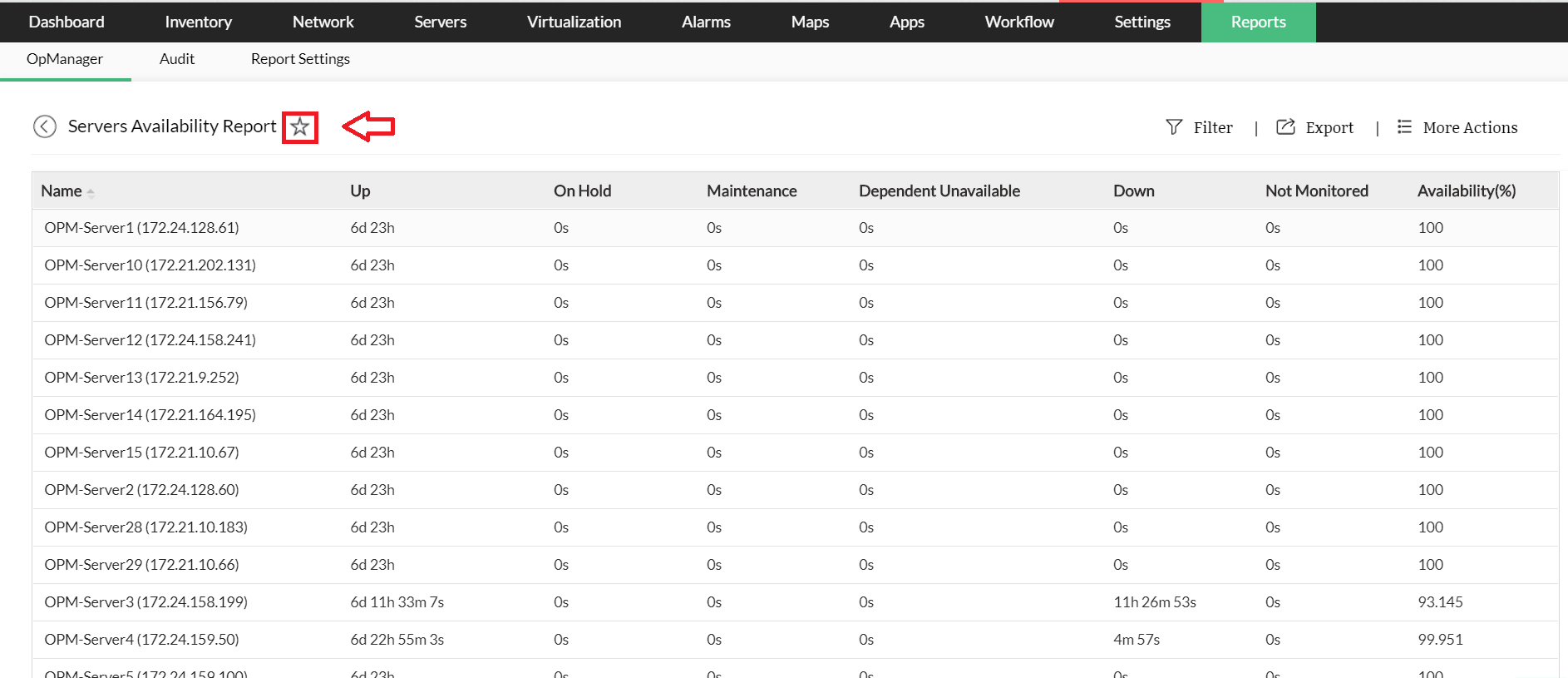
A message is displayed saying that "This report has been added to your favorite list".
To know more about the Available Filters in various reports of OpManager, Click here.