MIB Browser
The MIB Browser tool is a complete SNMP MIB Browser that enables loading and browsing MIBs and allows you to perform all SNMP-related operations. You can also view and operate on the data available through the SNMP agent running on a managed device.

How to access the MIB browser?
The MIB Browser in OpManager can be accessed either via OpManager UI, or by launching it using the command prompt.
- To access the MIB browser via UI, Navigate to Settings → Tools → MIB Browser in OpManager. The MIB Browser interface will open.
- The default MIBs available in OpManager are displayed in the left side panel. These MIBs contain predefined OIDs that can be used to query device data.
- To load custom MIB files, click Browse on the left panel and upload the MIB file.
- The following file formats are supported: .mib, .txt, .my, .mi2.
- Once uploaded, the new MIB nodes will appear in the MIB tree in the left panel.
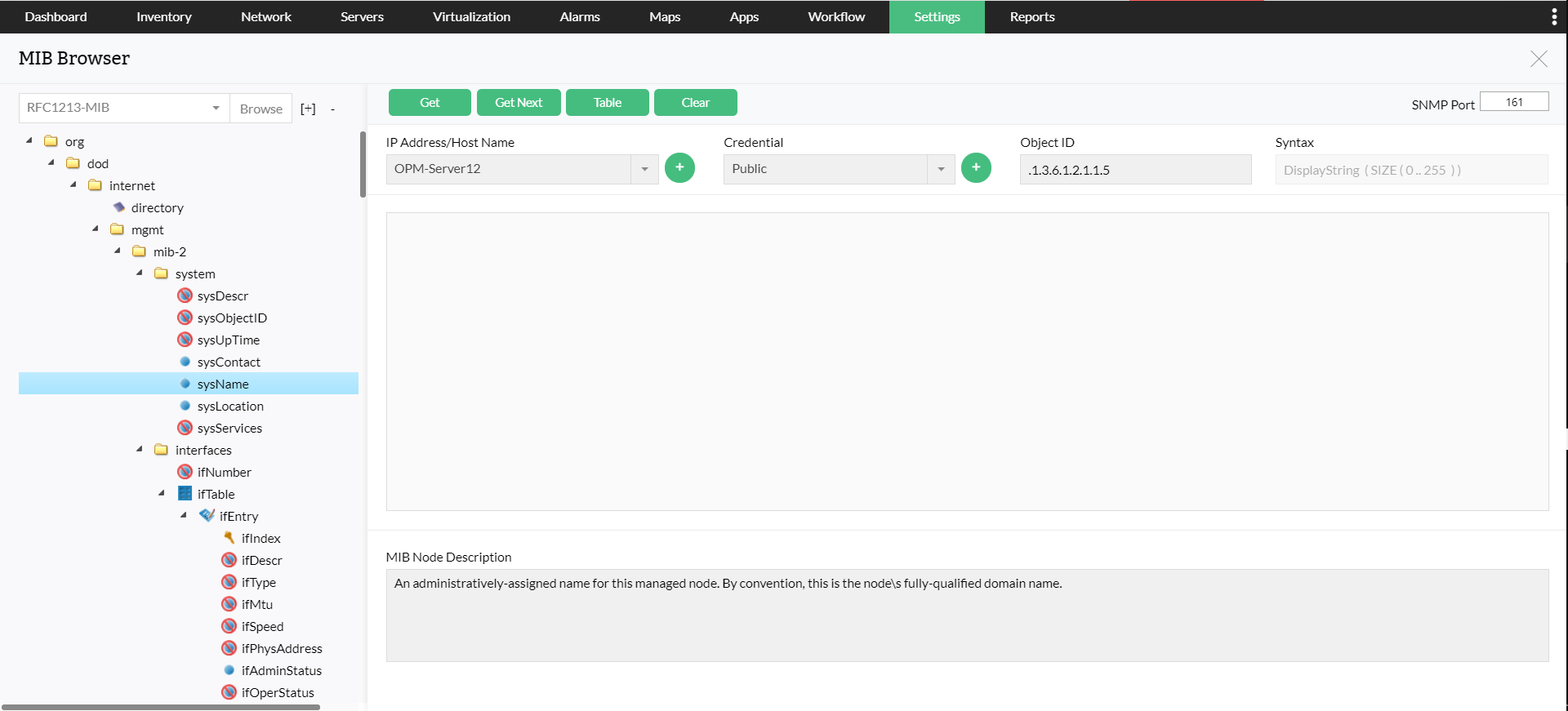
Retrieve data from a device
To query SNMP data using a specific OID:
- Enter the device IP address or host name.
- Provide the SNMP credentials (community string or SNMP v2/v3 details).
- From the MIB tree on the left, select the required MIB node / OID.
- Click Get. OpManager will fetch and display the OID value returned by the device.
- Click Get Next to retrieve the value of the next OID in the MIB hierarchy. Repeat this action to fetch subsequent OID values sequentially.
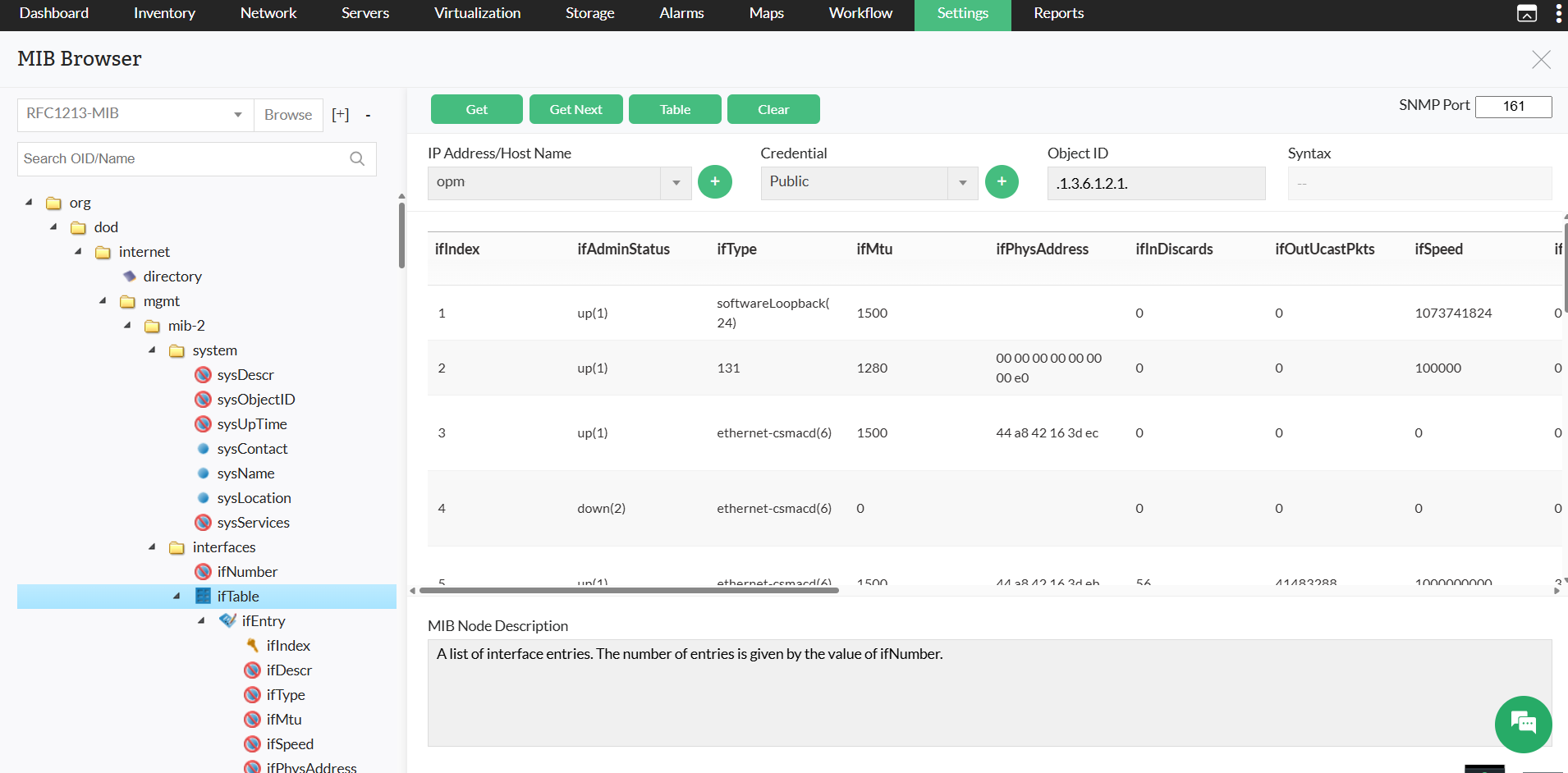
View table-based SNMP data
Some MIB objects return tabular data. To view them:
- Select a table node from the MIB tree.
- Click Table.
The data will be displayed in table format, showing all indexed entries.
Using the MIB browser via Command Line
You can also launch the MIB Browser using the command line.
- Open Command Prompt as Admin.
- Navigate to the
\bin and execute the following bat file: MibBrowser.bat
This will open the MIB Browser window, where you can use it the same way as the UI version.
The features of MIB Browser include the following:
- Saving the MIB Browser settings.
- Loading and viewing MIB modules in the MIB tree.
- Traversing the MIB tree to view the definitions of each node for a particular object defined in the MIB.
- Performing the basic SNMP operations, such as GET, GETNEXT, GETBULK, and SET.
- Supports multi-varbind requests. This feature is available only in the Java client.
- Real-time plotting of SNMP data in a graph. Line graph and bar graph are the two types of graphs that are currently supported. This feature is available only in the Java client.
- Table view of SNMP data. This feature is available only in the Java client.
- Enables loading of MIBs at startup. This feature is available only in the Java client.