Ping Parameter Limitation
OpManager monitors the availability of devices in your network environment using protocols like SNMP, TCP, and ICMP. When you add a device to OpManager, it automatically uses the ICMP protocol to check device availability. This is the default protocol used for device availability monitoring. This involves sending ping packets (ICMP echo requests) to the device at regular intervals. The monitoring interval frequency determines how often these ping packets are sent. Based on the responses received from the device (ICMP echo replies), OpManager calculates metrics such as availability percentage, packet loss, and response time.
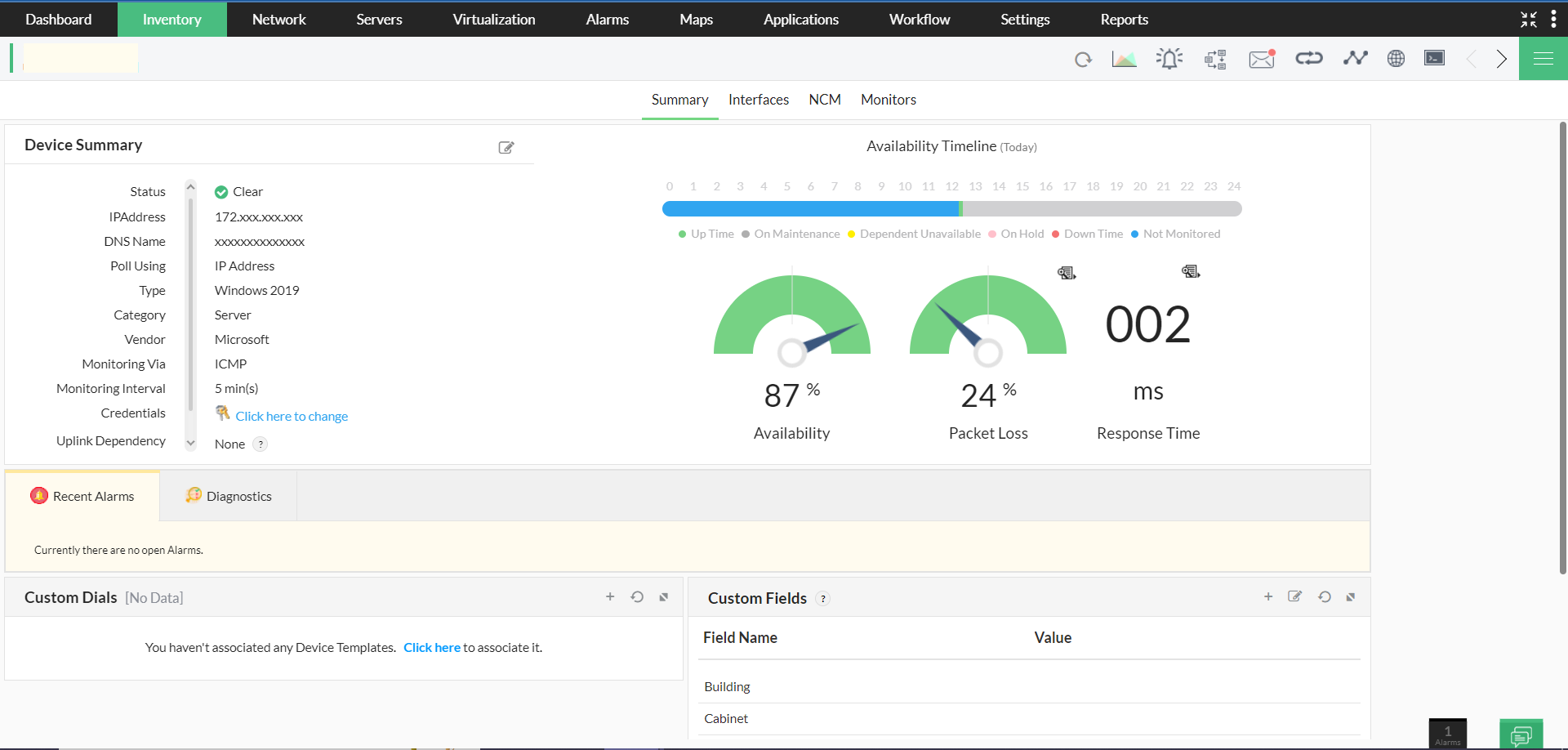
OpManager executes a ping action based on a set of predefined parameters like count (no. of echo requests sent), timeout, packetSize, etc., each of which has a set of recommended values for the optimal working of OpManager. The new update of OpManager (build no. 126295) improves security and scalability by featuring a restricted range of values. It is now essential to use the values that lie within these restrictions in the "ping.properties" file, instead of using custom parameters.
Please refer to this table for the configuration of parameters in the "ping.properties" file:
Parameter Name | Range | Description |
|---|---|---|
| count | 1 to 4 | No. of ping packets sent |
| successCount | 1 to 4 | Number of ping packets sent when the device is reachable |
| failureCount | 1 to 4 | Number of ping packets sent when the device is unreachable |
| packetSize | 1 to 500 | Size of the ping packet (in bytes) |
| timeout | 1 to 20 | Timeout for each reply (in seconds) |
| retries | 1 to 5 | Number of retries if the device is unreachable |
Note: If a user configures a parameter with a value higher than the recommended limit, OpManager will, by default, use the maximum permissible value within the specified range.