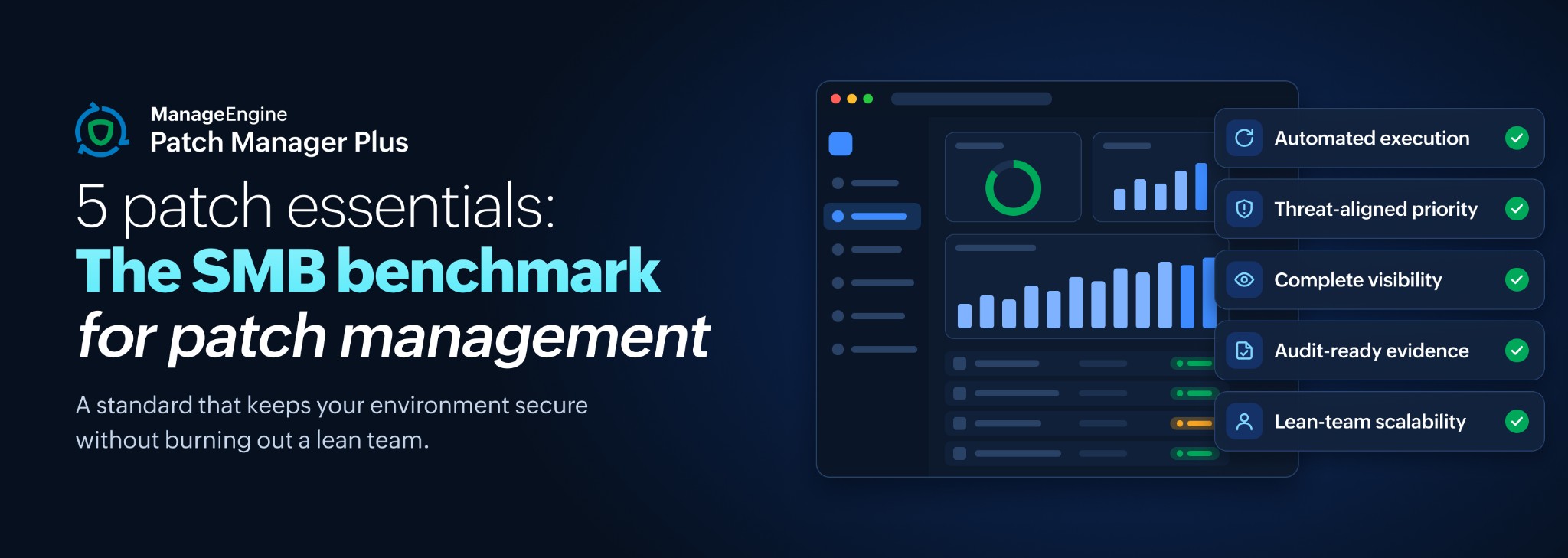
5 patch essentials: The SMB benchmark for patch management
If you're the entire IT team at your company, you probably wear more hats than your title suggests. Between helpdesk tickets, network maintenance, and strategic projects, patch management often gets pushed to the background—and it probably wins your attention only after an incident or an audit.
The problem is, threats don't wait for a quiet day. New vulnerabilities are piling up and exploit windows are shorter than ever. Meanwhile, leadership wants evidence, and every enterprise patch framework assumes a that an entire team exists.
What you need is a realistic benchmark: A standard that keeps your environment secure without burning out a lean team. In this blog, we take a closer look at five essential pillars that define an effective SMB patch benchmark.
Defining the SMB patch benchmark
An effective benchmark starts with identifying operational constraints: small teams, remote workers, mixed operating systems, and limited testing bandwidth. Most SMB patching efforts break down due to predictable friction points:
Lack of defined ownership or maintenance windows
Unmanaged third-party applications
Remote devices drifting out of compliance
Indefinite policy exceptions
Reports that count patch deployments and call it remediation
A strong patch program solves these core vulnerabilities without requiring extra headcount or overly complex tooling.
1. Automated execution for the baseline
Benchmark: Standard updates must execute automatically so admins focus exclusively on exceptions.
A critical OS update and a Chrome patch land late on a Friday. With an automated deployment task pointed at your severity tiers and a policy that handles the reboot, both go out overnight and Monday starts with a report instead of a queue.
But what if a patch breaks something? A Java update takes down a line-of-business app and you hear about it from a user, not the console.
Build the failure path before you need it. Pilot new patches against a test group and promote them automatically once they install cleanly. Decline anything that misbehaves so it stops inflating your missing-patch count, and keep rollback within reach for the ones that slip through.
Look for severity-driven automation, a pilot-then-promote workflow, reboot control your users will tolerate, and rollback that covers third-party packages as well as OS updates.
2. Priority order aligned to real-world threats
Benchmark: Deployment order is set by exposure, and a vulnerability under active exploitation gets a shorter clock than the rest of the queue.
Decide what that clock is before you need it. Public sources like CISA's Known Exploited Vulnerabilities catalog will tell you which flaws qualify.
Say an advisory lands on a Tuesday with a CVE number attached and it affects a browser sitting on most of your fleet. Reading release notes to work out whether you're exposed is the slow path. Paste the CVE into the patch console's filter, see which endpoints are missing the fix and push it on a shortened window while the rest of the month's updates stay on their normal schedule.
The rest of the time, the console should be doing that sorting without you. Severity ratings derived from CVSS should drive your automated deployment tiers, and your system health policy should be tuned so a machine missing a Critical patch reads differently from one missing an optional feature update. If you already run a vulnerability scanner, feed its risk scoring into the same queue so you're working one list.
Look for configurable severity tiers, CVE-level lookup, a health policy that matches your risk tolerance, and integration with the scanner you already own.
3. Complete visibility across all endpoints
Benchmark: You can name every endpoint that hasn't reported recently, without opening a spreadsheet.
If your view of the environment lives across spreadsheets, your benchmark is broken. You need a single source of truth that reflects reality, including the devices that rarely come into the office.
A remote employee has been working from a different city for weeks and has never once connected to your corporate VPN. You need agent-based patching over the internet. That way, the laptop still shows up accurately in your compliance dashboard and receives updates on schedule, no VPN required and no waiting for it to check in.
Look for last check-in time on every device, patch status for machines outside the network, a report listing endpoints that have gone quiet, and bandwidth control so a remote site doesn't saturate its link.
4. Verification, reporting, and audit-ready evidence
Benchmark: Your compliance report distinguishes installed from remediated, and every open exception carries a review date.
Stakeholders and auditors care about risk reduction and outcomes. A completed installation command does not guarantee a vulnerability is fully resolved.
An auditor asks whether last quarter's critical vulnerability was closed. A deployment log showing the command ran doesn't answer that. What answers it is a subsequent scan showing the patch present and the machine back to Healthy.
Look for scan-verified patch status, health state reported alongside deployment status, exportable per-endpoint evidence, and a decline list you can review in one screen.
5. Practical scalability for a lean team
Benchmark: One person runs the entire workflow in steady state, and a colleague could cover it from your documentation.
If a tool requires a dedicated engineer just to keep it running, it fails the SMB test. You need something that grows with you but does not overwhelm you today.
Imagine that your company just hired twenty people in one month, and you're the only IT person handling onboarding. Because your patch management operates on standardized baseline policies, every new laptop enrolls and updates automatically during setup.
Look for lightweight deployment, intuitive management workflows, and a console someone else could cover while you're on leave.
Quick self-assessment: Where does your patch program sit against the benchmark?
Evaluate your current baseline against these core criteria:
Do you enforce a strict SLA for known exploited vulnerabilities?
Can you view patch compliance for all remote devices in a single dashboard?
Do your compliance reports distinguish between deployed and remediated?
Are all policy exceptions temporary and subject to scheduled reviews?
Can a single system administrator manage the entire workflow without manual heroics?
If you meet all five essentials, great job! Your patch program meets the SMB benchmark. Whatever you don't check off, prioritize those areas to strengthen your overall operational baseline.
Use these essentials as your foundation. Then let a tool, like Patch Manager Plus, help your patching practices evolve. If you're ready to benchmark your patch program, start with these five essentials and see how Patch Manager Plus can help you set the bar higher.