How to fix the certificate invalid error to integrate with Tenable.io and import vulnerability data?
Description
You cannot integrate with Tenable.io or import vulnerability details if the SSL certificate is not trusted. Proxy may cause the certificate to be overwritten which may result in Certificate not trusted error.
Resolution
- Open https://cloud.tenable.com/login.html# in browser.
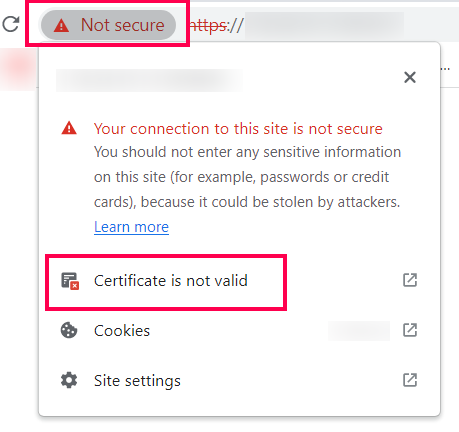
- Navigate to Not secure -> Certificate is not valid.
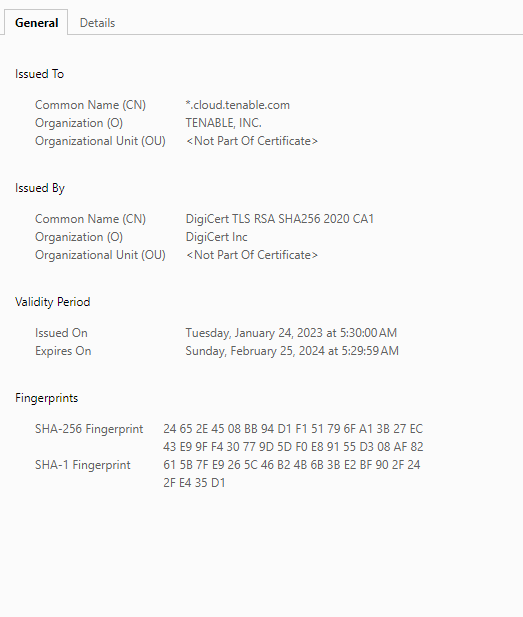
- Check if the certificate is same as the one provided below.
- In case the certificate is different and it is not trusted, contact the respective network team to update the trusted SSL certificate or disable Certificate Inspection in proxy for https://cloud.tenable.com/*
If the issue persists even after following the above-mentioned resolutions, please feel free to contact support.