How to troubleshoot login issues in Patch Manager Plus?
This document provides information as to how you can resolve various scenarios of login failure error messages when trying to access Patch Manager Plus Server. User logins can fail for many reasons, such as invalid credentials, multiple invalid login attempts, and enabling wrong authentication mode.
Before troubleshooting, please make sure to identify the exact issue of the error. The following are some of the errors encountered by users:
When using Active Directory Authentication, you are unable to log in
When an account is locked due to multiple failed login attempts
When the login for Local Authentication fails
This error occurs when a user tries to log in using Local Authentication. One possible reason for this condition is due to browser cache issues. In such case, it is recommended to clear the browser cookies/cache or try logging in with incognito mode.
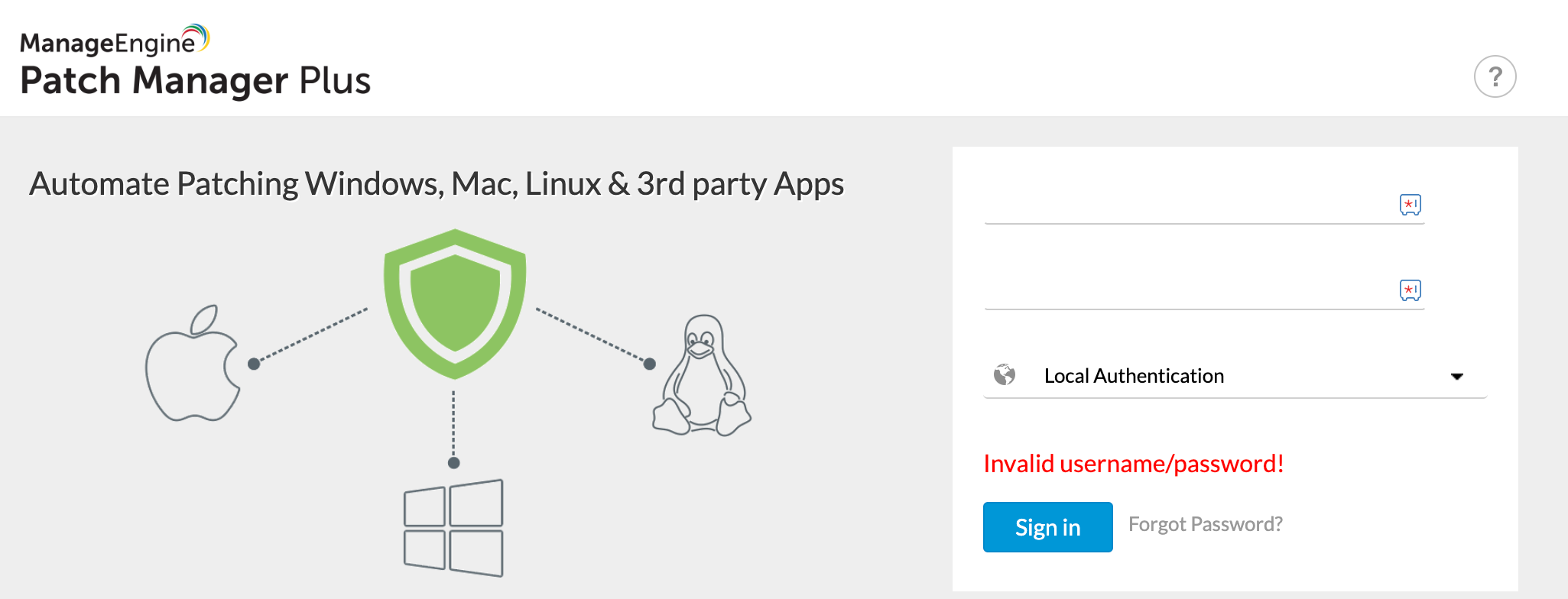
If the issue still persists it should be either of the two possible cases. In the table below, identify the potential applicable cause.
| Possible causes |
|
|---|---|
| Resolution | Consider resetting User password. Refer to this page to reset Patch Manager Plus password. Through this process it can be determined if the username is valid or invalid |
When using Active Directory Authentication, you are unable to log in
We have tried to list four different reasons how a user might run into this condition. We recommend all users to examine each applicable cause for the issue, and use the appropriate resolution.
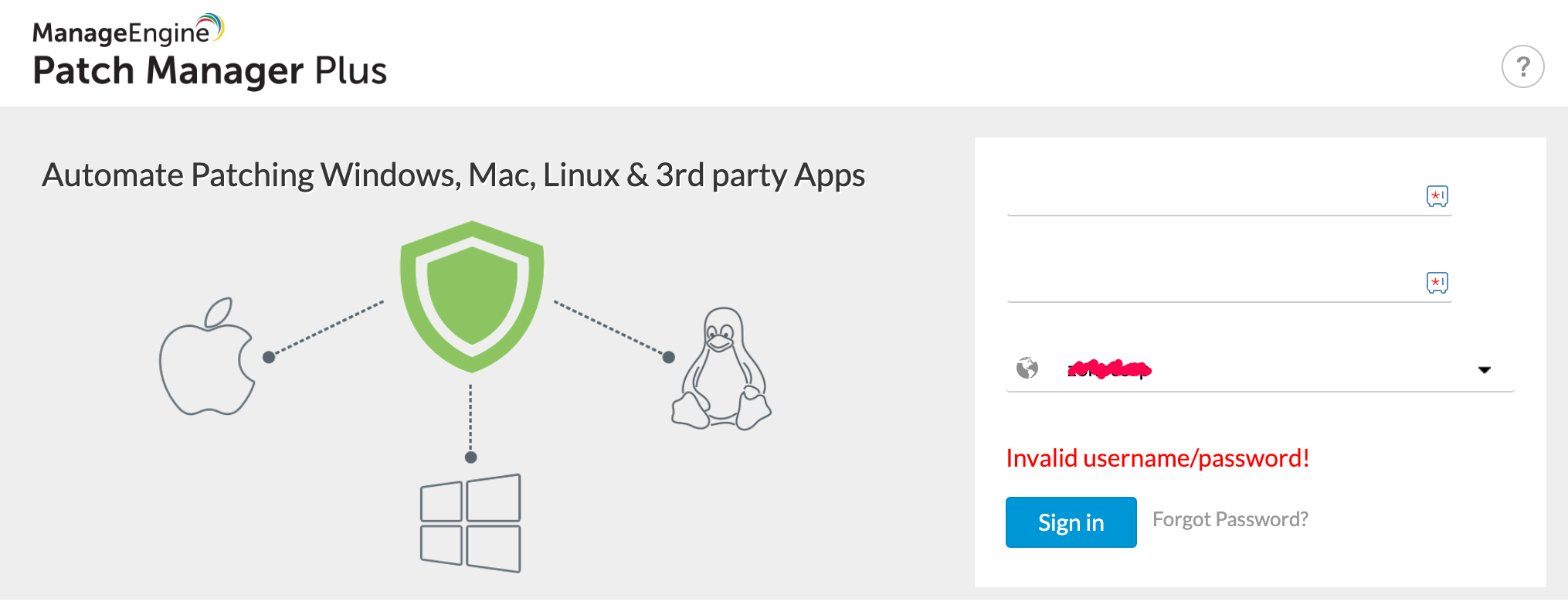
Causes
- Incorrect username or the username does not exist in the specified domain
- Invalid authentication type
- Inaccessible domain controller
Resolution
Correct spelling errors, if any, and ensure that the username is valid for the domain. User can reset the password in domain controller and try logging in again to the Patch Manager Plus Server.
This error might occur when a user tries unsuccessfully to log in using the wrong authentication type. Ensure that the specified username has administrator privileges.
Make sure that the specified domain controller is accessible.
If the issue still persists, refer to this document to reset the password and log in using 'Local Authentication'
When an account is locked due to multiple failed login attempts
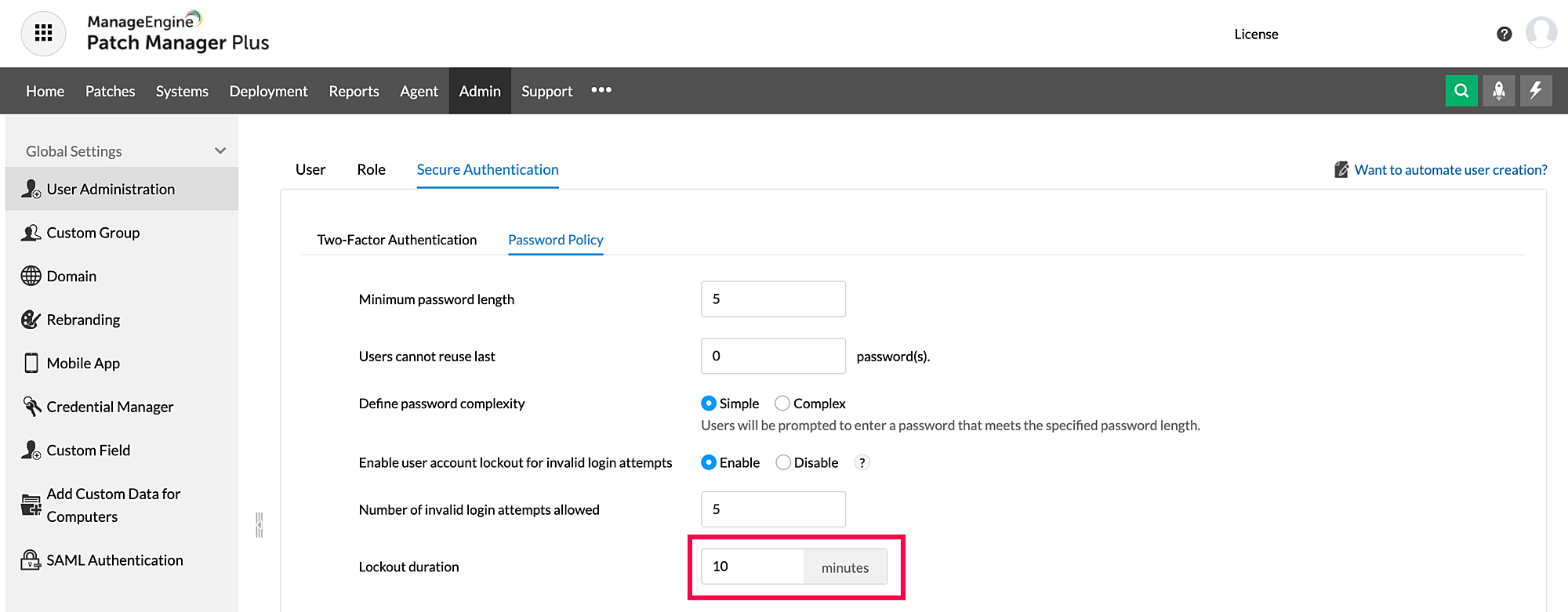
In the event of repeated login attempt failures, users might get locked out and will be barred entry into the console after the lockout duration. In this situation, it is recommended to reset the password for the user.
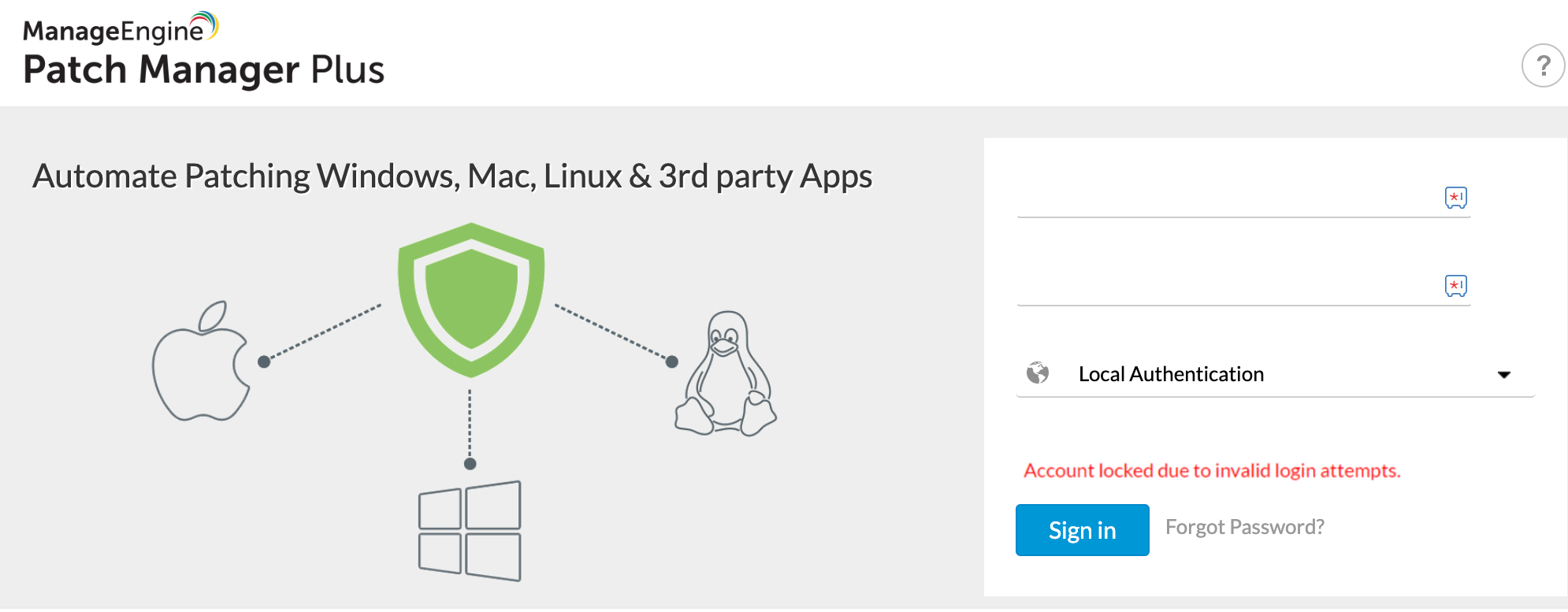
NOTE: Ensure to log in only after completion of the lockout period.
For more troubleshooting help, kindly contact support.