- Related Products
- AD360
- Log360
- ADManager Plus
- ADSelfService Plus
- EventLog Analyzer
- Exchange Reporter Plus

 Click here to expand
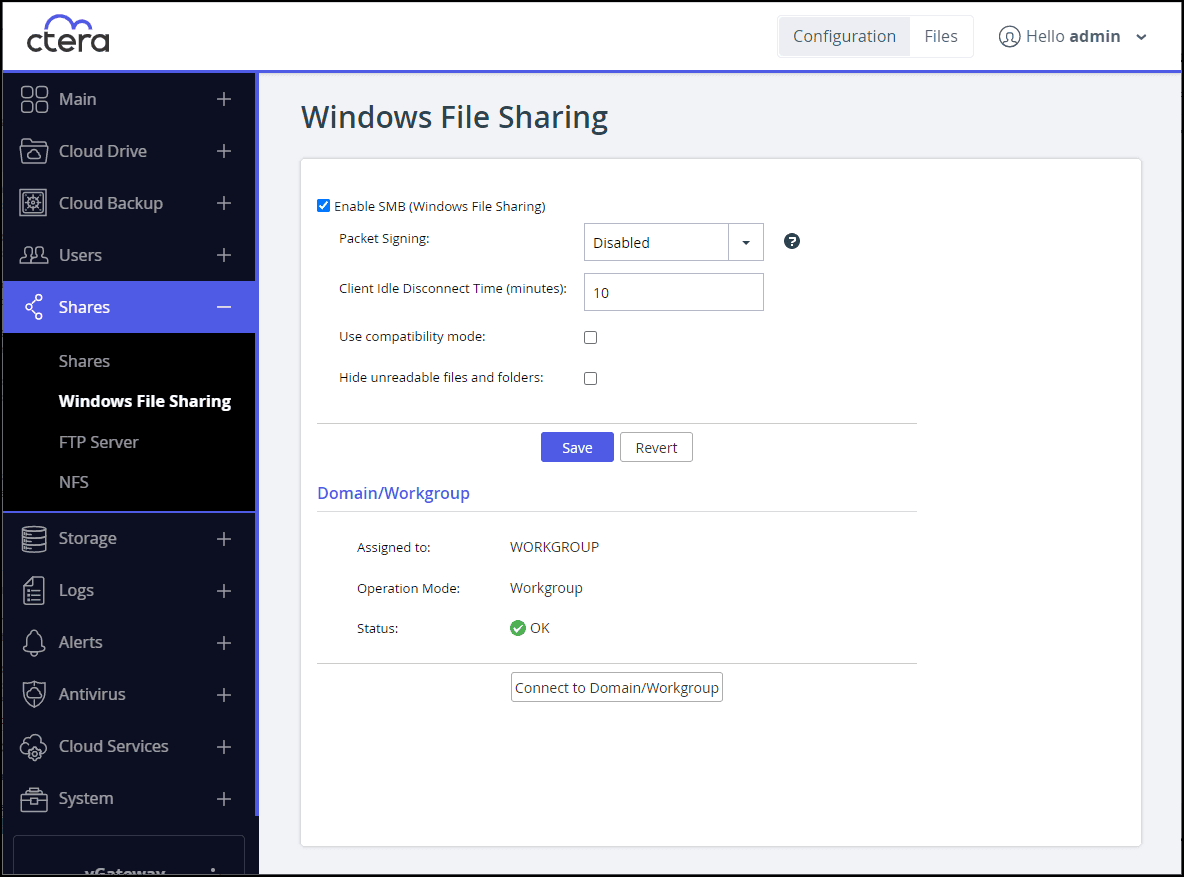
Note: If you have already connected a CTERA Edge Filer to AD, skip this section and proceed to Configure CTERA Edge Filers.
Refer to CTERA's Adding and Editing Users document for more information.
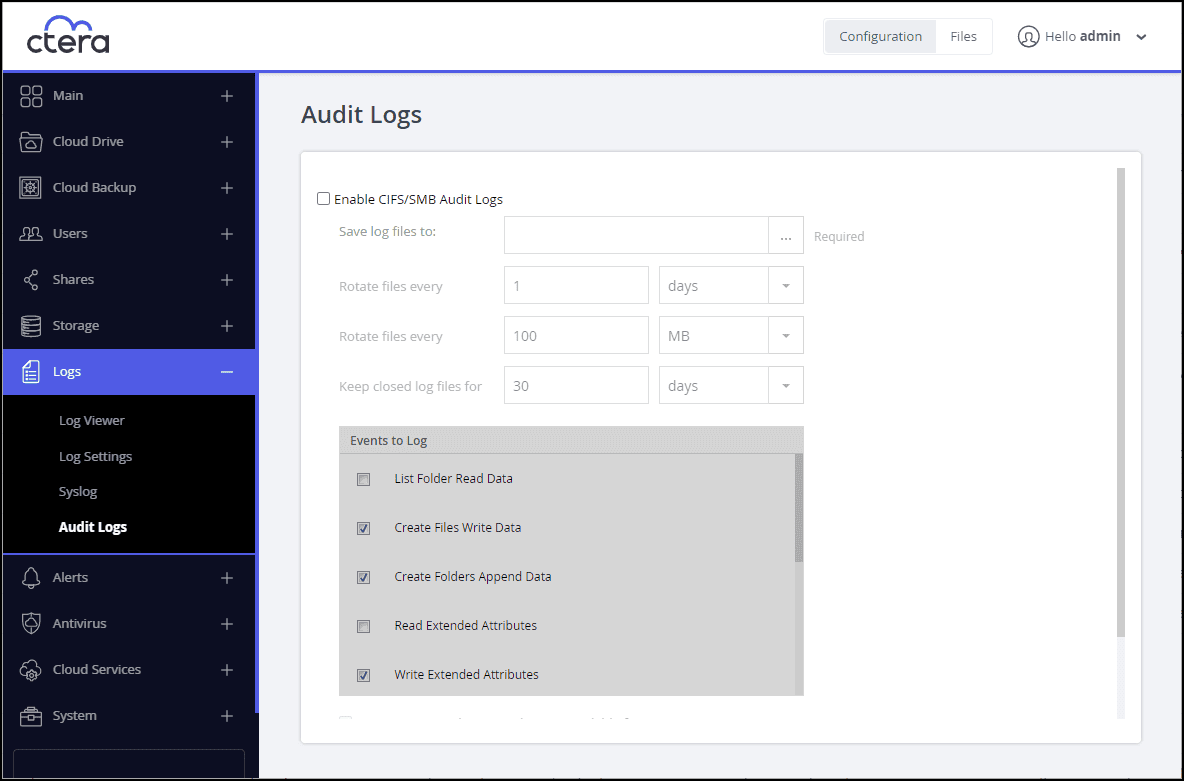
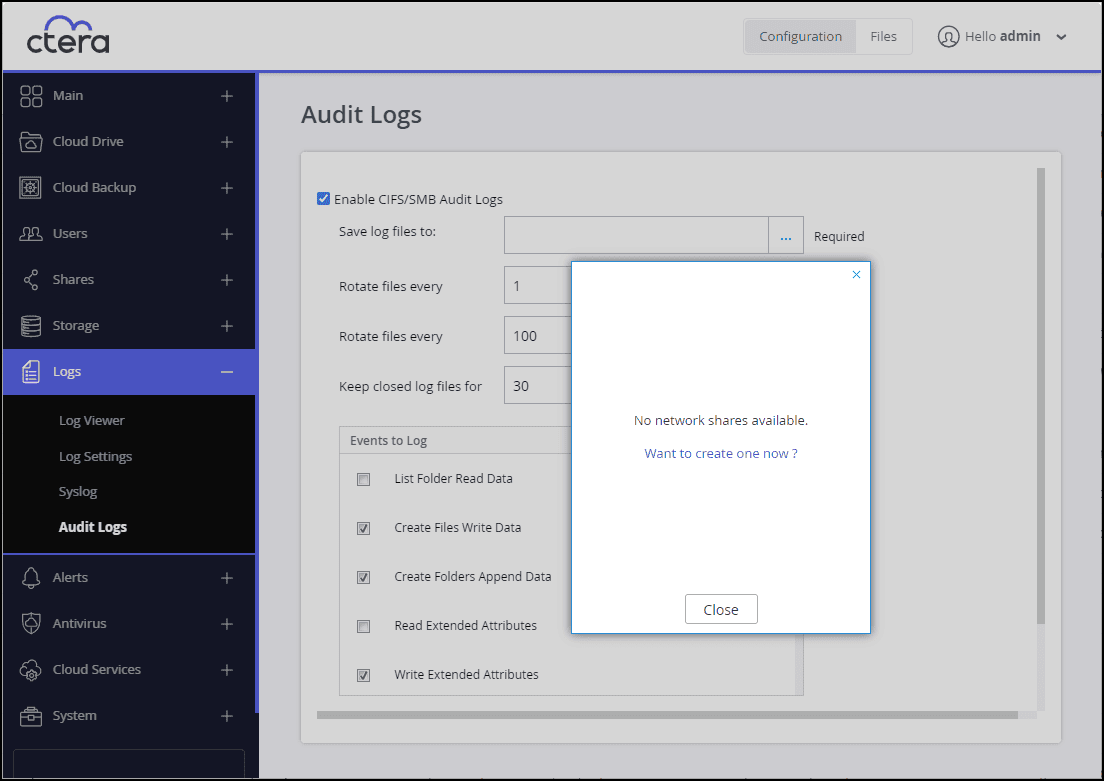
Click Close if you want to create a different network share for the log files, then create the network share as described in Managing Network Shares.
The audit log will be saved to /network_share/audit.log.dir/audit.log.
A background task runs every 10 minutes and checks these values. For example, if the time to rotate the file has passed or if the size exceeds the specified limit, the log file is rotated. Note that the file can grow larger than the specified size before the 10-minute check is performed.
The task also checks for and deletes any closed log files that have exceeded the specified retention time.
| Event | Description |
|---|---|
| List Folder Read Data | Log when data is read from a file. |
| Create Files Write Data | Log when data is written or appended to a file. |
| Create Folders Append Data | Log when a directory is created. |
| Traverse Folder Execute File | Log an attempt to open a file. |
| Delete Subfolders and Files | Log when subfolders and files are deleted. |
| Delete | Log when a file or directory is deleted. |
| Change Permissions | Log any change to file or directory access permissions. |
| Change Owner | Log when the owner of a file or directory is modified. |
Copyright © 2020, ZOHO Corp. All Rights Reserved.