Kayako
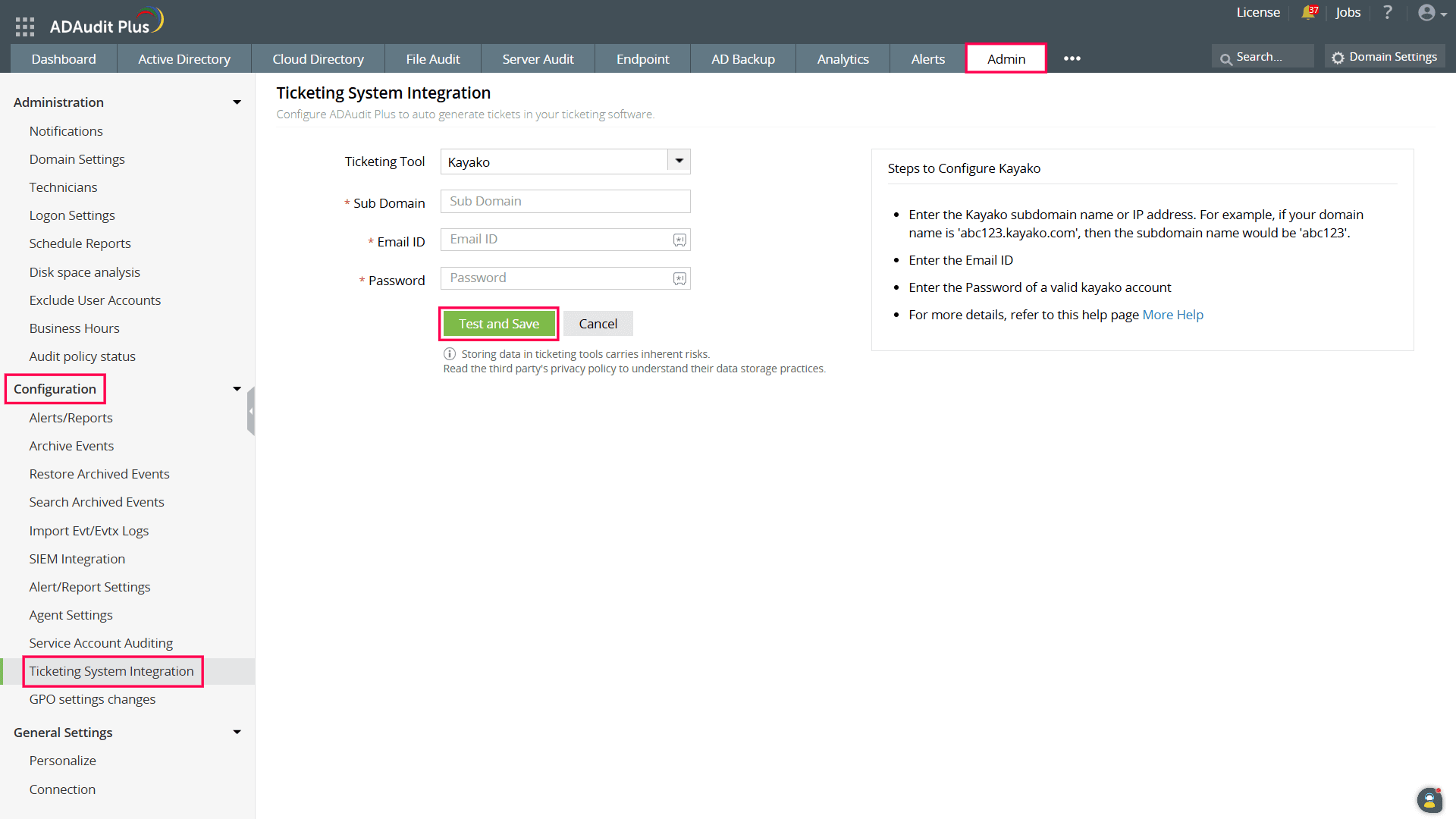
To configure Kayako in ADAudit Plus:
- Log in to your ADAudit Plus web console.
- Navigate to Admin > Configuration > Ticketing System Integration.
- From the Ticketing Tool drop-down, select Kayako.
- Enter the Kayako Sub Domain.
- Enter the Email ID and Password of a valid user in the ticketing tool.
- Click the Test and Save button to establish communication and complete the configuration.
Don't see what you're looking for?
-
Visit our community
Post your questions in the forum.
-
Request additional resources
Send us your requirements.
-
Need implementation assistance?
Try OnboardPro