

Keeping user details up to date in Active Directory (AD) can quickly become complex, especially in large organizations where employees frequently change roles, projects, and permissions. ADManager Plus simplifies these processes by offering:
Thank you for your interest in ADManager Plus. Our support engineers will get in touch to help you with your evaluation.
Your download should begin automatically in 15 seconds, If not click here to download manually.
Thank you for your interest in ManageEngine ADManager Plus. We have received your request for a price quote and will contact you shortly.
Thank you for your interest in ManageEngine ADManager Plus. We have received your request for a personalized demo and will contact you shortly.
Over 280,000 organizations across 190 countries
trust ManageEngine to manage
their IT.
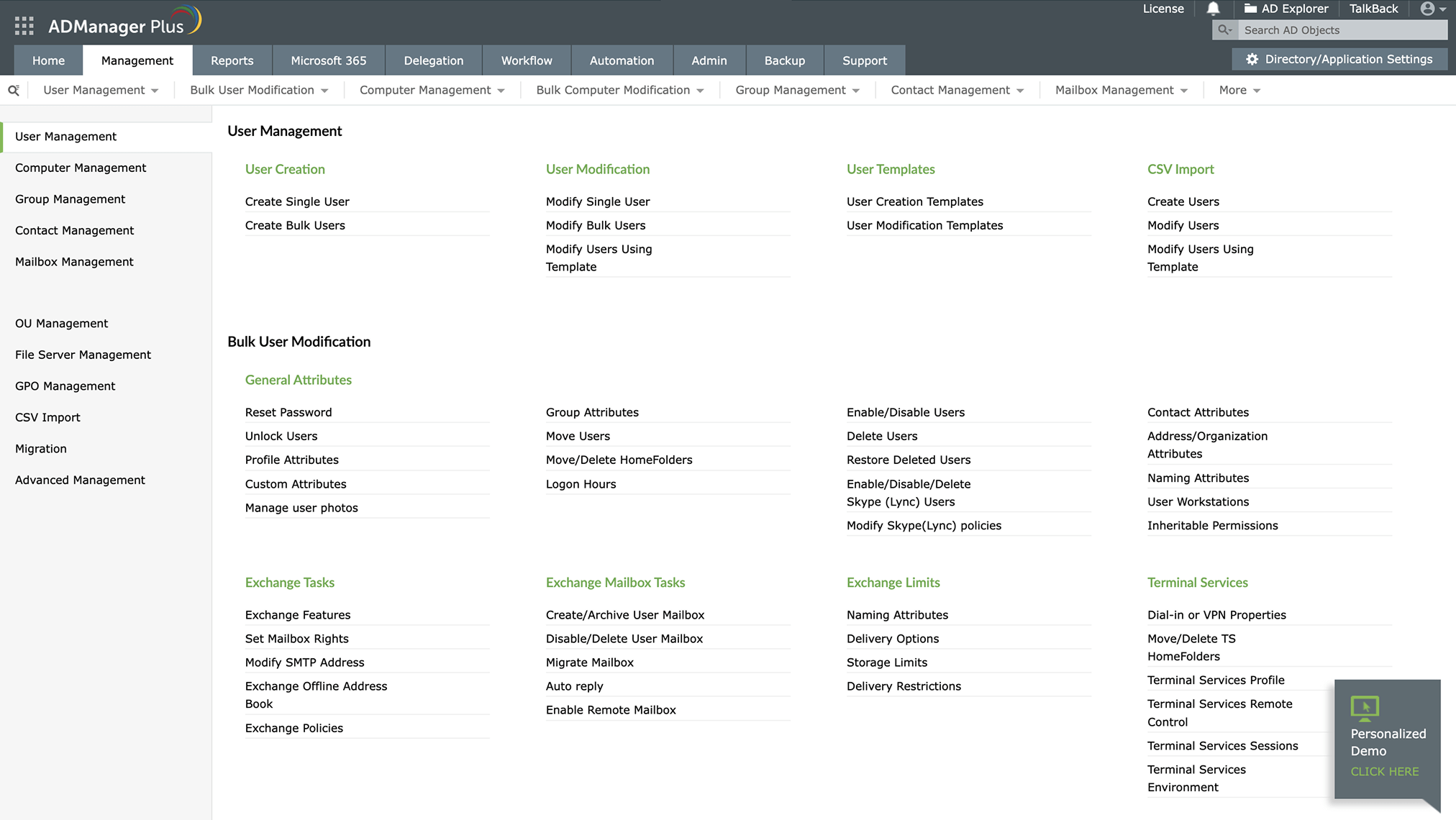
ADManager Plus lets you modify user attributes like email, department, or job title in seconds. Whether updating roles, contact details, or permissions, it ensures quick, accurate changes to keep your AD organized and up-to-date.
Easily update multiple accounts with bulk modification using the help of templates. Ideal for department-wide changes or onboarding, templates ensure consistency and accuracy, saving time and reducing errors.
For large-scale updates, upload a CSV with user details and changes. Ideal for team restructuring, permission updates, or transitions, ADManager Plus ensures quick, precise bulk updates with minimal effort.
Consistency is key when managing AD user attributes. Predefined templates standardize updates by applying preset naming conventions, access policies, and rules, ensuring all changes align with organizational requirements.
Add unique attributes, like employee IDs, ensuring profiles capture all required details beyond standard AD attributes.
Adjust logon hours, assign temporary permissions, and update user attributes with ease through a centralized interface designed for accuracy and security.
with ADManager Plus
Simplify large-scale modifications using CSV imports or templates for accuracy and efficiency.
Schedule user updates, password resets, or access changes to occur automatically, minimizing manual intervention.
Manage all user attributes through a user-friendly dashboard, reducing administrative overhead.
Regularly validate access rights with automated certification campaigns, ensuring compliance and reducing unauthorized access.
Delegate responsibilities securely to optimize the IT workload while maintaining control over critical tasks.
Easily update an employee's attributes when they transition to a new department or role, ensuring their permissions, group memberships, and access rights remain accurate. Maintain organizational consistency and security by automating these updates for seamless role-based access management.
During company-wide changes, use CSV imports to update hundreds of accounts in one operation, such as modifying user roles, permissions, or department assignments. This ensures an ideal transition while maintaining data accuracy and security.
Grant temporary permissions to contractors—individuals who work for the company for a specific period, such as project trainees—and automate revocation when their project ends, ensuring compliance while reducing manual intervention.
2024 Gartner® Market Guide for Identity Governance and Administration
A notable vendor in Forresters' The Workforce Identity Platforms, Q4 2023
Market Leader in KuppingerCole Leadership Compass: IGA 2024.
, Zoho Corporation Pvt. Ltd. All Rights Reserved.