Over 280,000 organizations across 190 countries
trust ManageEngine to manage
their IT.
IT administrators can leverage the last logon reports to check and monitor any unauthorized logons to their AD environment.
In the event of a security incident, the last logon reports can help in identifying the source of the incident.

PowerShell scripts can fetch you the login details of multiple M365 mailbox users at once, but they require extensive scripting knowledge and offer limited filtering options. Using the Microsoft 365 Admin Center, you can view the last logon time of only one user at a time.

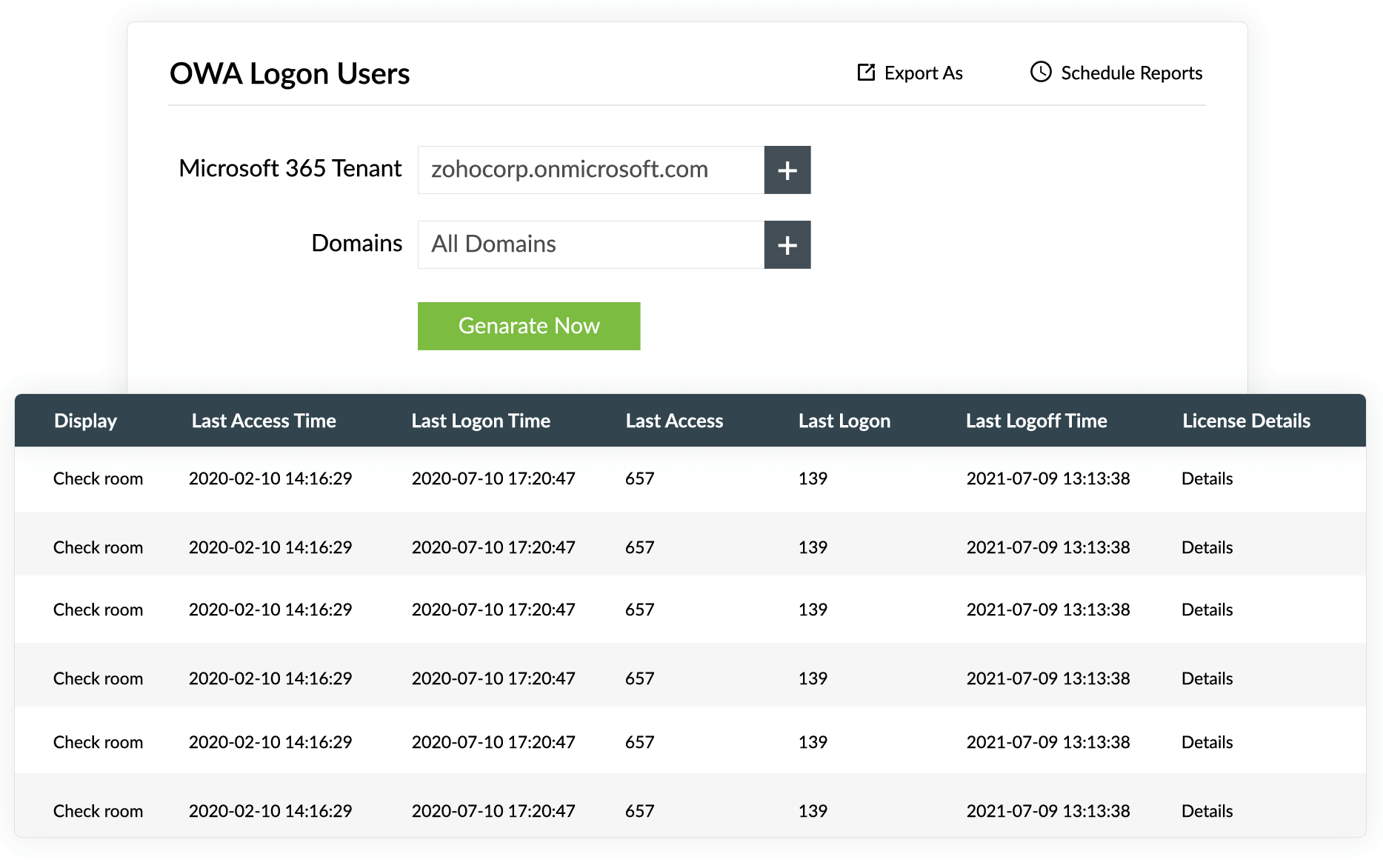
ManageEngine ADManager Pluslets you generate reports on logon times of multiple M365 users in one go without any PowerShell scripts.
Schedule the report to be generated and emailed to specified recipients at specified times.
Export Microsoft 365 last logon reports in various formats including CSV, PDF, HTML, and XLS.
View last logon times, last logoff times, Microsoft 365 licenses, and more.
Get details about AD attributes such as logon times, account statuses, and more.
View last logon times, last logoff times, Microsoft 365 licenses, and more.
Get details about AD attributes such as logon times, account statuses, and more.
Export Microsoft 365 last logon reports in various formats including CSV, PDF, HTML, and XLS.
Schedule the report to be generated and emailed to specified recipients at specified times.
Over 100,000 technicians
trust ADManager
Plus to manage their
Windows environment.
Create and manage Microsoft 365 users and their licenses, groups, contacts, mailboxes, and more.
Reset passwords and set password properties from a single, web-based console based on your organization's password policies. You can also delegate password reset operations to help desk technicians.
Simplify enterprise user identity and access management by integrating ADManager Plus with other leading IT products.
UltiPro integration ServiceNow integration ServiceDesk Plus integration2021, Zoho Corporation Pvt. Ltd. All Rights Reserved.