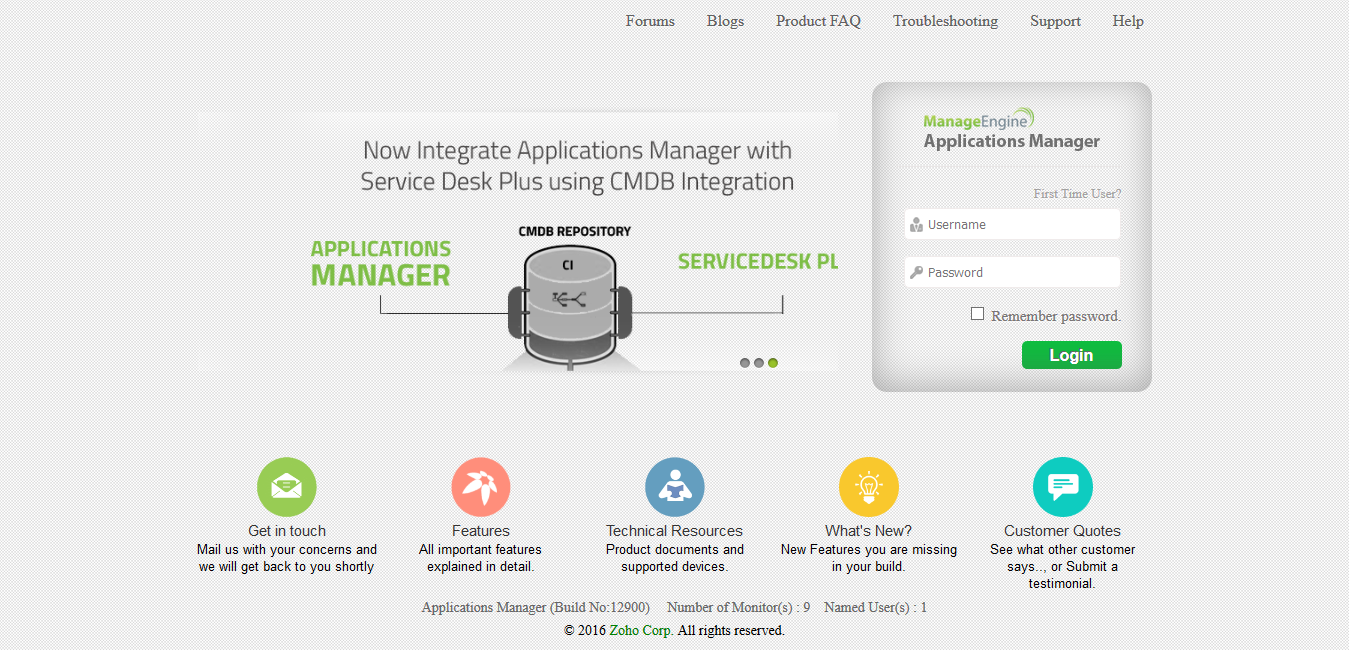
- In the login screen, enter your username and password (use Admin, Admin). Click Login.
- You can access the Applications Manager Webclient via
- Programs Menu -> ManageEngine Applications Manager -> Applications Manager Start (Applications Manager starts and the webclient opens up).
- If you have already started Applications Manager, you can find a small icon
 on the Taskbar. Right-click on the Applications Manager tray icon to access the webclient. on the Taskbar. Right-click on the Applications Manager tray icon to access the webclient. - If Applications Manager is running in host - [Appln-Server] -port - 9090, you can directly access the webclient through the browser URL - http://Appln-Server:9090
|
|