Understanding Device Control
Table of contents
Endpoint Central provides a robust layer of security by restricting the execution of unauthorized Devices. This document delves into the specifications of the agent processes and the core mechanisms behind Device Control, helping you understand how it safeguards your endpoints.
Supported Operating Systems
| Windows 11 | Windows 10 | Windows 8.1 | Windows 8 |
| Windows 7 | Windows Server 2022 | Windows Server 2019 | Windows Server 2016 |
| Windows Server 2012 R2 | Windows Server 2012 | Windows Server 2008 R2 | |
| macOS 15 Sequoia | macOS 14 Sonoma | macOS 13 Ventura | macOS 12 Monterey |
| macOS 11 Big Sur |
Specifications of Agent Processes
| Agent Process | Running Device Name | Digital Signature Name | Bandwidth Consumption (~) | CPU Consumption (~) | Memory Consumption (~) |
|---|---|---|---|---|---|
| Device Control Service | uesAgentService.exe | ZOHO Corporation Private Limited | N.A | 0 - 0.5% | 1 MB |
| Device Control Policy Processing | dcconfig.exe | ZOHO Corporation Private Limited | 5 KB | 0 - 1% | 6 MB |
| Device Audit | uesDevCtrlSummary.exe | ZOHO Corporation Private Limited | N.A. | 0-3% | 6 MB |
| File Audit Data Populator | uesFaDataPopulator.exe | ZOHO Corporation Private Limited | N.A. | 5-10% | 12 MB |
| File Shadow | uesFileShadow.exe | ZOHO Corporation Private Limited | N.A. | 0-1.4% | 1-1.5 MB |
| Component Upgrade | dcconfig.exe | ZOHO Corporation Private Limited | 7.5 MB | 0-1% | 1 MB |
| File Audit | uesFauser.exe | ZOHO Corporation Private Limited | N.A. | 0-1% | 2 MB |
Device Discovery: Data Scanning
After agent installation, a one-time scan is initiated. It identifies and gathers details about all connected devices. Once completed, the collected data is made available in the web console.
Policy Deployment: Agent-Server Synchronization
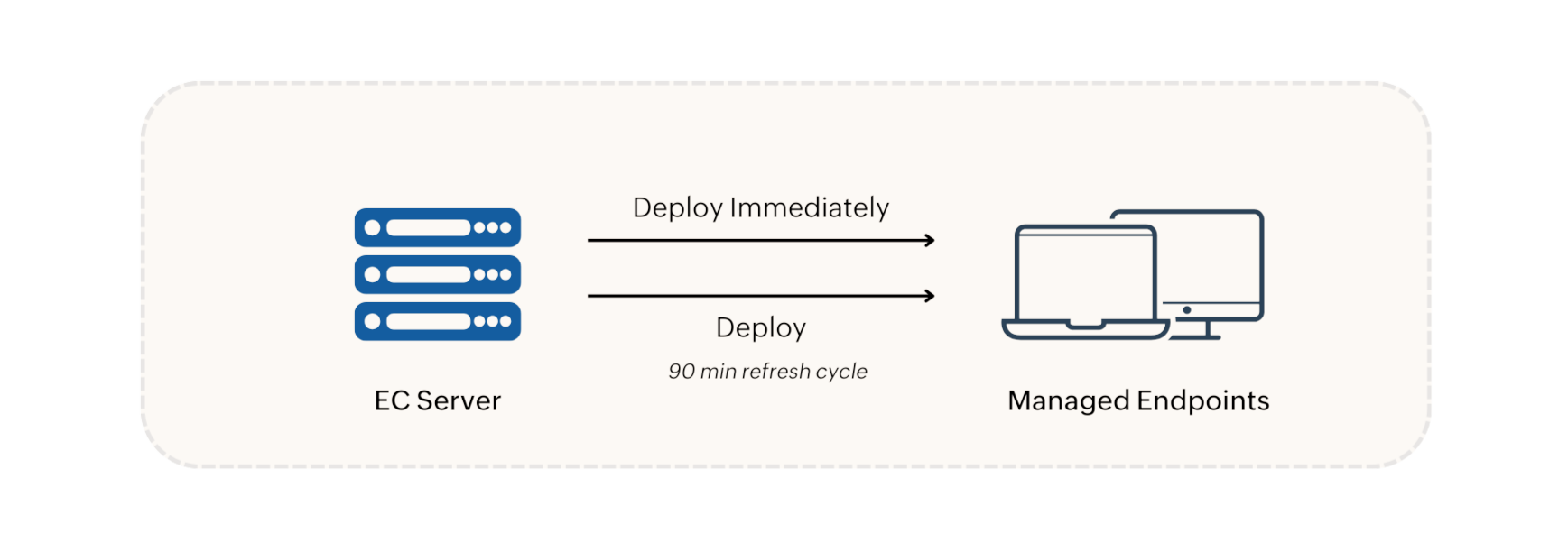
When an Device Control policy is created, it is deployed in the following two options:
- Deploy Immediately option: The policy is immediately pushed to and applied on agent machines that are currently online. For large CGs (over 200 machines), the policy is applied to 200 machines initially, with the rest following in the next refresh cycle.
- Deploy option: The policy is scheduled for the next 90-minute refresh cycle.
Policy modifications, deletions, group changes, and unmanaged Device updates are synchronized with agent machines during refresh cycles. In environments with a Distribution Server, policies and configurations are replicated to the Distribution Server and then synchronized with agent machines during the 90-minute refresh cycle.
Policy Enforcement in Agent
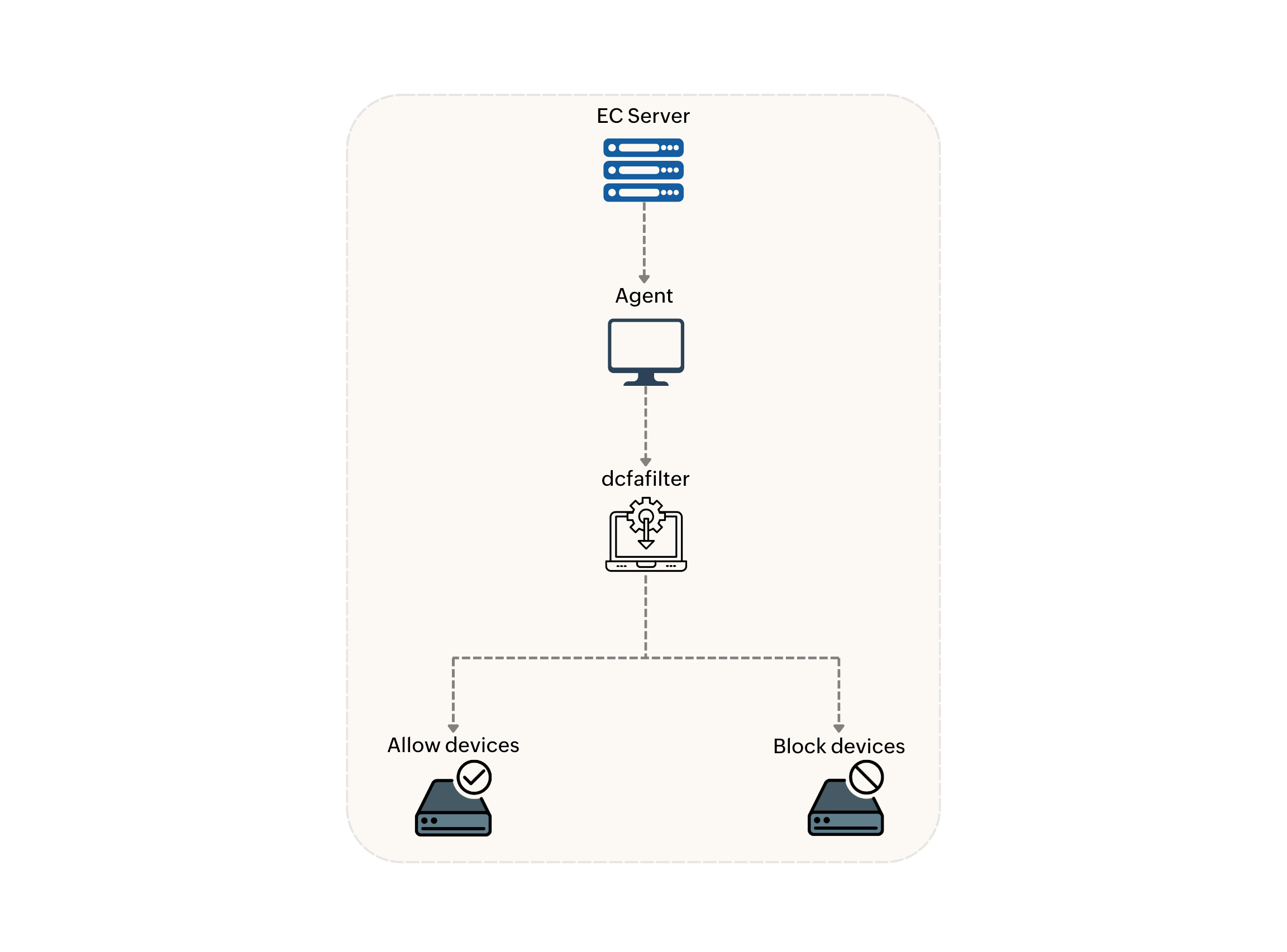
The Device Control policy will be received by the agent and enforced by the kernel mode driver named dcfafilter. This driver monitors device connections and ensures that only authorized devices can be accessed according to the deployed policy. Audited and blocked device events will be posted in the 90-minute refresh cycle.
Device Control Conflict Precedence
When conflicting policies are applied to the same target group, The following is the order of precedence:
- Allow Temporary Access
- Allow Trusted Devices
- Allow Device Policy
- Block Device
For Example: If Removable Storage Devices is allowed with a policy and is blocked with another policy, storage device's will work in the target machine.
Note: Once a Device Control policy is successfully applied, any configurations made through Secure USB will be disabled on the machines. Removing the Device Control policy will not reinstate the previously configured Secure USB settings.
Temporary Access Request Workflow
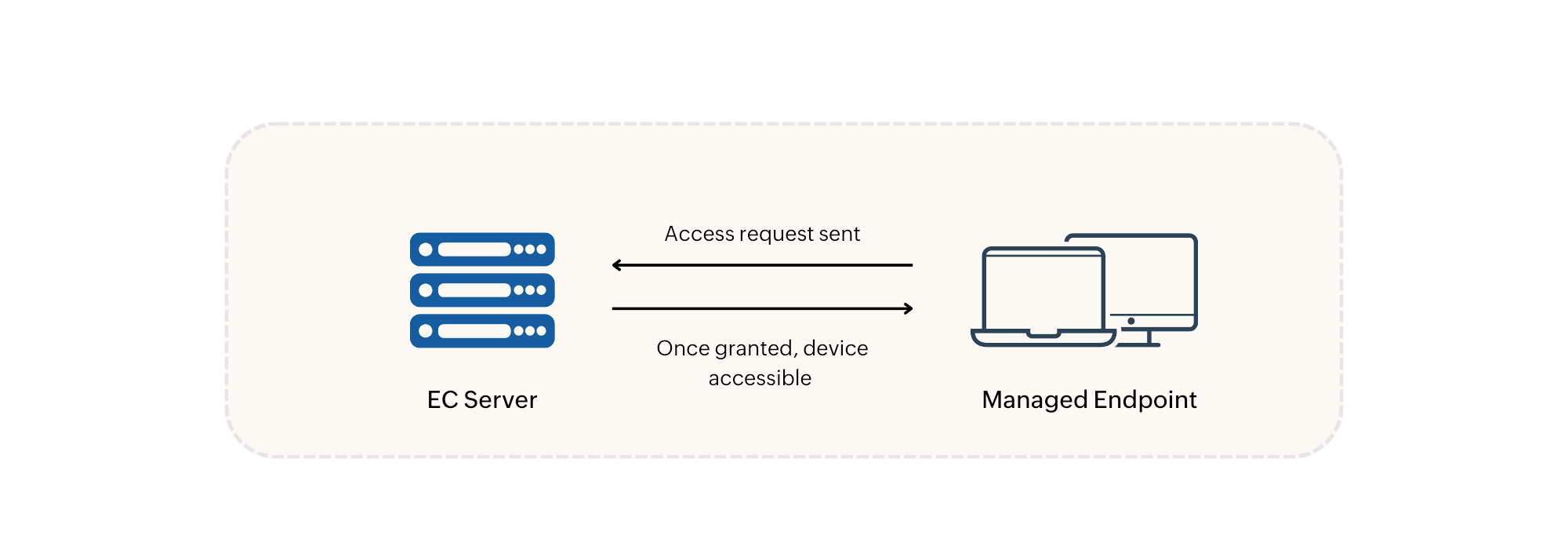
When a user requests access to an untrusted Device, a request is immediately sent to the server for administrator approval. Once approved, the device will be accessible to the user immediately.