×![]()
×
×![]()
×
×
Configuring App Segment
App Segments allow you to group applications based on organizational needs.
Steps to Configure an App Segment:
- Navigate to the App Segments tab.
- Click App Segments → Add App Segment .
- Enter name and description (optional) for the App Segment.
Select the applicable Applications to include in the segment.
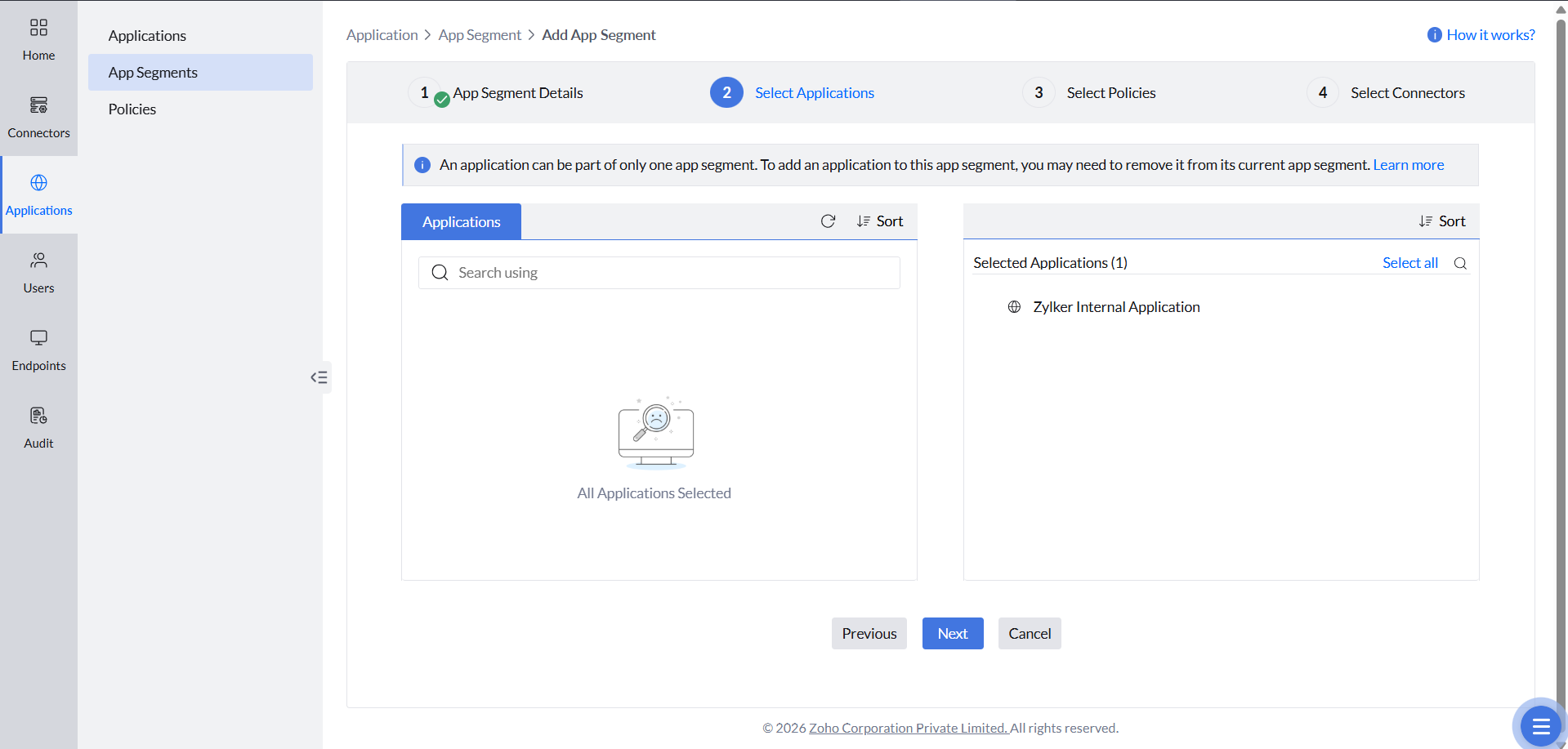 NoteAn application can belong to only one App Segment at a time. It cannot be associated with multiple App Segments.
- Select the required Policy .
Choose the Application Connector .
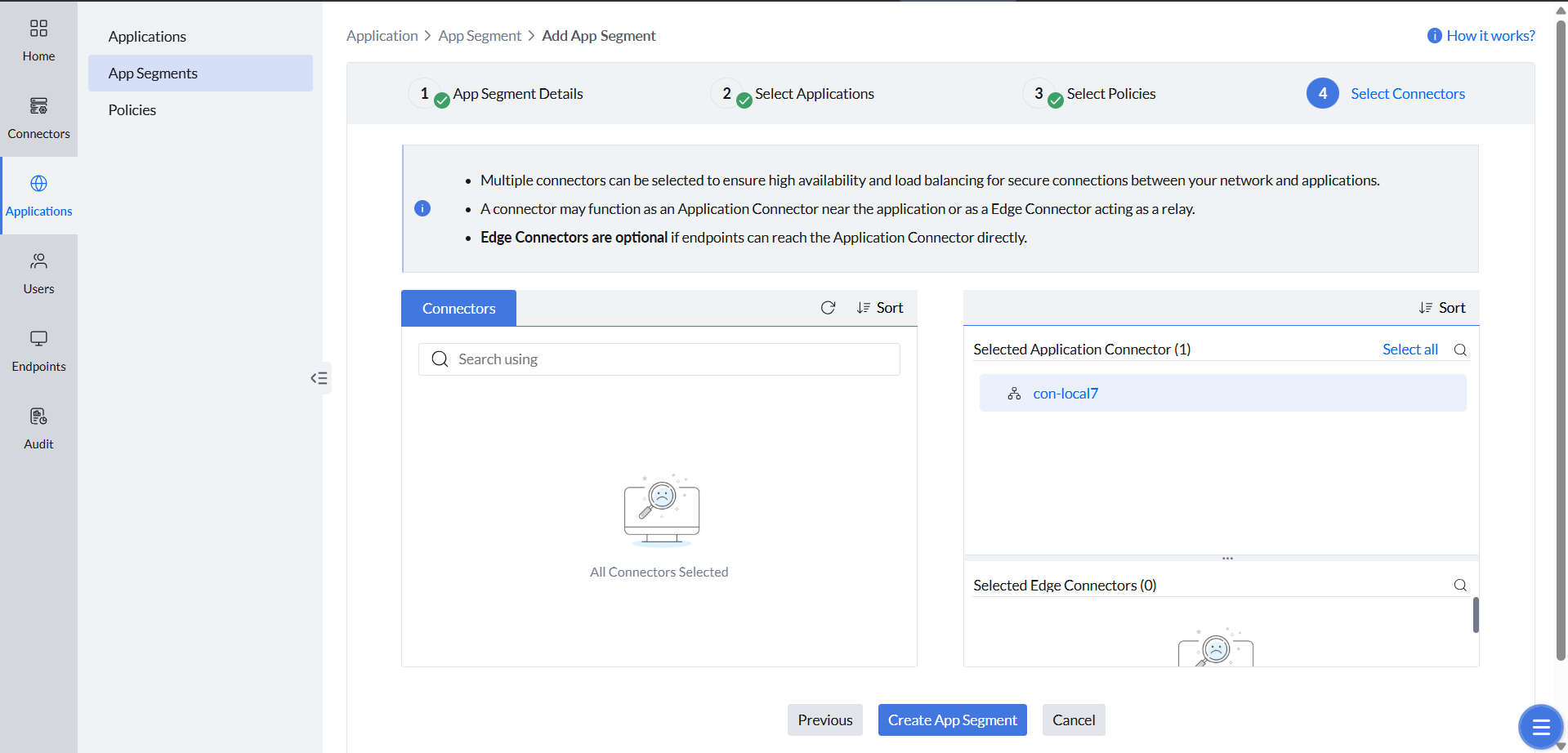 NoteYou can also select an Edge Connector , if required. Edge Connectors are optional and can be configured based on your architecture.